Bottom Sheet UI

What is a bottom sheet UI component?
Bottom sheets display supplementary content anchored to the bottom of the screen. They provide temporarily important information that can be easily accessed and dismissed.
Users can interact with the sheet by expanding, collapsing, or dismissing it. A drag handle may allow resizing to different heights or snap points.
Bottom sheets extend across the screen's width, are elevated above the primary content.
There are two key variations of bottom sheets: Modal bottom sheets, and Non-modal bottom sheets.
They may also have varying heights, some of which are adjustable.
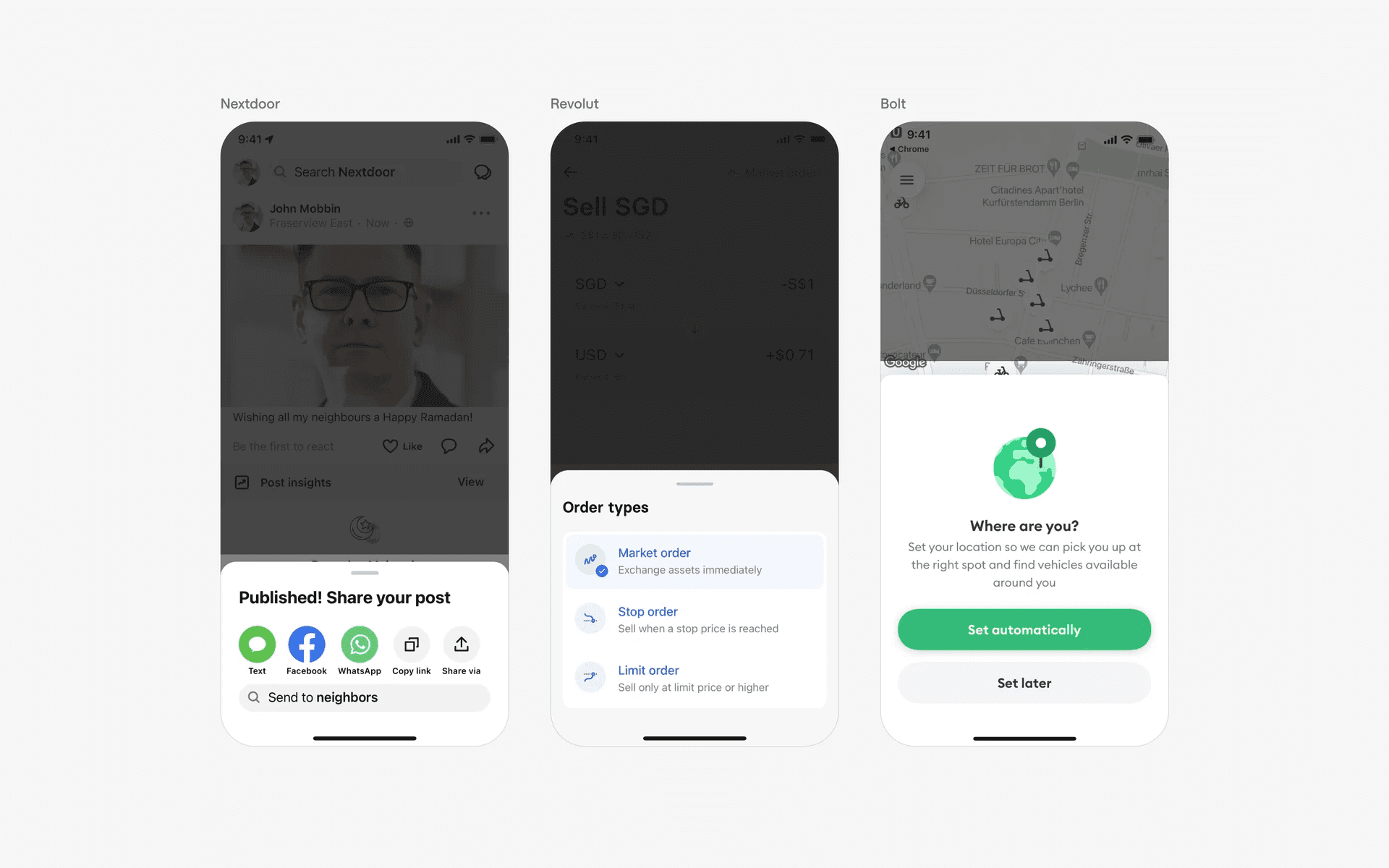
Examples of bottom sheets of varying heights.
It is important to understand the difference between a modal bottom sheet and a non-modal bottom sheet since these are the two main design variants.
An easy way to tell the difference is by simply observing if there is a background overlay.
Modal bottom sheet: A bottom sheet that takes over the screen and blocks interactions with other UI elements until dismissed. Restrictive, but best for critical actions or focused tasks that required undivided attention.
Non-modal bottom sheet: A bottom sheet that allows interaction with the rest of the UI while still visible. Ideal for tasks where users may need to access other parts of the app while using the bottom sheet.
What is the anatomy of a bottom sheet?
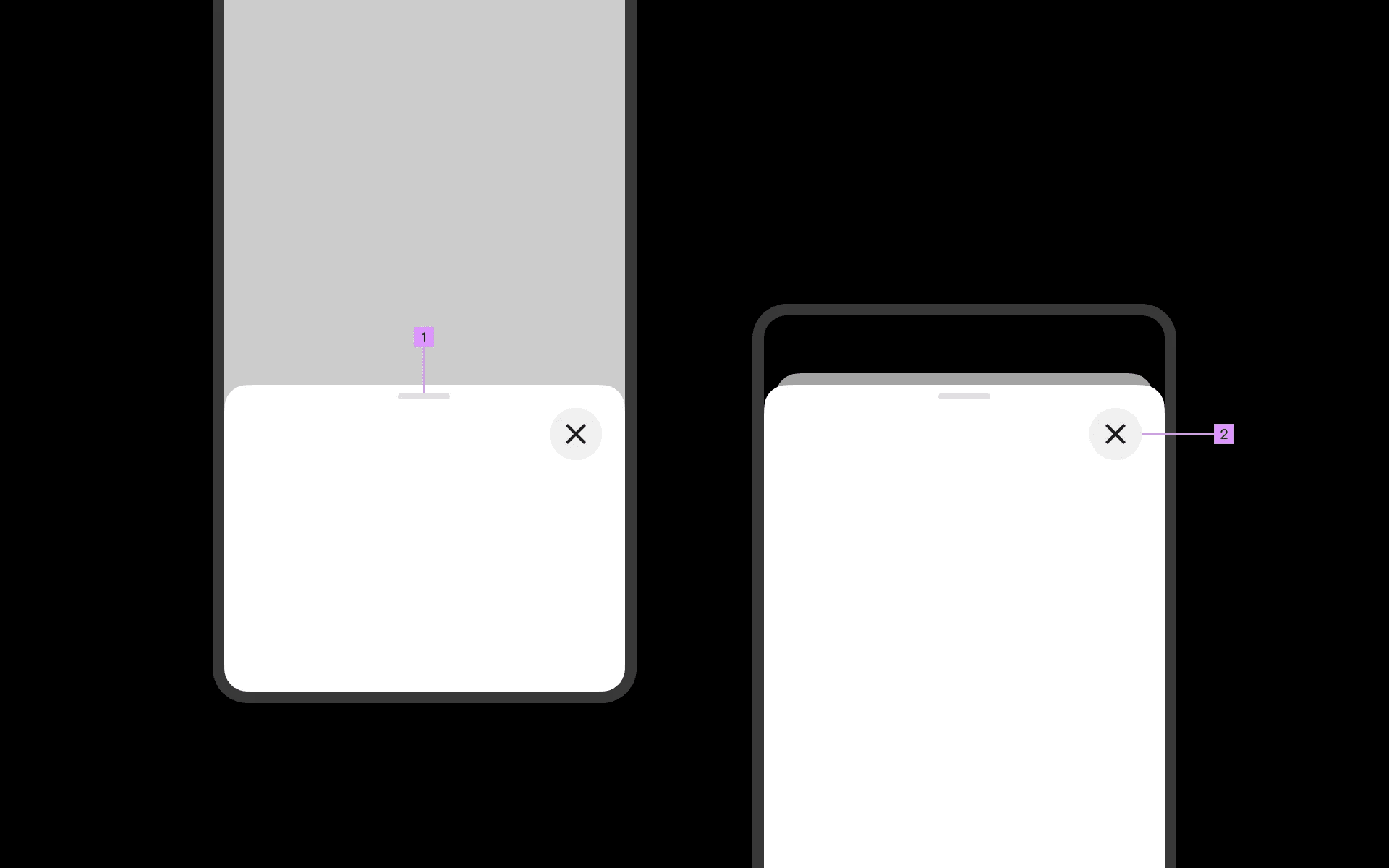
Anatomy of a bottom sheet
1
Handle/Grabber (optional)
2
Close button
What are the design variants of a bottom sheet?
We studied over 12,500+ bottom sheet UI components on Mobbin, from real-world examples and found the following variants.
1. Bottom sheets can have different container types
The most common approach would be a standard styling - fully attached to the sides and bottom, but rounded corners at the top.
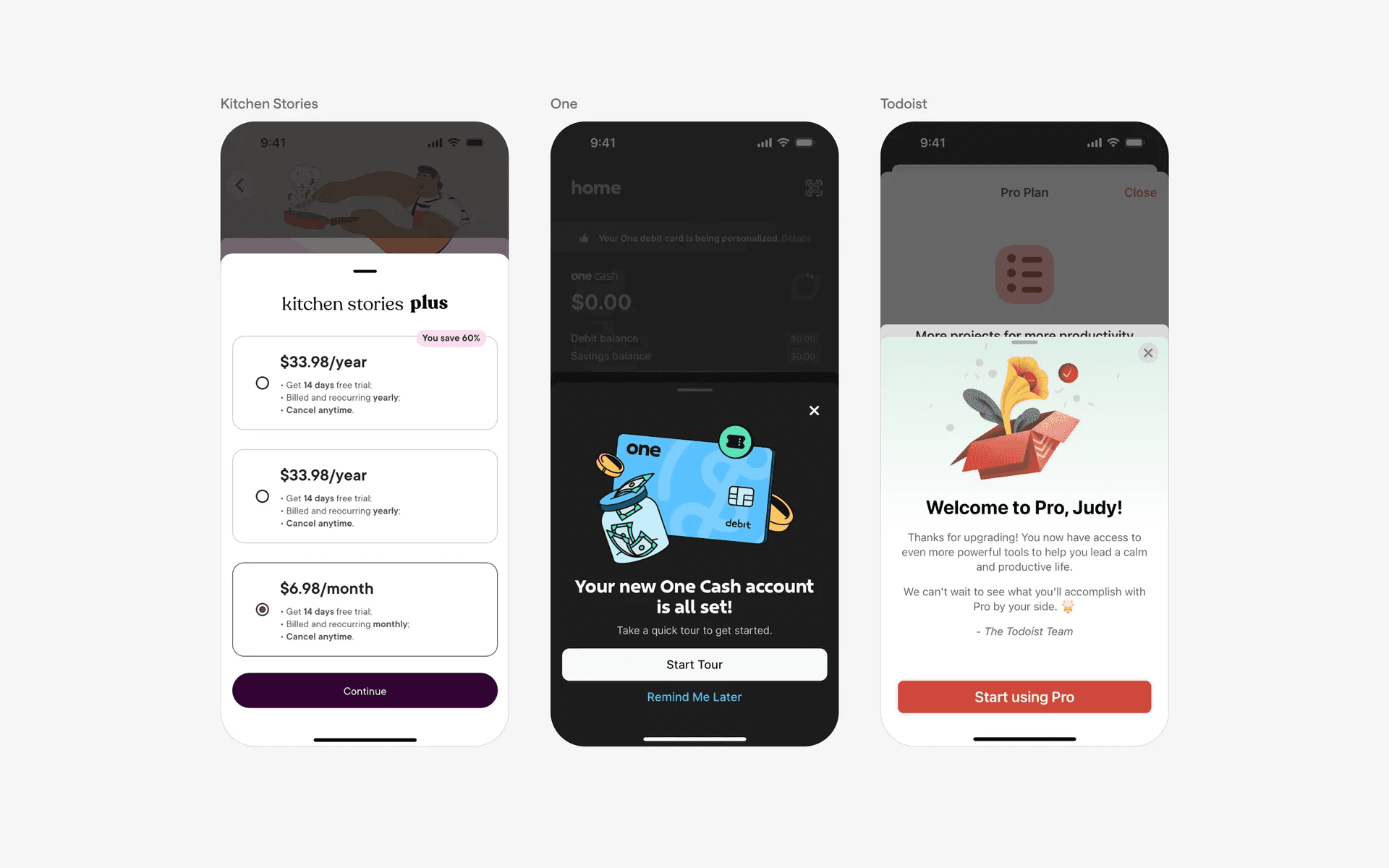
Examples of bottom sheets with standard styling
We've also found some bottom sheets with 'floating' container styling. The bottom and sides are detached from the screen, and all corners are being rounded.
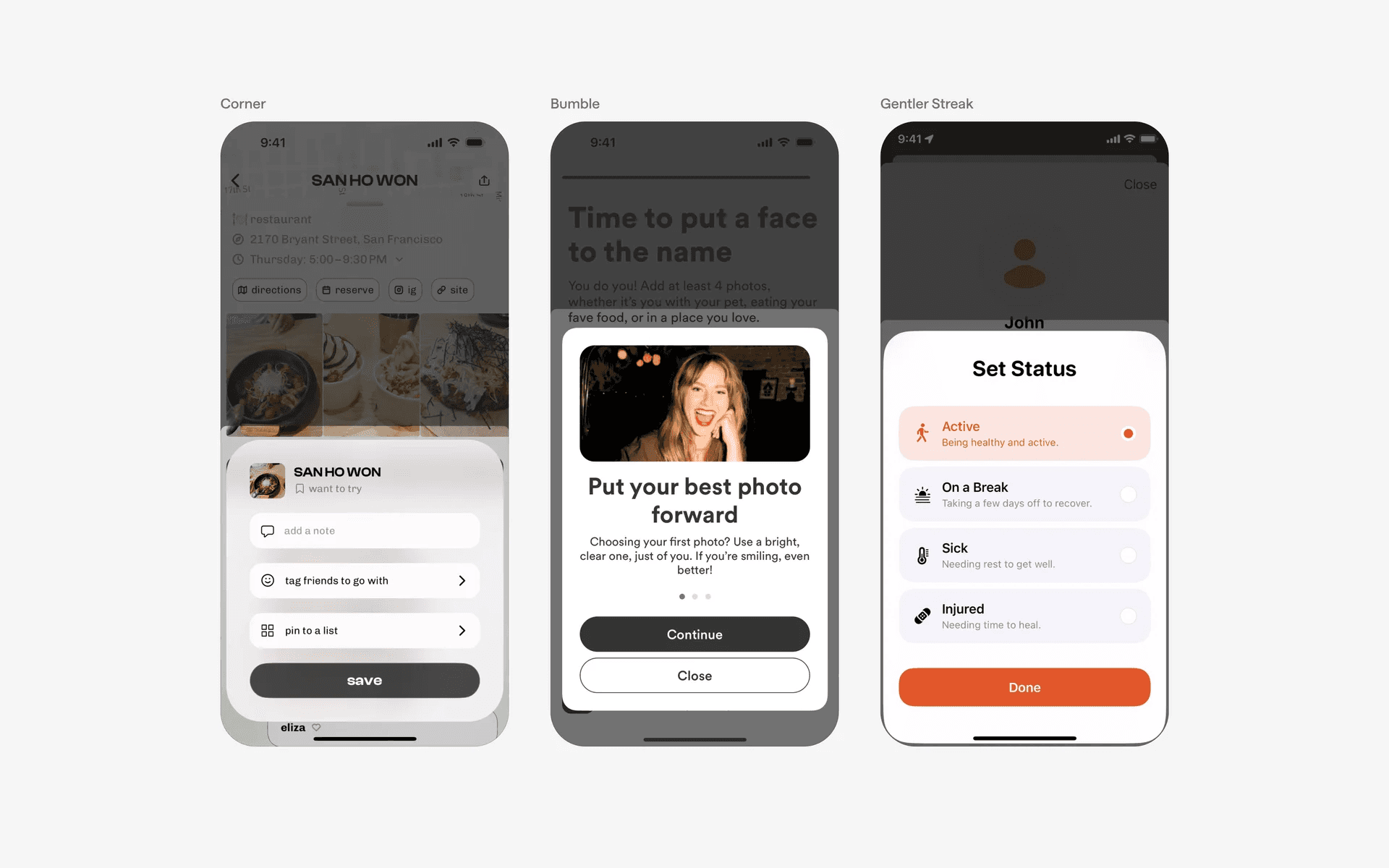
Examples of bottom sheets with floating styling
Some bottom sheets opt for sharper corners; or a rectangular styled bottom sheet.
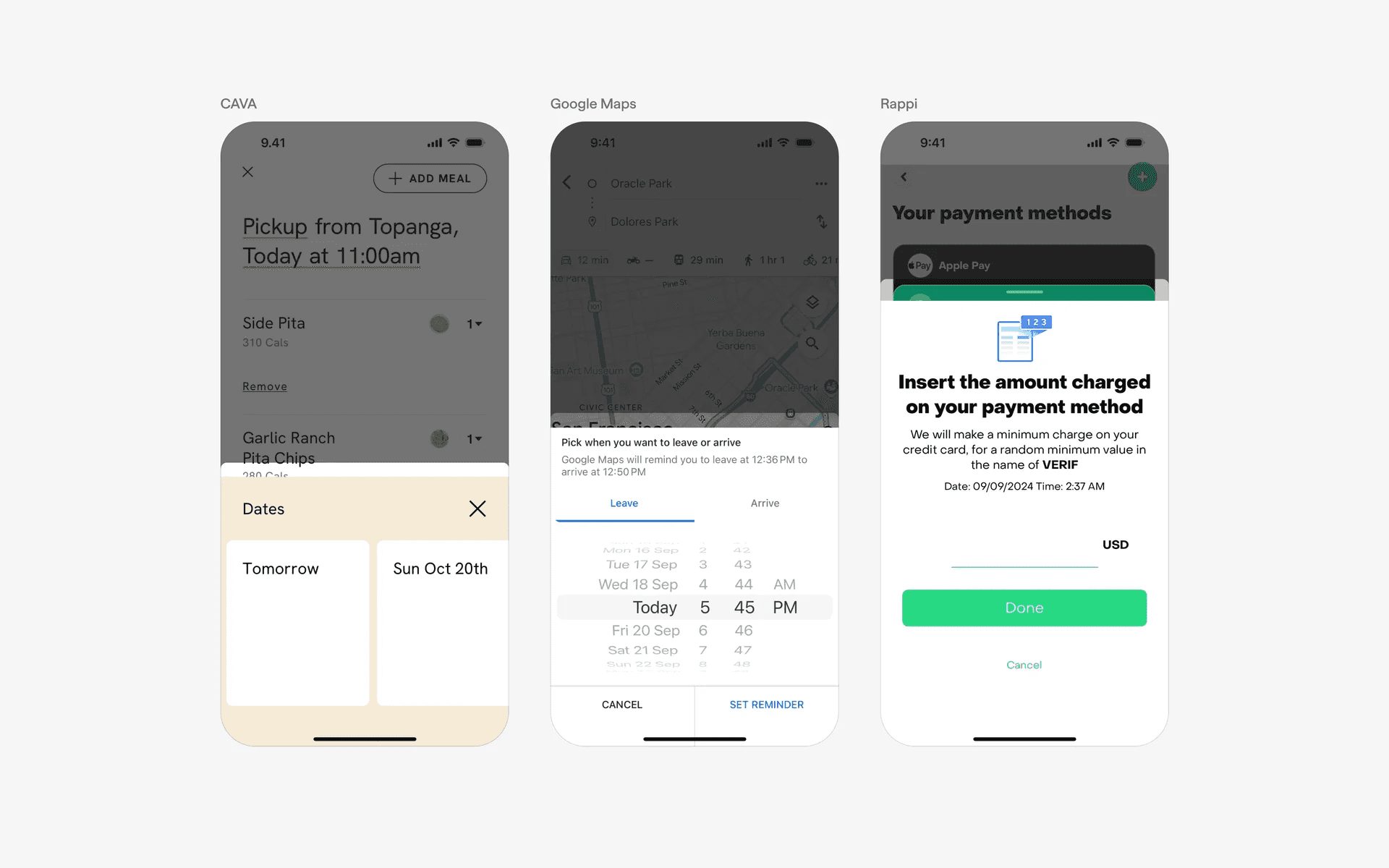
Bottom sheets with rectangular styling
2. Drag handles are optional
Depending on your requirements, you can opt for a draggable or non-draggable bottom sheet. Here are some examples of non-draggable bottom sheets.
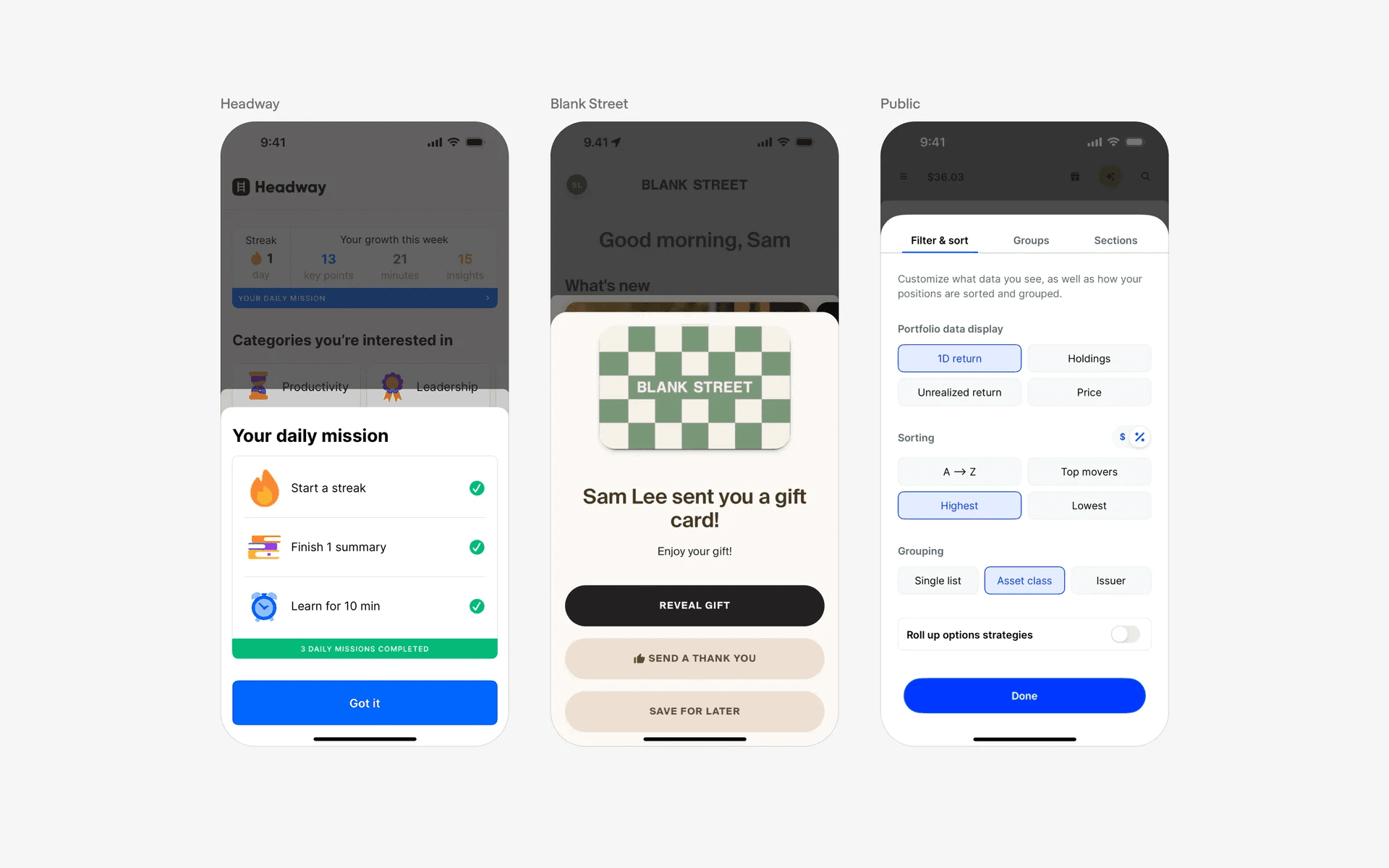
Examples of bottom sheets without draggable handles
3. Close buttons in modal bottom sheets
Modal bottom sheets often use close buttons instead of draggable handles, similar to how a dialog or modal works.
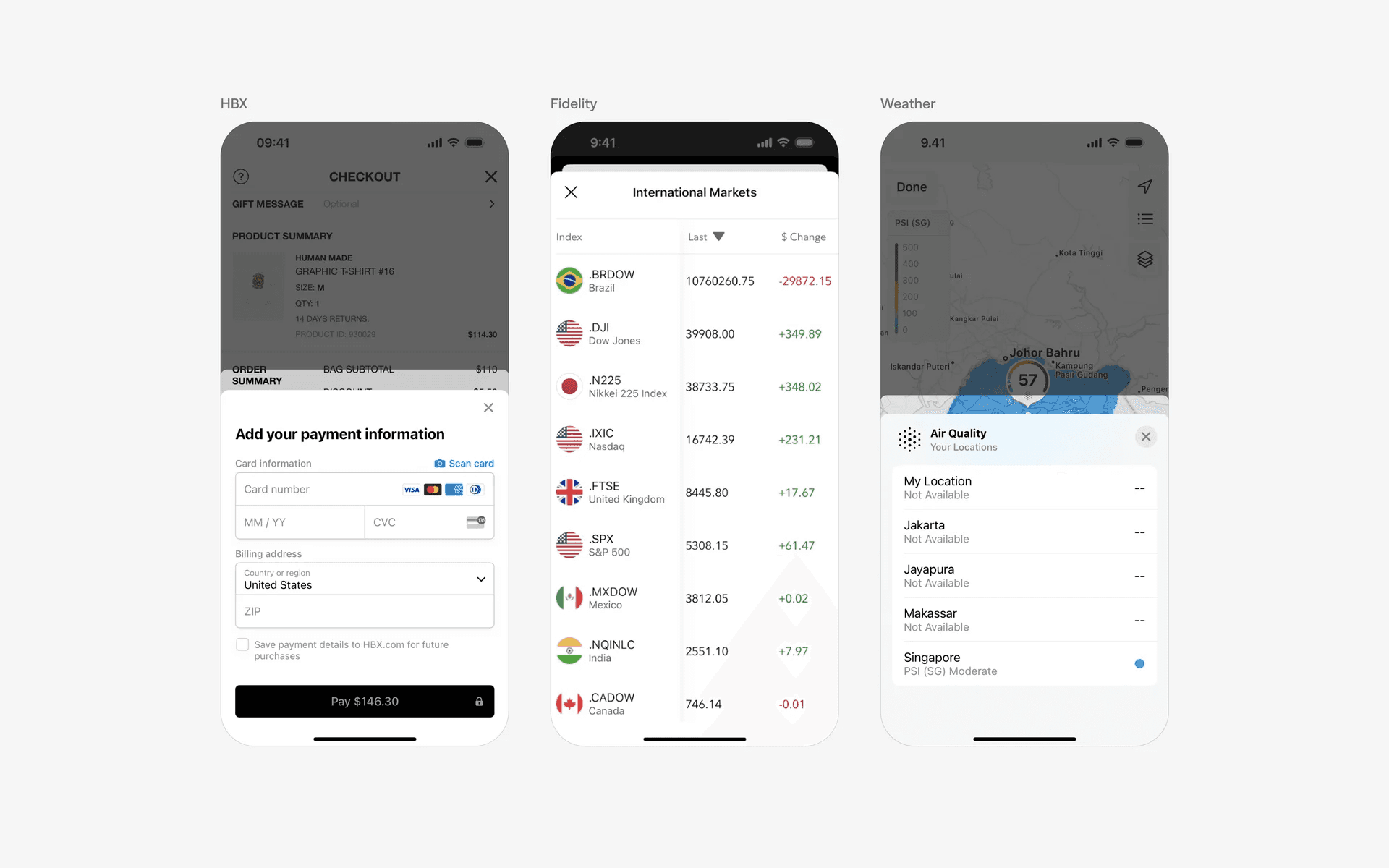
Examples of close buttons in bottom sheets
4. Tall bottom sheets
Tall bottom sheets are becoming increasingly common in mobile patterns - it is very versatile and can fit with many different use cases.
Using bottom sheets instead of a new screen can sometimes be better for the user to navigate throughout the app.
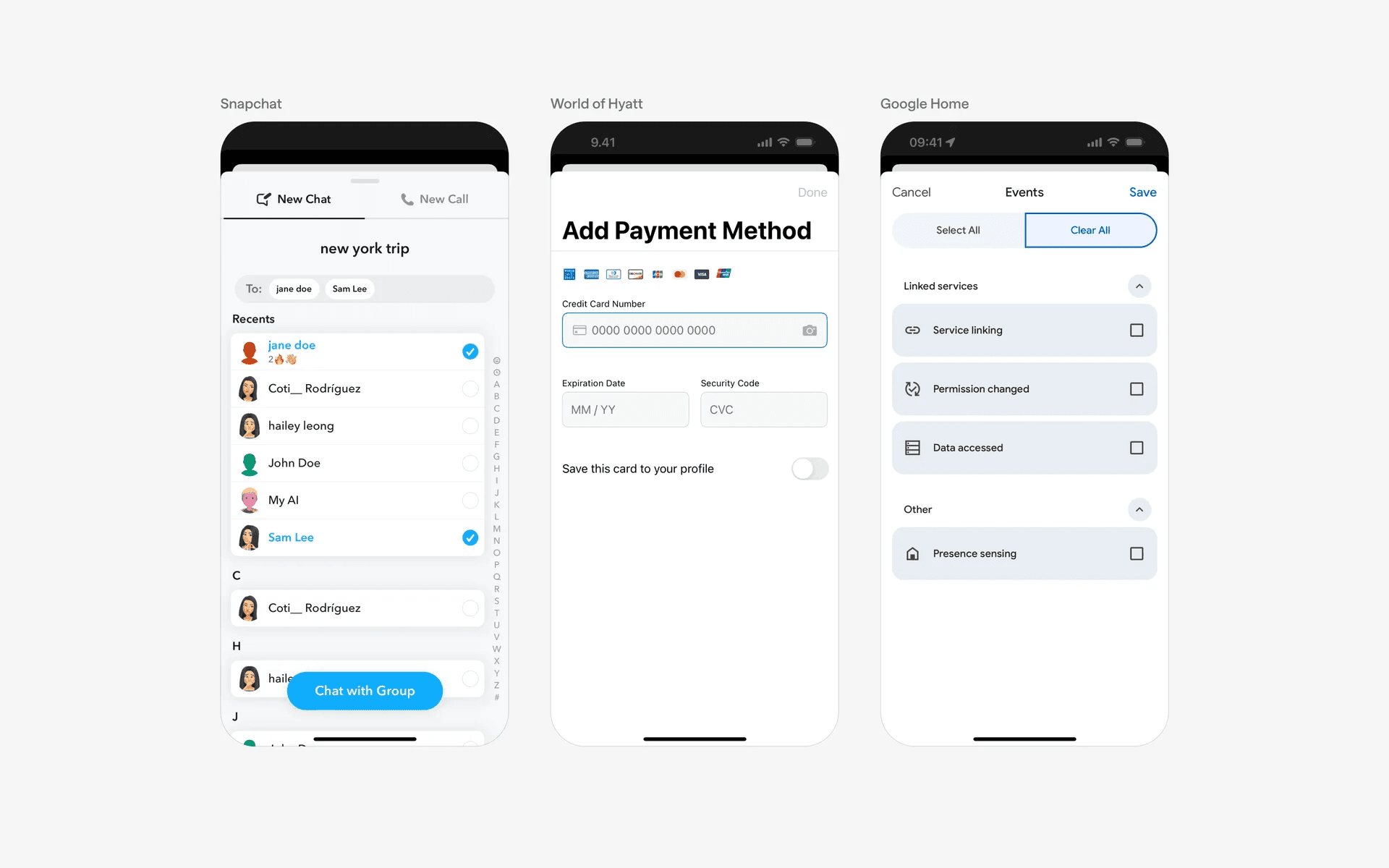
Examples of tall bottom sheets
5. Non-modal bottom sheet & persistent bottom sheets
Non-modal bottom sheets allow users to continue interacting with other elements on the screen while the bottom sheet is present.
Non-modal bottom sheets are usually persistent bottom sheets, they cannot be dismissed entirely, remain visible, and can be expanded or collapsed.
This is a common design pattern in applications that have a map view. For example, Google Maps has a persistent bottom sheet that cannot be fully dismissed; but, can be dragged up or down to expand or collapse.
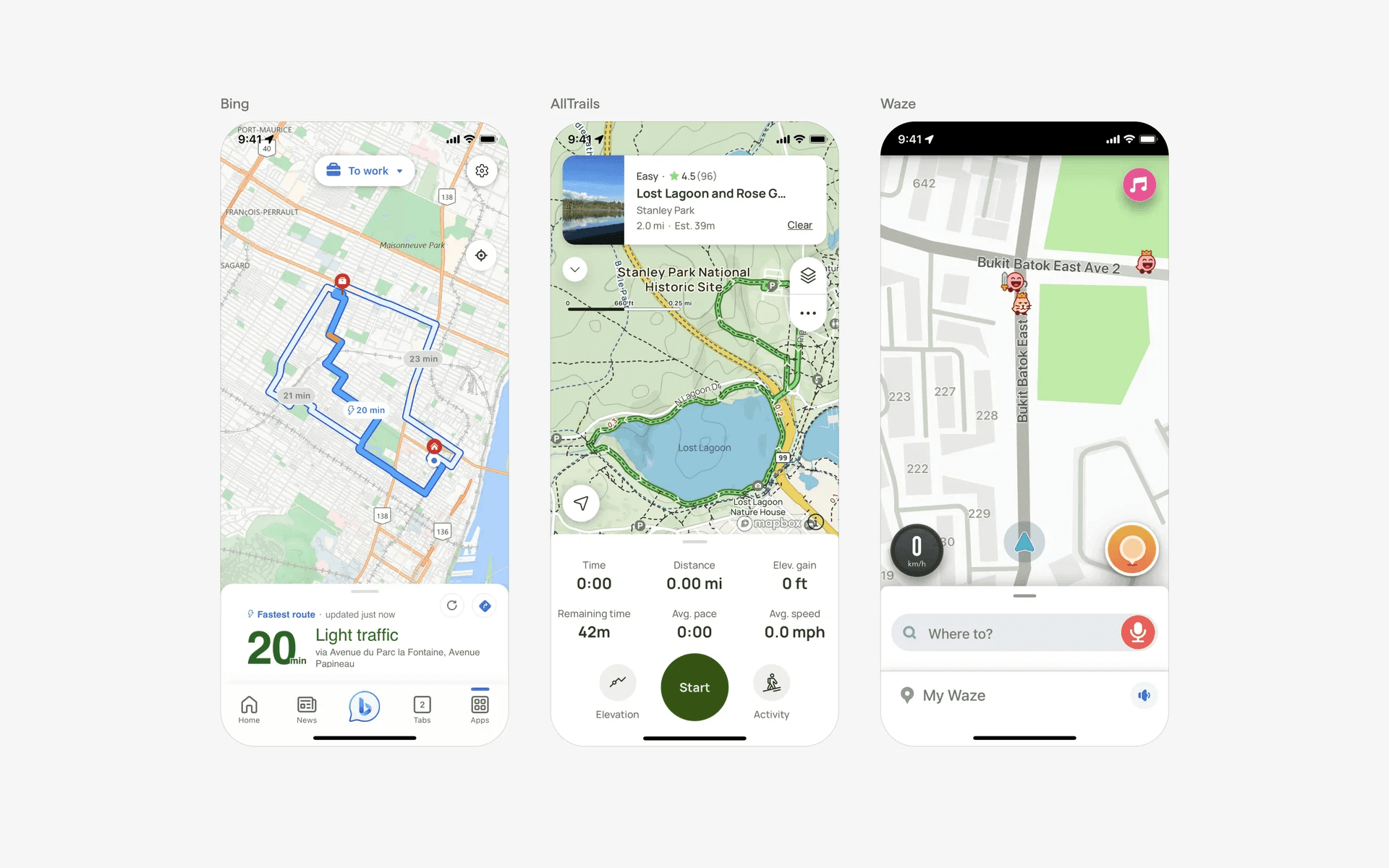
Examples of non-modal bottom sheets
When to use a bottom sheet component?
Share functionality
When users want to share content from within an app, a bottom sheet can be used to display sharing options such as social media platforms, messaging apps, or email.
The design pattern is so common that they are sometimes known as 'share sheets'.
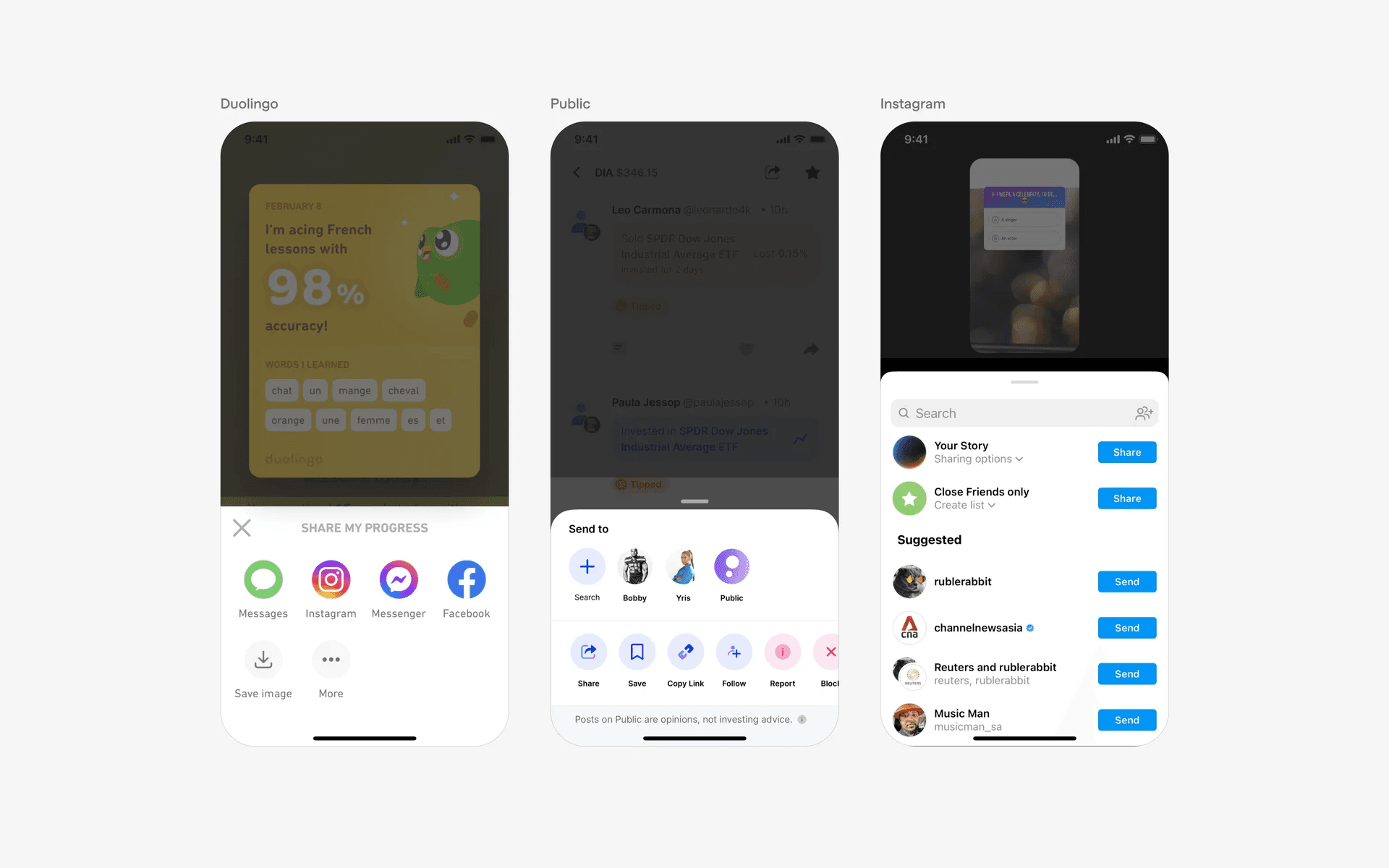
Examples of share sheets
Filter & sorting
Bottom sheets can be employed to show filter options or sorting criteria for lists or search results.
Users can select their preferences from the bottom sheet, which then applies the chosen filters or sorting order to the displayed content.
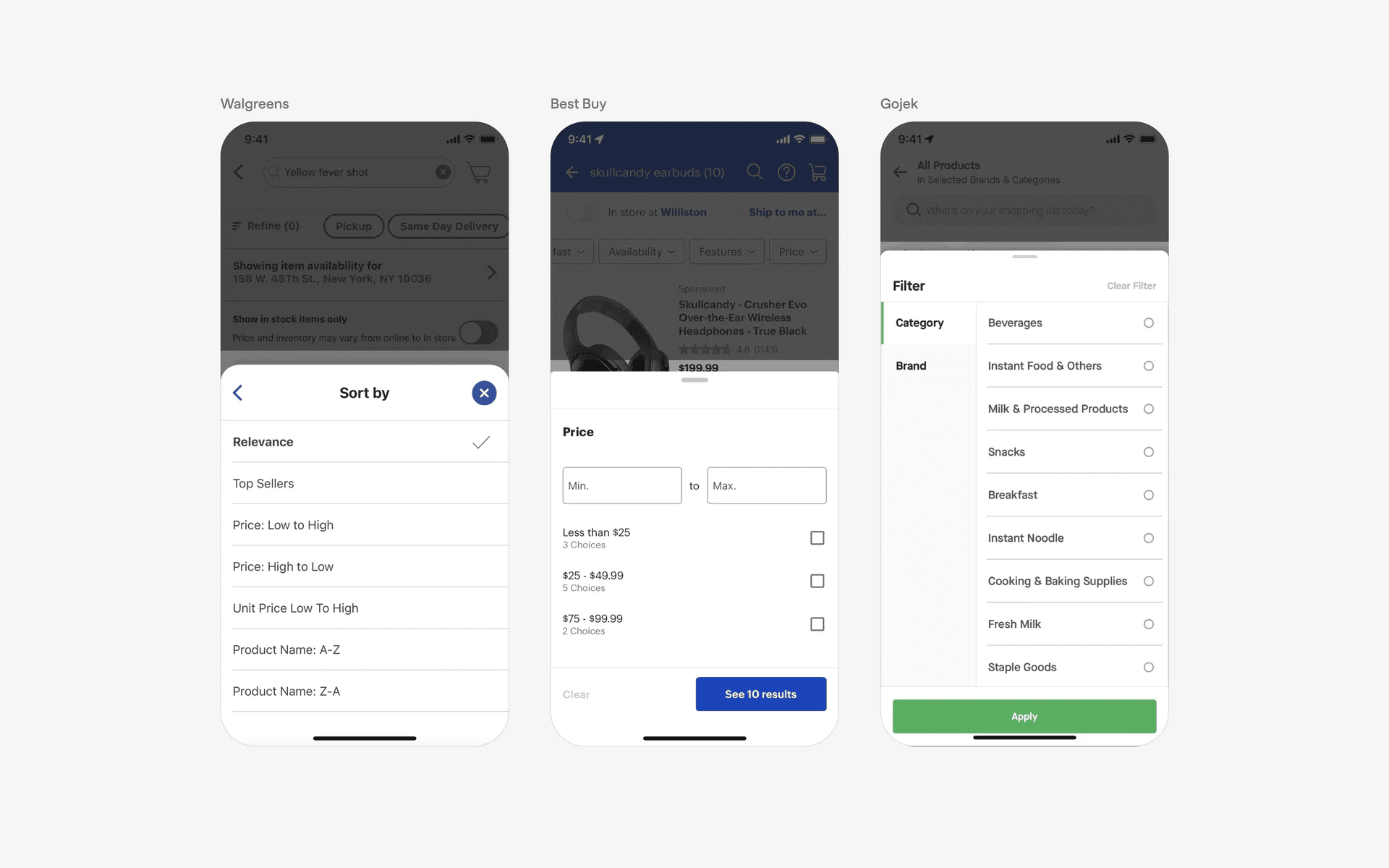
Examples of filter & sorting bottom sheet
Action option menus
Bottom sheets can be used to present a set of actions or options related to the current context.
For example, a messaging app might use a bottom sheet to show options like "Reply," "Forward," or "Delete" when a message is long-pressed.
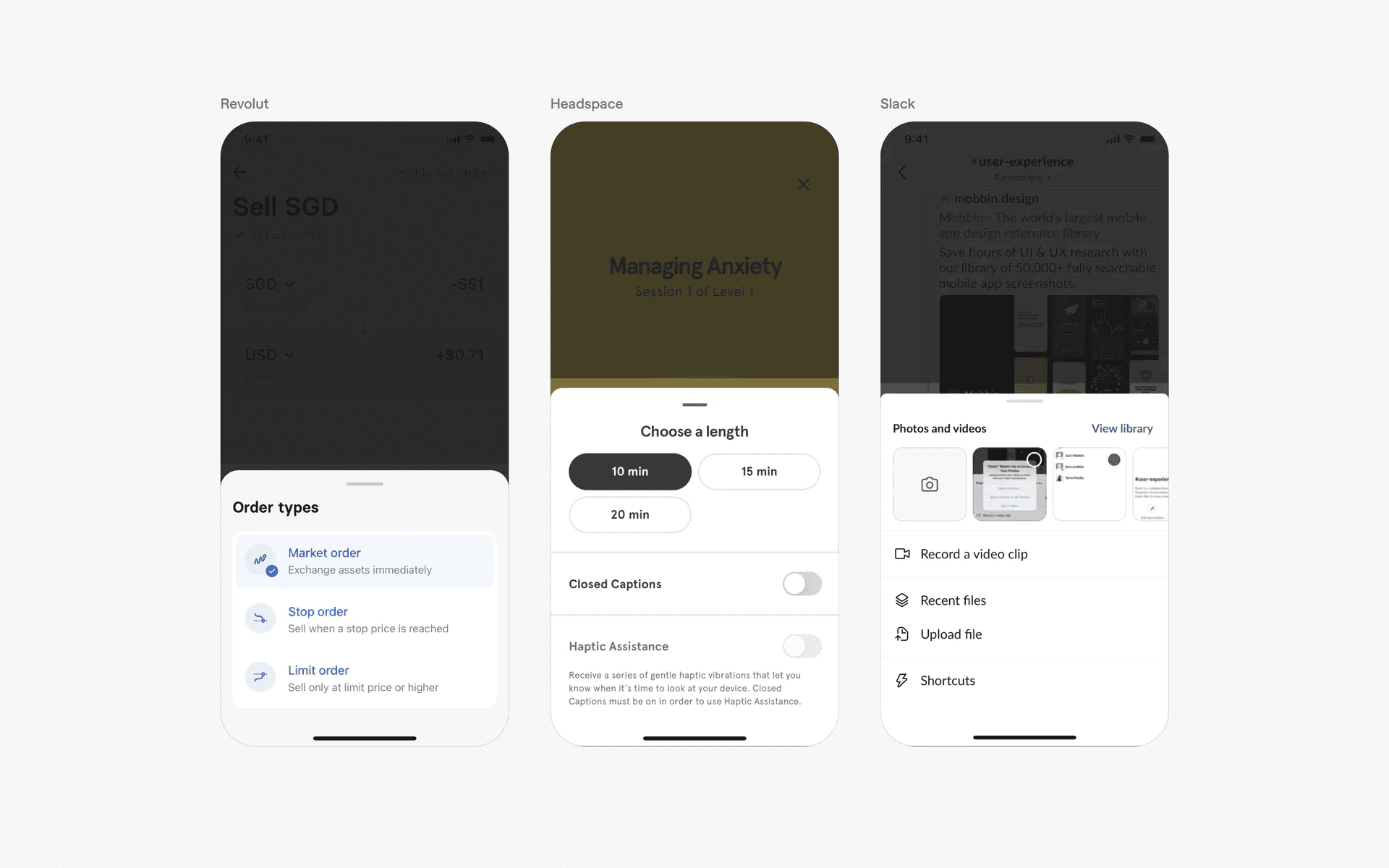
Examples of action option bottom sheet
User action and settings
Apps often use bottom sheets to present user-related actions or settings. For example, a bottom sheet might be used to display options like "Edit Profile," "Change Password," or "Log Out.”
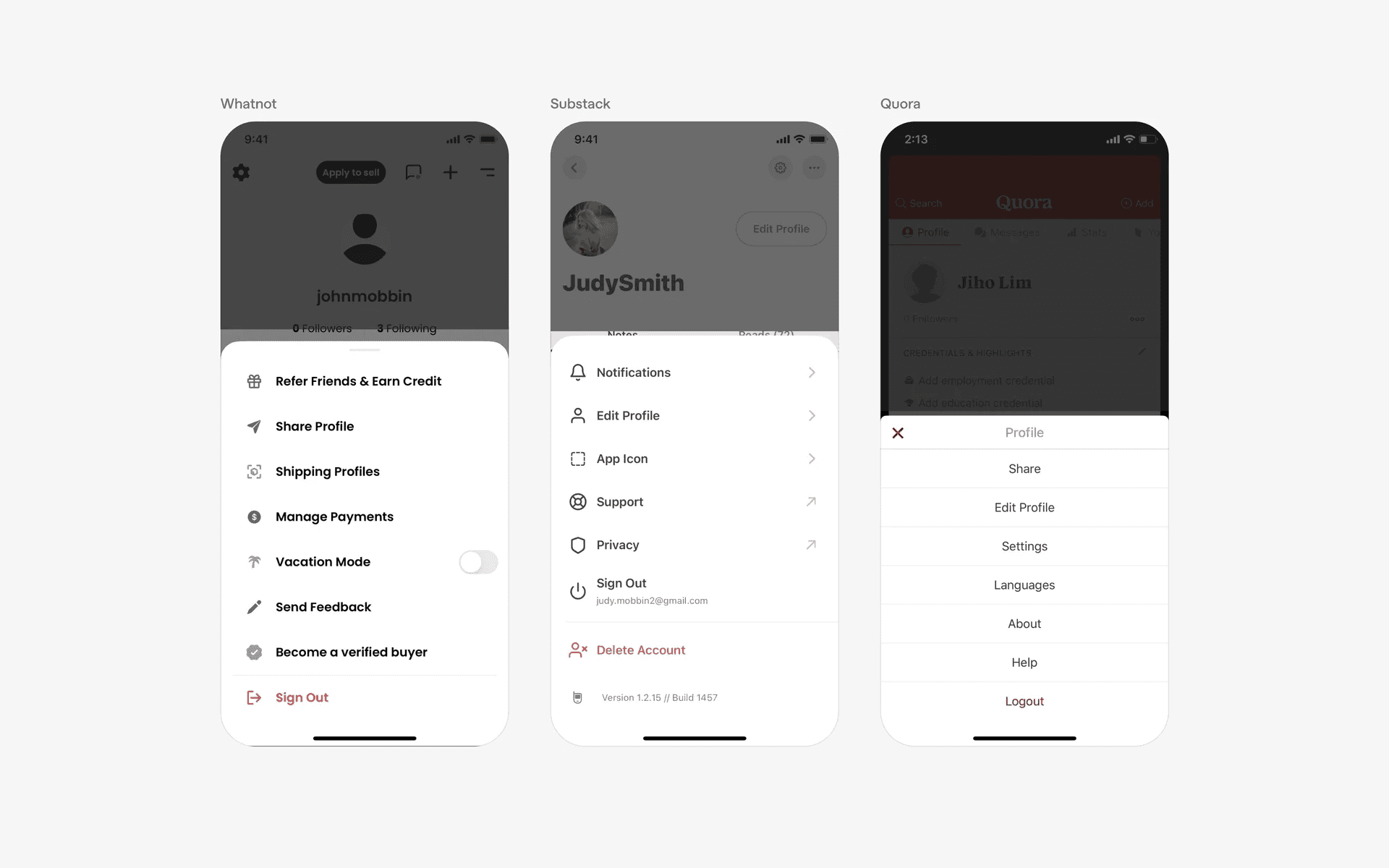
Examples of user action and settings bottom sheet
Music and audio player
Music apps often use bottom sheets to present the audio or music player. These are sometimes draggable, and can expand into a full screen sheet modal.
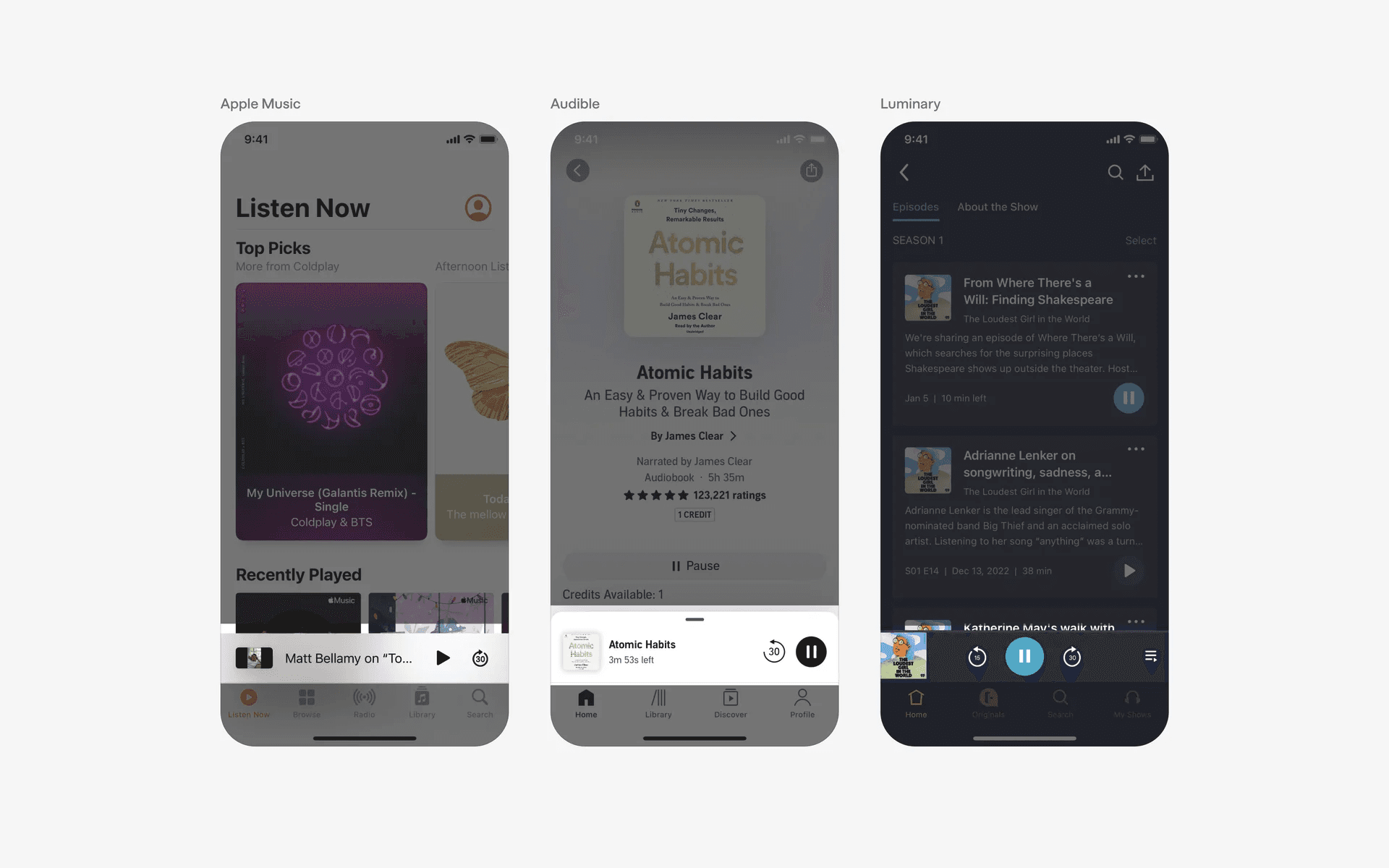
Examples of music player bottom sheet
Conflicting UI elements: Action sheet, Dialog
Bottom sheet v.s. Action sheet
The purpose of a bottom sheet is to provide the user with additional content related to the main content on the screen, such as additional information, feedback, and sometimes options.
Additionally, a bottom sheet can contain other buttons than a cancel button and is usually anchored to 3 sides of the screen (left, right, bottom).
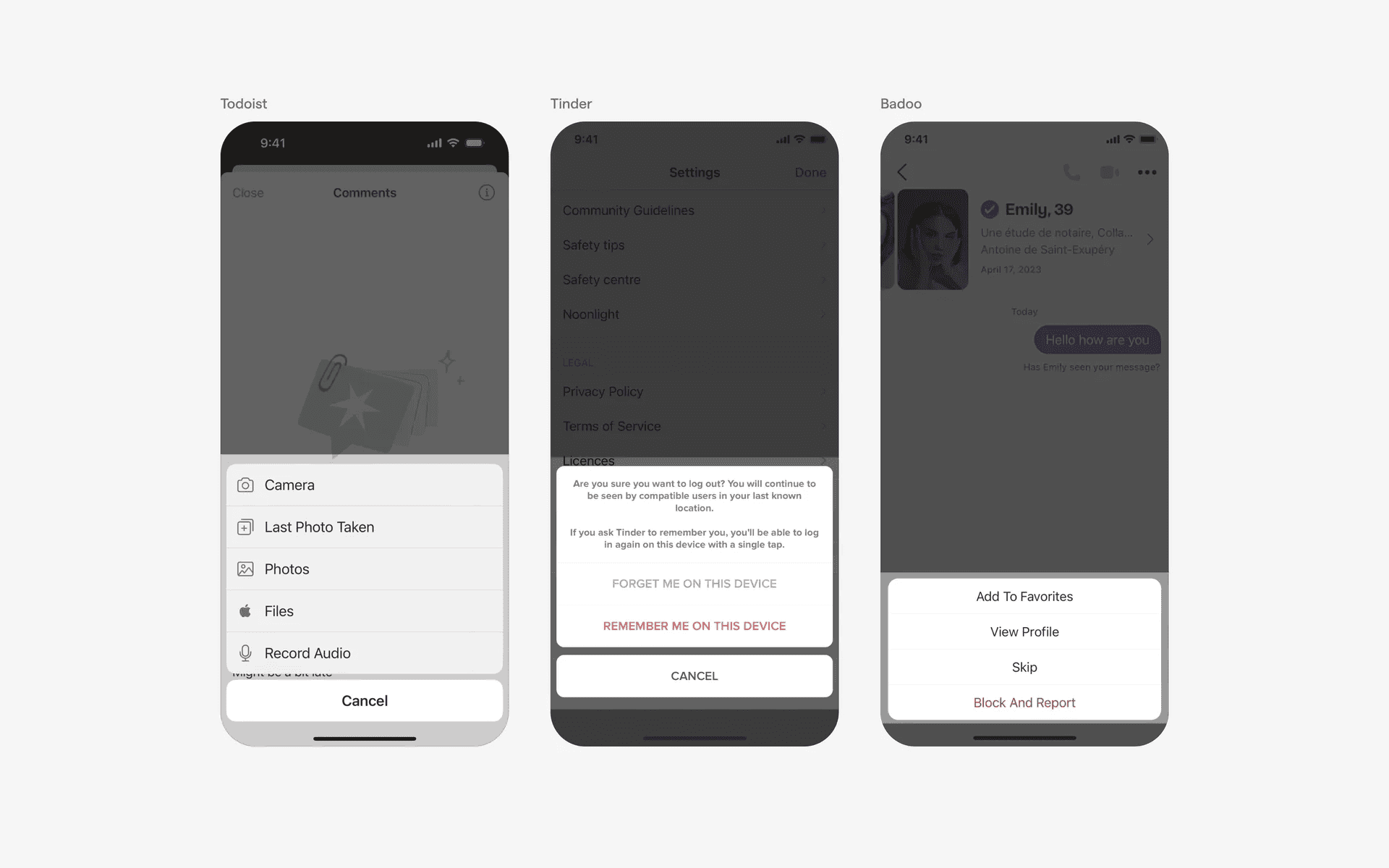
Examples of action sheet
Bottom sheet v.s. Dialog
A bottom sheet is a sheet of UI elements that slides up from the bottom of the screen. It is most often used for displaying additional options or information that is related to the current task.
Bottom sheets are also often scrollable and contain elements that can be tapped or interacted with. Additionally, a bottom sheet is usually anchored on all three sides (left, right, bottom).
Note that in some cases, it can be both a dialog AND a modal bottom sheet, as seen in the second image below.
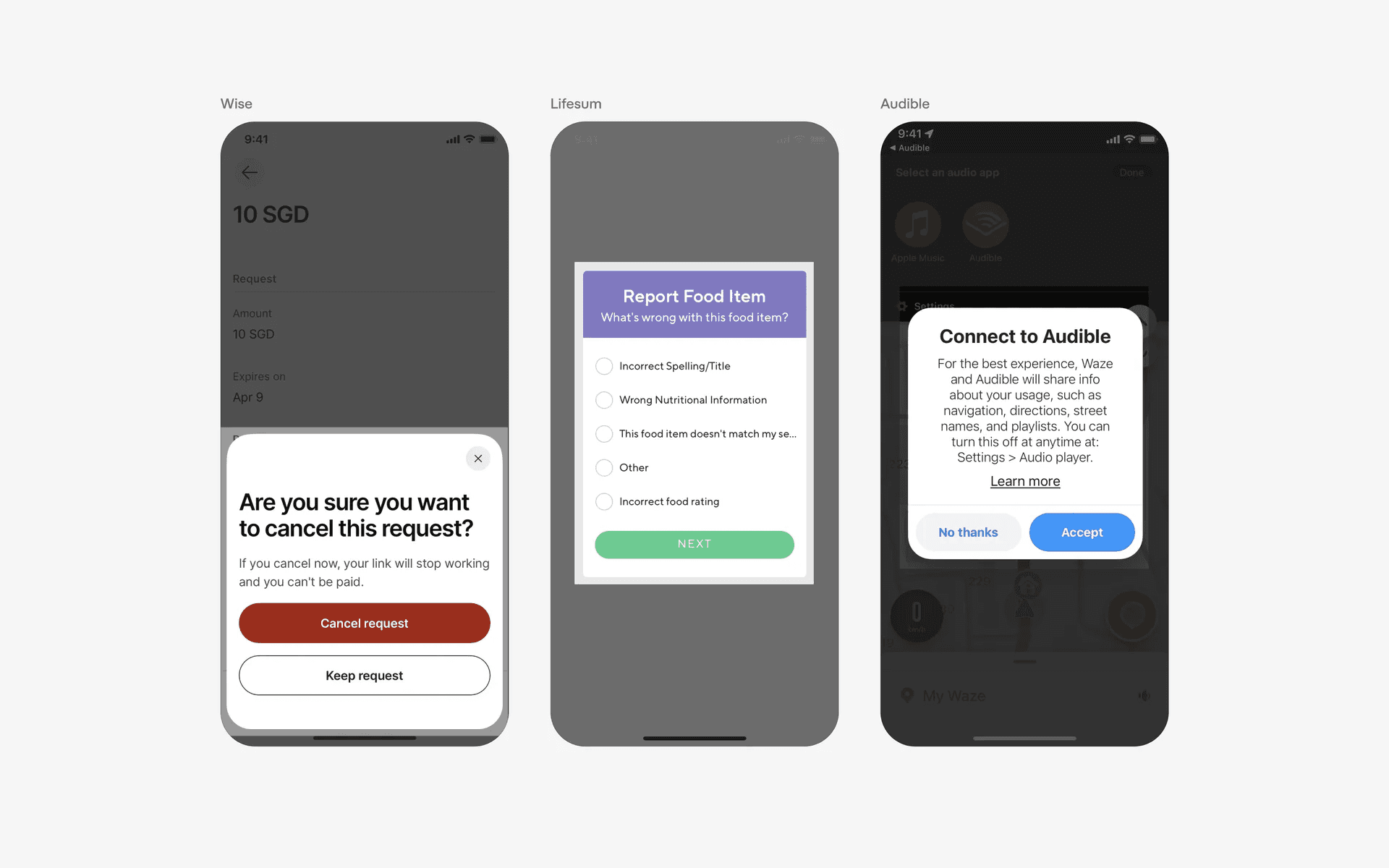
Examples of dialog