
What is an Avatar component?
An avatar is a representation of a unique entity — like a person, a business, or an object.
It is a form of account personalization that doubles as a visual cue for identifying a person or company.
It can come in different designs, e.g., initials, emojis, photo-realistic images, icon, logo, or illustrations. These are all considered avatars.
It supports badging (usually paired with Badge or Status Dot) to provide more information.
Avatars are commonly used in social media apps today to provide a visual representation of a user's profile. At Mobbin, we also use the avatar component on the top right hand corner to visualize your account's profile.
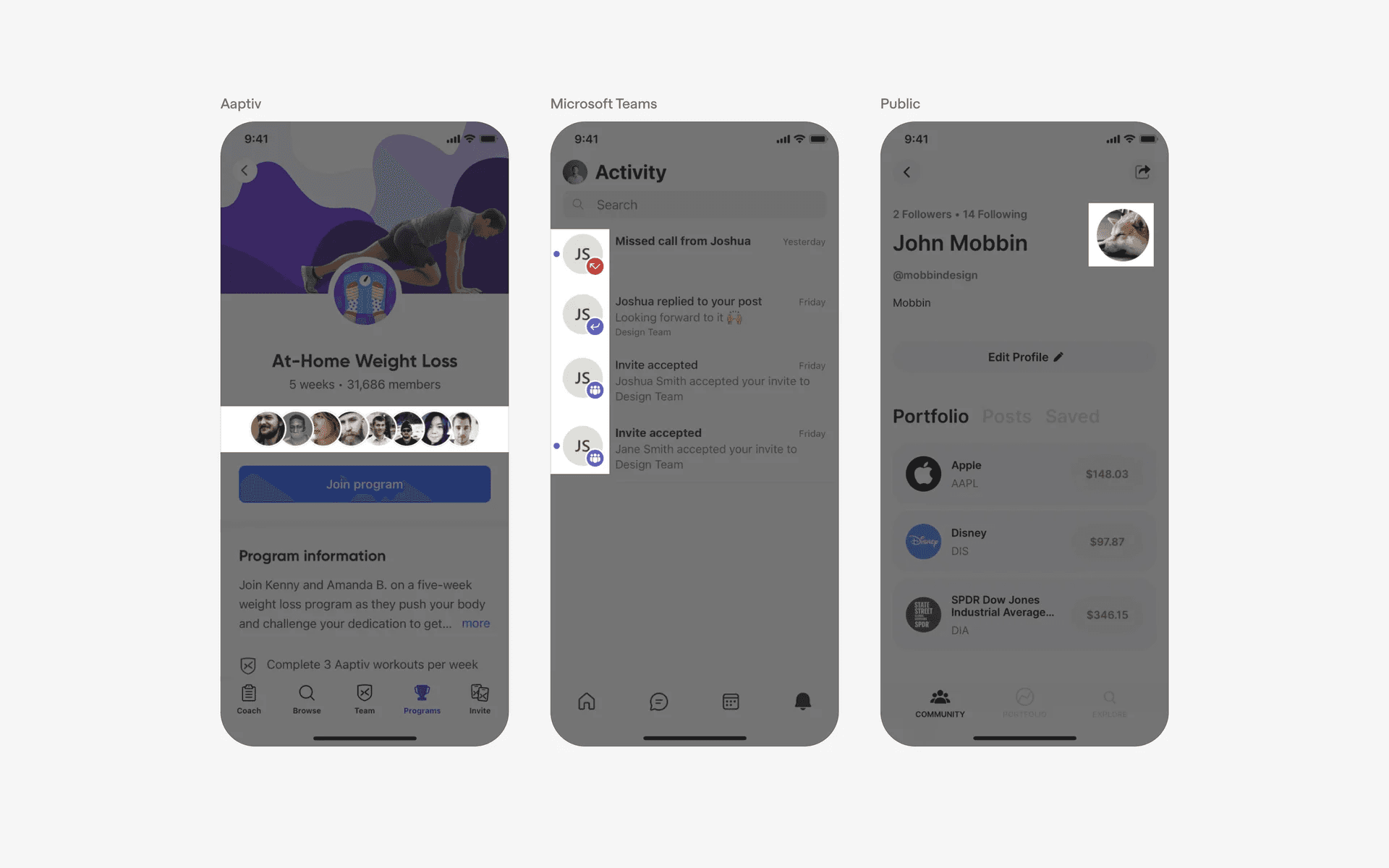
Examples of avatars
What is the anatomy of an avatar?
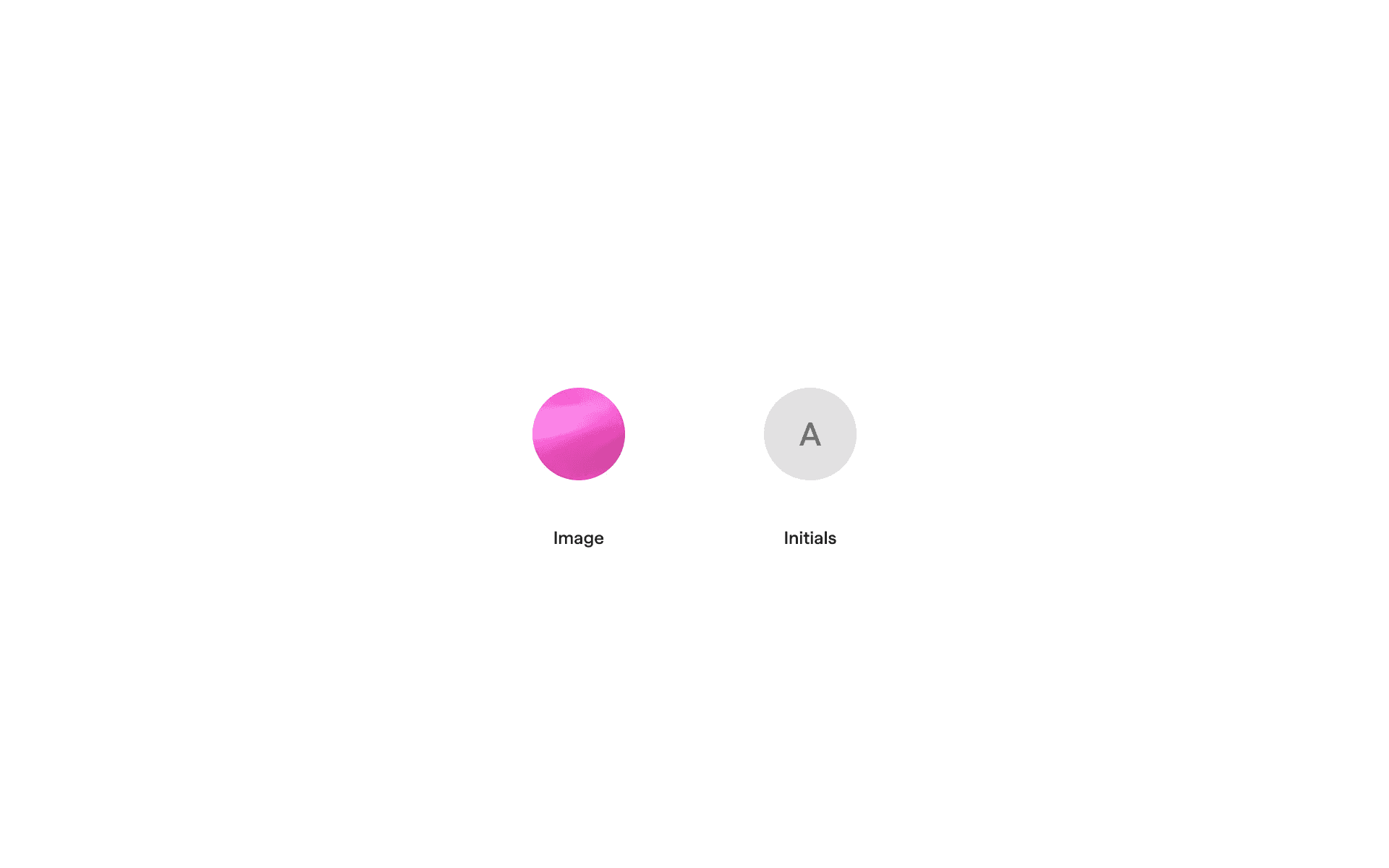
Anatomy of an avatar
1
Image avatar (user uploaded photo)
2
Initialized avatar (empty state)
What are the design variants of an avatar image?
We studied over 8200+ avatar UI components on Mobbin, from real-world examples and found the following variants.
1. A default avatar image needs to be considered
When designing for an avatar, it is essential to consider the default avatar empty state. In most cases, we see images, icons, or initials with a grey avatar background color being used.
The most commonly used default avatars are just user icon avatars on a colored background. A grey background is most commonly used.
Avatar components are either in a filled or empty state, depending on whether users uploaded a photo.
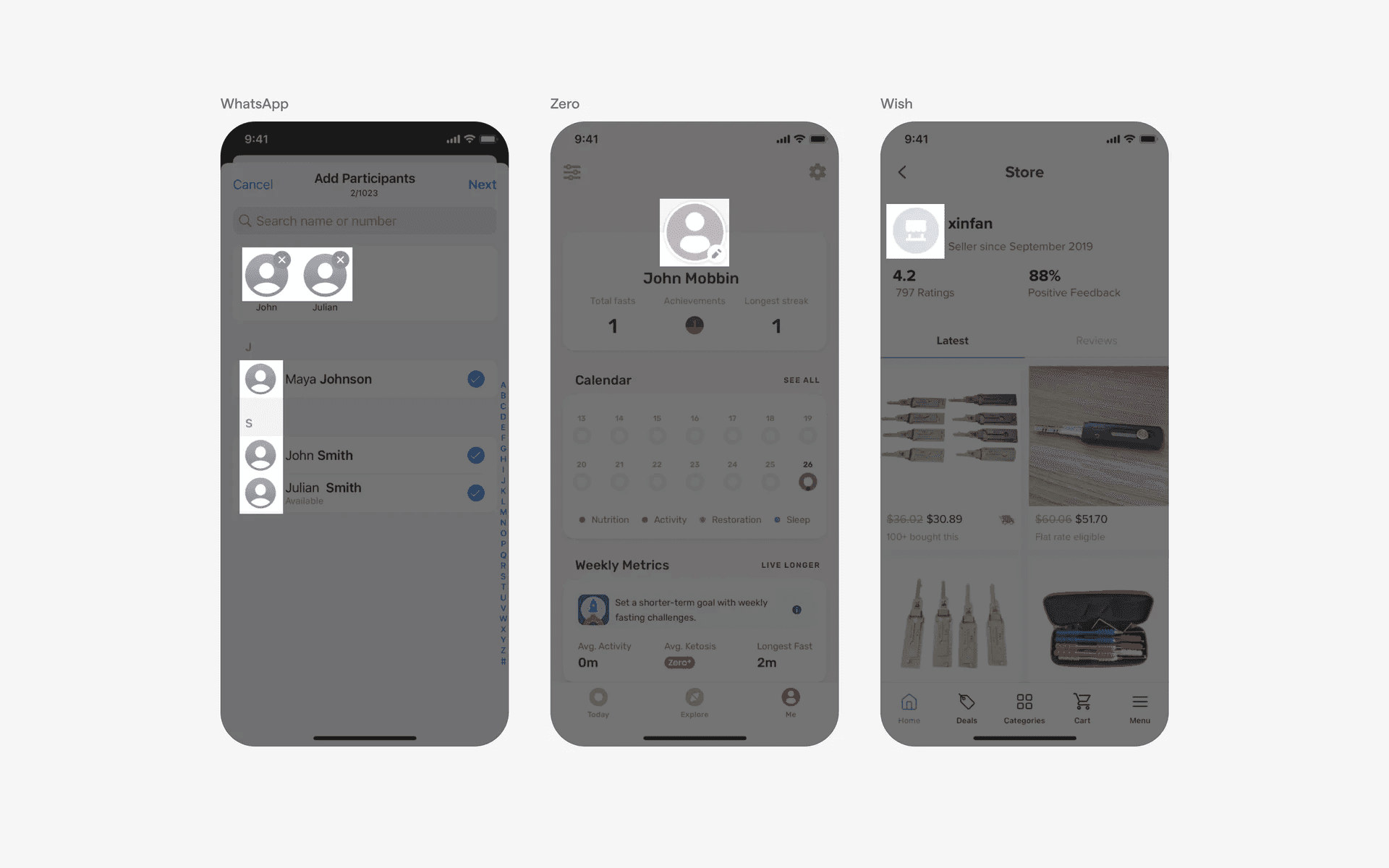
Examples of avatar with default icons.
We also commonly see initial avatars on colored backgrounds. For example, 'John Smith' would be represented by the initials 'JS'.
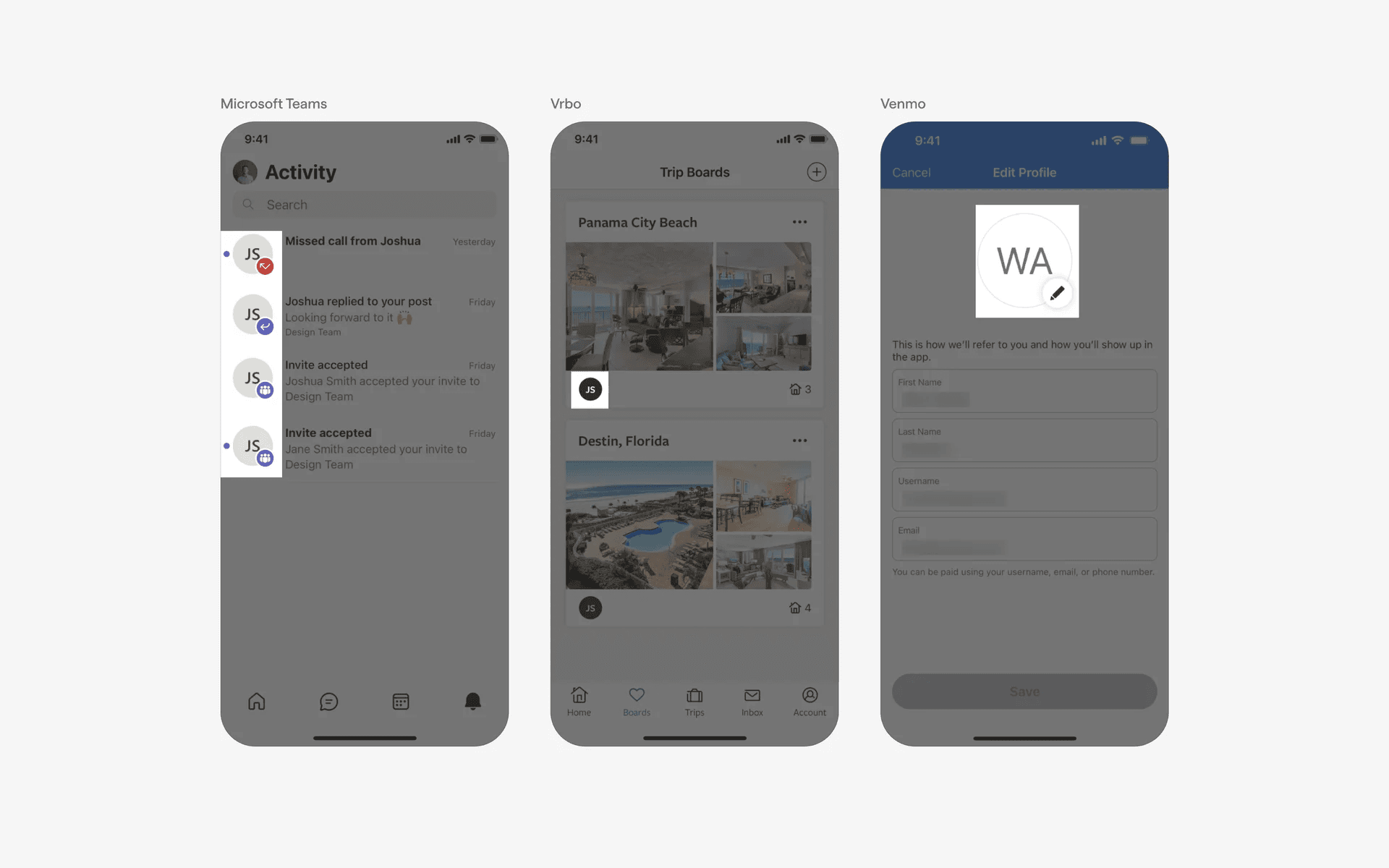
Examples of avatars with default initials.
2. Avatar shape might vary depending on your brand
The most commonly observed avatar shape is circular.
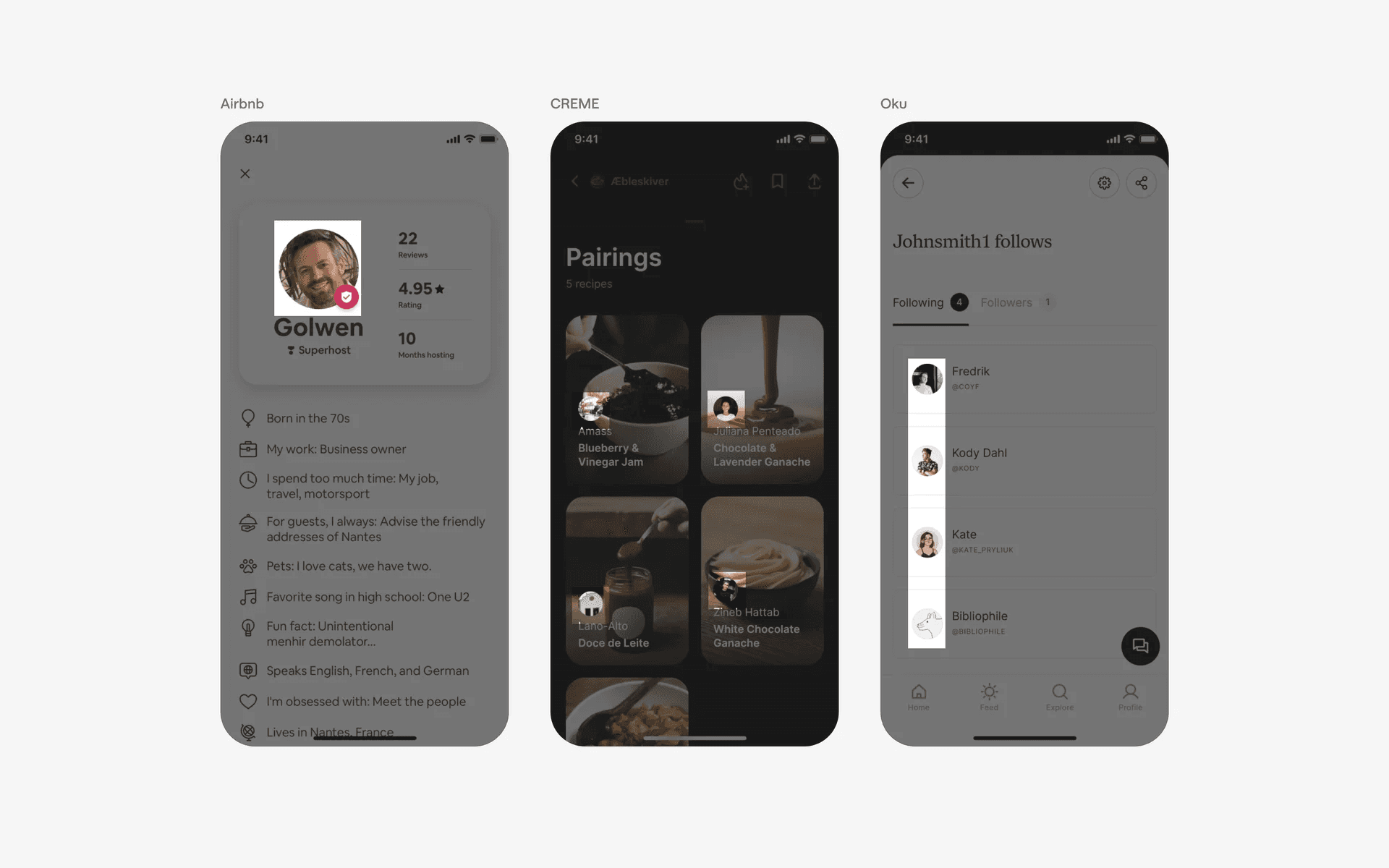
Examples of circular avatars
Followed by squarish avatars like these ones seen in Netflix and Kitchen Stories.
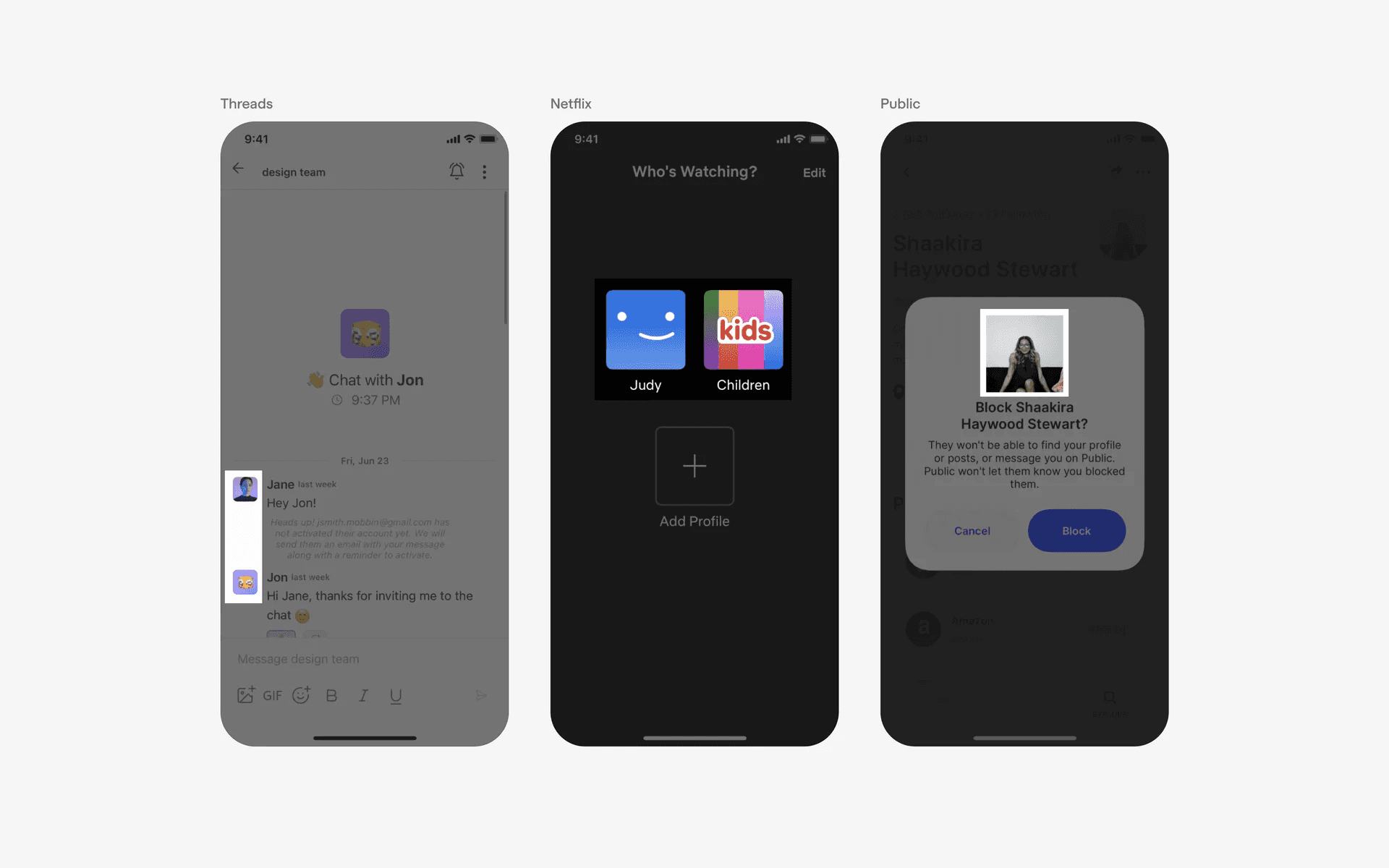
Example of squarish avatars
And finally, we've seen funkier avatar shapes in apps like Any Distance.
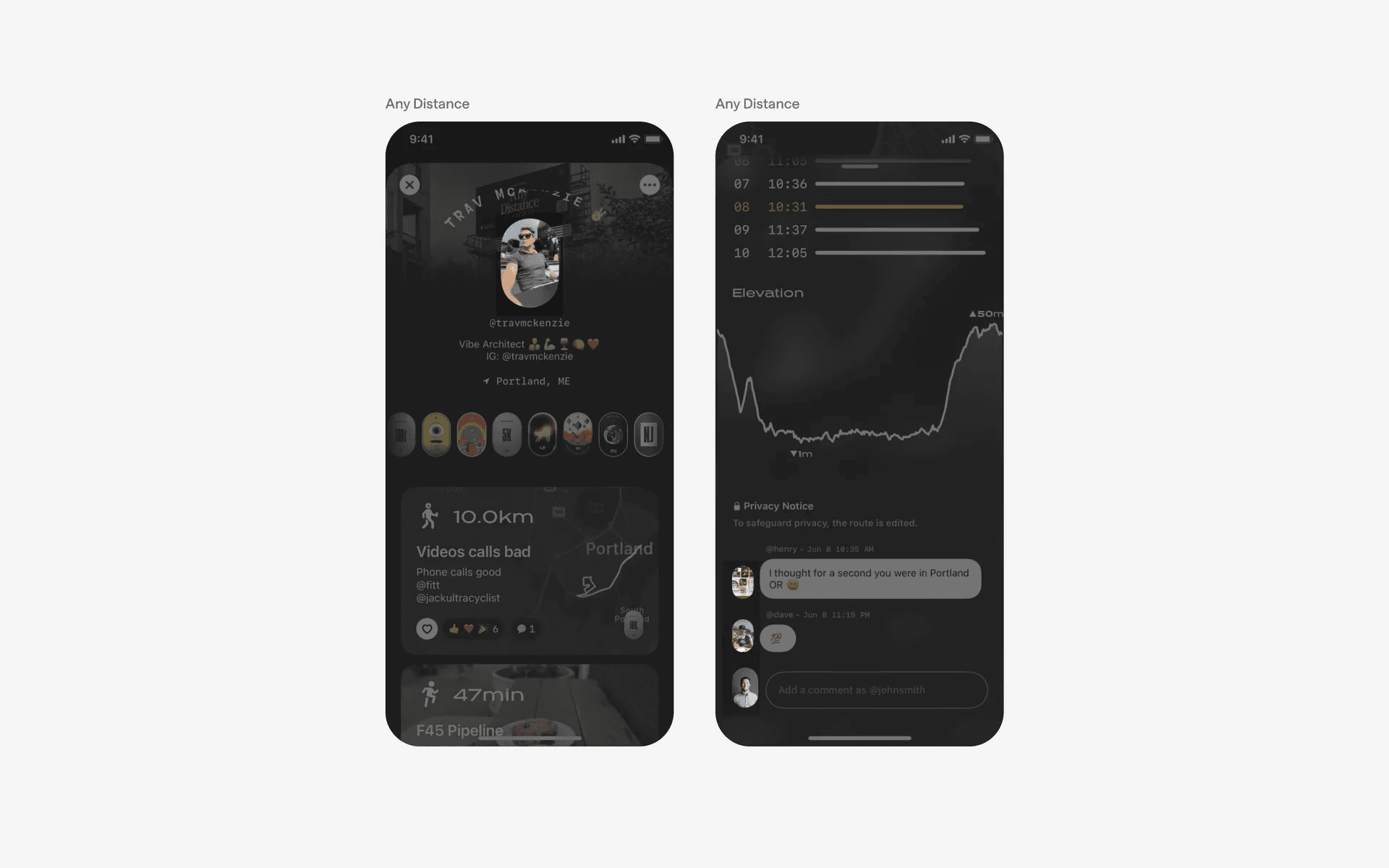
Example of funky avatars
3. Avatars can be stacked or grouped
If you have a group of avatars that needs to be associated together, it is common to see paired or stacked avatar design patterns.
Pair avatars are common in inboxes, or groups.
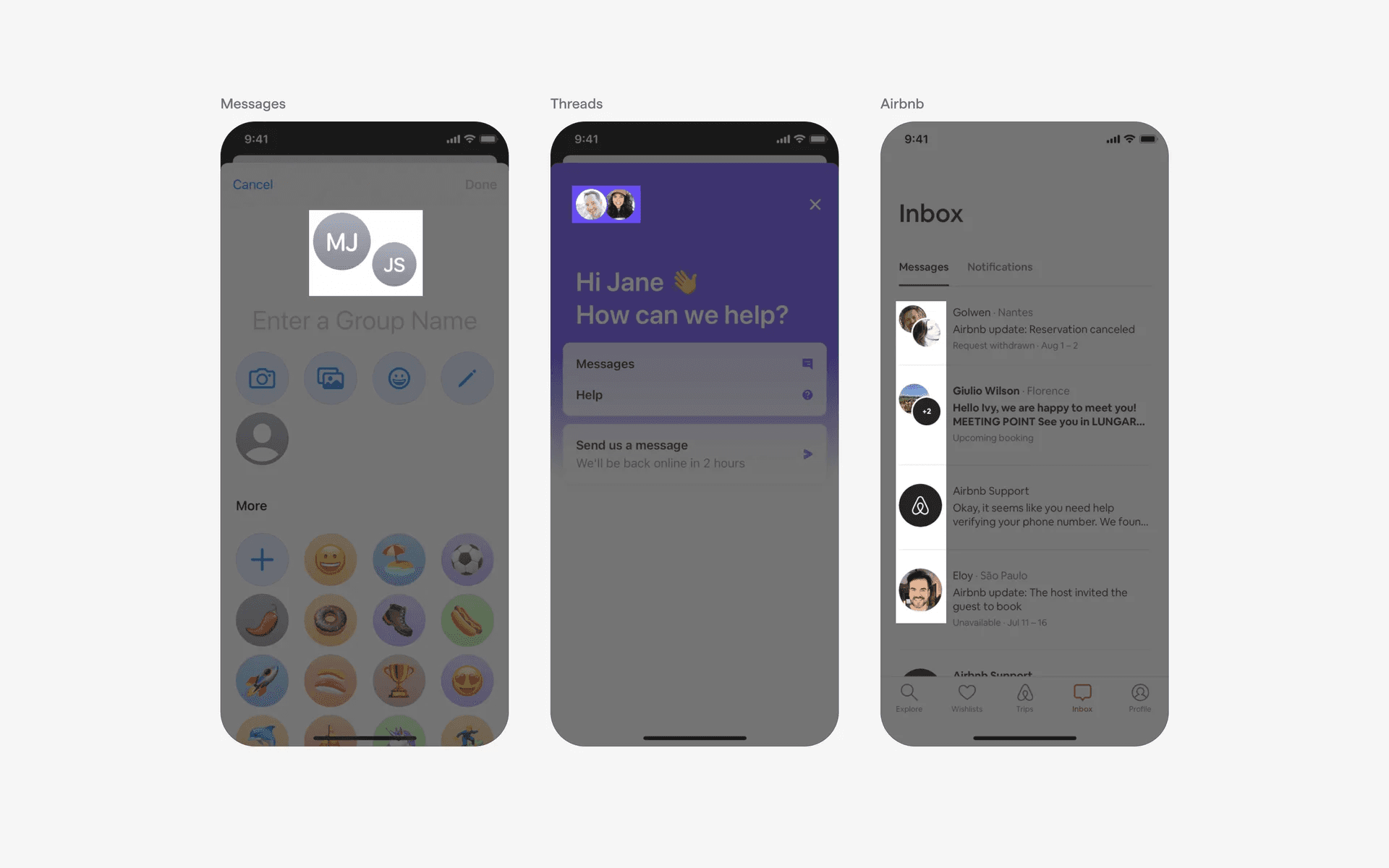
Examples of paired avatars
Stacked avatars are common for larger groups, rooms, or spaces.
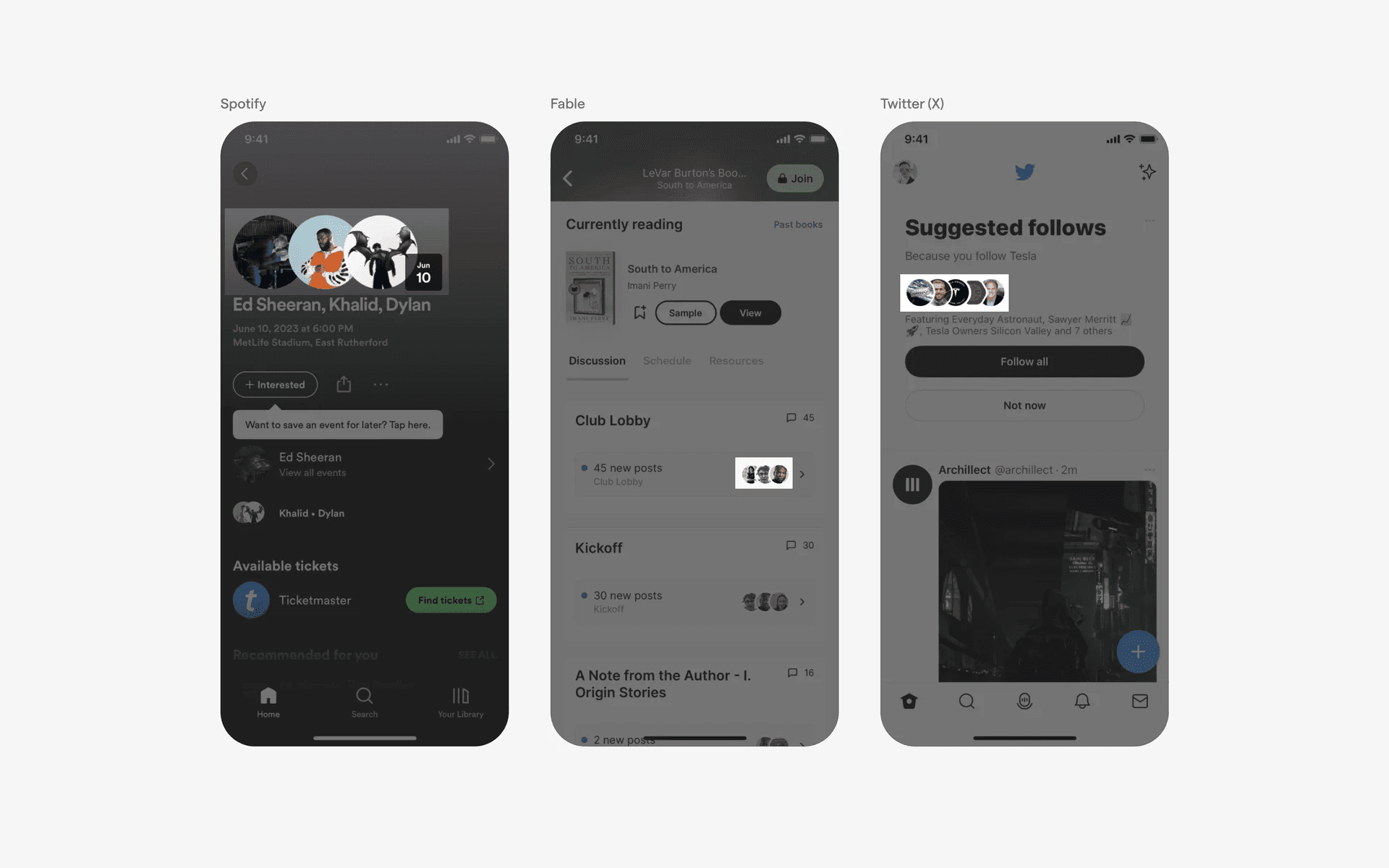
Examples of stacked avatars
When to use an avatar component?
Profile management
Avatars can be used to manage user or group profiles in a mobile app. This profile management can include viewing, creating, updating, and deleting user profiles, as well as setting and changing user preferences.
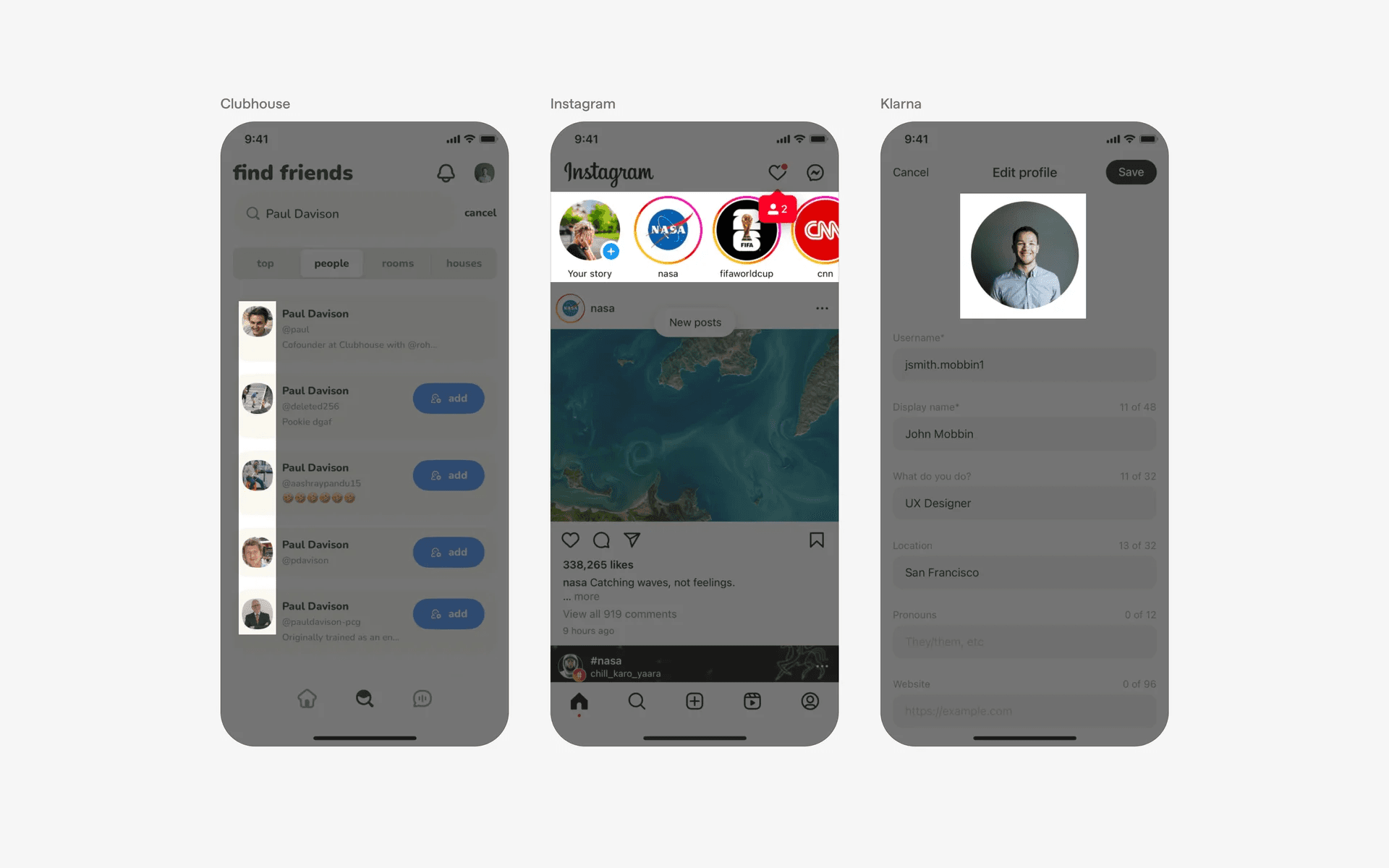
Examples of avatars in profile management
Social media
Avatars can be used to provide a visual representation of the number of users on a social media app. For example, avatars are used to show how many users are part of a particular community or group.
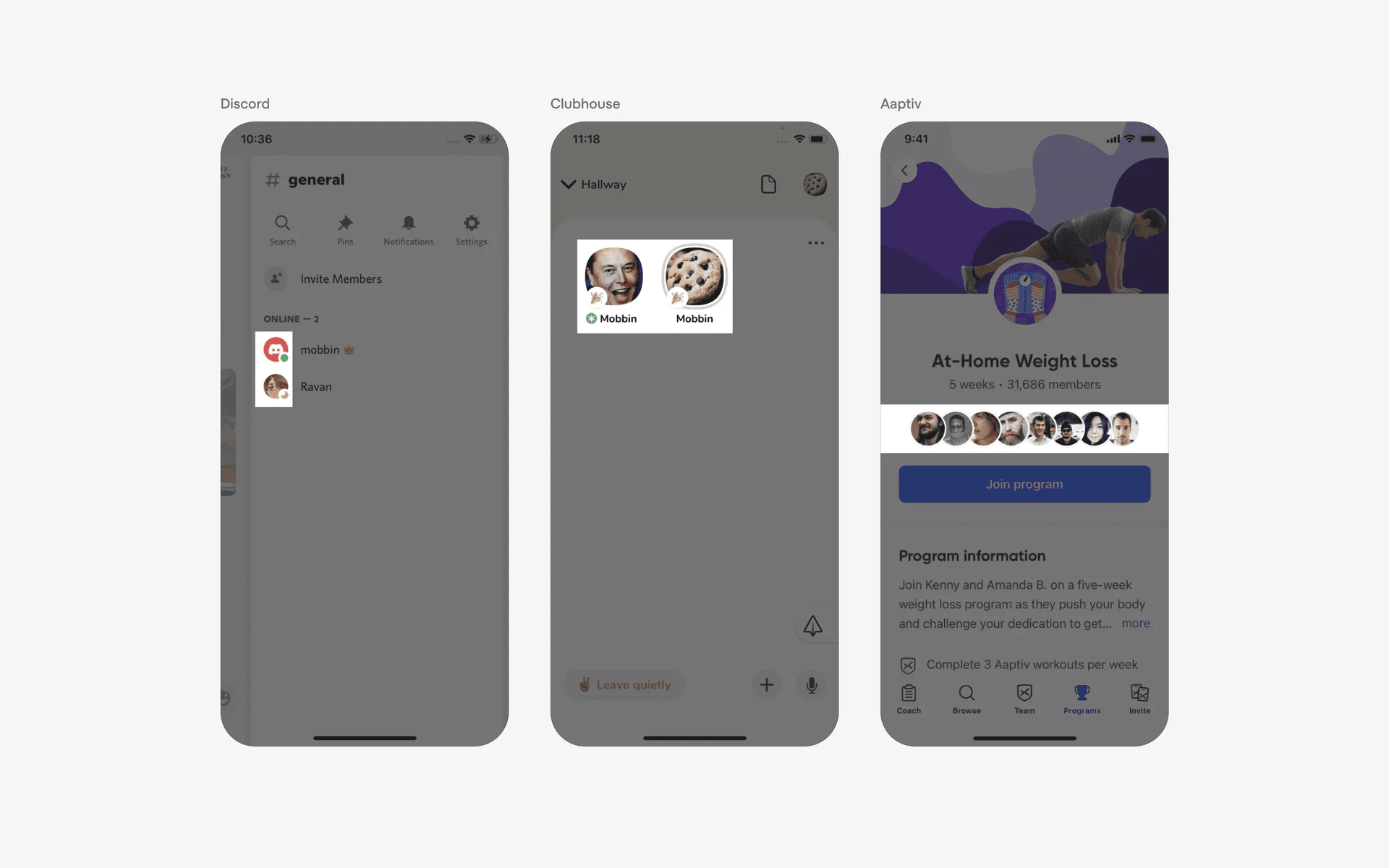
Examples of avatars in social media