
Lime Green
Meet Lime Green (#32CD32), a color that commands attention. Its intense vibrancy, sitting perfectly between yellow and green, gives it a zesty, electric quality. This high-saturation hue offers a powerful visual punch, making it a notable choice for any designer's palette.
What color is Lime Green?
Lime Green is a vibrant tertiary color sitting squarely between yellow and green on the color wheel. Its composition gives it a distinctly warm temperature, driven by strong yellow undertones that create its signature zesty appearance.
This specific shade, #32CD32, is a pure, high-chroma hue with no visible graying or muting. It's an energetic and sharp color that leans more towards green than yellow, giving it a fresh, botanical quality without the coolness of a true green.
What is the meaning of the color Lime Green (#32CD32)?
Lime Green, with its hex code #32CD32, is a color brimming with youthful energy and zest. It channels feelings of liveliness and playfulness, often associated with nature's renewal and a sense of freshness.
Symbolically, this vibrant hue represents confidence and creativity. It’s an attention-grabbing color that communicates a forward-thinking and spirited attitude, inspiring a feeling of excitement and vitality.
How can I effectively use Lime Green in my UI design?
Lime Green, with its hex code #32CD32, works best as an accent color to guide the user's eye. Use it for key elements like buttons, toggles, or notification dots. For maximum impact, pair it with deep neutrals such as charcoal or pure black to create a sharp, contemporary feel. Against a crisp white background, it offers a more airy and energetic atmosphere.
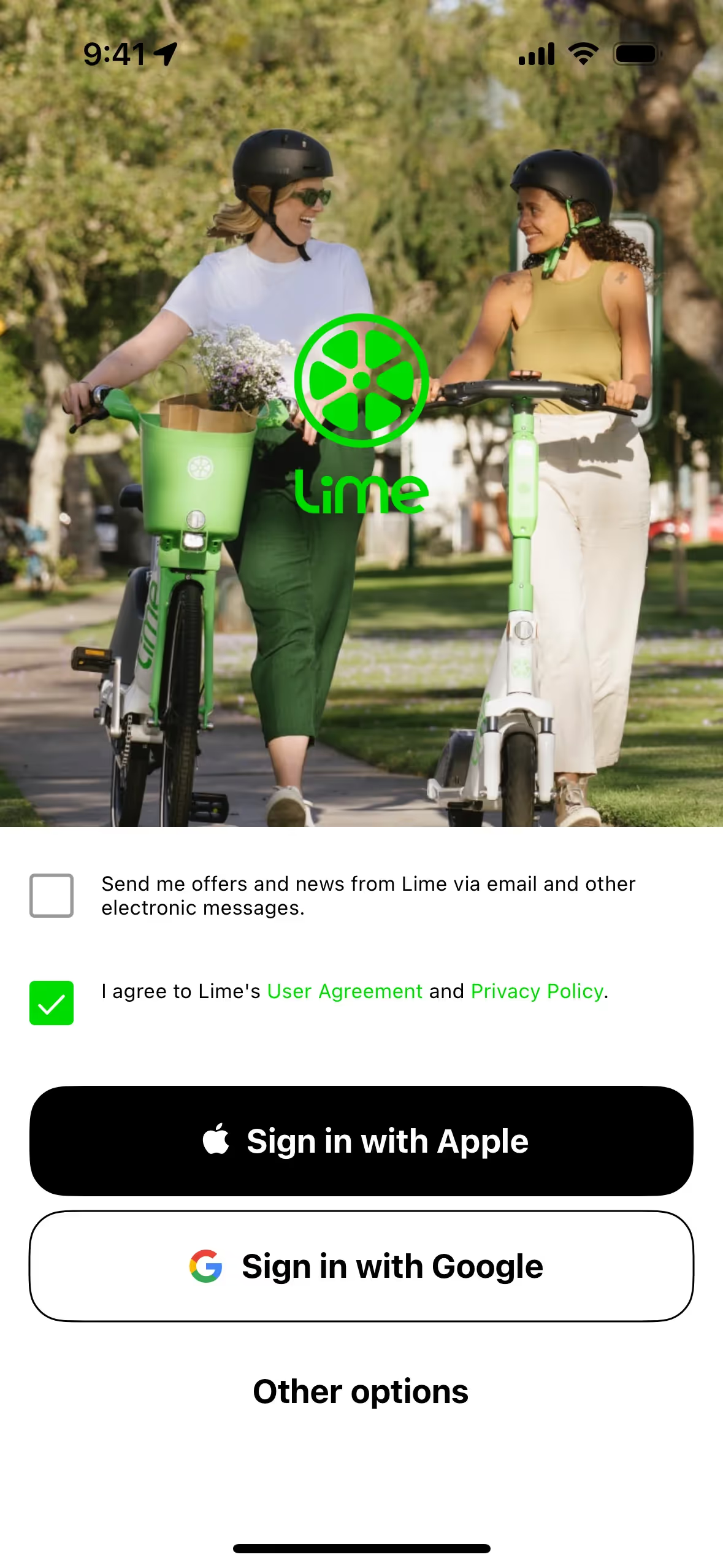
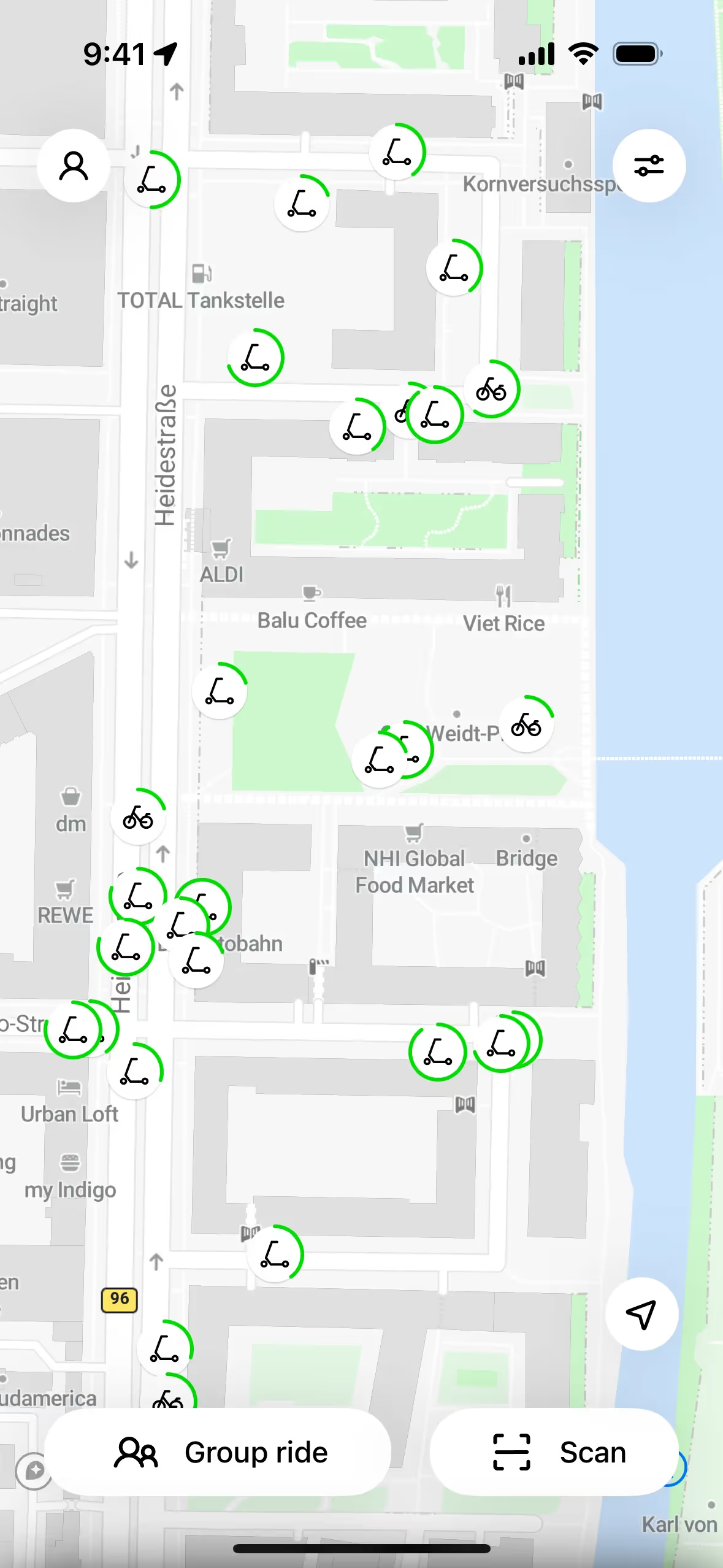
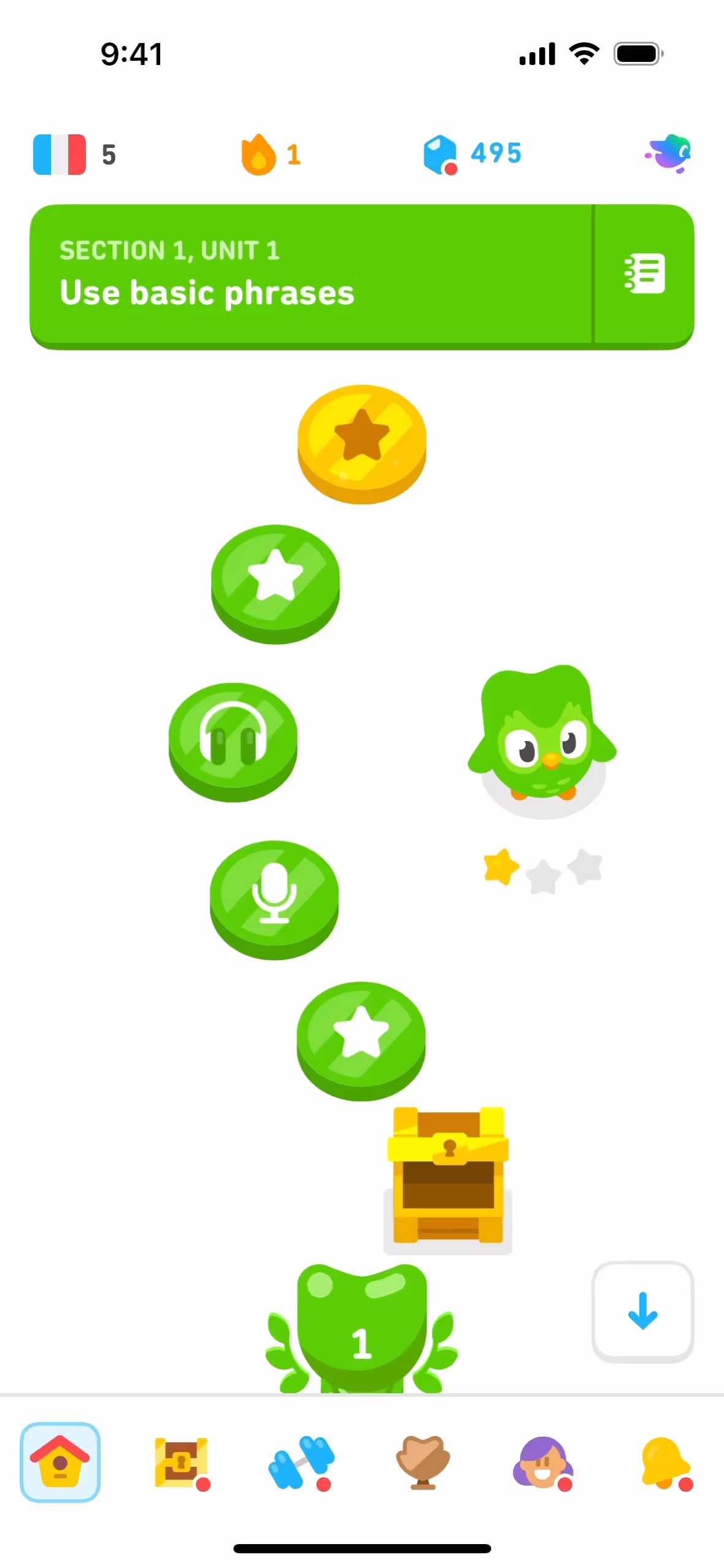
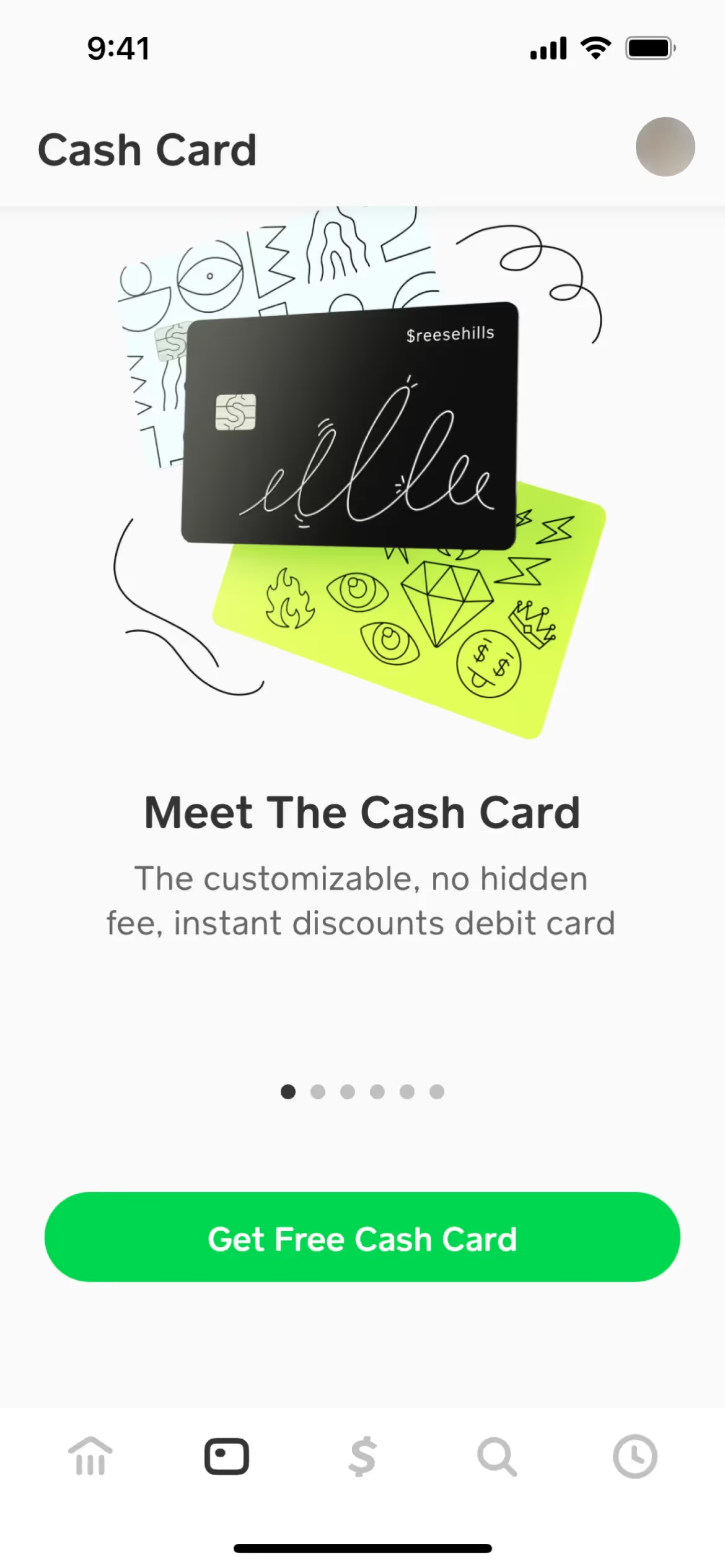
While not a dominant color across the web, several prominent brands like Aboard, Cash App, Duolingo, Canny, and Lime have built recognizable identities around shades of Lime Green. Its selective use shows it can help a product appear distinctive and full of vitality in a crowded market.
To see these principles in action, use the tools below. You can explore curated palettes, check the accessibility of your color combinations, and preview how Lime Green appears in real UI components from top applications.
Using Lime Green color codes
When working with Lime Green, its hex code #32CD32 is your starting point for any digital project. Given its intensity, it works exceptionally well as a statement-making accent color that immediately draws attention.
While hex codes are standard for the web, you will often need to convert #32CD32 into other color models for different applications. For digital screens, you will use its RGB values (Red, Green, Blue), and for print, you will need its CMYK equivalent (Cyan, Magenta, Yellow, Key/Black). Other formats like HSL (Hue, Saturation, Lightness) give designers a more intuitive way to modify color attributes.
To simplify your workflow, we have converted #32CD32 into a range of popular formats below. Feel free to copy the exact codes you need for your design tools.
Analogous
An analogous color scheme uses hues adjacent to Lime Green on the color wheel, resulting in a cohesive and naturally calm visual experience.
Complementary
Complementary colors sit directly opposite each other on the color wheel. Paired with Lime Green, they create a high-contrast, visually striking combination.
Split Complementary
The split complementary palette for Lime Green pairs it with the two colors neighboring its direct complement, offering strong visual contrast with less tension.
Triadic
A triadic palette for Lime Green involves two other colors, all equally distant on the color wheel, creating a bold and balanced combination.
Tetradic
A tetradic palette for Lime Green involves two pairs of complementary colors, forming a rectangle on the color wheel for a rich, balanced combination.
Square
A square color scheme uses four colors equidistant on the color wheel. With Lime Green, this creates a vibrant, high-contrast palette with balanced tension.
Text Color
Background Color
Your Catchy Large Text Goes Here
Shades
Adding black to Lime Green creates darker shades, which introduce a sense of depth and gravity.
Tints
Tints are lighter variations of Lime Green, created by adding white to soften the hue.
Tones
By adding gray to Lime Green, you create tones—softer, less saturated versions of the color.
Hues
Hues are variations of Lime Green, differing in temperature and intensity to alter mood.




Never run out of inspiration again.
Use Mobbin for free as long as you like or get full access with any of our paid plans.



















