#1db954
Copy
Copied

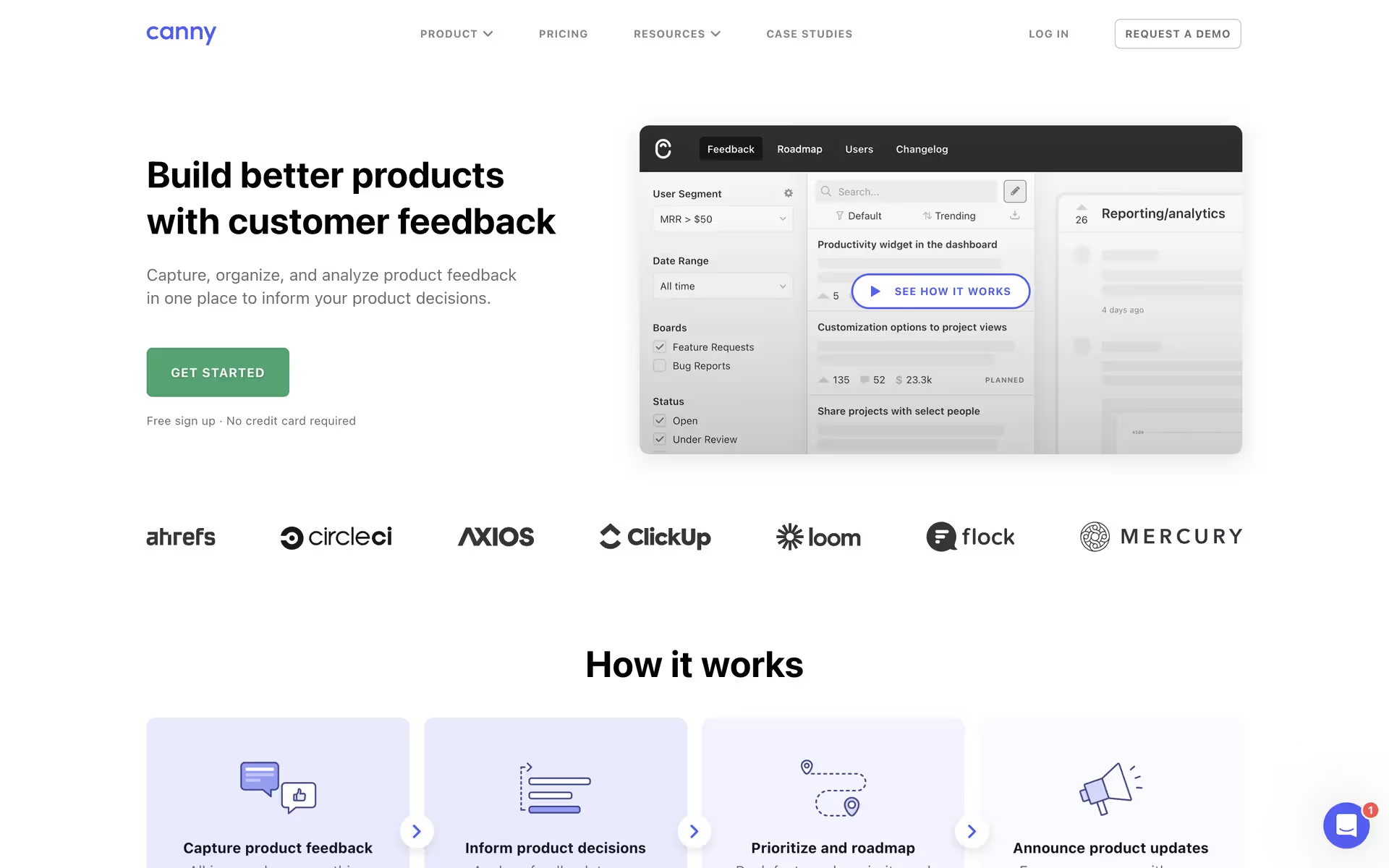
Canny is a popular customer feedback tool that helps companies build better products. Its branding and interface designs prominently feature Cornflower Blue, White, and a vibrant Atlantis green. On this page, you can easily copy its brand colors in Hex, CMYK, and RGB formats.
Canny's color palette primarily uses a vibrant Cornflower Blue (#525DF9) and a crisp Atlantis green (#6DD345), balanced with a clean White (#FFFFFF) to create their distinct look.
Canny's signature blue fosters trust and clear communication, giving you a direct line to innovative ideas. The palette is rounded out with crisp white for clarity and energetic green to champion growth, creating a focused environment for building better products.
Canny's distinctive color palette appears to be a deliberate choice to reflect its mission of clarity and approachability, creating a visually intuitive experience for managing user feedback.
Canny's color palette is a masterclass in guiding your journey through the app. The energetic blue pulls you toward key actions, while the reassuring green celebrates your progress, creating an experience that feels both intuitive and rewarding.
To complement Canny's signature blue, we find that introducing a warm coral can add a pop of energy, while using shades of charcoal gray helps you establish a modern, balanced foundation for your designs.
On our brand colors page, you can explore curated color palettes from top companies. We also offer thousands of UI designs from various brands, providing endless inspiration for your next color combination from real-world examples.
Mobbin keeps you at the forefront of design with our extensive, constantly updated library of mobile and web UI/UX patterns, showcasing the latest trends in everything from color usage to intricate user flows. By exploring current design practices from leading apps, you can easily see what's new and stay ahead of the industry curve. Try Mobbin today for free for as long as you like, or get full access with any of our paid plans.
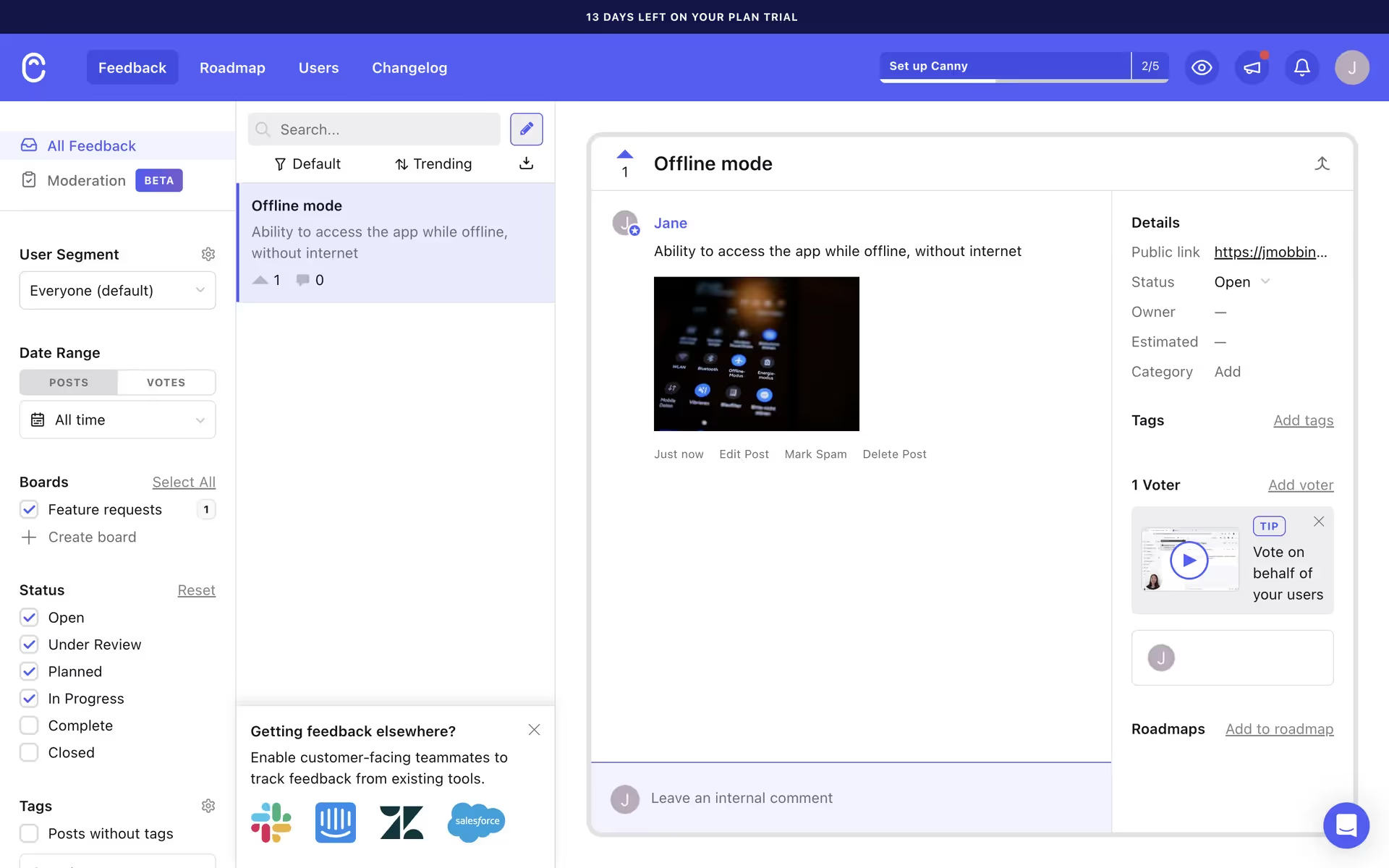
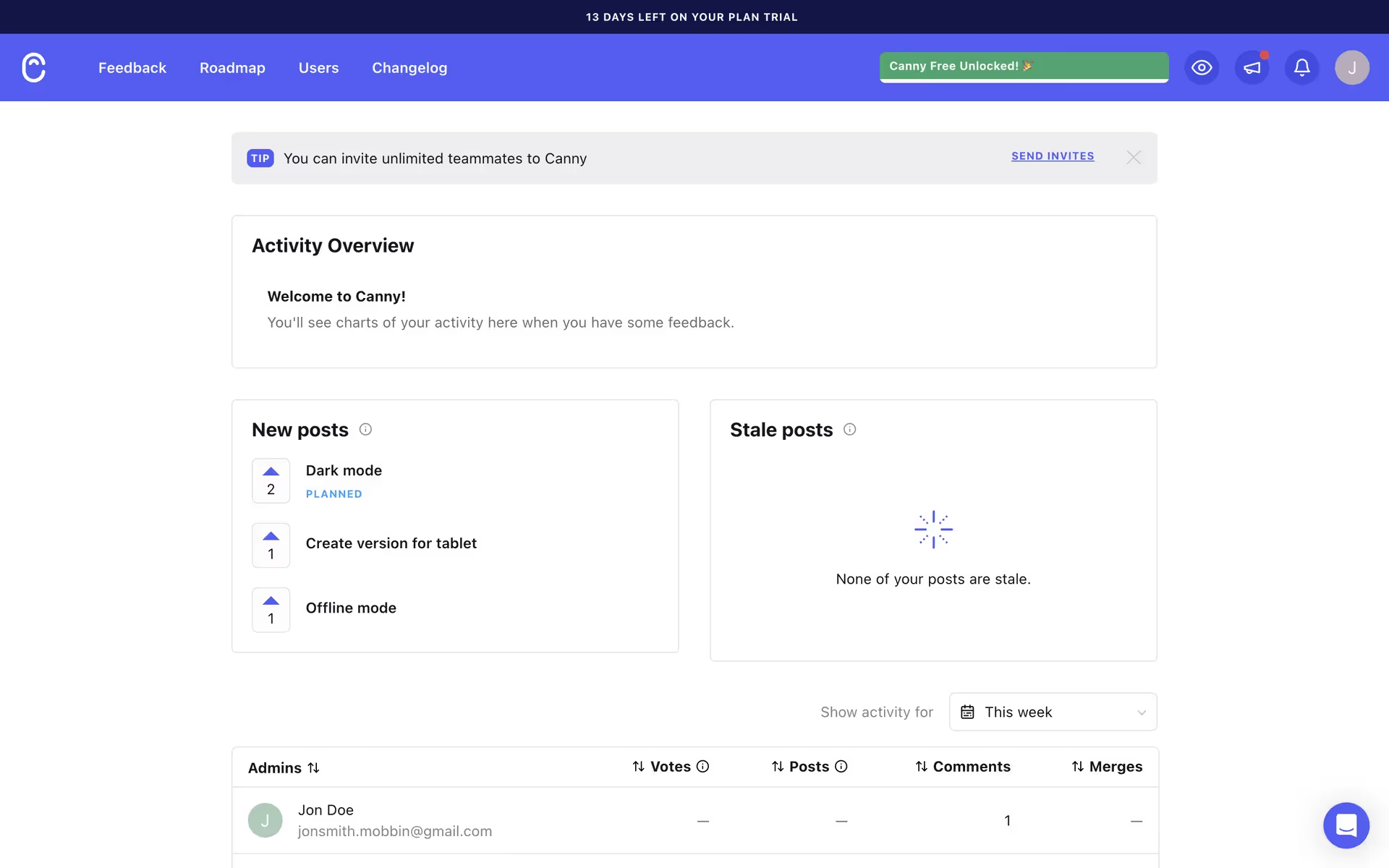
Use Mobbin for free as long as you like or get full access with any of our paid plans.