
Google Green
Meet Google Green (#34A853), a vibrant hue that sits perfectly between classic green and a brighter, more digital teal. Its striking quality comes from this balance, offering a fresh, energetic feel without being overwhelmingly neon. It's a color that feels both familiar and distinctly modern.
What color is Google Green?
Google Green is a vibrant, medium-dark shade of green with a crisp, digital feel.
It carries cool undertones, giving it a fresh quality without straying into teal or cyan territory.
What is the meaning behind Google Green (#34A853)?
Google Green, or #34A853, taps into the psychology of growth and prosperity, suggesting a connection to the natural world.
It evokes feelings of safety and harmony, reflecting the accessible and helpful character of the brand’s products.
How can I use Google Green in my UI design?
Google Green (#34A853) shines as a vibrant accent color. For maximum impact, pair it with a generous amount of white space and neutral grays to make your calls-to-action pop. It also works well in split-complementary schemes, creating a lively and balanced interface when used alongside shades of orange and violet.
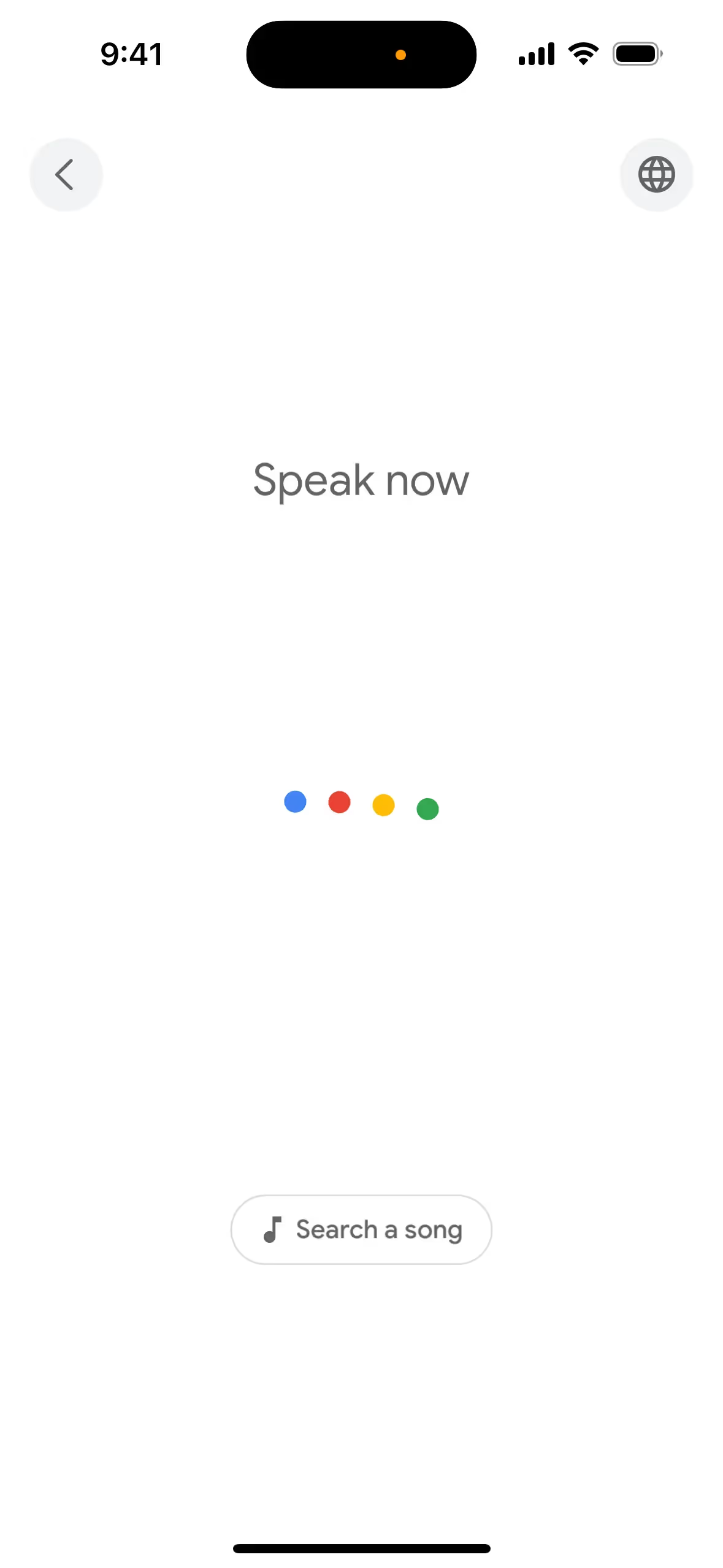
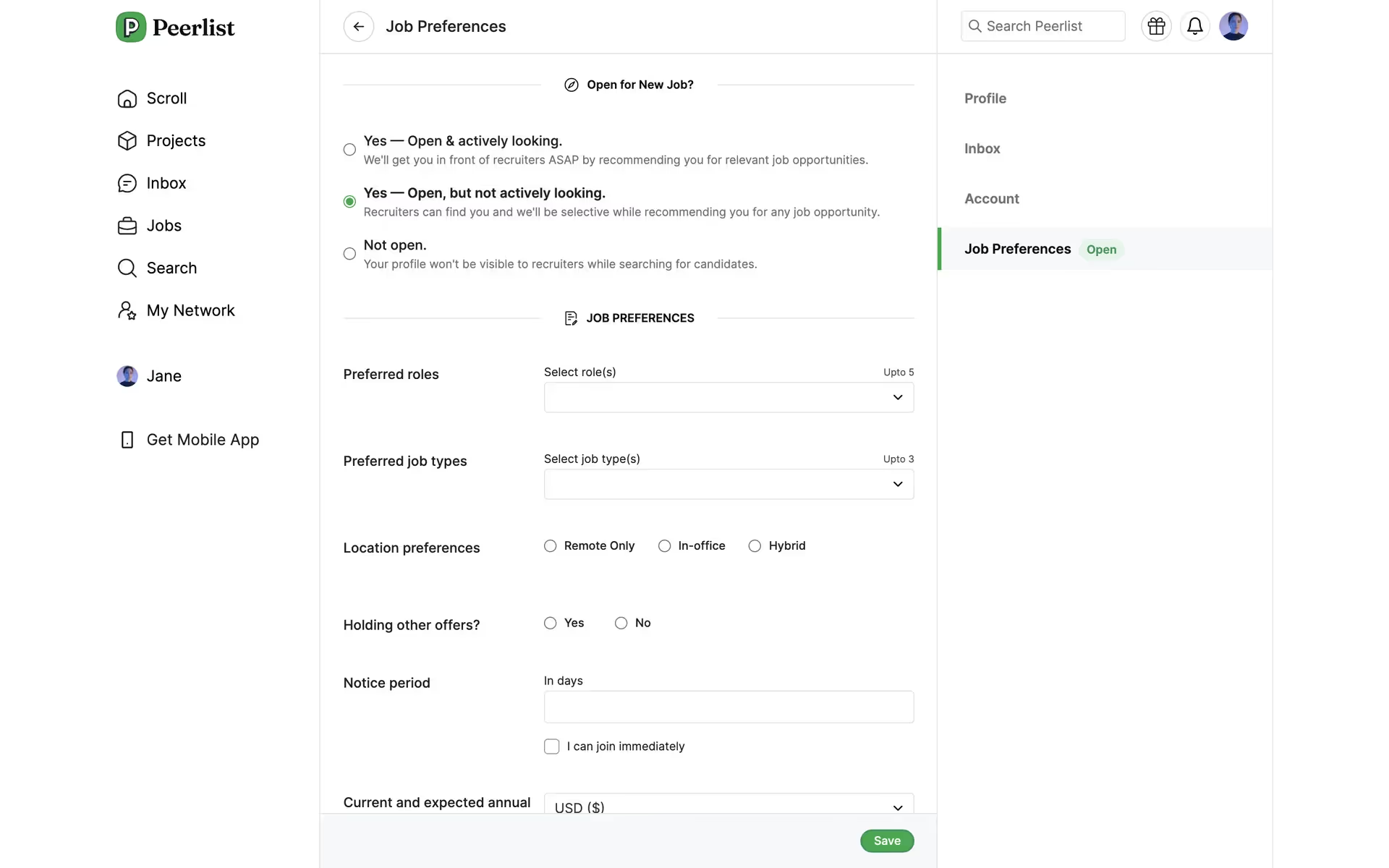
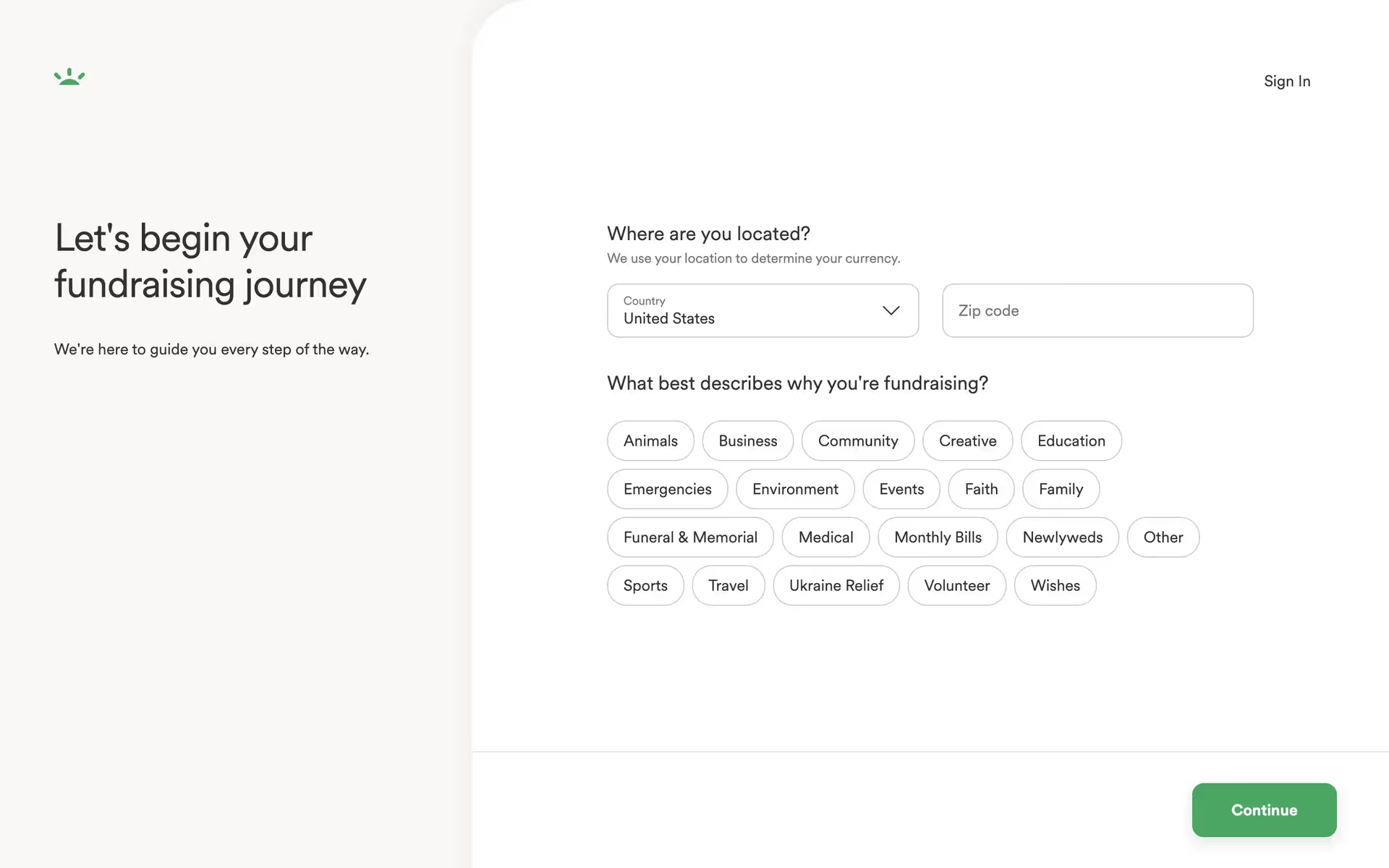
Several prominent brands, including Google itself, Google Maps, GoFundMe, Nutmeg, and Peerlist, use a similar energetic green. They often apply it to key interactive elements to guide users toward positive actions, such as making a donation or starting a journey.
To see how Google Green can fit into your own work, use the tools below. You can explore curated palettes, test color contrast for accessibility, and preview #34A853 in real UI components from top brands.
How do I use the Google Green color codes?
The most direct way to apply Google Green in your digital work is by using its hex code, #34A853. This six-digit format is the standard for specifying colors in web design and is instantly recognized by browsers and most design software.
Depending on your medium, you may need to convert #34A853 into other color models. For digital displays, you'll use RGB (Red, Green, Blue), which defines color through light. For print projects, you'll need CMYK (Cyan, Magenta, Yellow, Key/Black), a subtractive model for ink on paper. Other useful codes include HSL (Hue, Saturation, Lightness), which provides an intuitive way to make color adjustments.
To get you started, we've converted #34A853 into a range of popular formats. You can find and copy the exact codes you need for your project below.
Analogous
Analogous schemes pair Google Green with its neighbors on the color wheel. This combination results in a visually pleasing and naturally harmonious color palette.
Complementary
Complementary colors sit directly opposite each other on the color wheel. When paired with Google Green, they create a striking, high-contrast visual effect.
Split Complementary
A split complementary palette for Google Green uses the two colors next to its direct complement, offering high contrast with more nuanced harmony.
Triadic
A triadic scheme pairs Google Green with two other colors, all equally spaced on the color wheel, for a high-contrast, harmonious effect.
Tetradic
A tetradic scheme pairs Google Green with its complement, plus another complementary pair, creating a rich, four-color palette with plenty of contrast.
Square
A square scheme pairs Google Green with three other colors, all evenly spaced on the color wheel for a vibrant, high-contrast effect.
Text Color
Background Color
Your Catchy Large Text Goes Here
Shades
Shades are darker versions of Google Green, created by adding black for more depth and weight.
Tints
Tints of Google Green are created by adding white, resulting in lighter, softer variations.
Tones
Tones are muted versions of Google Green, created by adding gray to soften its saturation.
Hues
Hues are variations of Google Green, differing in intensity or temperature to create distinct visual effects.





Never run out of inspiration again.
Use Mobbin for free as long as you like or get full access with any of our paid plans.



















