
Folly Red
Meet Folly Red (#FF1B2D), a shade that pushes the boundaries of digital red. Its intense saturation and luminous quality make it a standout choice, creating a visual punch that’s impossible to ignore in any palette or interface.
What color is Folly Red?
Folly Red is a brilliant, highly saturated red that sits on the warmer side of the spectrum, radiating an intense and fiery character.
While predominantly warm, a subtle blue undertone gives the hue a slight pull towards magenta, preventing it from being a pure, primary red.
What is the meaning of the color Folly Red (#FF1B2D)?
Folly Red is a color of high drama and intense emotion. Psychologically, it commands attention, sparking feelings of passion, energy, and urgency, making it a powerful tool for designers looking to make a statement.
Symbolically, it carries the weight of both love and warning. The name itself hints at a certain theatrical extravagance—a deliberate choice to be bold and unforgettable, much like the architectural follies of the past.
How can I effectively use Folly Red in my UI design?
In practice, Folly Red (#FF1B2D) excels as an accent color. Use it for critical UI elements like call-to-action buttons, notifications, or error states where you need to command attention. For a balanced palette, pair it with a generous amount of neutral space—think crisp whites, deep charcoals, or soft grays. To build a more adventurous scheme, consider a split-complementary pairing with shades of teal and cyan for a vibrant, modern feel.
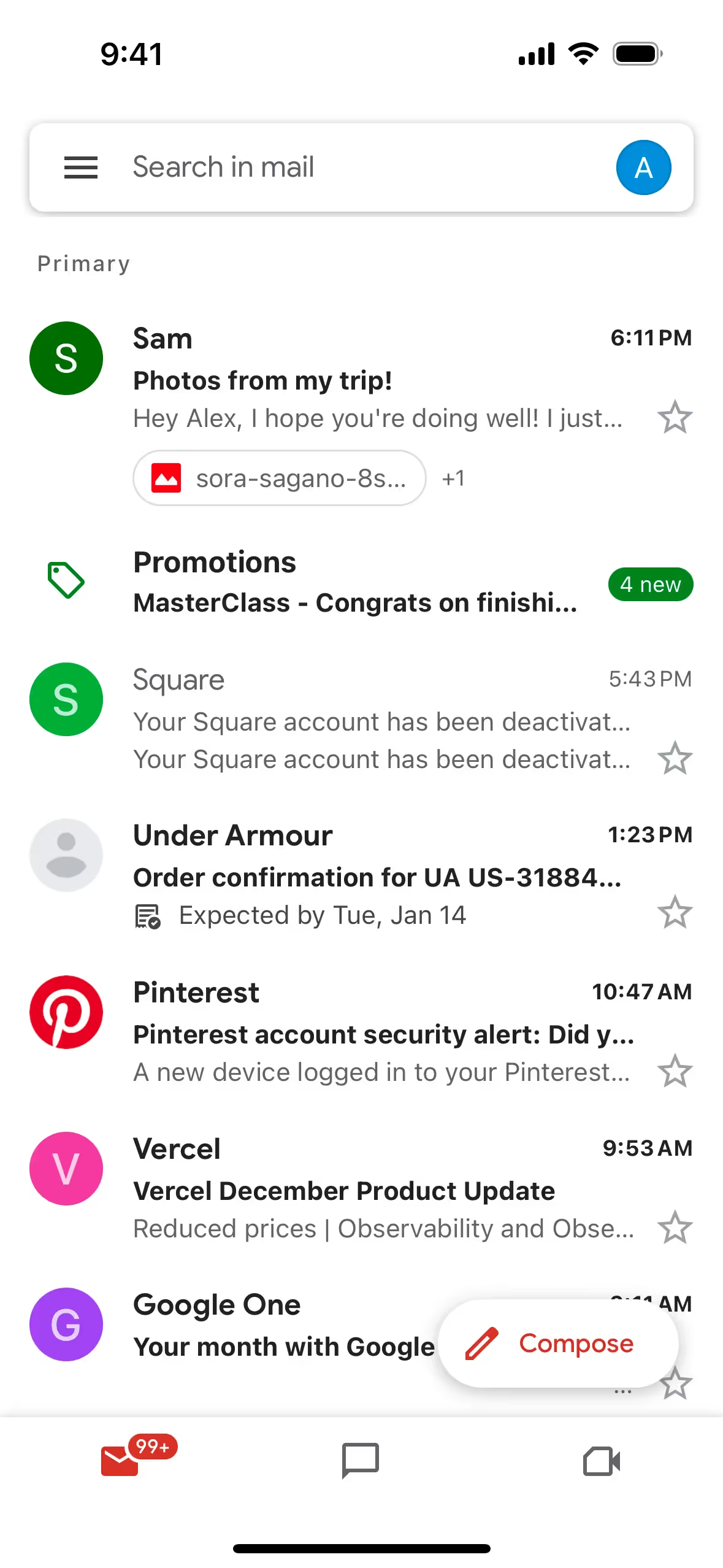
A similar high-energy red appears in the branding of major tech companies like Opera, Gmail, and Vevo, often to signify action or draw the eye. Its use in Google Maps for pins and navigation cues is a prime example of its functional power in guiding user focus.
To see how Folly Red works in action, use the tools below. You can explore curated palettes, test color contrast for accessibility, and preview the color in real UI components from leading apps.
Using Folly Red color codes
Working with Folly Red begins with its hex code, #FF1B2D. This is the most direct way to reference the color in digital design and development, ensuring you get the exact shade you want across different software and screens.
Depending on your project, you may need to convert that hex code into other color models. For instance, RGB (Red, Green, Blue) values are essential for any screen-based work, as they define color through light. If your design is headed for print, you’ll need the CMYK (Cyan, Magenta, Yellow, Key/Black) values, which correspond to ink mixtures.
To simplify your workflow, we’ve converted #FF1B2D to a range of popular formats below. Find the code you need and copy it for your project.
Analogous
Analogous colors are neighbors on the color wheel. For Folly Red, this creates a harmonious and cohesive palette, often perceived as calm.
Complementary
Complementary colors sit opposite each other on the color wheel. When paired with Folly Red, its complement creates a visually striking and vibrant combination.
Split Complementary
A split complementary scheme pairs Folly Red with the two colors bordering its direct complement, creating a balanced yet high-contrast palette.
Triadic
Triadic color schemes use three hues equally spaced on the color wheel. With Folly Red as a base, this combination creates a vibrant, high-contrast palette.
Tetradic
A tetradic scheme for Folly Red uses two pairs of complementary colors, forming a rectangle on the color wheel for a vibrant, balanced palette.
Square
A square color scheme uses four colors evenly spaced on the color wheel. With Folly Red, this creates a vibrant, high-contrast palette.
Text Color
Background Color
Your Catchy Large Text Goes Here
Shades
Adding black to Folly Red creates its shades, giving the color a sense of depth and weight.
Tints
Tints of Folly Red are created by mixing in white for a lighter, softer appearance.
Tones
Tones of Folly Red are created by adding gray, resulting in softer, desaturated versions.
Hues
Hues are variations of Folly Red, differing in intensity or temperature to create distinct moods.




Never run out of inspiration again.
Use Mobbin for free as long as you like or get full access with any of our paid plans.



















