
Blue
Meet Blue (#0000FF), a primary color in its purest digital form. Its uncompromising saturation and foundational role in the RGB model make it a powerful and assertive choice for any design palette, demanding attention with its sheer intensity.
What color is Blue?
Blue is a primary color on the visible light spectrum, situated between violet and green. It is fundamentally a cool color, with variations ranging from the deep saturation of #0000FF to lighter, airy hues.
Its specific character is defined by its undertones, which can lean towards green or purple, altering its perceived temperature and relationship with other colors in a composition.
What is the meaning of the color Blue in design?
The color Blue often communicates a sense of trust, stability, and calm, making it a staple for corporate identities seeking to project reliability and authority.
Historically associated with divinity and royalty, Blue carries a weight of importance, though it can also suggest feelings of melancholy or distance.
How should I use Blue in my UI design?
When working with Blue, its pure saturation makes it a powerful choice for primary buttons, active states, and key interactive elements. The hex code #0000FF commands attention. To balance its intensity, pair it with a monochromatic scheme of whites, grays, and blacks for a sharp, professional feel. For a more dynamic composition, consider a split-complementary palette with yellow-orange and red-orange to create visual excitement without being overwhelming.
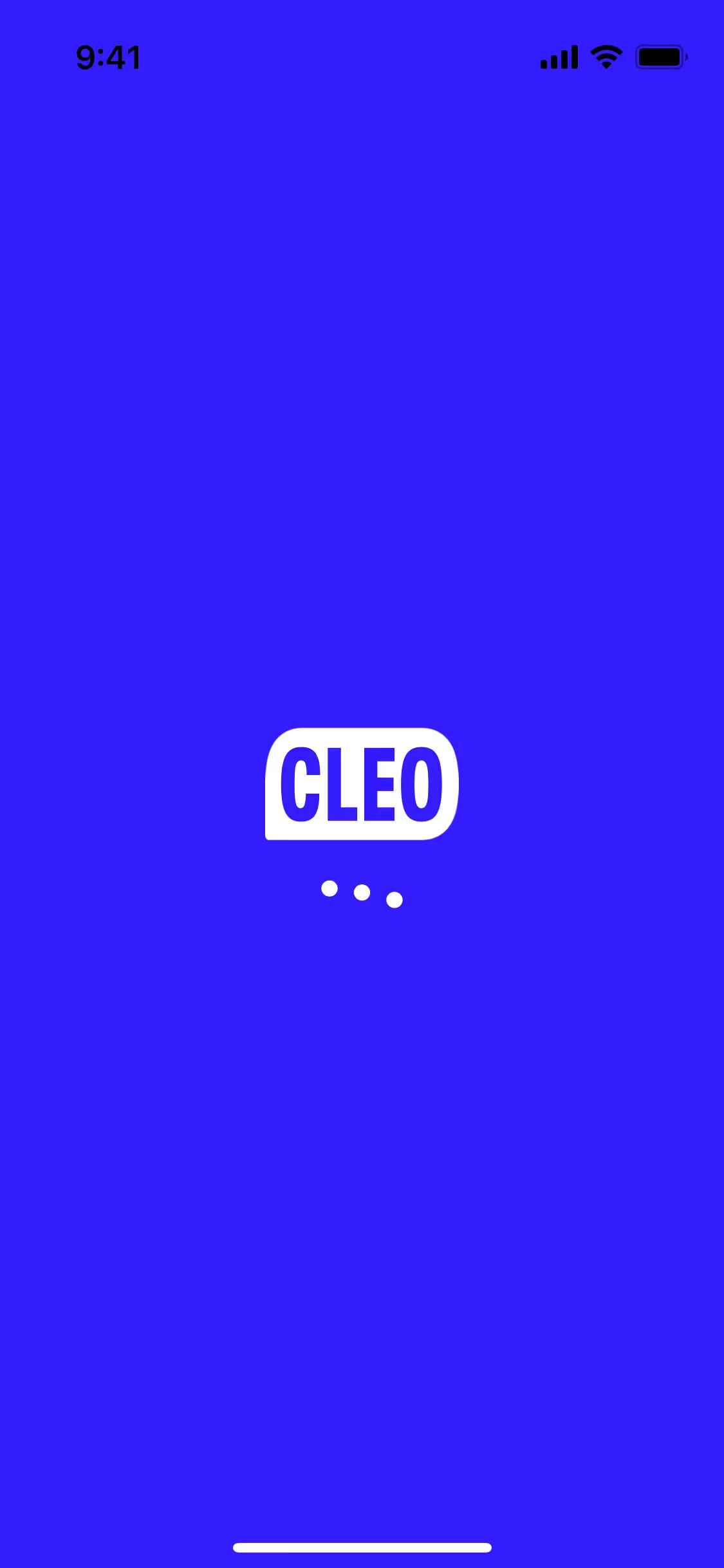
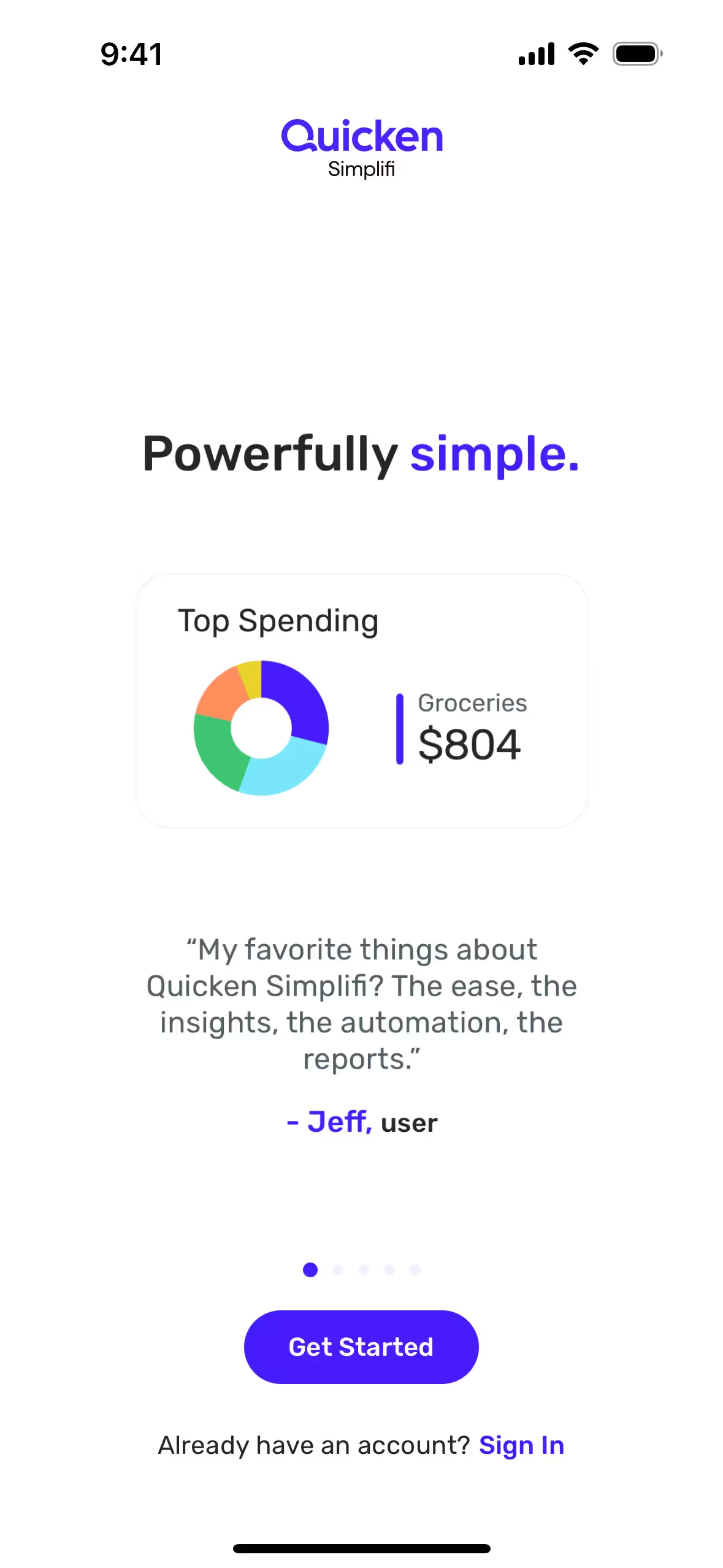
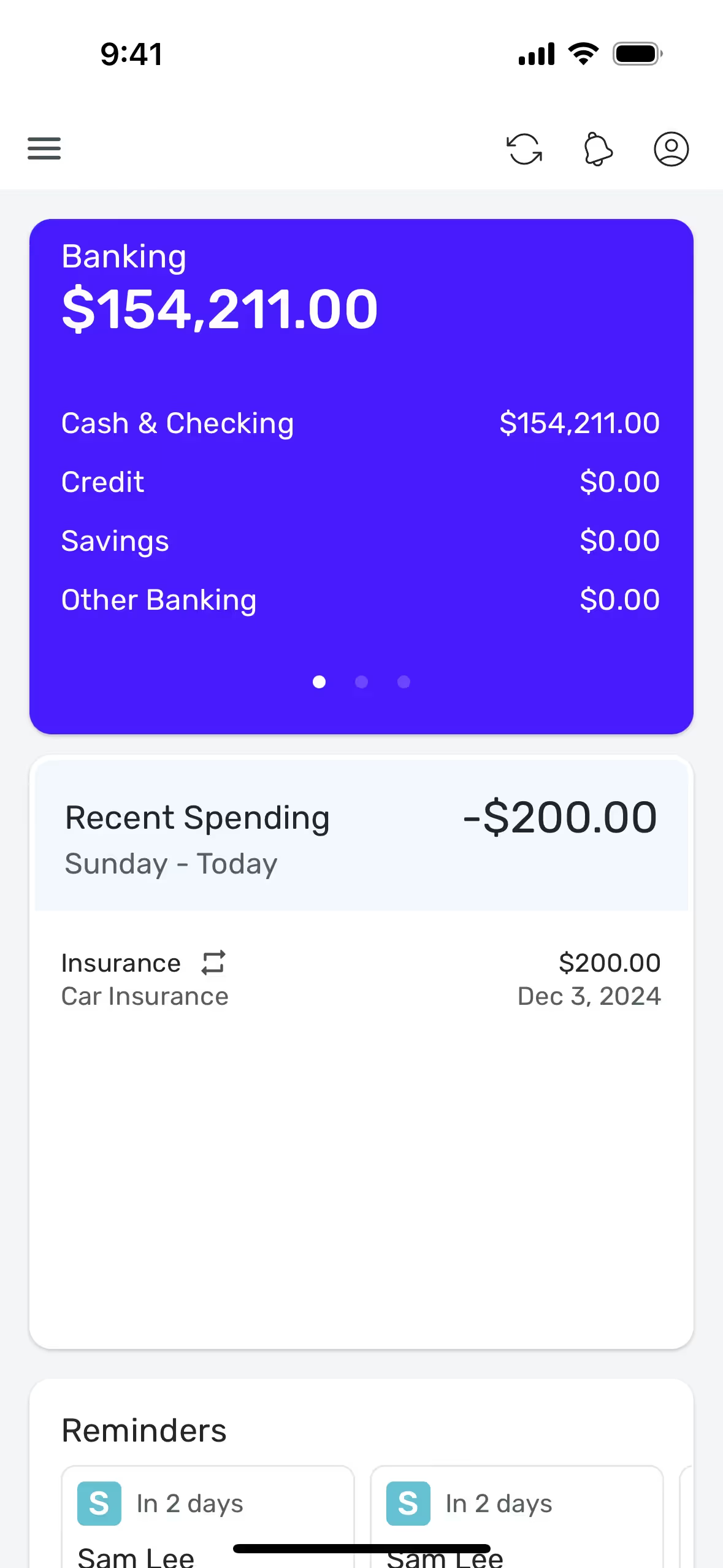
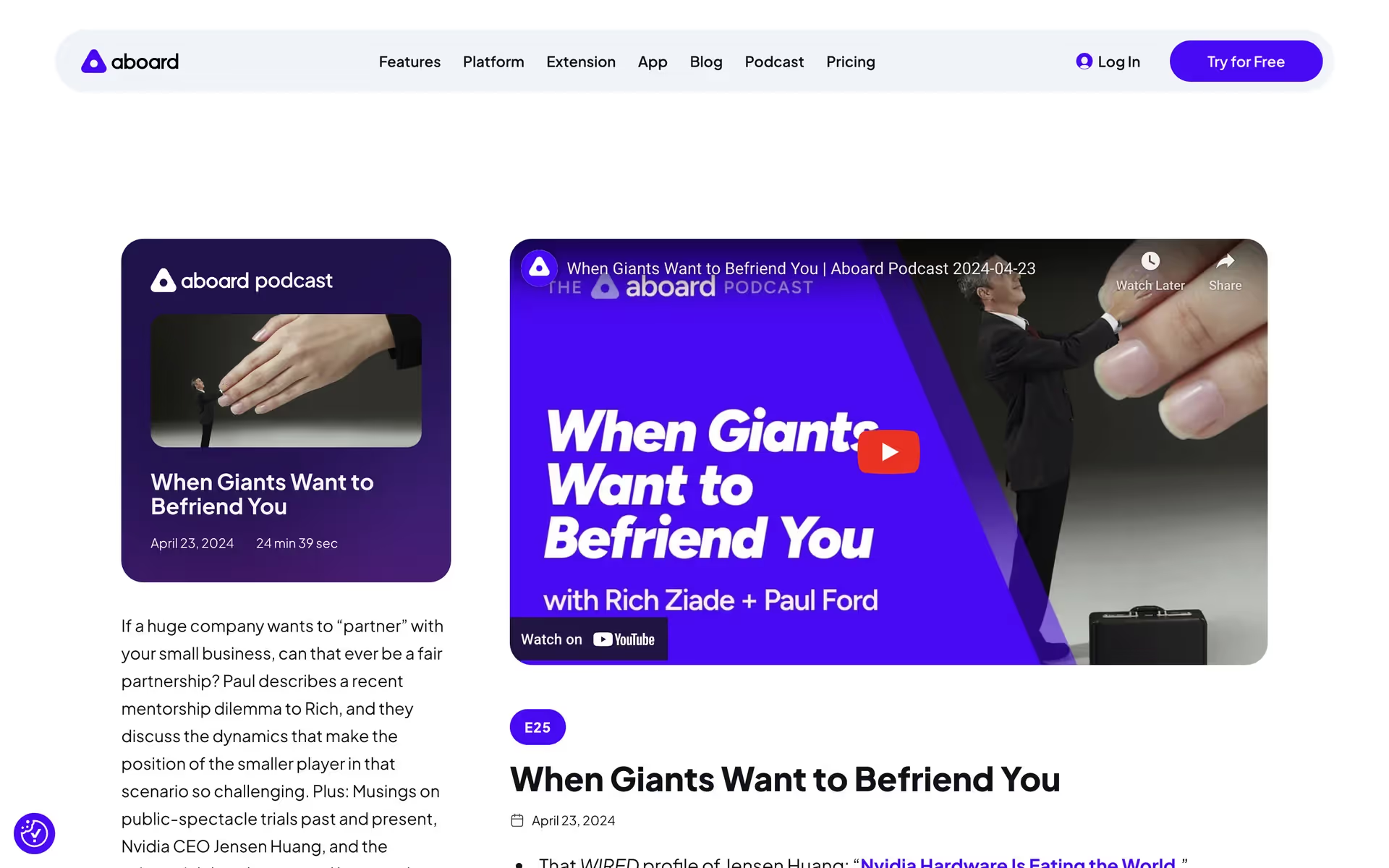
A number of tech and creative companies, including Cleo, Clearbit, SuperHi, Aboard, Quicken, and Picsart, incorporate shades of Blue into their branding. They often use it to communicate trust, intelligence, and innovation, making it a popular choice for fintech and software-as-a-service products.
To see how Blue performs in practice, use the tools below. You can explore curated palettes, test color contrast for accessibility, and preview how #0000FF looks within the UI components of leading applications.
Using Blue color codes
The most common digital representation for pure Blue is its hex code, #0000FF. As a primary color in the additive model, it’s one of the most intense and pure hues available on screen.
While hex is standard for the web, you'll need to convert #0000FF for other applications. RGB is foundational for digital displays, defining colors by mixing red, green, and blue light, while CMYK is essential for print work. Other systems like HSL, LAB, LCH, and XYZ offer different ways to specify color for various technical and creative needs.
To make your workflow easier, we’ve converted Blue (#0000FF) into a variety of popular color code formats for you to copy and paste below.
Analogous
Analogous colors are Blue's neighbors on the color wheel. Together, they form a cohesive and serene palette, ideal for calm interfaces.
Complementary
Complementary colors are direct opposites on the color wheel. Paired with Blue, its complement produces a striking visual effect with maximum contrast.
Split Complementary
A split complementary scheme for Blue uses the two colors adjacent to its direct complement, offering a vibrant yet balanced and harmonious palette.
Triadic
Triadic schemes pair Blue with two colors from equidistant points on the color wheel, creating a vibrant palette with strong, balanced contrast.
Tetradic
A tetradic palette pairs Blue with its complement, plus another complementary duo, creating a rich combination of four colors in a rectangle.
Square
A square scheme pairs Blue with three other equidistant colors on the wheel. This combination offers a rich, balanced palette with very strong contrast.
Text Color
Background Color
Your Catchy Large Text Goes Here
Shades
Shades of Blue are created by adding black, giving the color more depth and gravity.
Tints
Tints are created by adding white to Blue, resulting in lighter, softer variations.
Tones
Tones of Blue are created by adding gray, resulting in softer, more subdued hues.
Hues
Hues are variations of Blue, differing in temperature or intensity to create distinct moods.




Never run out of inspiration again.
Use Mobbin for free as long as you like or get full access with any of our paid plans.



















