Skeleton UI

What is a skeleton screen?
Skeleton screen displays a placeholder preview of your content while the actual content is being loaded. It helps improve the user experience by preventing blank screens or empty spaces during the loading process.
It usually comes in the form of light grey boxes that mimic the actual page layout.
It has been known to increase users' perceived performance when compared against a blank screen or a loading indicator.
It is commonly used by image-heavy web pages that have longer load times.
An animated skeleton screen usually comes with a shimmering or wave animation.
It is commonly found in the following design patterns: Image galleries, and Profile screens.
The skeleton design pattern was popularized by Twitter in 2012, introduced as a technique to enhance user experience during loading times by displaying a lightweight placeholder interface.
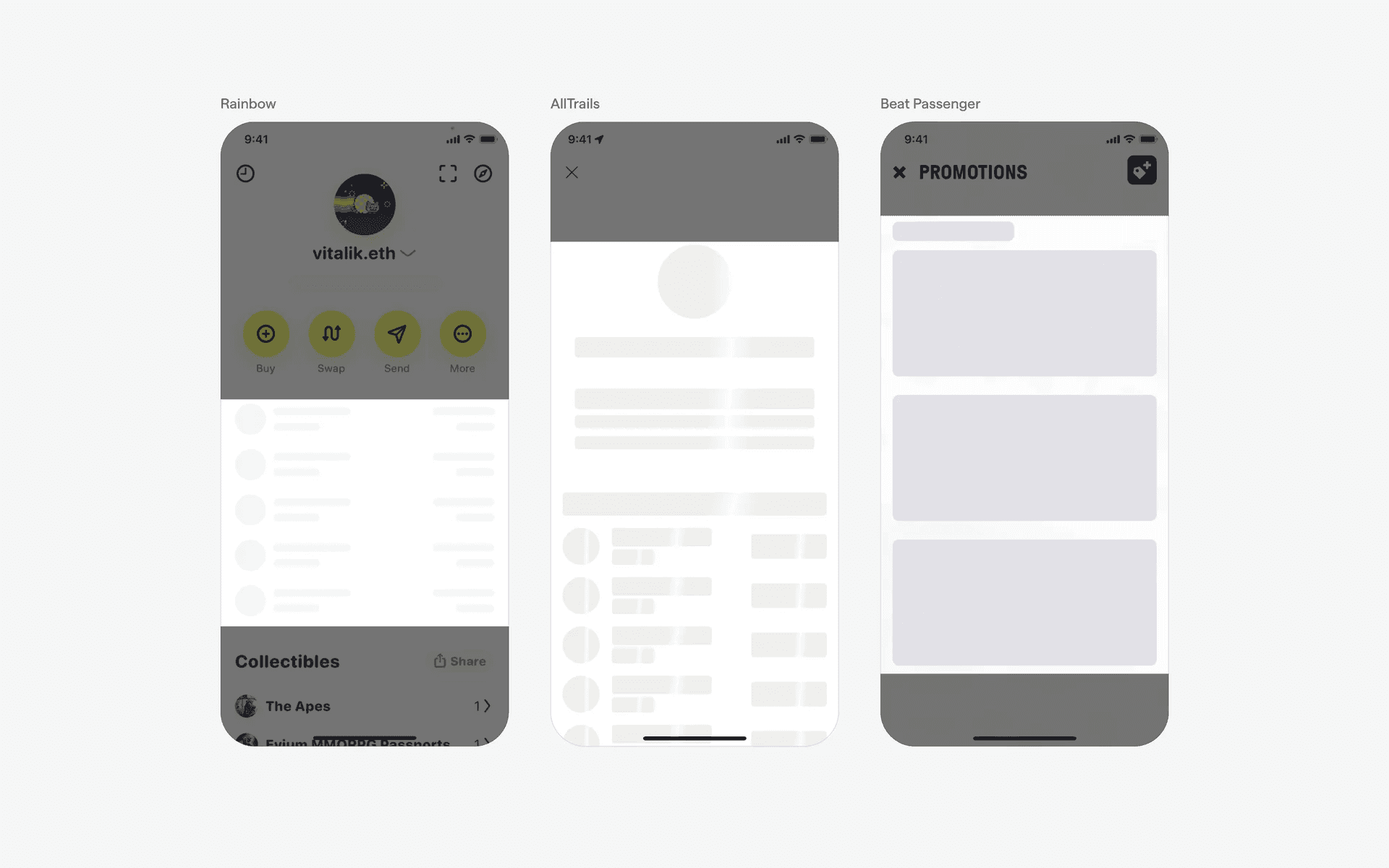
Examples of what skeleton screens look like in mobile apps.
What is the anatomy of a skeleton screen?
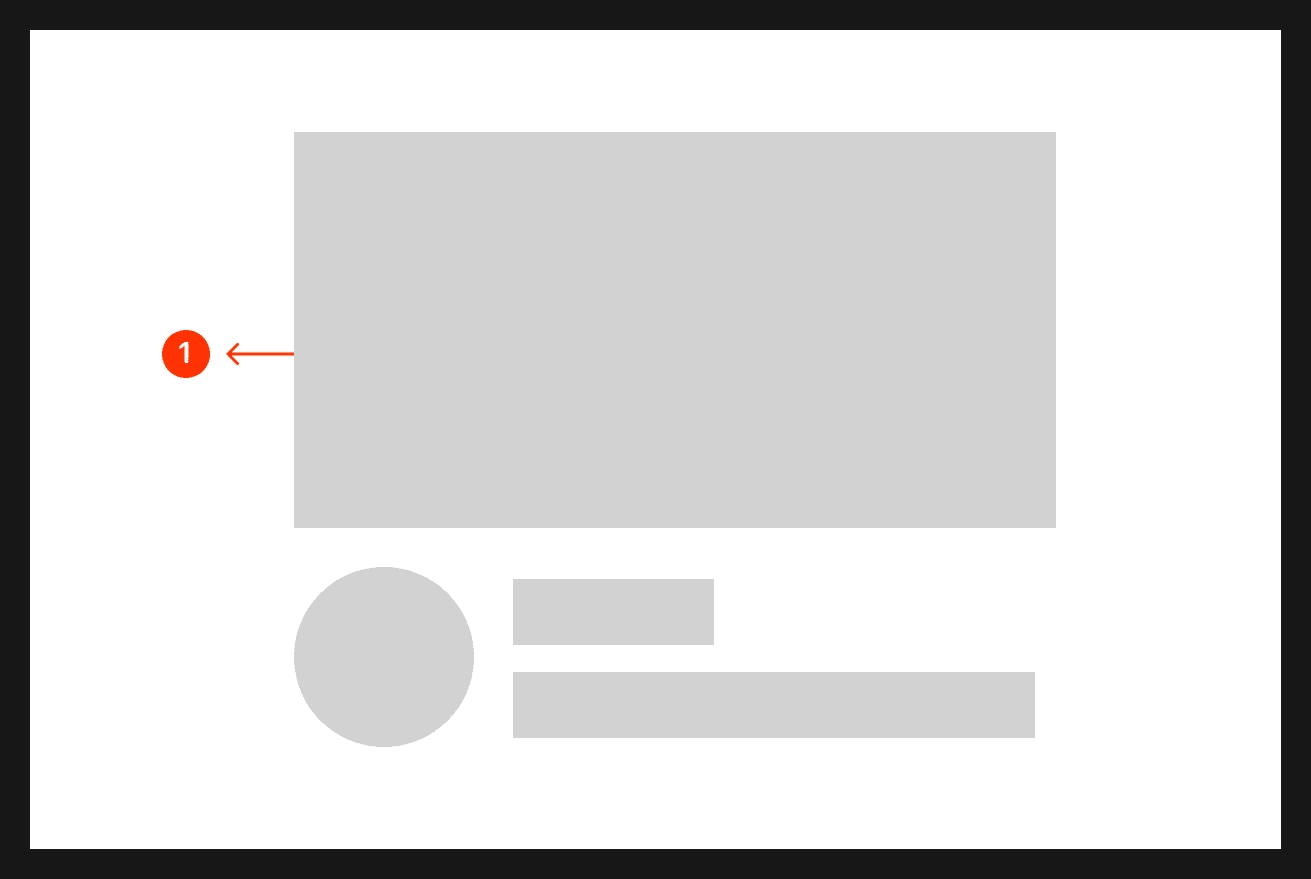
Skeleton loading state
What are the design variants of a skeleton screen?
We studied over 600+ skeleton UI screens on Mobbin, from real-world examples and found the following variants.
1. Profile image & label
Skeleton screens are commonly used in content rich formats like profile pages, where it takes time to load multiple images like user avatars, descriptions, and profile details.
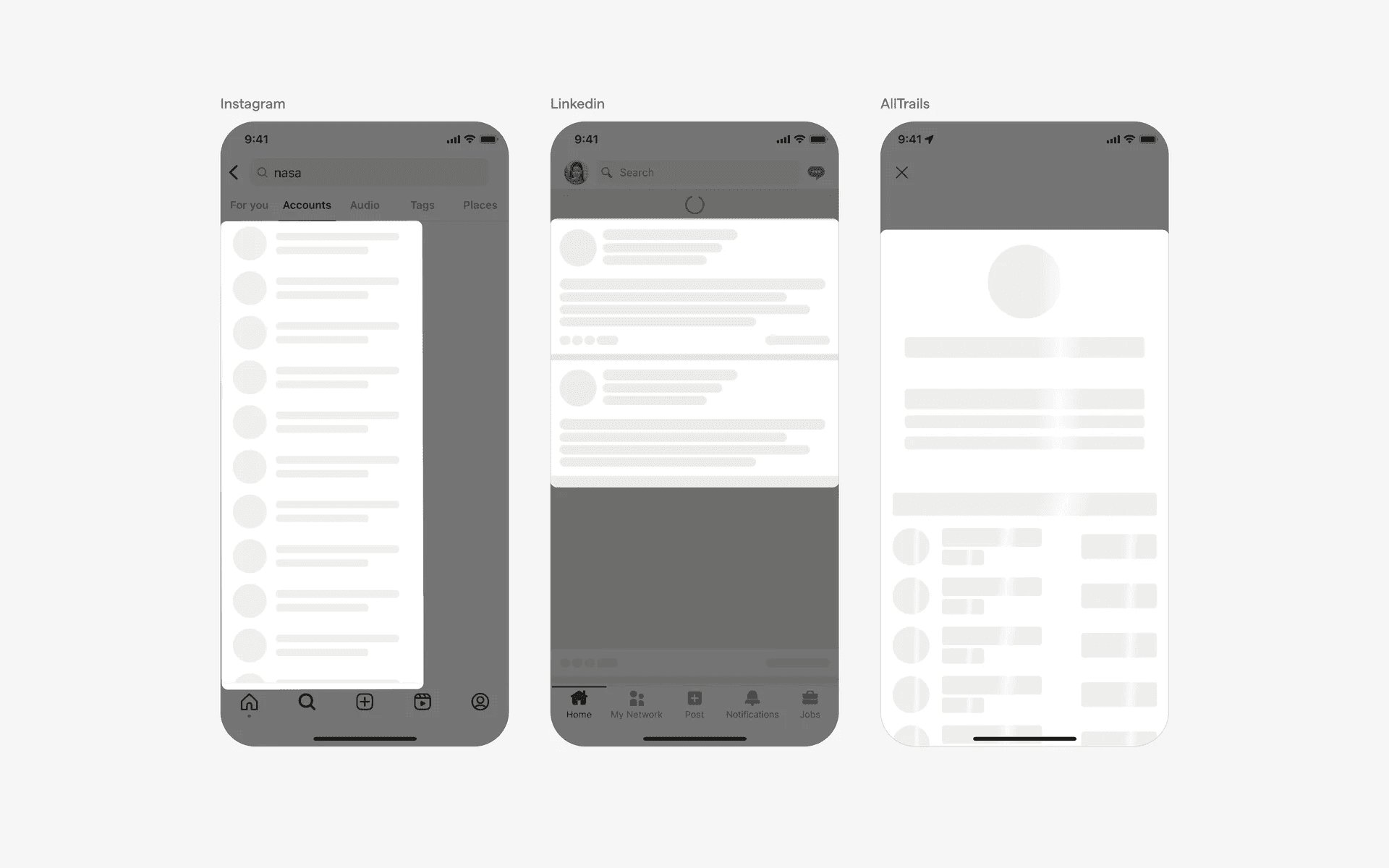
Examples of skeleton screens in profile image & label
2. Thumbnail size
Skeleton screen with medium-sized thumbnails.
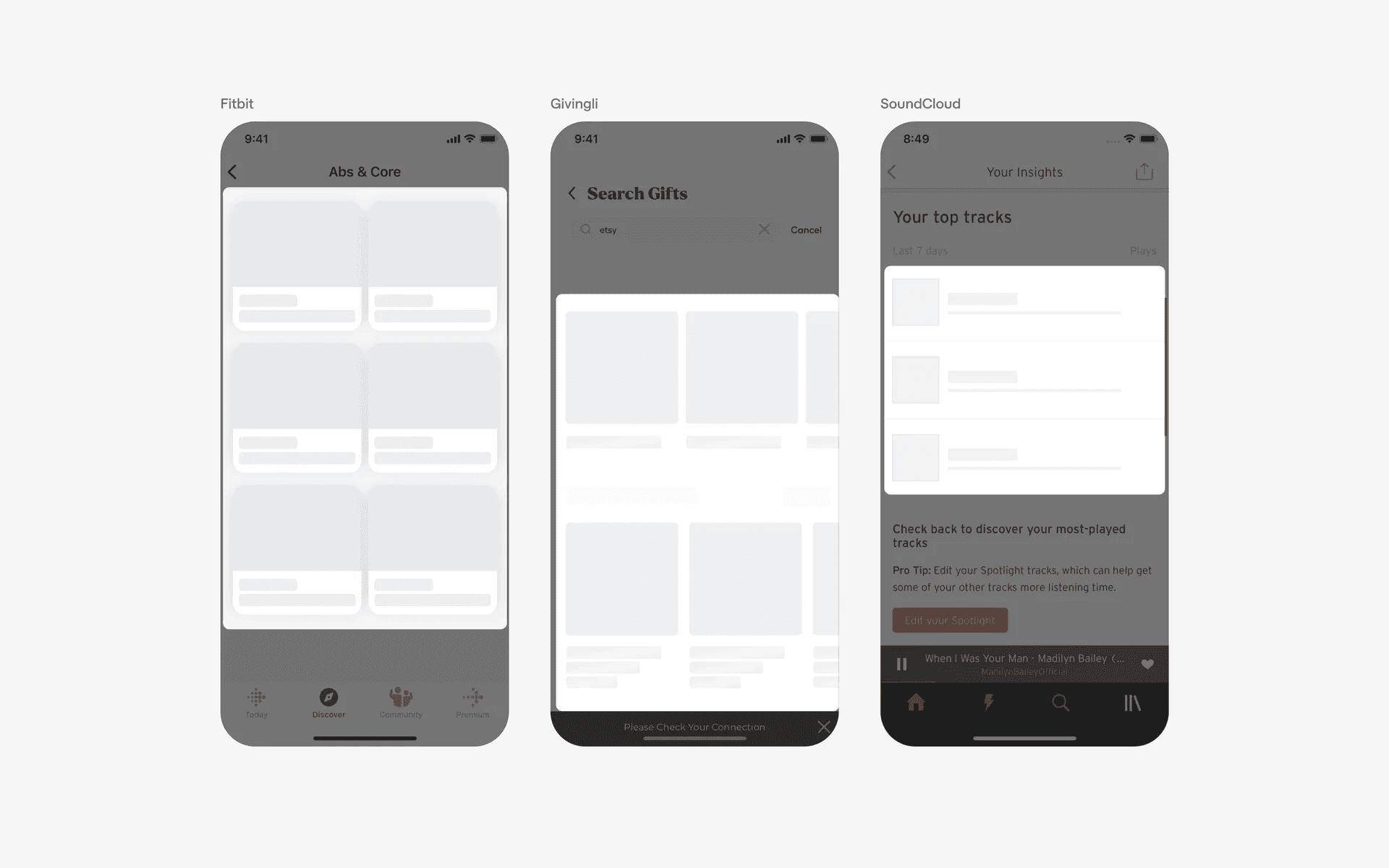
Skeleton screen with large-sized thumbnails
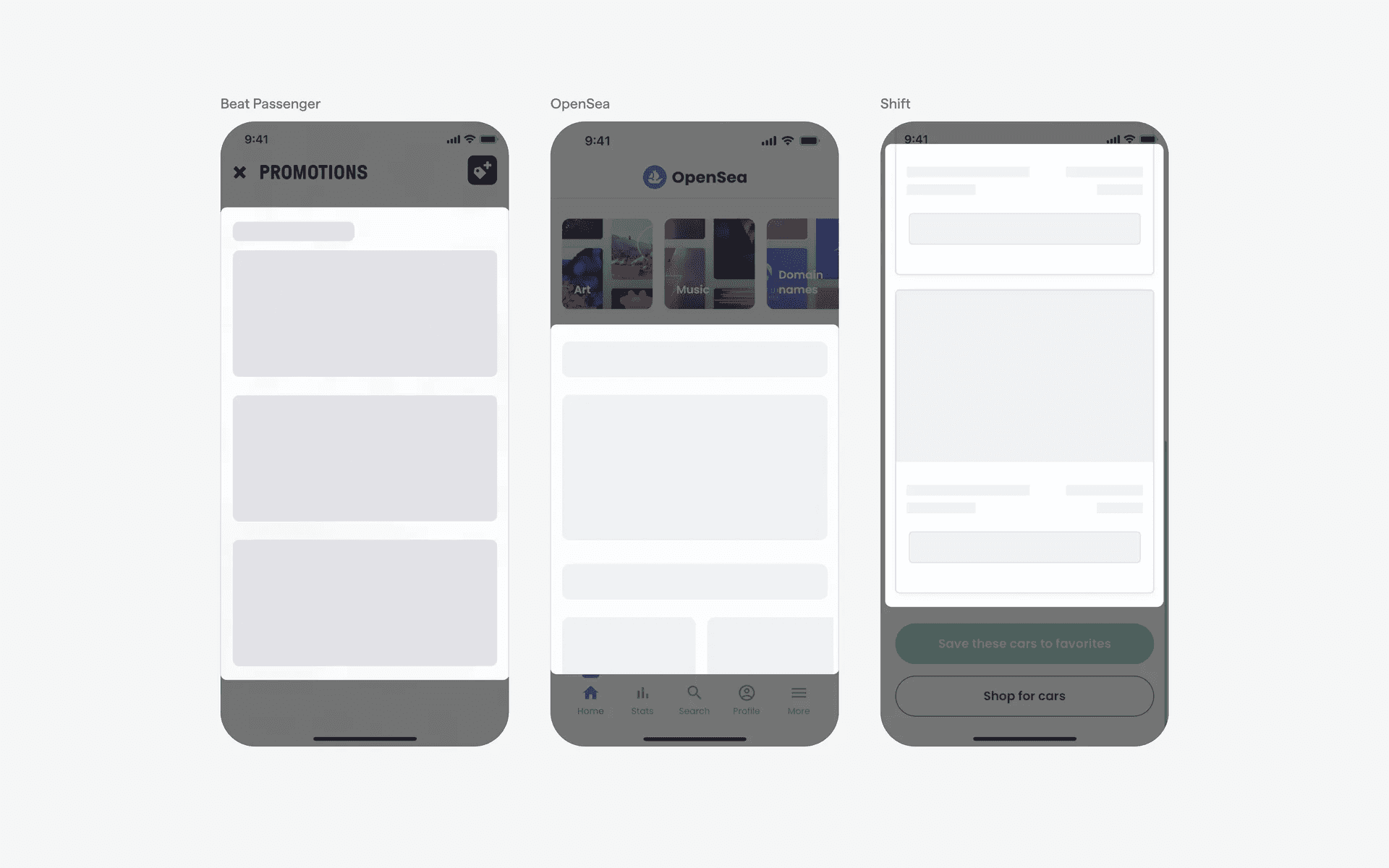
Examples of skeleton screens with large thumbnails
When to use skeleton screens?
1. Image galleries
When loading a gallery of images, animated skeleton screens can be used to show empty image containers or simple shapes representing the dimensions of the images until the images are fetched and displayed.
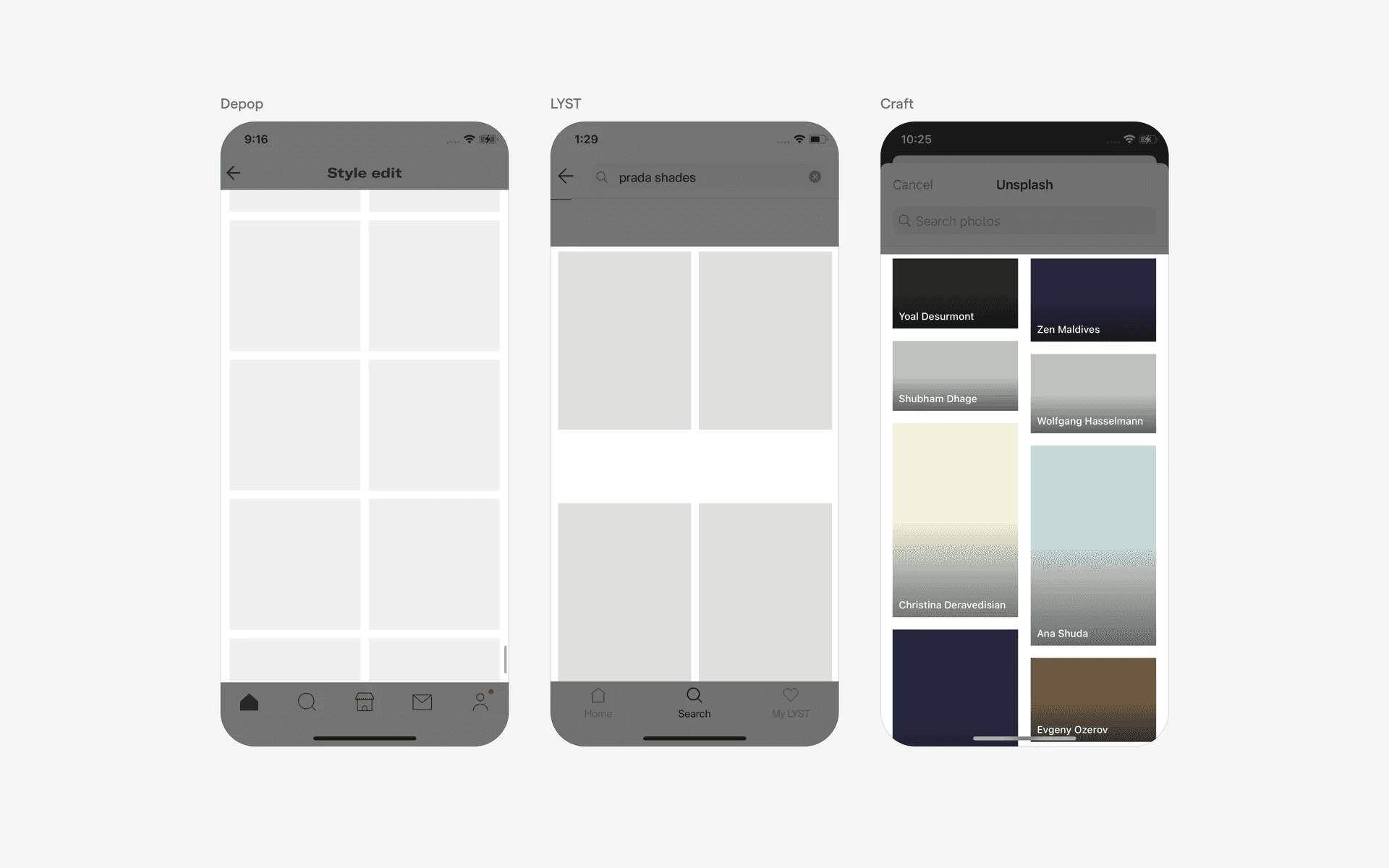
Examples of skeleton screens in image galleries
2. Content feed & search results
When loading a feed or search results, skeleton screens can be employed to present temporary placeholders as the data or content is being fetched from the backend.
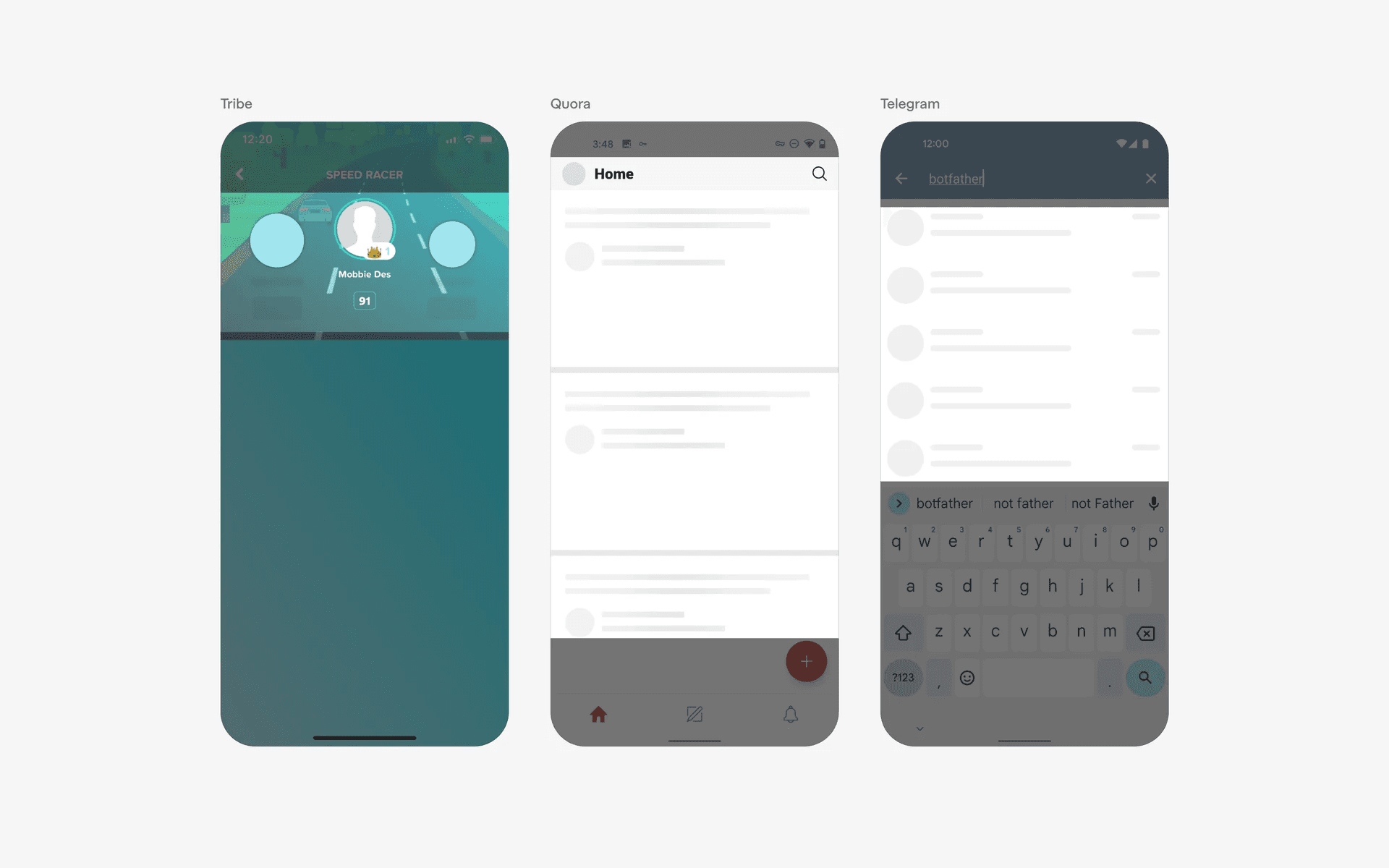
Examples of skeleton screens in profile screens
Conflicting UI elements: Avatar placeholder, Loading Indicator
Skeleton screen v.s. Avatar placeholder
An icon or initial based avatar placeholder is commonly used when the user has yet to upload any profile photo. This looks similar to a skeleton type placeholder, except that these avatars are actual placeholders and not temporary loading placeholders.
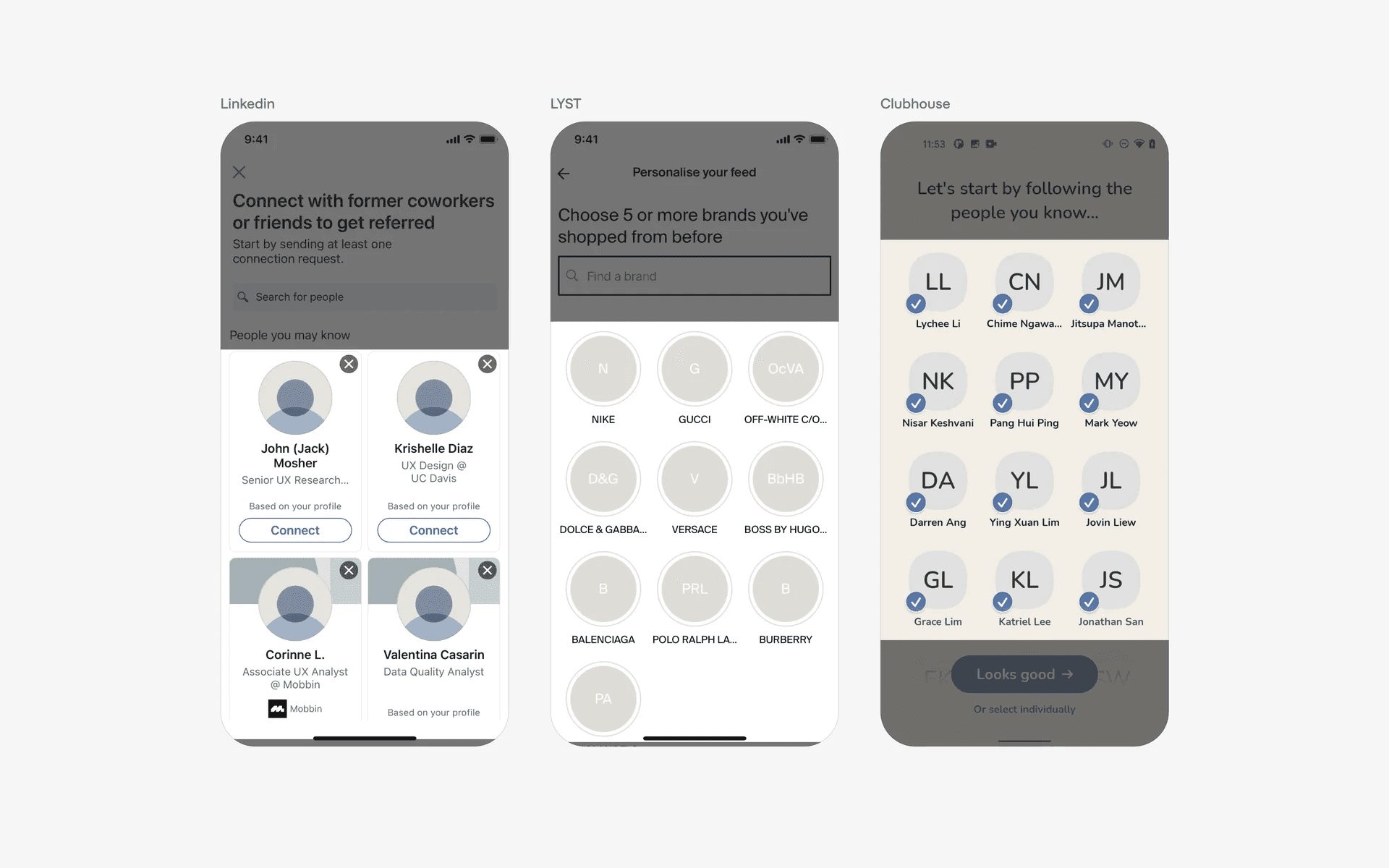
Avatar placeholder examples
Skeleton screen v.s. Loading indicator
A loading indicator is an animated spinning or dot icon that lets users know content is being loaded. This helps to reduce user anxiety and reassures the user that the screen is executing a loading process and is not frozen.
The skeleton screen is a placeholder content type that helps users understand what to expect once the content is fully loaded.