Navigation Menu UI

What is a navigation menu component?
Navigation Menu displays the primary navigation links in a drawer-styled overlay. It is a fly-out multi-column menu from the top navigation bar.
For more complicated websites with expansive layouts and subcategories, a navigation menu may sometimes be known as a mega menu - you can think of mega menus as a upsized version of navigation menus.
A vertical sidebar navigation menu offers a more space efficient approach to showing navigation links. It is often used in mobile interfaces.
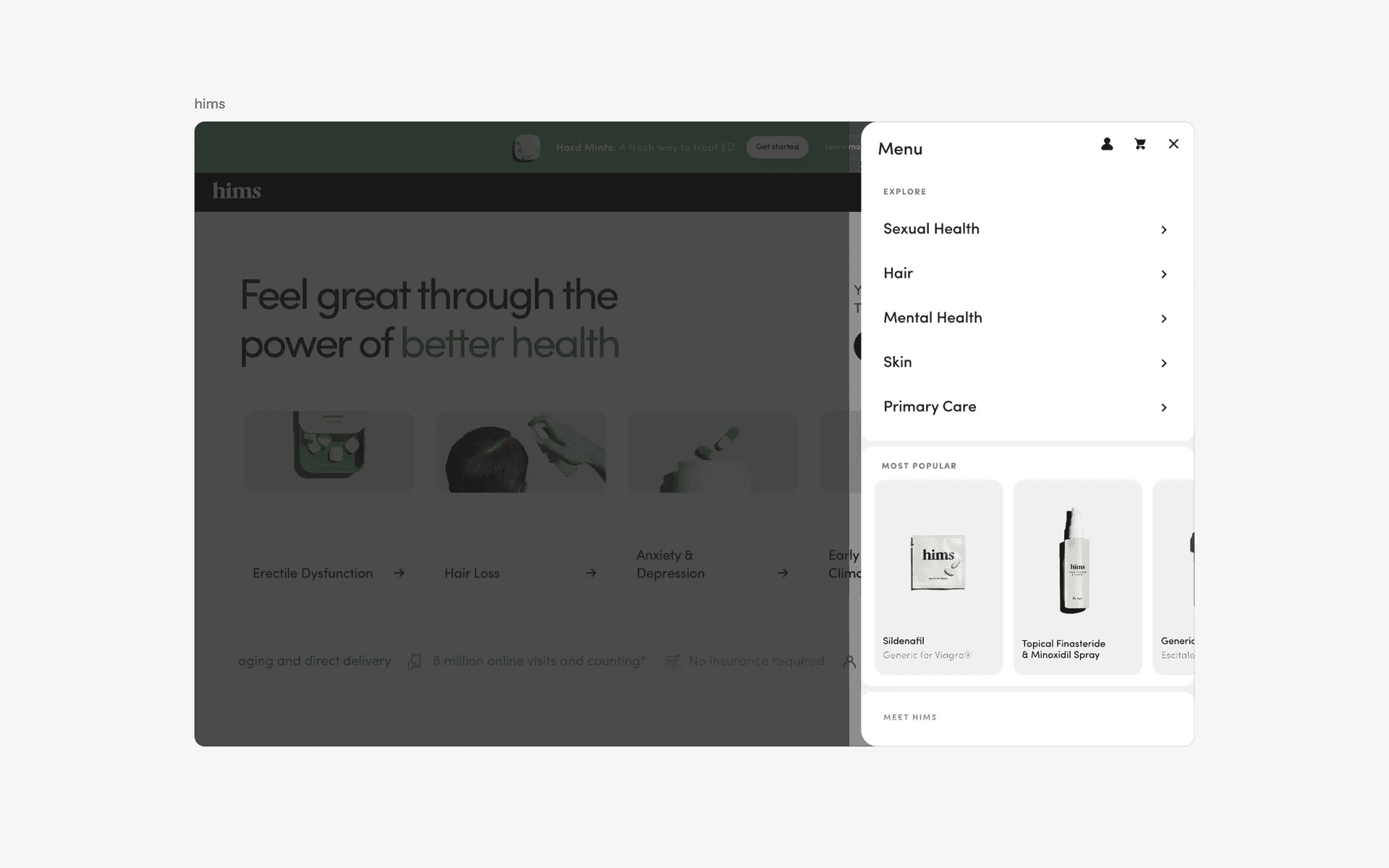
Examples of navigation menu, or, mega menu
The table below shows a comparison between the three key design variants of a navigation menu.
Navigation menu: Best for simple, top-level navigation.
Mega menu: Best for complex and content rich websites with an extensive hierarchical structure.
Vertical sidebar menu: Best for small screens. This is commonly seen on websites in mobile devices.
What is the anatomy of a navigation menu?
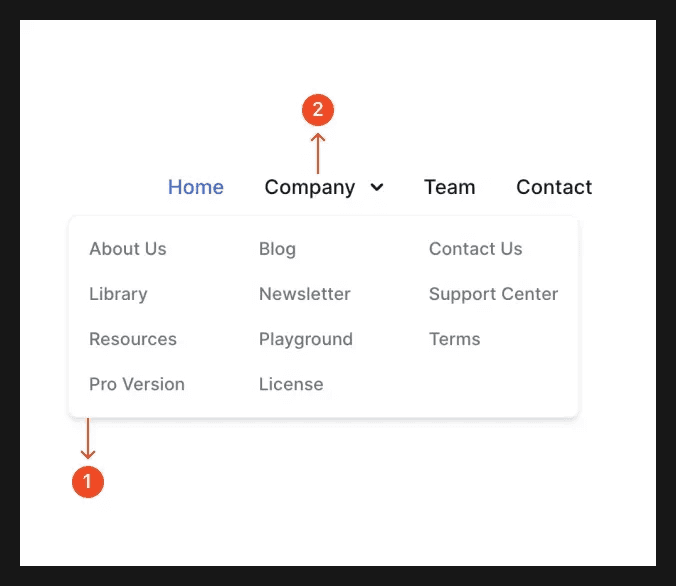
Anatomy of a navigation menu
What are the design variants of a navigation menu?
We studied over 30+ navigation menu UI components on Mobbin, from real-world examples and found the following variants.
1. Standard link based navigation menu
The most common type of navigation menus are dropdown menus from the marketing website's top Navigation Bar. They are triggered when the user hovers over a text link in the navigation bar.
Within the menu, it includes links to the website's key pages. Usually, the links are arranged in a vertical, multi-column layout approach. This approach helps to enable users to easily scan through menu items and access important pages quickly.
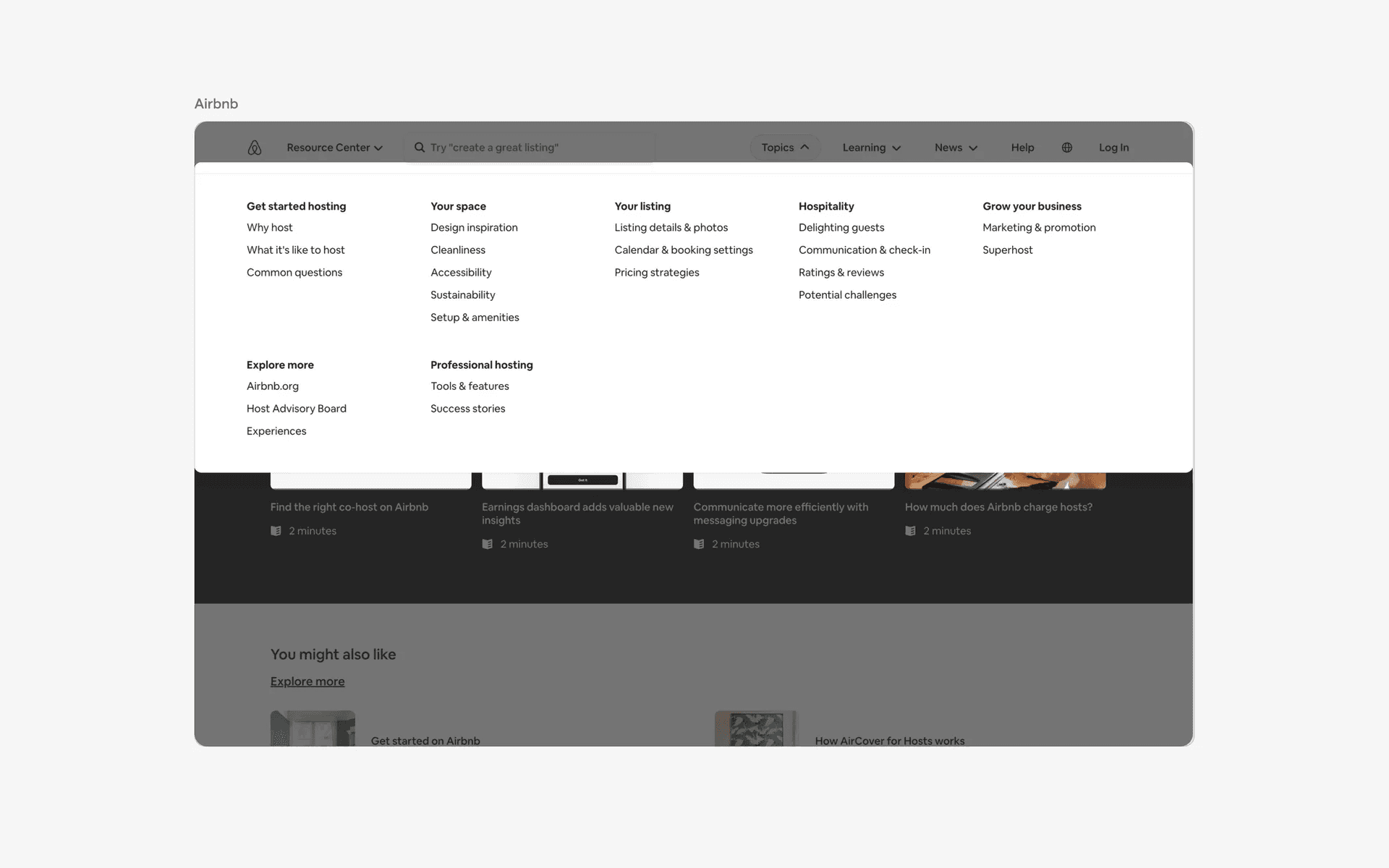
Examples of standard link based navigation menus
2. Navigation menus with icons
In order to better differentiate between different Hyperlinks and pages, designers can opt to include unique icons to their text links. Here are some examples.
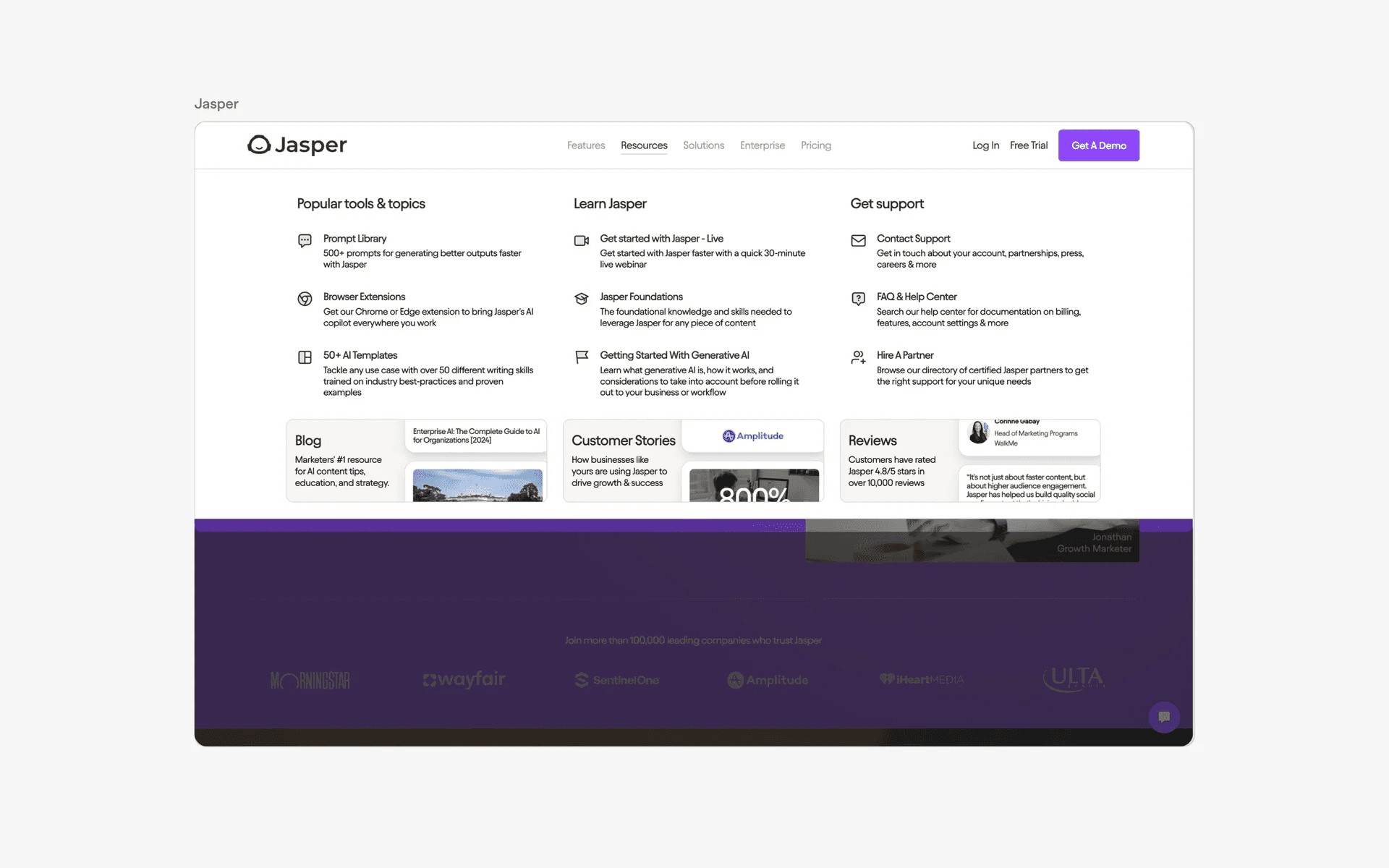
Examples of navigation menus with icons
3. Navigation menu with Call-To-Action
Mega menus or large navigation menus might lead to cognitive overload as users have too many options vying for their attention.
To cut through the noise and get users to engage with key features or outcomes, designers can place a CTA Button like 'Contact Sales' or 'Get the App' directly on the navigation menu.
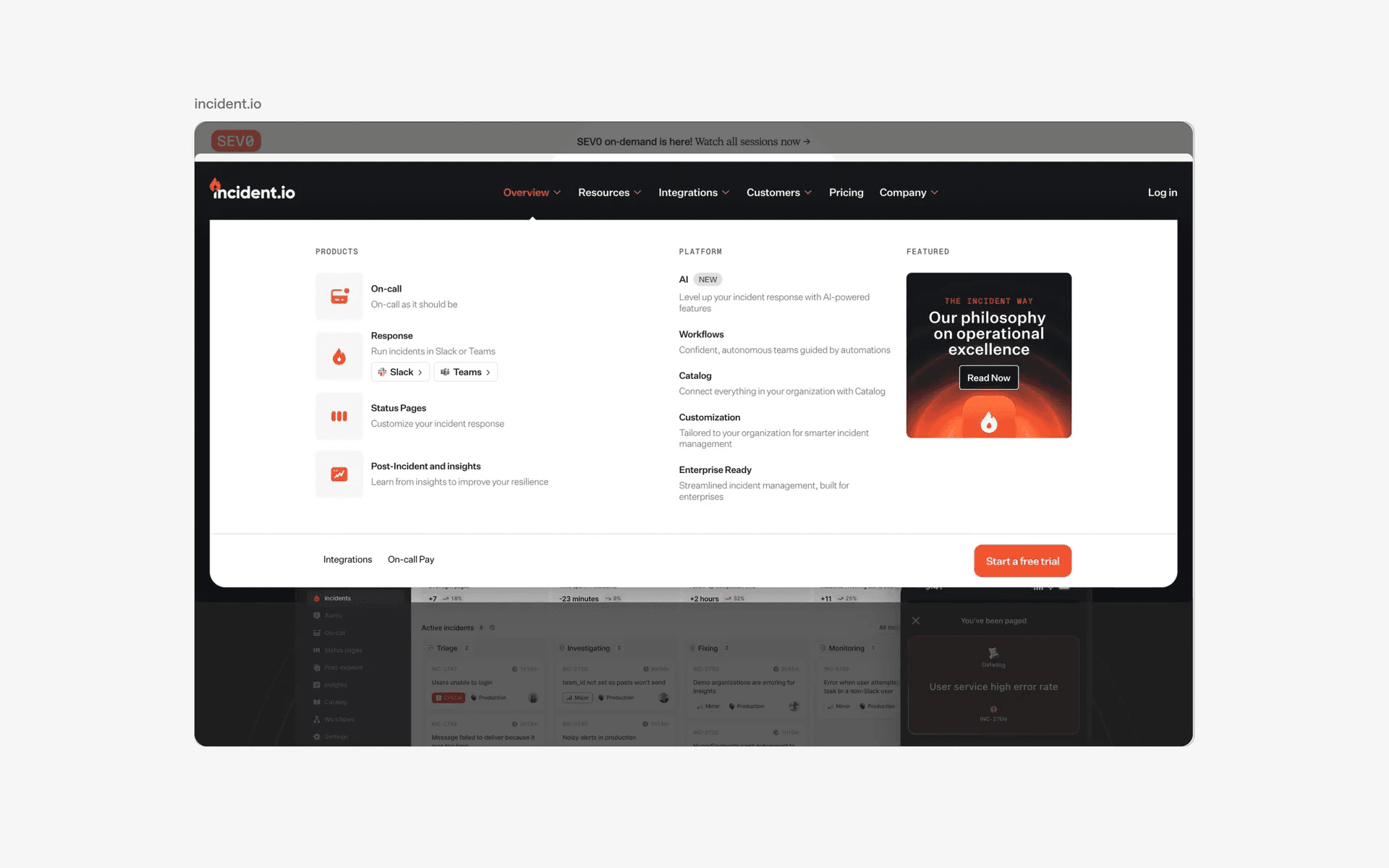
Examples of navigation menu with CTA buttons
4. Mega menu with images or illustrations
Web designers can include images or illustrations in navigation menus for branding purposes, or to grab more attention for specific features or products.
This design pattern is common in e-commerce sites or content rich sites.
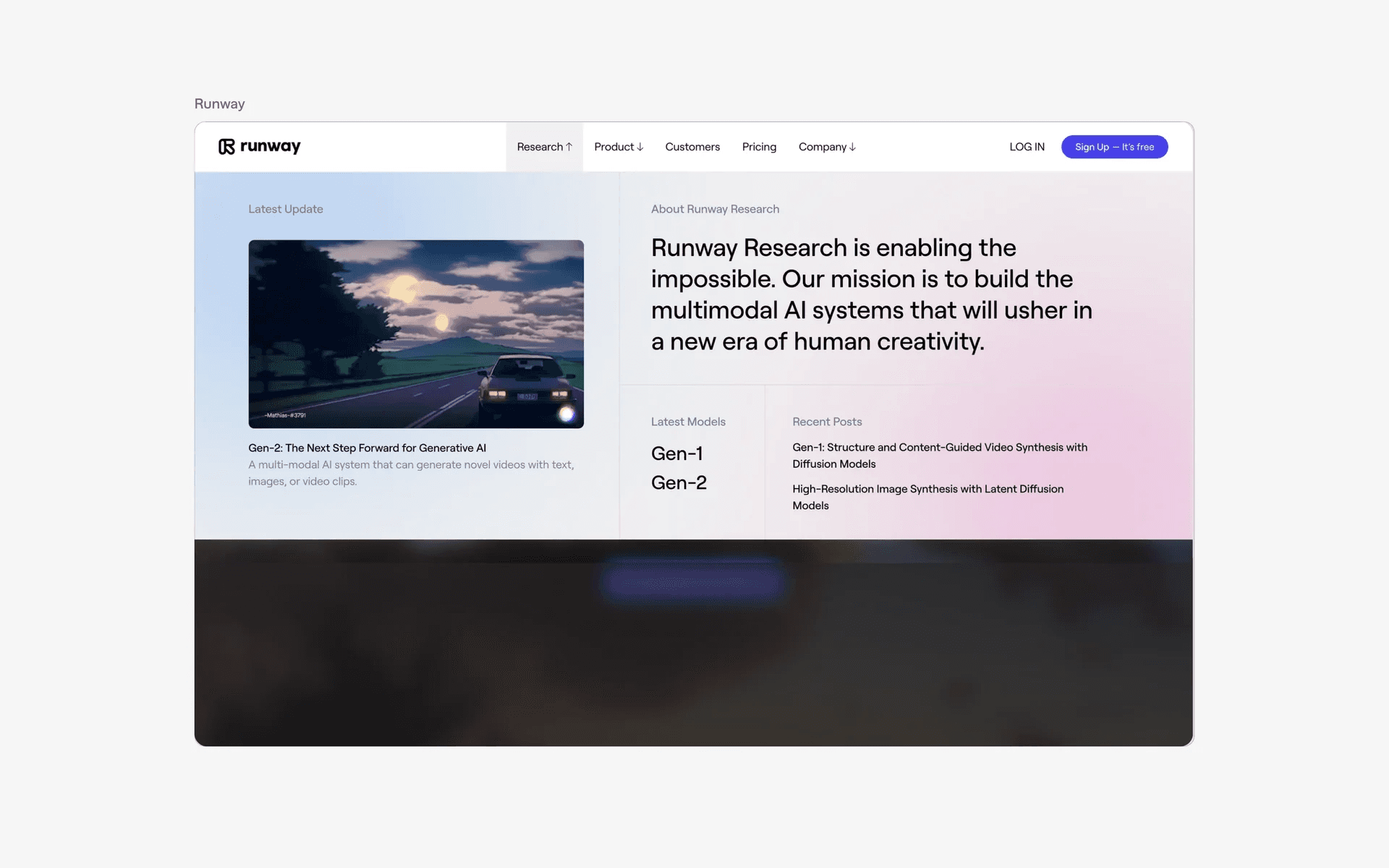
Examples of navigation menu with images or illustrations
5. Vertical sidebar menu design variant
This design variant is commonly triggered when a user clicks on the hamburger menu. This slides open the vertical sidebar menu drawer, which arranges menu items vertically.
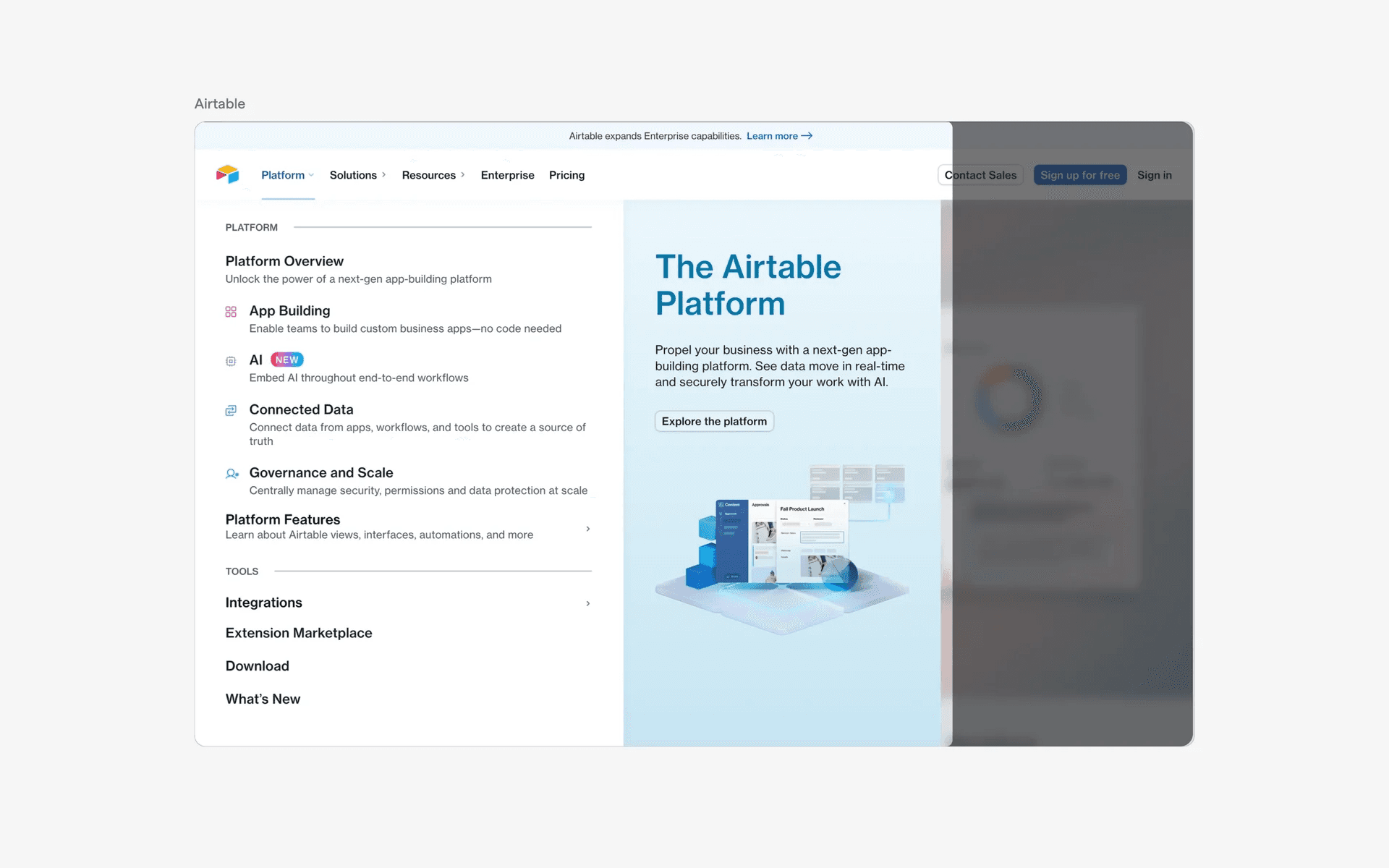
Examples of vertical sidebar menu variant
When to use a navigation menu component?
Navigation
The primary use case for a navigation menu is to provide a way for users to easily navigate through the different pages or sections of a website.
This helps improve the overall user experience and makes it easier for users to find the information they are looking for.
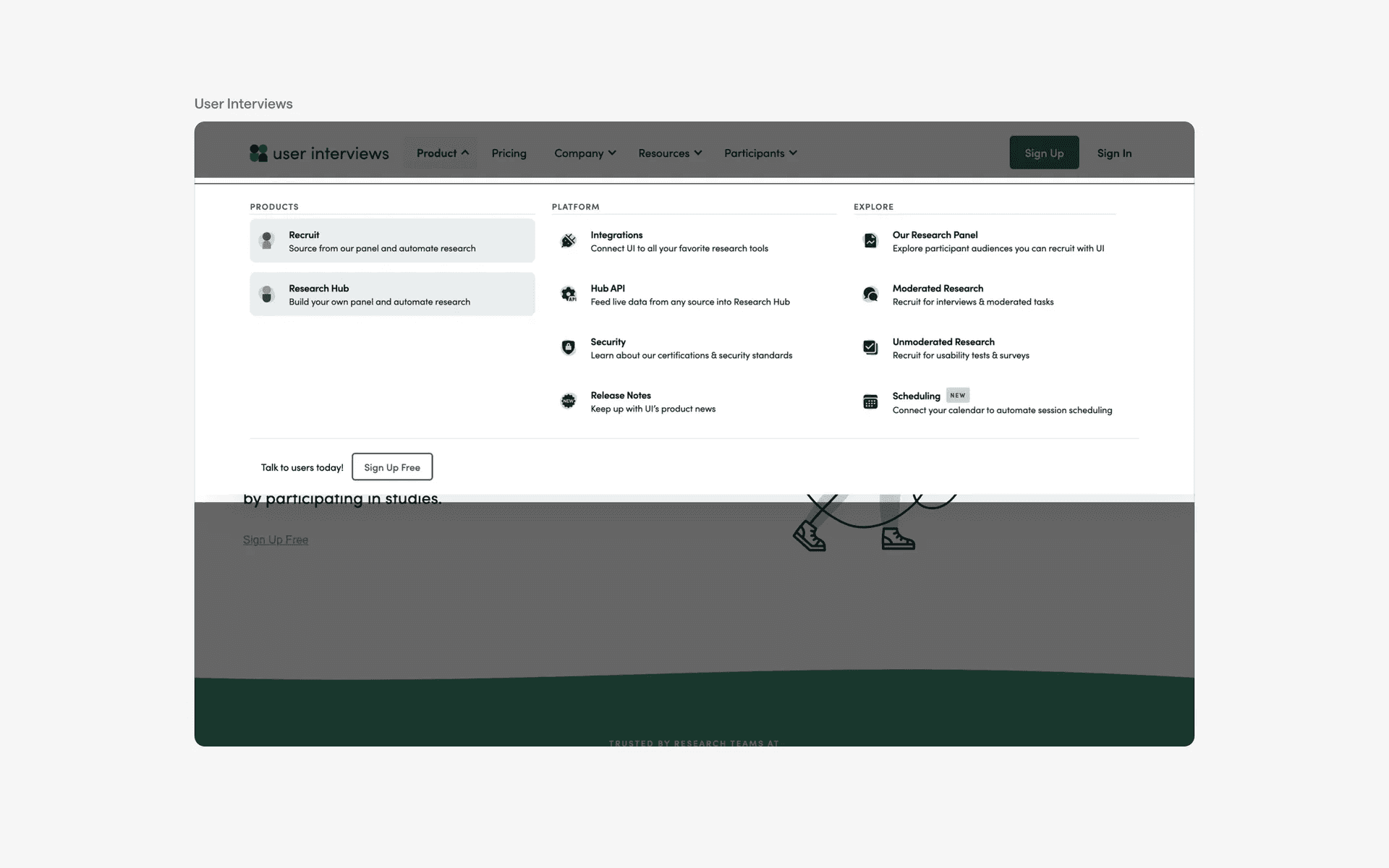
Examples of navigation menus with icons