Command Palette UI

What is a command palette component?
Command Palette provides quick access to many commands/functionalities within the app.
Users can use the command palette perform actions without having to navigate through menus, which helps speed up their workflows.
Users can also type and search for specific commands, settings, or functions with the app like "copy", "download", or "create".
In complex applications, it allows users to navigate to specific files, sections, or pages without having to manually look for them.
Most apps tie their command palettes to the keyboard shortcut (CMD + K or CMD + P). Users can access or hide it easily through the shortcut.
A command palette is commonly used in the following design patterns: Navigation and search, Shortcuts and quick actions.
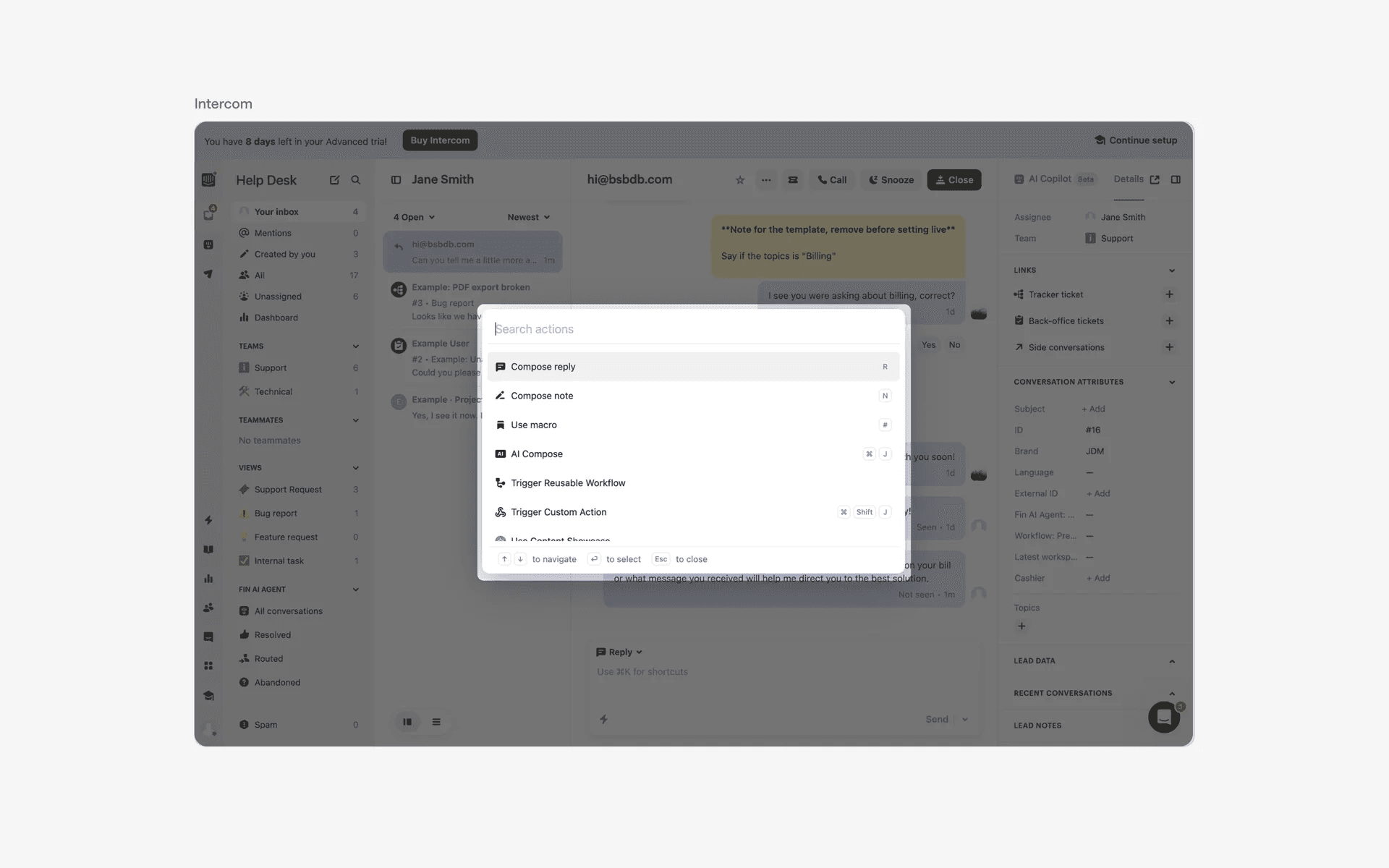
Examples of command palettes
Fun fact: The command palette originated from coding editor software like Visual studio code and Sublime text.
Developers wanted to perform tasks efficiently without having to switch to using their mouse.
Other software rapidly adopted this new design convention, and it is now widespread amongst modern tools like Figma, Notion, and even Spotlight on MacOS. Even Mobbin's search feature is inspired by command palettes.
What is the anatomy of a command palette?
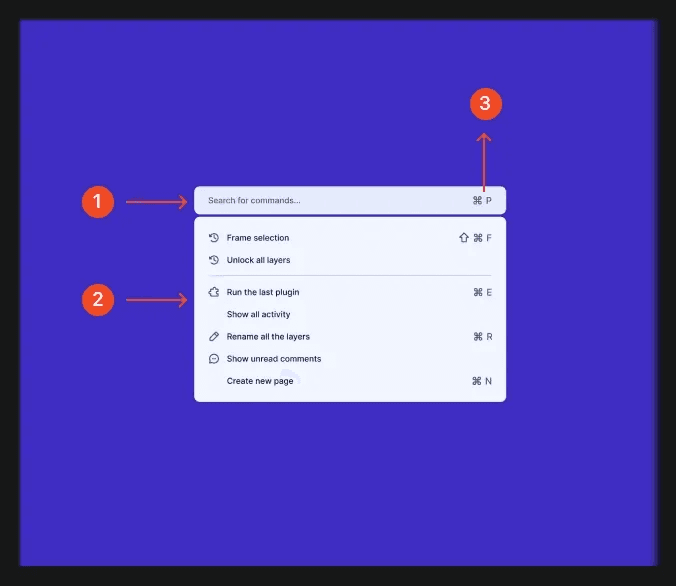
Anatomy of a command palette
What are the design variants of a command palette?
We studied over 120+ command palette screen patterns on Mobbin, from real-world examples and found the following variants.
1. Keyboard shortcuts in command palette
While keyboard shortcuts might be user friendly for power users, command palettes usually come with search bars - which allow users to quickly search for features in just a few keystrokes without having to remember each individual shortcut.
If there are certain actions that are very frequently used, having keyboard shortcuts can help reduce the number of keystrokes required to take an action. If not, doing away with keyboard shortcuts can help reduce cognitive load within the command palette interface.
Apps like Figma, Vercel, and Intercom opt to showcase keyboard shortcuts in their command palettes.
Examples of keyboard shortcuts in command palette
On the other hand, apps like Basecamp have simpler command palettes and do not have keyboard shortcuts within them.
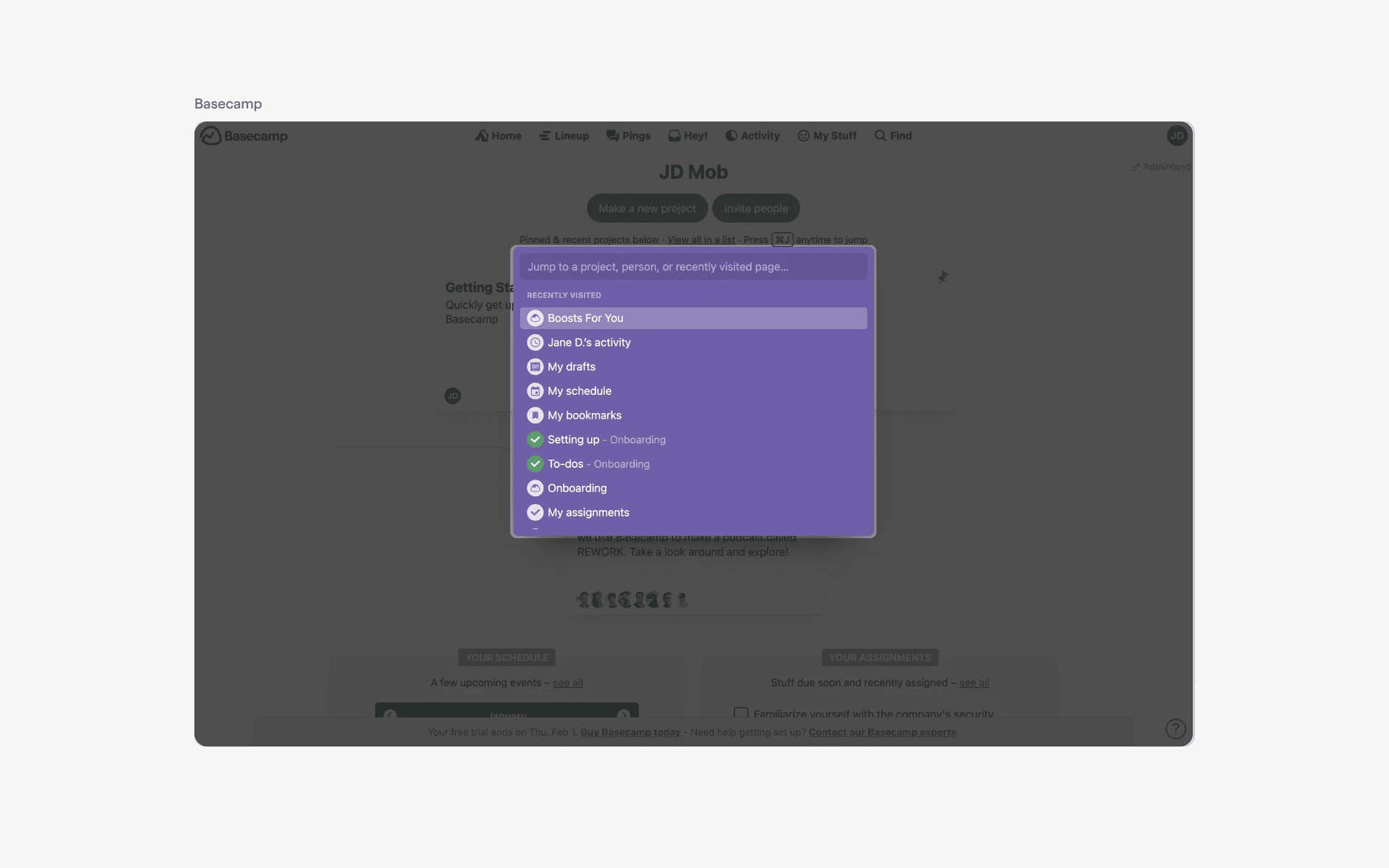
Examples of command palette without keyboard shortcuts
2. Tabs in command palette
In some cases, apps might have more complex data requirements. As such, having tabs within the command palette interface might be a user friendly way to help users better find what they need on top of the existing search functionality.
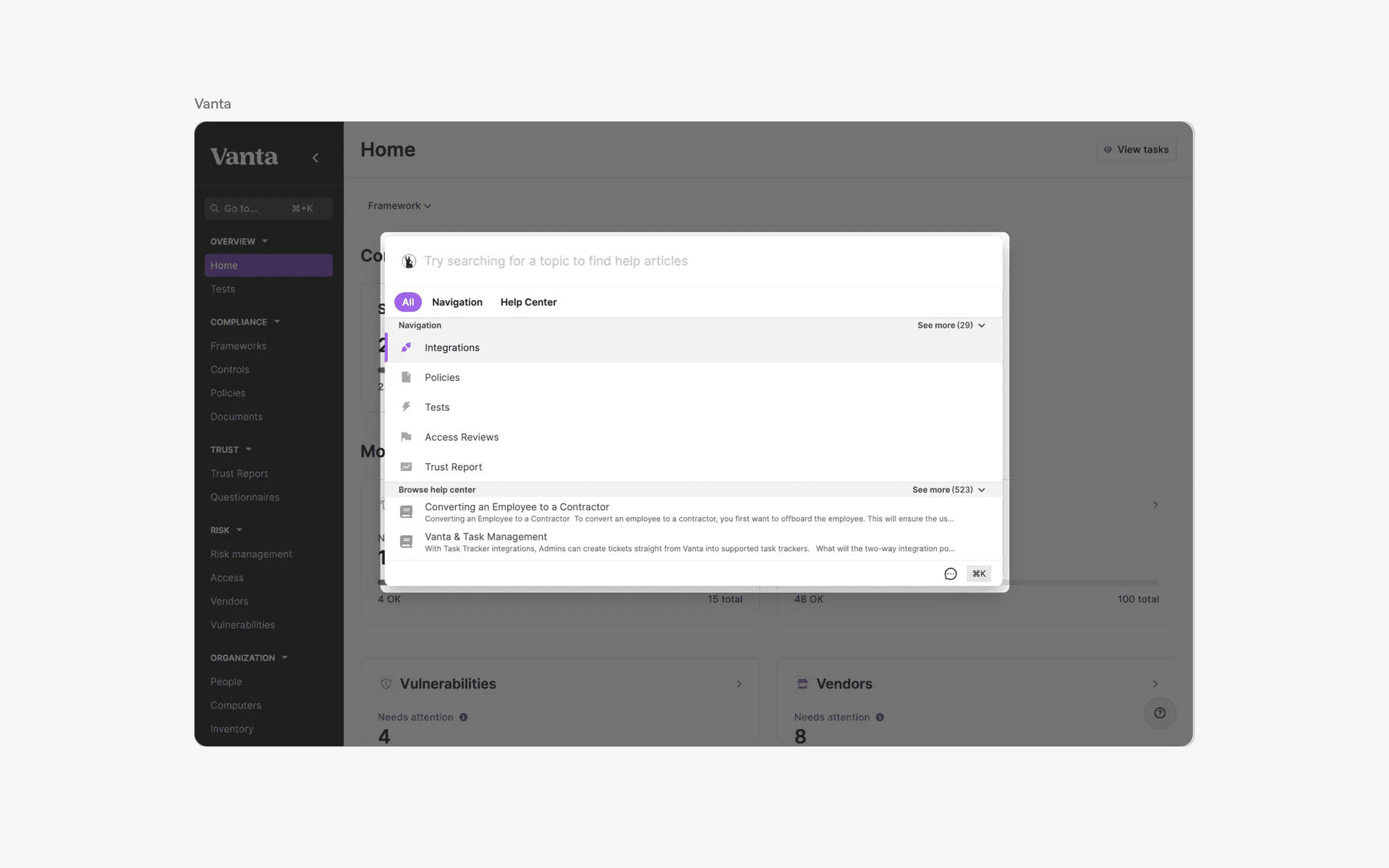
Examples of command palette with tabs
3. Chips in command palette
Similar to the Combobox component, the chip design in combination with command palettes might have several benefits.
Users can select multiple items that can be represented as a chip, which provides a clear visual summary of their choices.
Chips allows easy removal of selections with a simple tap or click, reducing the need for a complex unselection process
Chips offer instant visual confirmation for users, which makes it very intuitive.
The combination of command palette and chips makes it ideal for scenarios like tag selection, content filtering, and picking multiple options in a clean and intuitive way.
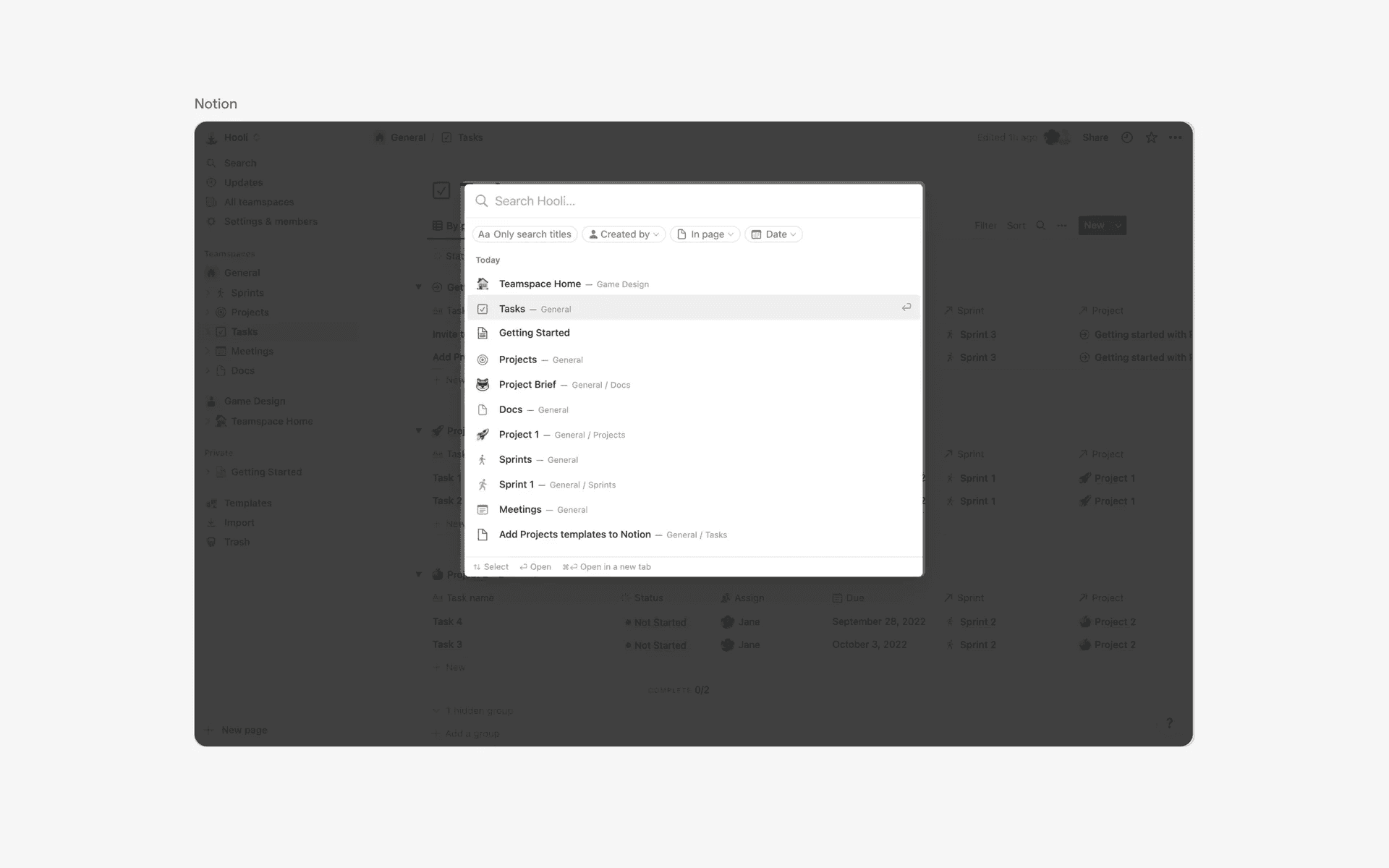
Examples of chips in command palette
When to use a command palette component?
1. Navigation and search
Command palettes are commonly used to navigate to certain pages, especially for apps that have a lot of pages or filtering requirements.
For example, in Notion, users can easily search specific pages, or, even content within pages and navigate to it.
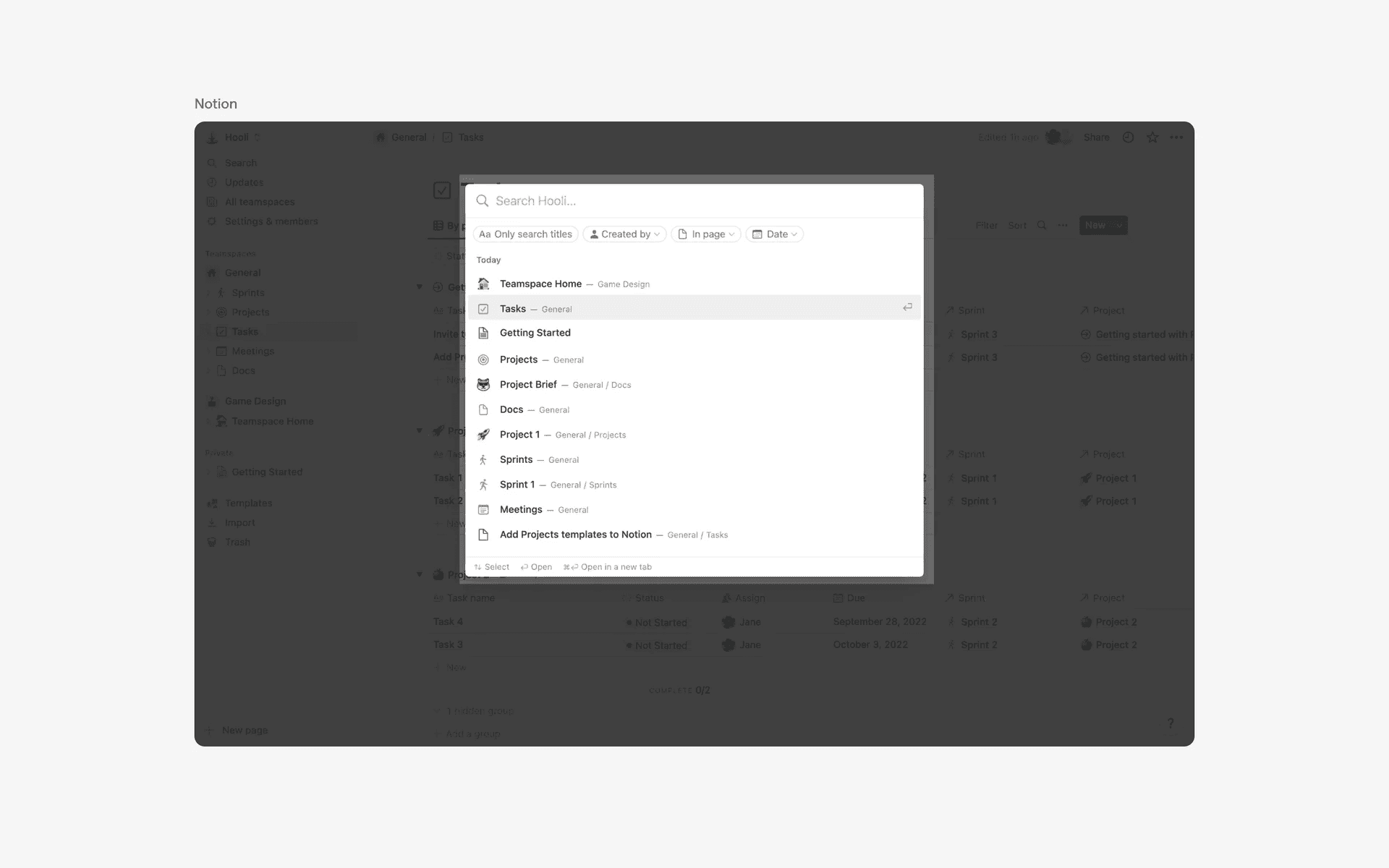
Command palette being used as navigation and search functionality
2. Shortcuts and quick actions
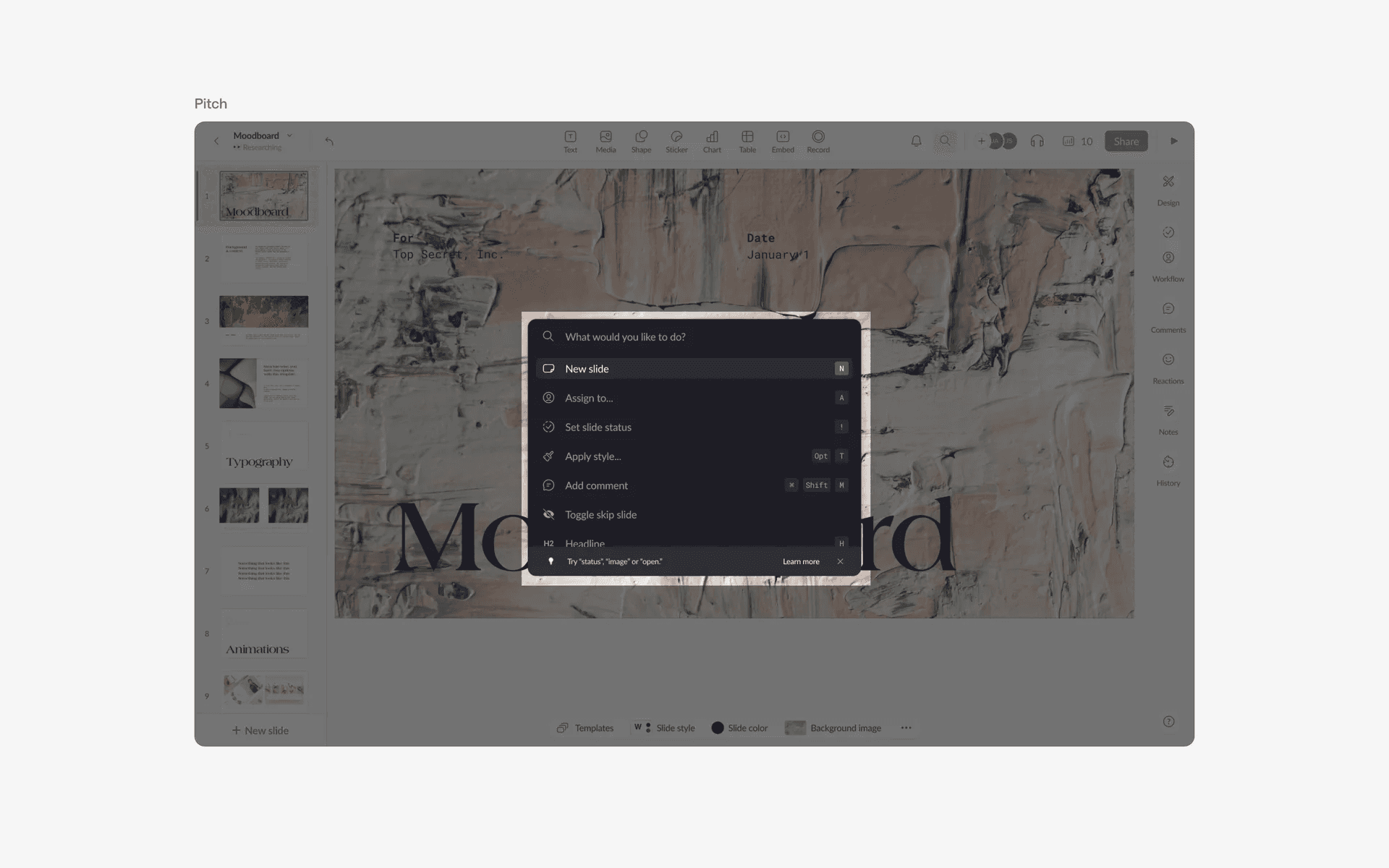
For apps that are more action based like Figma, a command palette is used to surface actions in just a few keystrokes.
It also helps to educate power users on available commands that they can execute.
Conflicting UI elements: Search bar
Command palette v.s. Search bar
A command palette usually contains a search bar. However, the main purpose of a command palette is to act as a quick shortcut window for the entire app, including search.
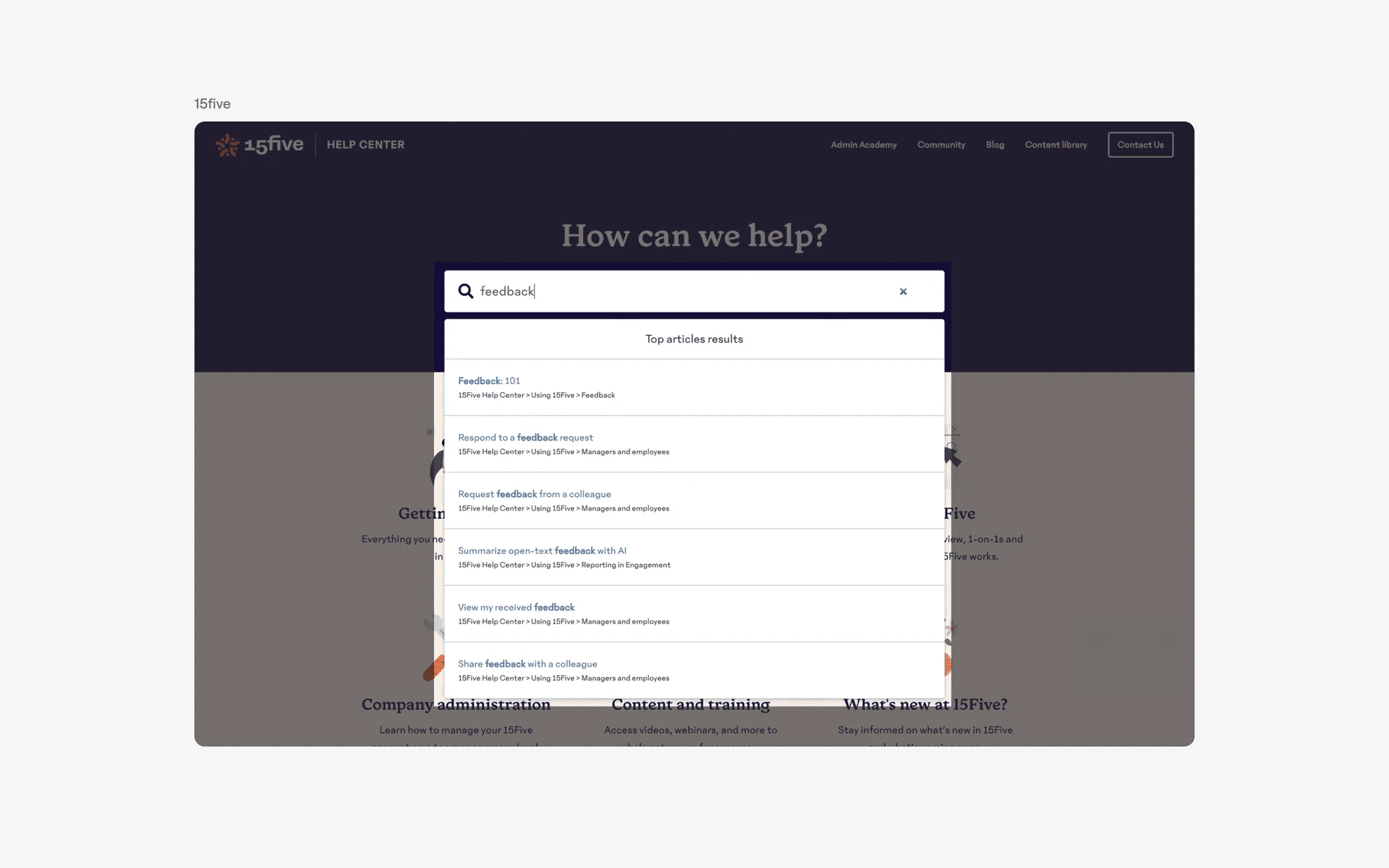
Examples of search bar