Carousel UI

What is a carousel UI component?
Carousel is a horizontally scrollable layout that displays a series of items or elements.
It shows a collection of carousel items that can be scrolled on and off the screen.
It may come with controls (e.g. arrows or buttons) allowing the user to manually scroll through.
Carousel UI elements are commonly seen in the following design patterns: Image gallery, Onboarding screens, Product catalogs, Navigation controls.
The term "carousel" is probably inspired by the merry-go-round amusement ride where riders go in a rotational direction, similar to the carousel UI component.
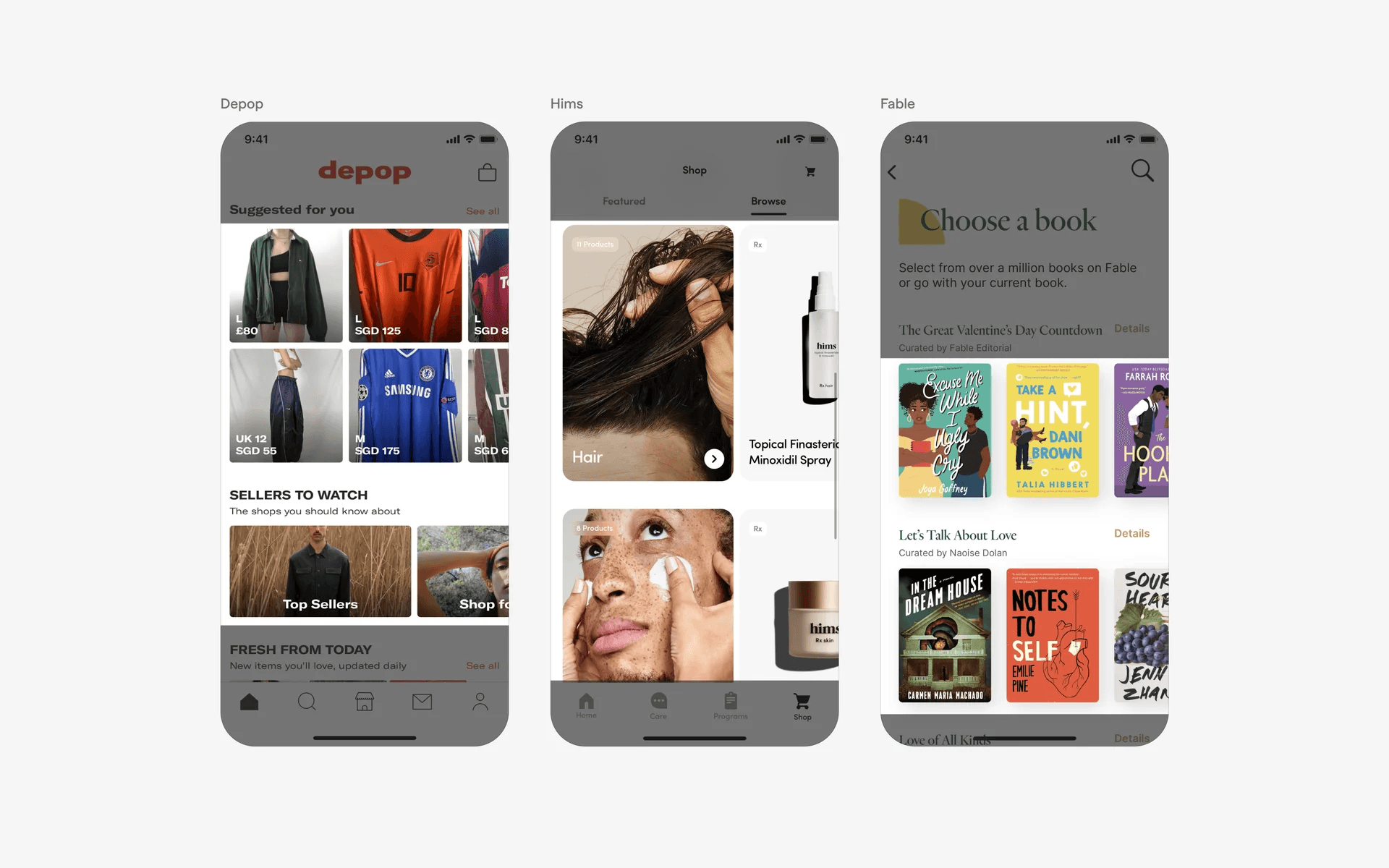
Examples of what a carousel looks like
What is the anatomy of a carousel?

Anatomy of a carousel
1
Navigation arrow
2
Container
3
Page control (optional)
What are the design variants of carousel?
We studied over 7,000+ carousel UI components on Mobbin, from real-world examples and found the following variants.
1. Carousel design can have different item sizes
We've found carousel designed in many different sizes.
Full screen carousels are especially common in Onboarding Flows.

Examples of full-screen carousels
We've also seen full screen image carousels, which is a slideshow of images. It is often accompanied by page control indicators at the bottom of the screen. This allows users to slide through images quickly.
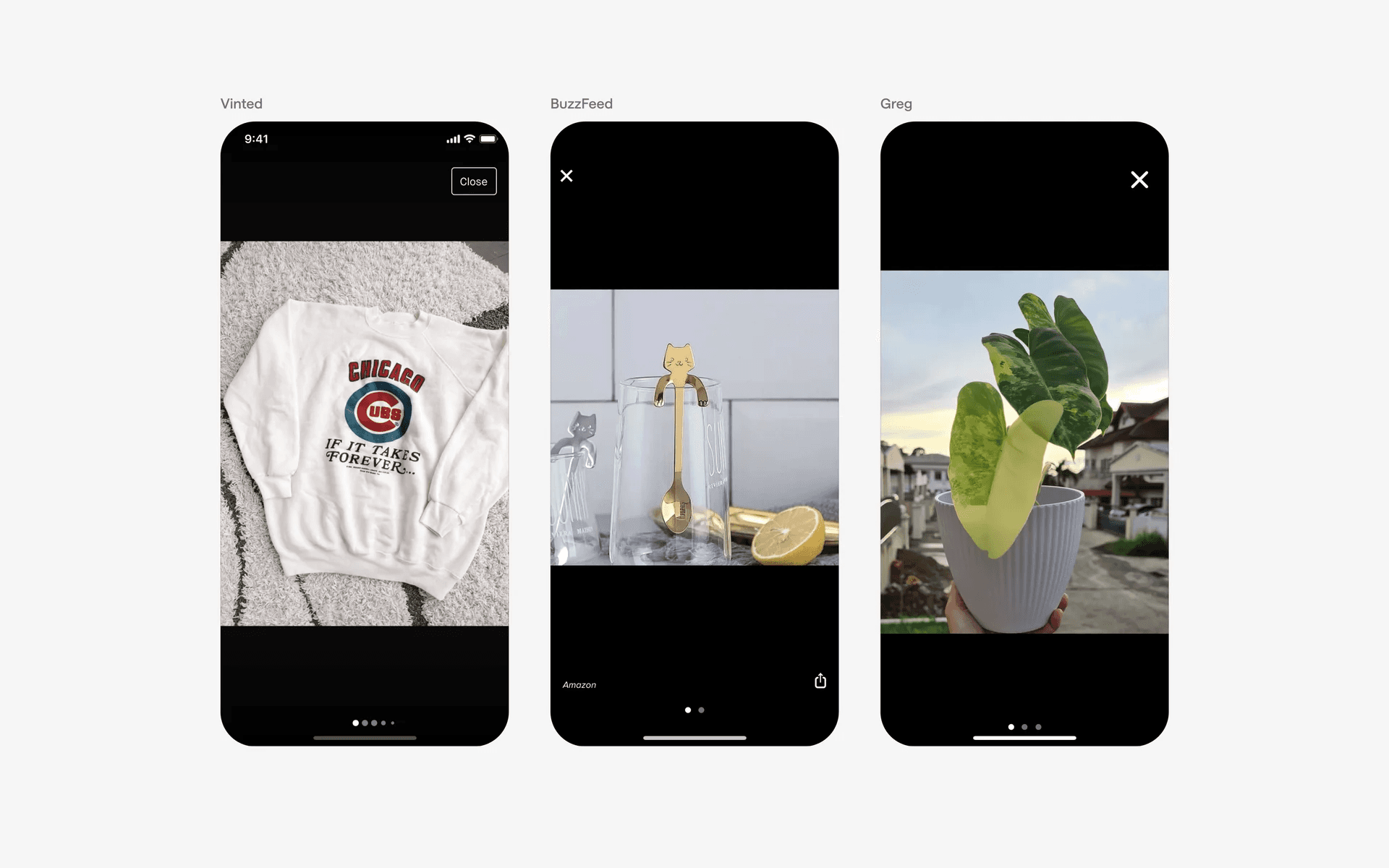
Examples of full-screen image carousels
Apps that are visually focused usually place their products or services front and center, preferring to use a large carousel card design. Example brands include Apple and Hims.
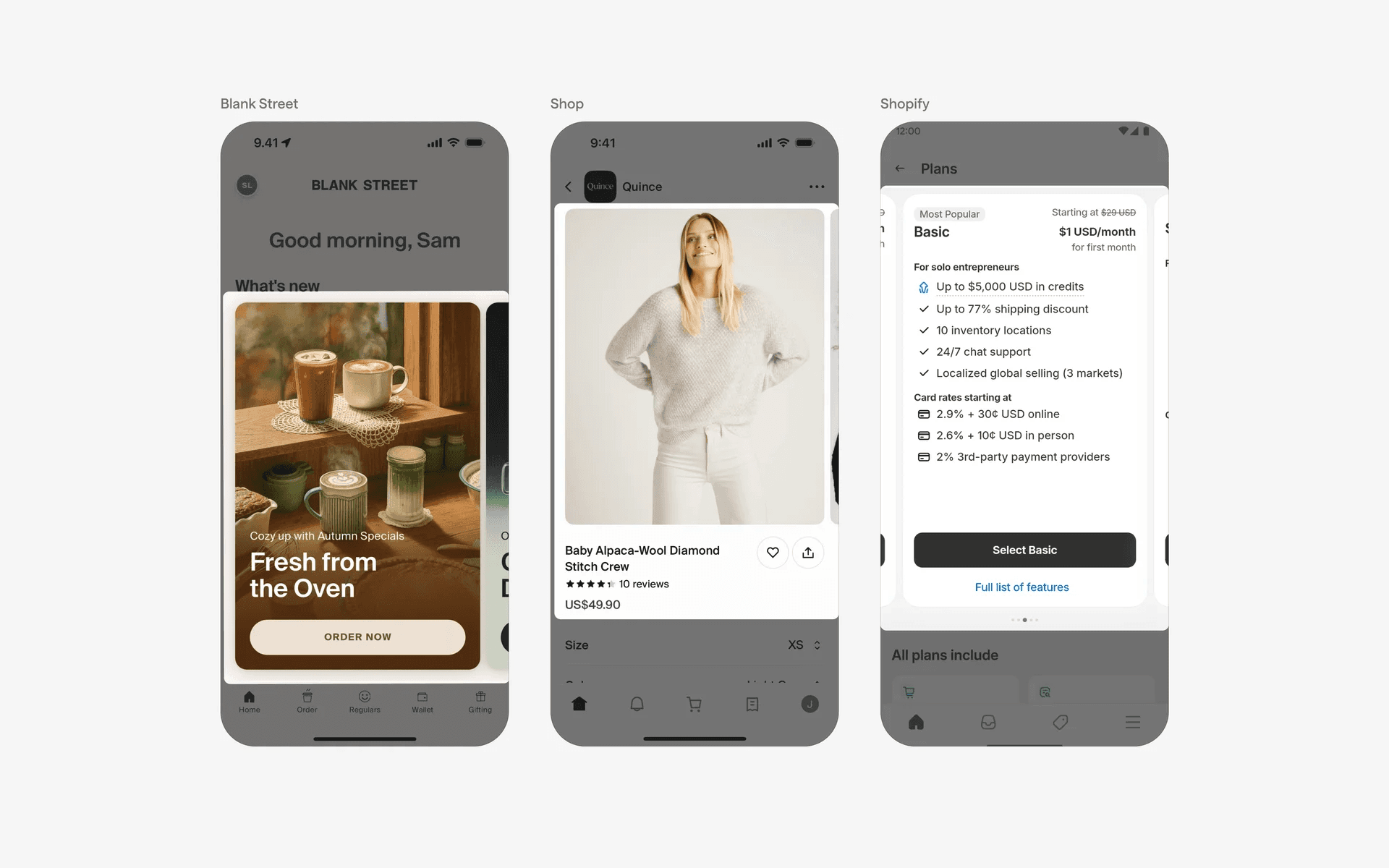
Examples of large image carousels.
Otherwise, you can also use a medium sized card carousel design.
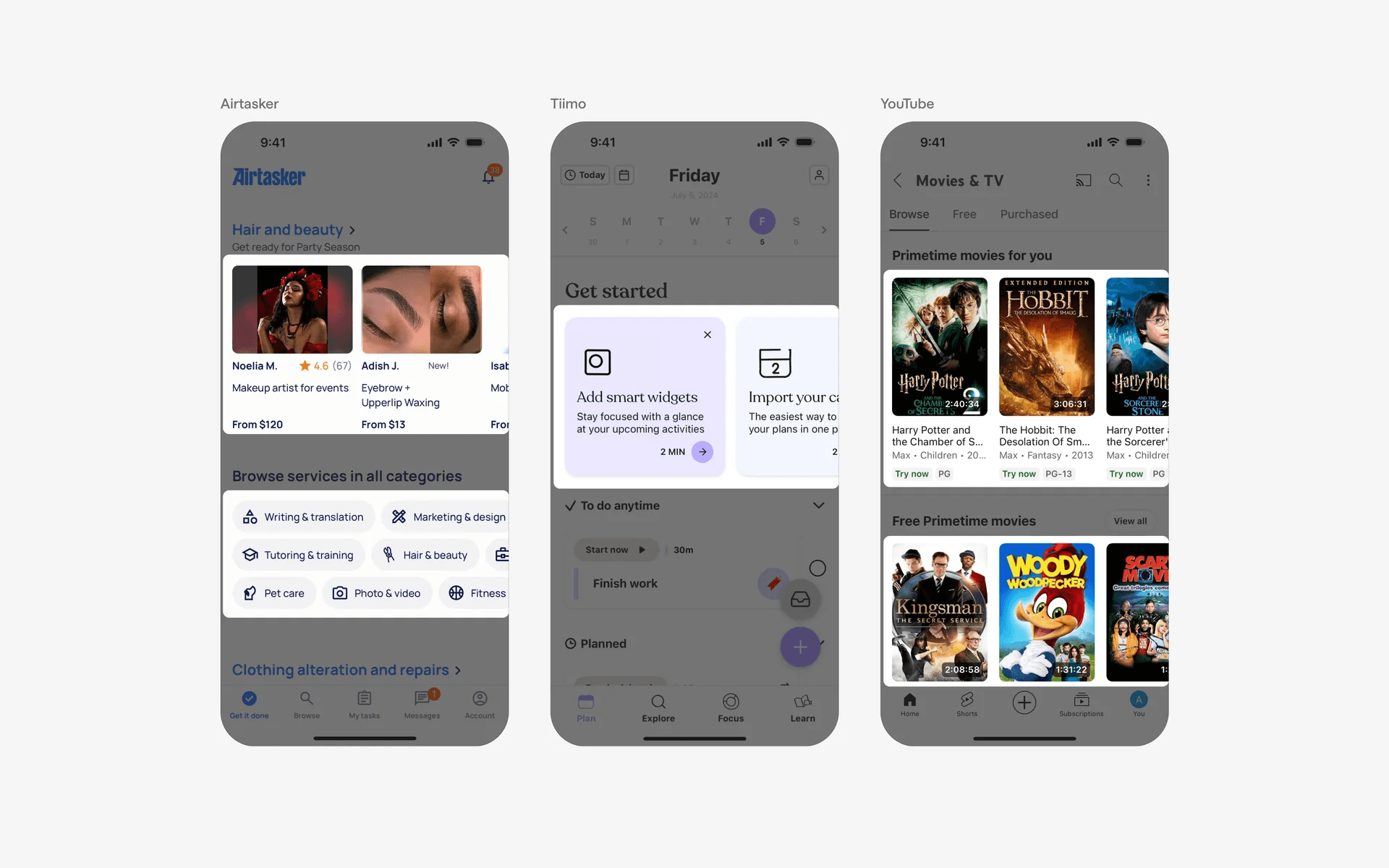
Examples of medium image carousels.
Or even, keeping your carousel items small.
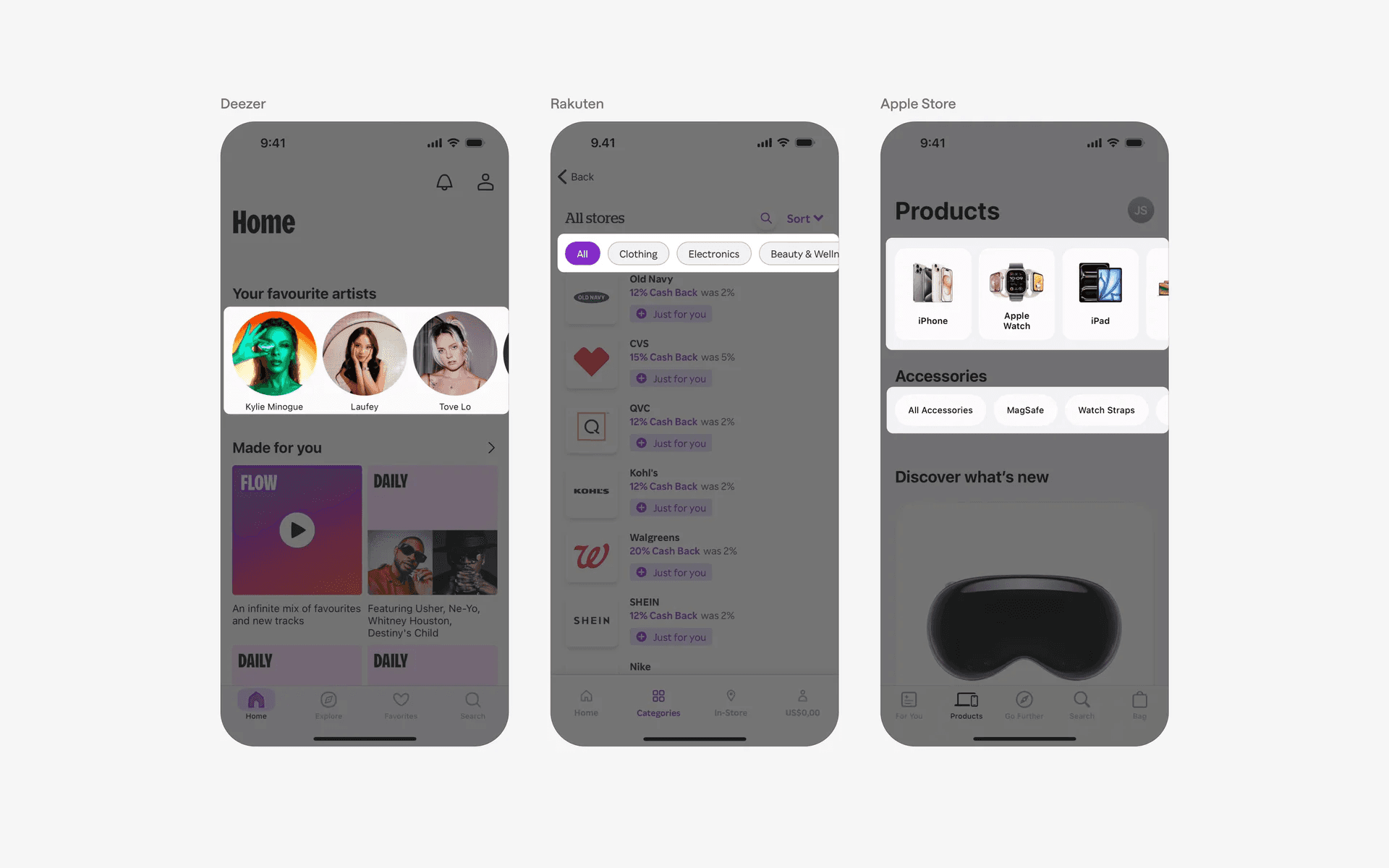
Examples of small image carousels.
2. Carousels often accompanied by page controls
We frequently see page controls (dots at bottom of carousel UI component) accompany carousels. This is a great combo as it clearly helps the users understand how many items there are in a carousel slider.
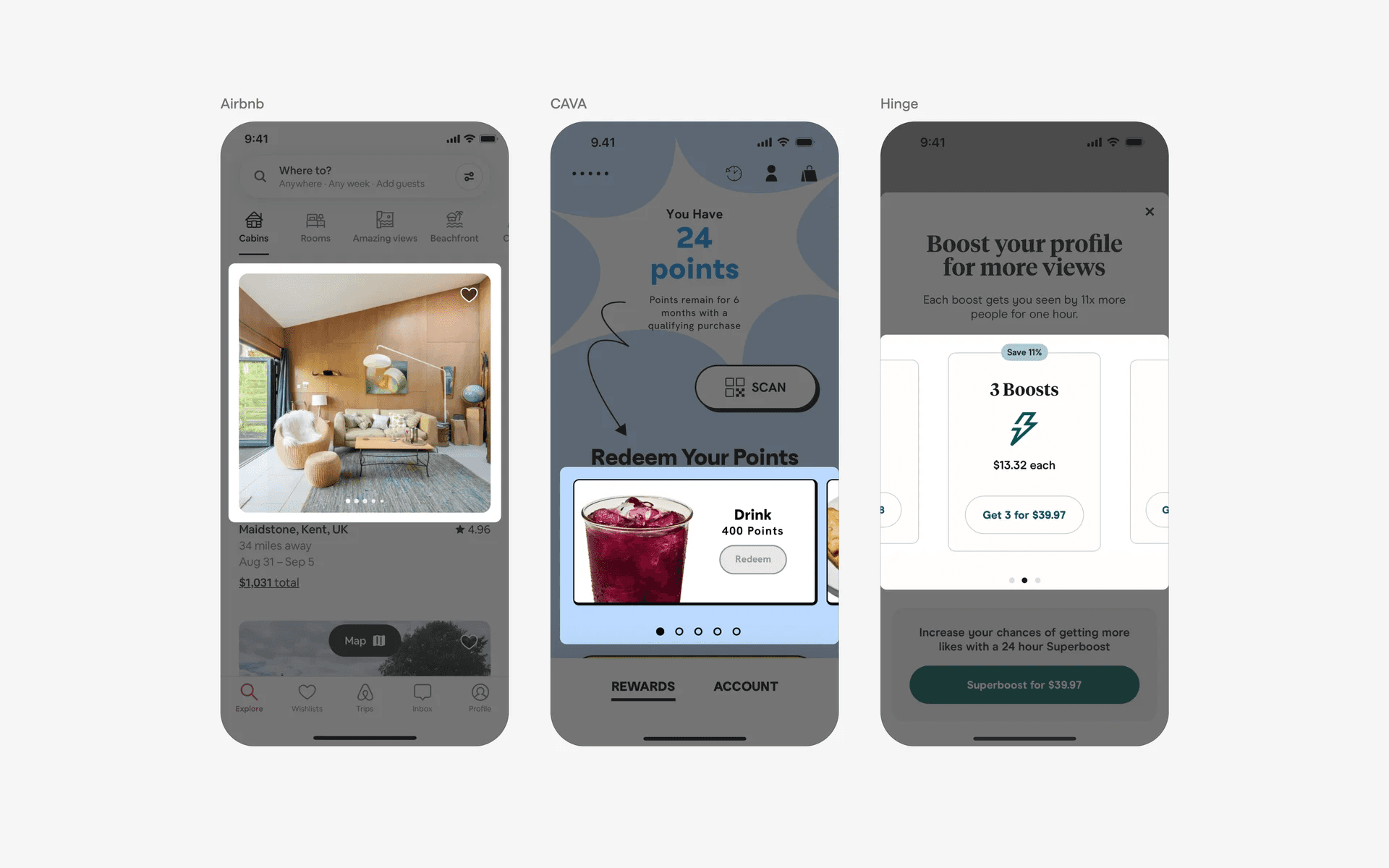
Examples of page control with carousel slider
3. Swipe actions in carousel design
Most carousels can be interacted with swipe actions on mobile devices.
Thanks to apps like Tinder, this is a very well understood user interaction today.
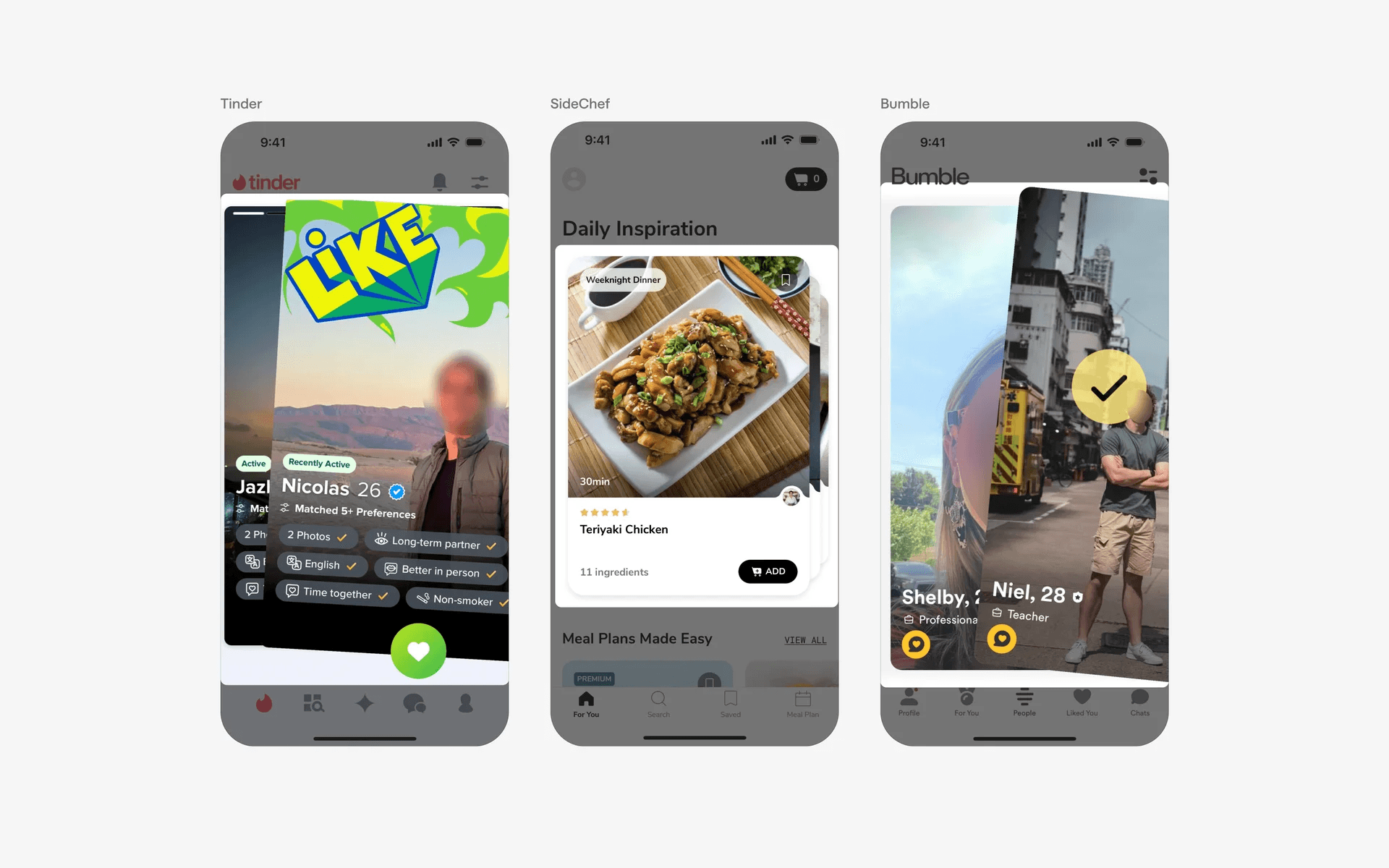
Examples of swipe actions in carousel design
Where to use carousels?
1. Image galleries
Carousels are frequently used to showcase image galleries, such as in photography apps, e-commerce apps for displaying product images, or travel apps for showing destination photos.
Examples of carousel design in image galleries
2. Onboarding flows
Apps often use carousels during the onboarding process to guide new users through different screens or features. Each screen in the carousel typically highlights a specific aspect of the app and provides information or instructions.
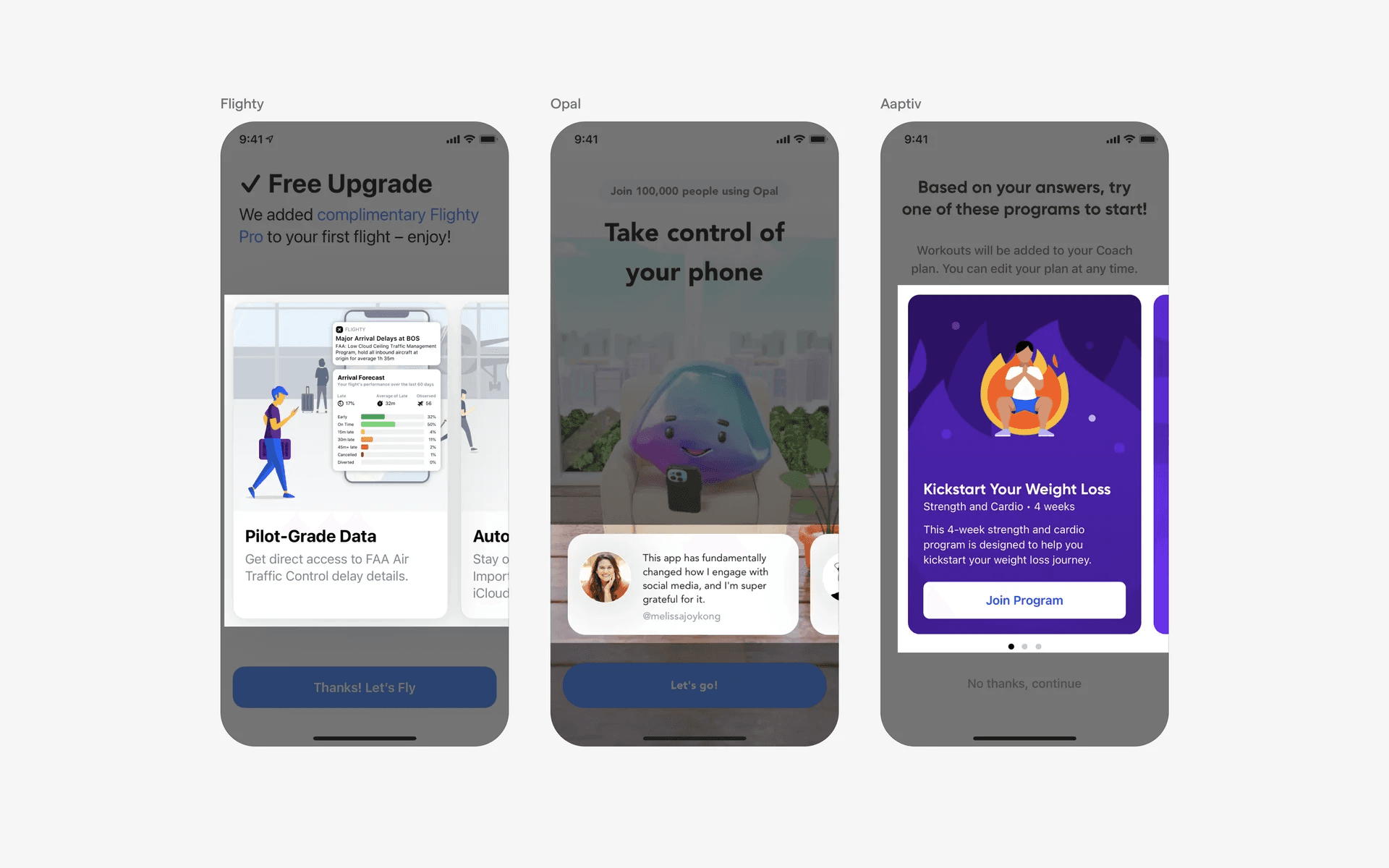
Examples of carousel design in onboarding flows
3. Product catalogs
E-commerce apps often use carousels to display product catalogs or categories. Users can swipe through the carousel to explore different product options or navigate between various sections of the catalog.
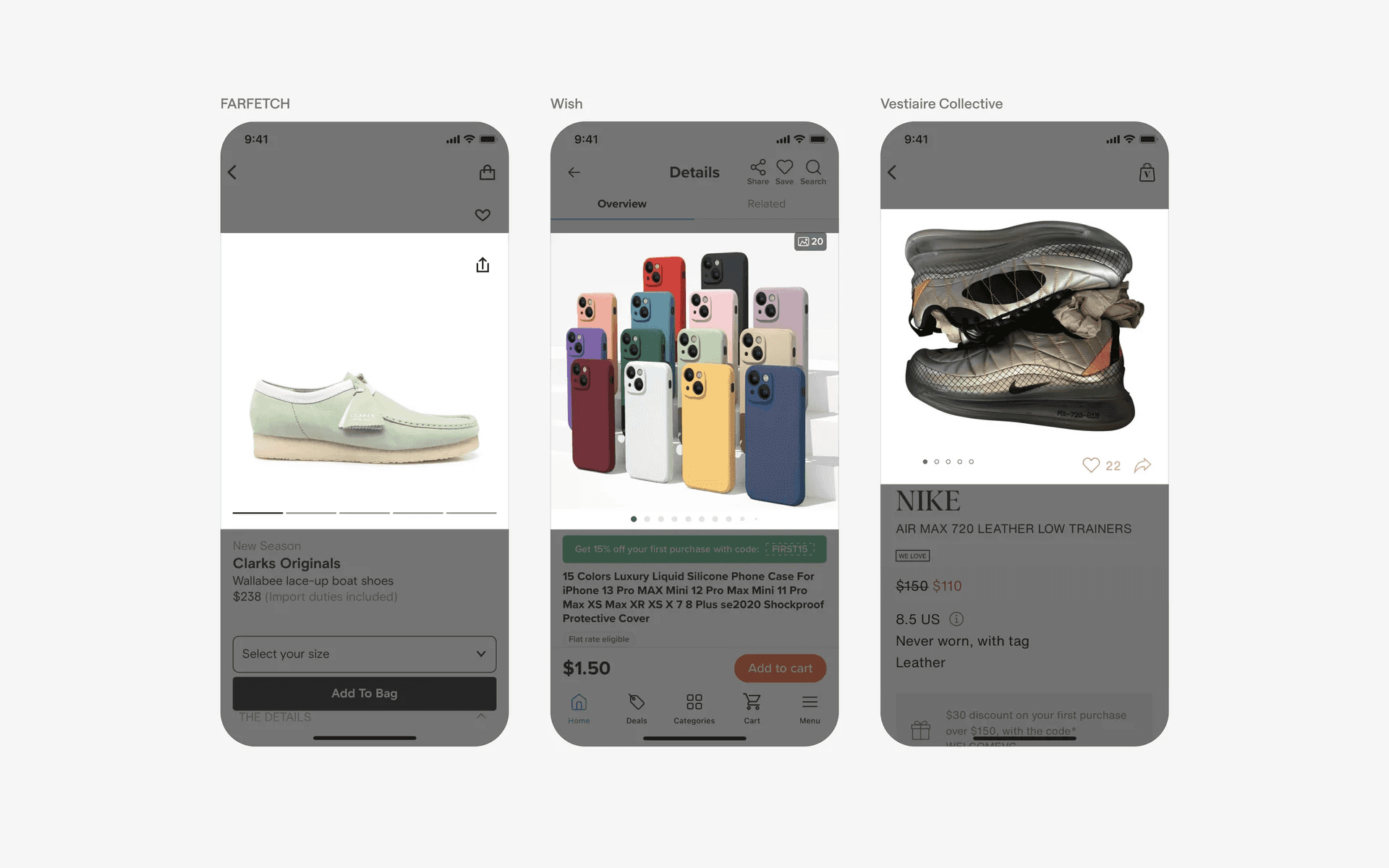
Examples of carousel design in product catalogs
4. Navigation controls
On the home screens of apps, carousels may be used to categorise content. They are often used together with cards, where users can swipe through the carousel to explore different categories of the app.
Additionally, these carousel items are interactable and tapping on them will lead to a different page of the app.
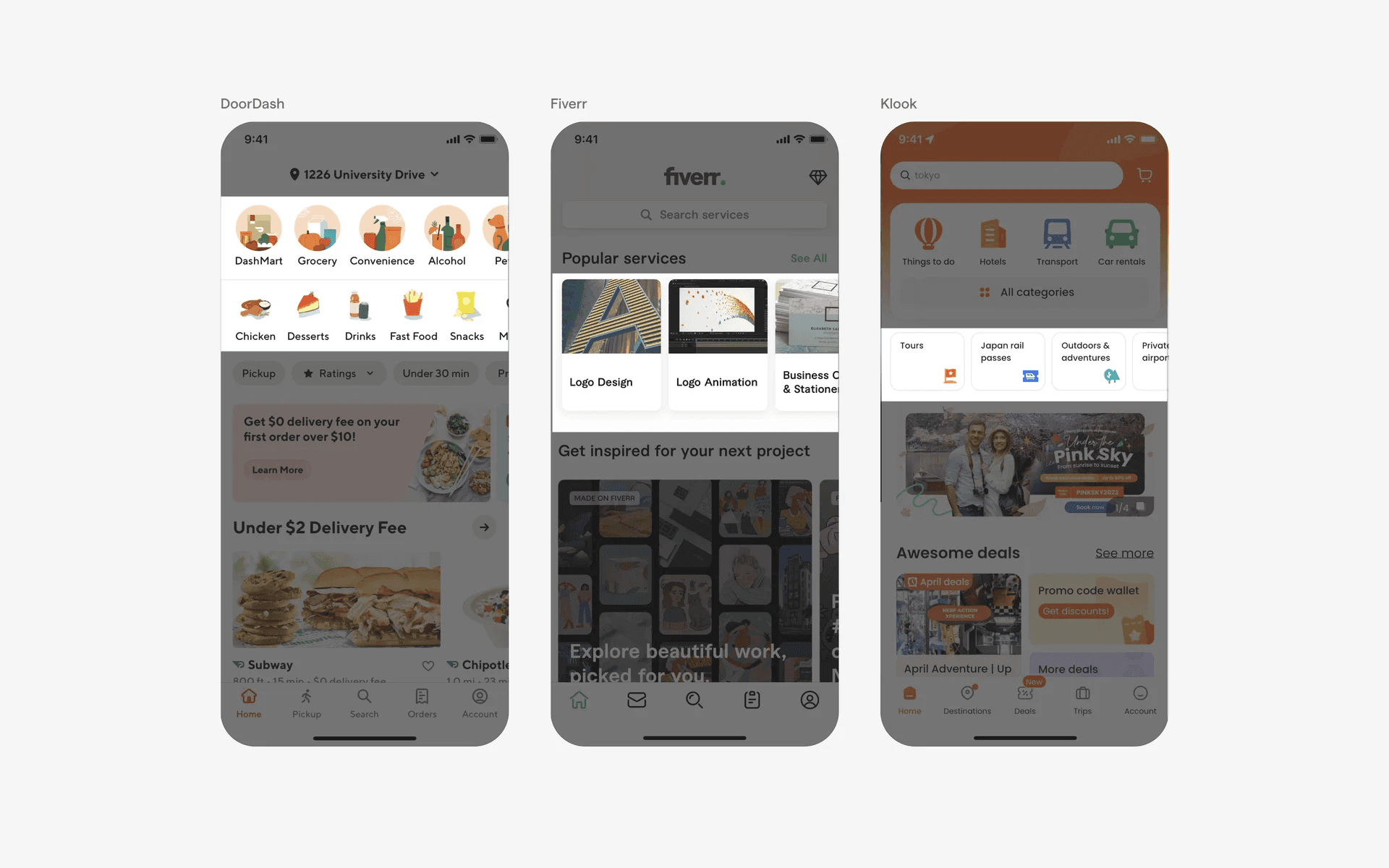
Examples of carousel design in navigation controls
Conflicting UI elements: Tables, Tabs
Carousels v.s. Tables
Tables are used to present data in an organised format. Sometimes their data are hidden due to the width of the screen.
However, on swipe, the content remains the same, just more data values shown, unlike in a carousel where each item is unique.
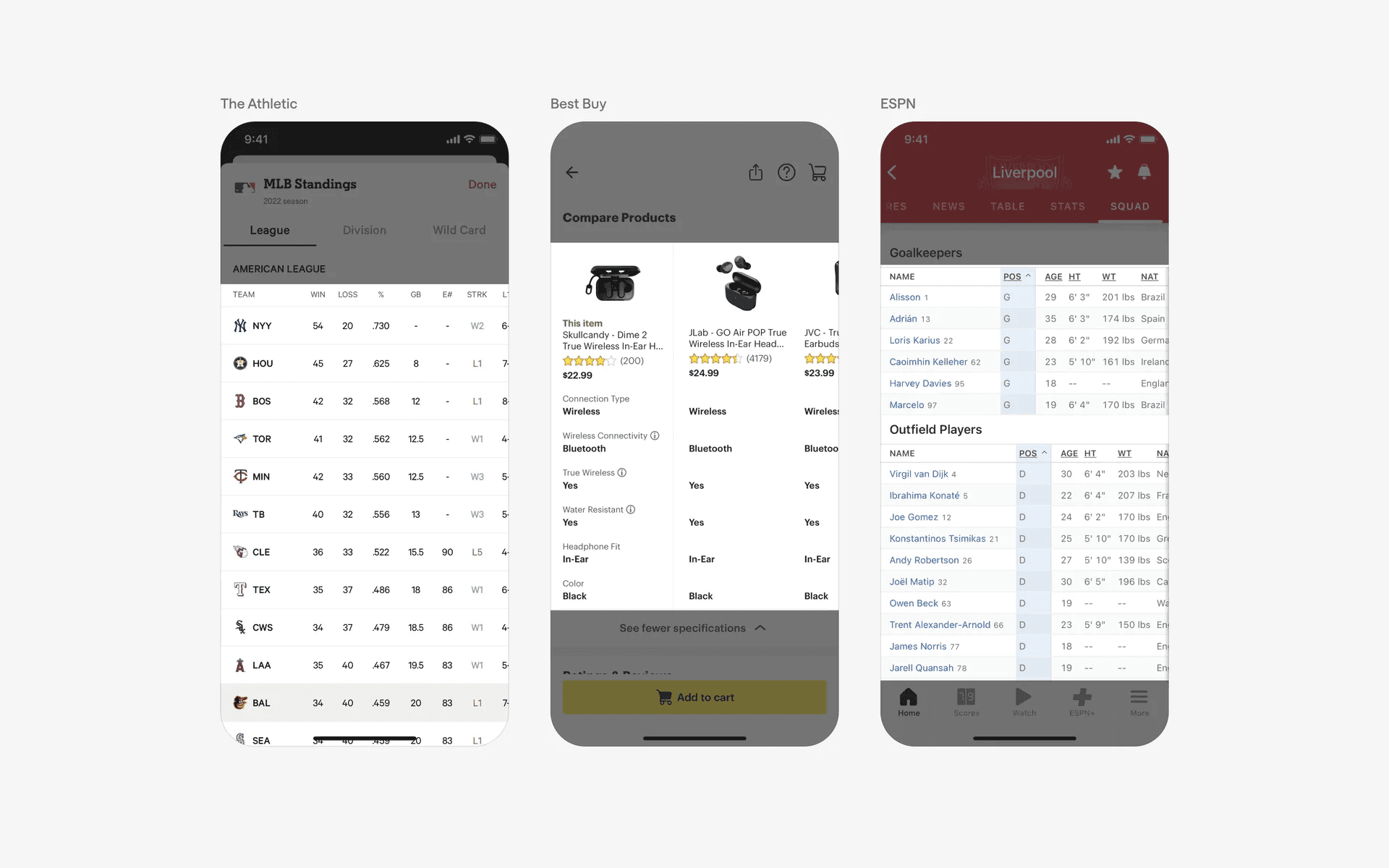
Examples of tables
Carousels v.s. Tabs
A Scrollable Tab refers to a horizontal row of tabs is displayed, and the user can scroll horizontally to view more tabs that are not initially visible on the screen. It allows for organizing and navigating through a large number of tabbed sections or categories. The tabs typically remain visible as the user scrolls horizontally.
While both scrollable tab UI and carousel involve horizontal scrolling, the main difference lies in their purpose and usage. Scrollable tab UI is primarily focused on navigating between different sections or categories, while a carousel is more about displaying and cycling through a set of content items.
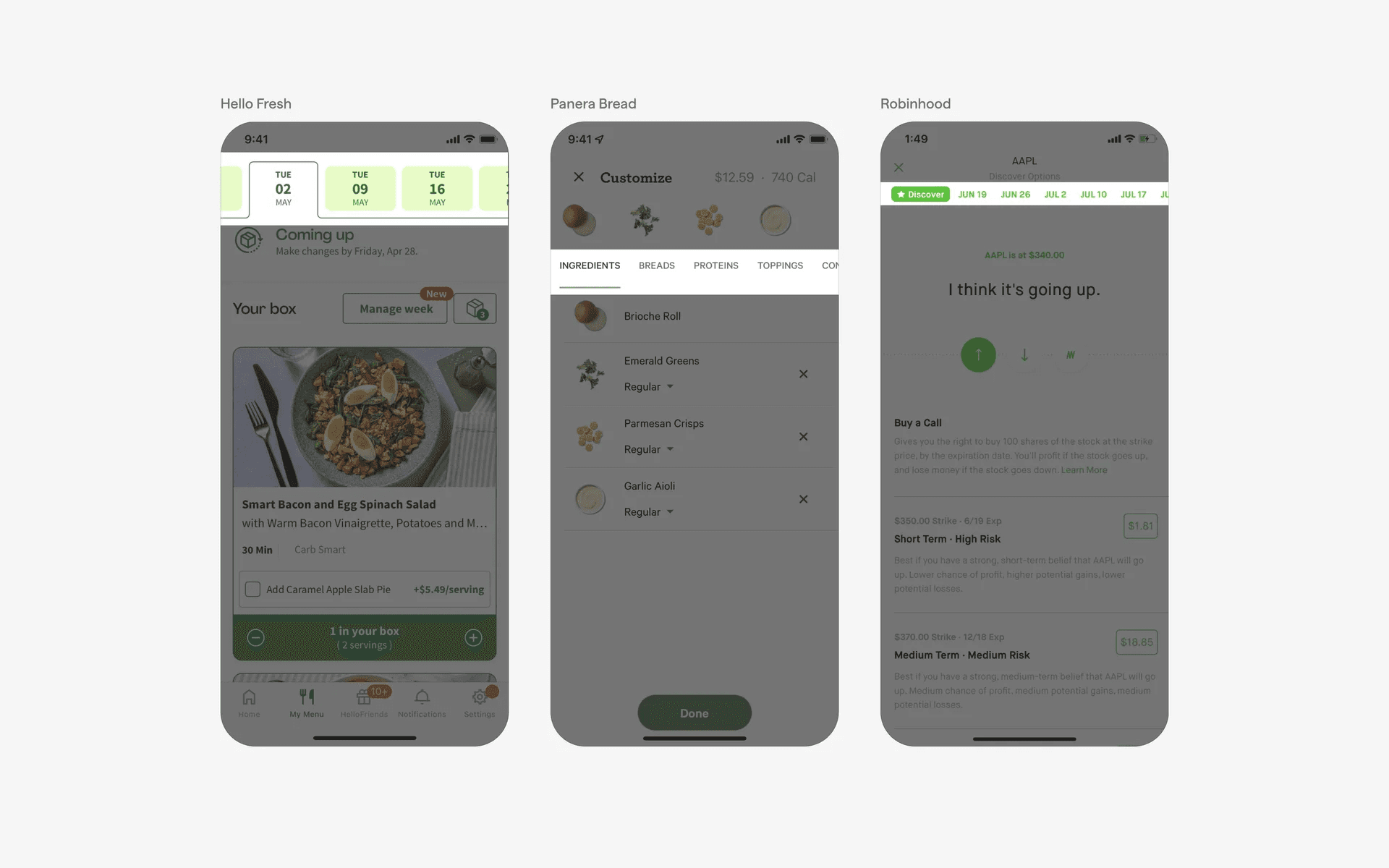
Examples of tabs