
Guppie Green
Meet Guppie Green (#00FF84), a color that commands attention. Its pure, electric saturation sits at the peak of the green spectrum, creating a luminous quality that feels both digital and alive. This isn't just green; it's a statement in vibrant pixels.
What color is Guppie Green?
Guppie Green is a brilliant, electric green with a cool, minty undertone, giving it a fresh yet intensely vibrant character.
It's a highly saturated and bright color whose hue sits between green and cyan, creating a sharp, digital appearance.
What is the meaning of Guppie Green (#00FF84) in design?
Guppie Green, with its electric pulse of #00FF84, channels a sense of high-tech energy and digital optimism. It's a color that feels alive, suggesting innovation, action, and a departure from the natural world.
Symbolically, it represents a fresh, almost artificial vitality, reminiscent of early computer graphics and futuristic cityscapes. This vibrant hue evokes feelings of excitement and forward momentum, making it a statement of modernity.
What are the best practices for using Guppie Green in UI design?
Given its electric intensity, Guppie Green (#00FF84) works best as an accent color. Use it for calls-to-action, notifications, or active state indicators to guide the user’s eye. For maximum contrast and readability, pair it with deep neutrals like charcoal or black. This creates a strong focal point, making key interface elements immediately noticeable.
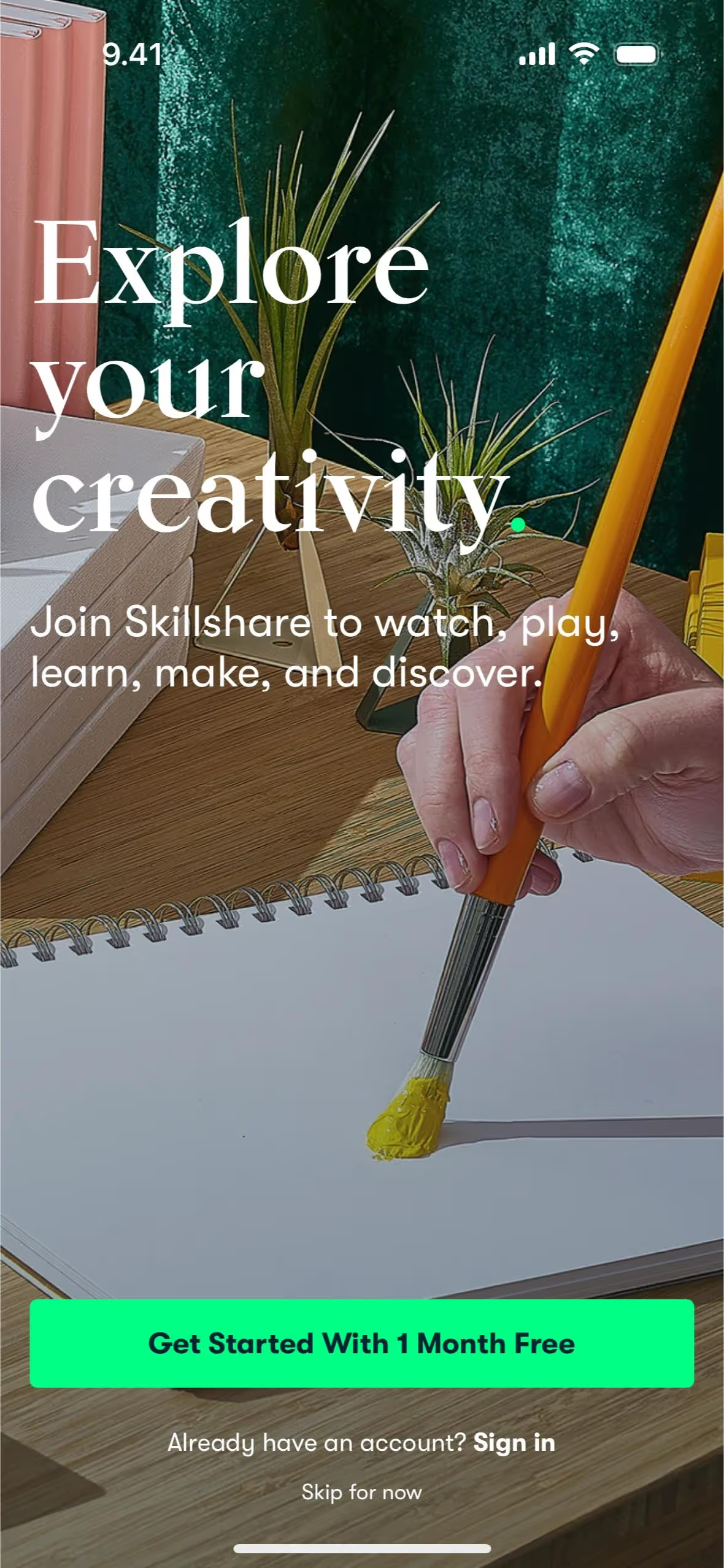
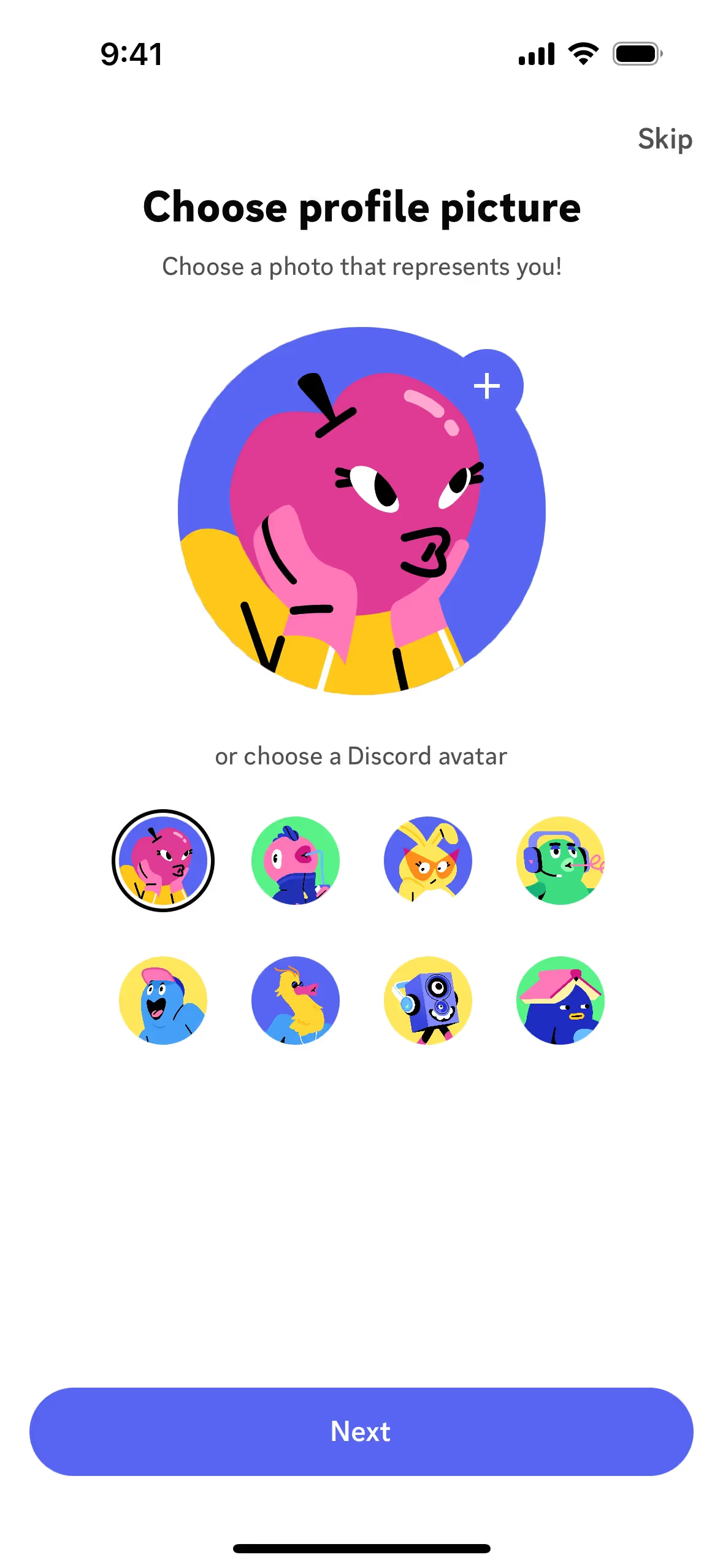
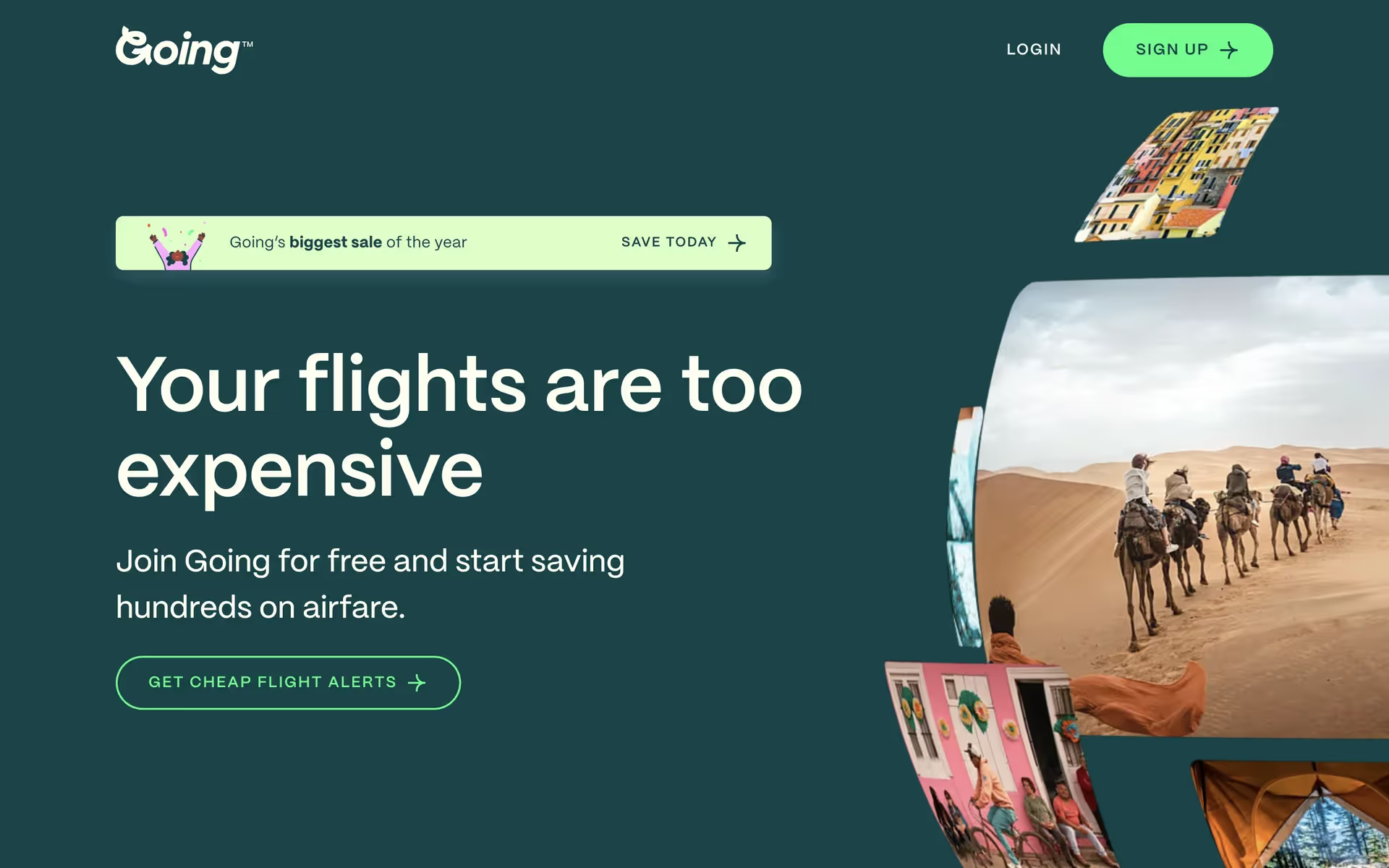
While not yet widespread, Guppie Green’s character is reflected in the branding of companies like Going, Skillshare, and Bento. They use similar vibrant greens to build a fresh, tech-forward identity. Discord famously applies a comparable green for its online status indicators, proving the color’s value for communicating information instantly.
Explore how Guppie Green can fit into your own work. Use the tools on this page to browse curated palettes, test color contrast for accessibility, and preview the color in real UI components from top brands.
Using Guppie Green color codes
To apply Guppie Green in your projects, start with its hex code, #00FF84. This code is your key for digital work, but you'll often need to translate it for different applications, from print to code.
Each color model serves a specific purpose. RGB (Red, Green, Blue) values are standard for screens, while CMYK (Cyan, Magenta, Yellow, Key) is essential for printed materials. Other models like HSL (Hue, Saturation, Lightness) offer a more intuitive way to make adjustments in your design software.
To make things simple, we've converted Guppie Green's #00FF84 hex code into a variety of common formats. You can find and copy the exact values you need right below.
Analogous
Analogous colors sit side-by-side on the color wheel. With Guppie Green as a base, these combinations produce a calm and cohesive visual effect.
Complementary
Guppie Green’s complementary color, its direct opposite on the color wheel, produces the most vibrant and energetic contrast possible in a pairing.
Split Complementary
A split complementary scheme for Guppie Green uses the two colors adjacent to its direct complement, offering high contrast with a more nuanced harmony.
Triadic
For a high-contrast look, a triadic scheme combines three colors from equidistant points on the color wheel, starting with Guppie Green.
Tetradic
Tetradic palettes, like these featuring Guppie Green, are built from two sets of complementary colors, forming a rectangle on the color wheel.
Square
A square color scheme pairs Guppie Green with three other colors, all equidistant on the color wheel, creating a vibrant and high-contrast palette.
Text Color
Background Color
Your Catchy Large Text Goes Here
Shades
Shades are darker versions of Guppie Green, made by adding black for depth and weight.
Tints
Tints are created by adding white to Guppie Green, resulting in softer, lighter variations.
Tones
Tones of Guppie Green are created by adding gray, which mutes the color's intensity.
Hues
Hues are variations of Guppie Green that alter its intensity or temperature for different effects.



Never run out of inspiration again.
Use Mobbin for free as long as you like or get full access with any of our paid plans.



















