
Gunmetal
Meet Gunmetal, hex code #1E243A. This deep, cool-toned shade stands as a sophisticated alternative to pure black. Its subtle blue undertones provide a distinct character, offering depth and nuance for modern interfaces without resorting to a simple void of color.
What color is Gunmetal?
Gunmetal is a dark, low-saturation shade of cyan, presenting as a deep gray with a distinct blue cast. This gives it a cool temperature and an industrial, metallic quality reminiscent of its namesake.
Its character comes from strong blue undertones, which separate it from neutral grays. Depending on the light, subtle green notes can also appear, adding a layer of complexity to its appearance.
What is the meaning of the color Gunmetal (#1E243A)?
The color Gunmetal embodies strength, authority, and a quiet confidence, suggesting resilience and professionalism without the starkness of pure black.
Psychologically, it conveys stability and sophistication, often associated with modern technology and industrial precision, making it a symbol of sleek, functional design.
How can I effectively use Gunmetal in my UI design?
In UI design, Gunmetal works beautifully as a primary dark color, offering a sophisticated alternative to pure black. Its deep, muted quality provides a strong foundation for text and key interface elements. For a clean, high-contrast look, pair #1E243A with off-whites and light grays. To introduce more character, consider accent colors like mustard yellow, terracotta, or a soft teal, which create a striking yet balanced visual hierarchy.
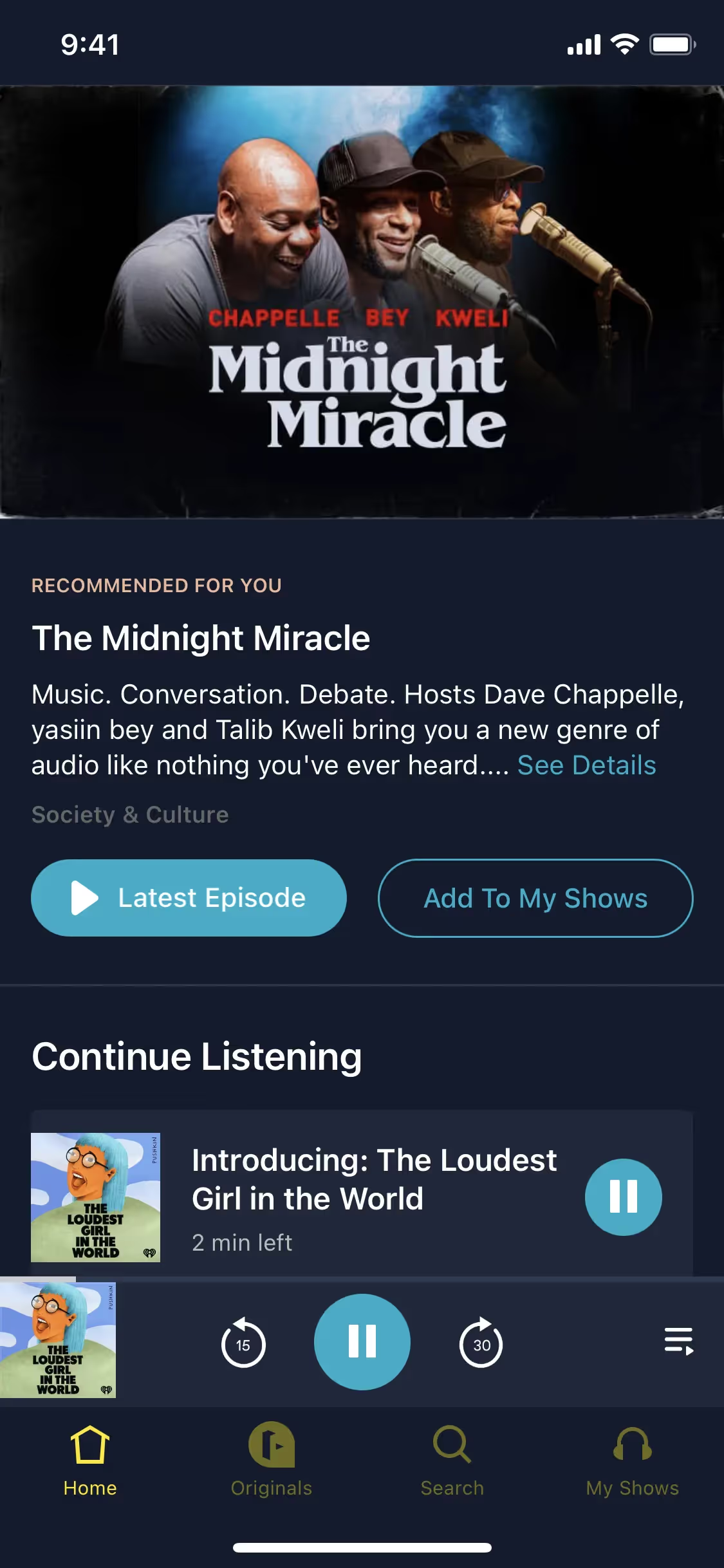
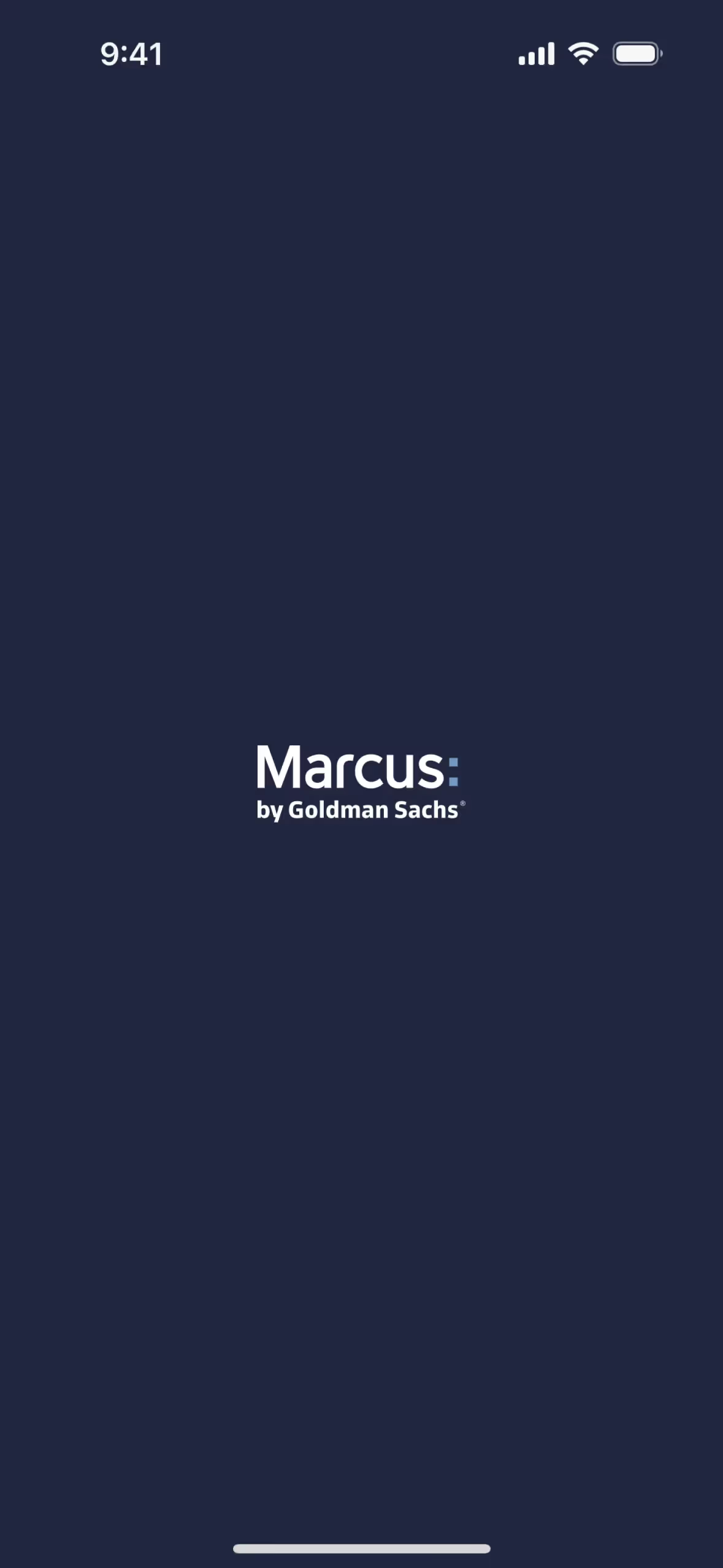
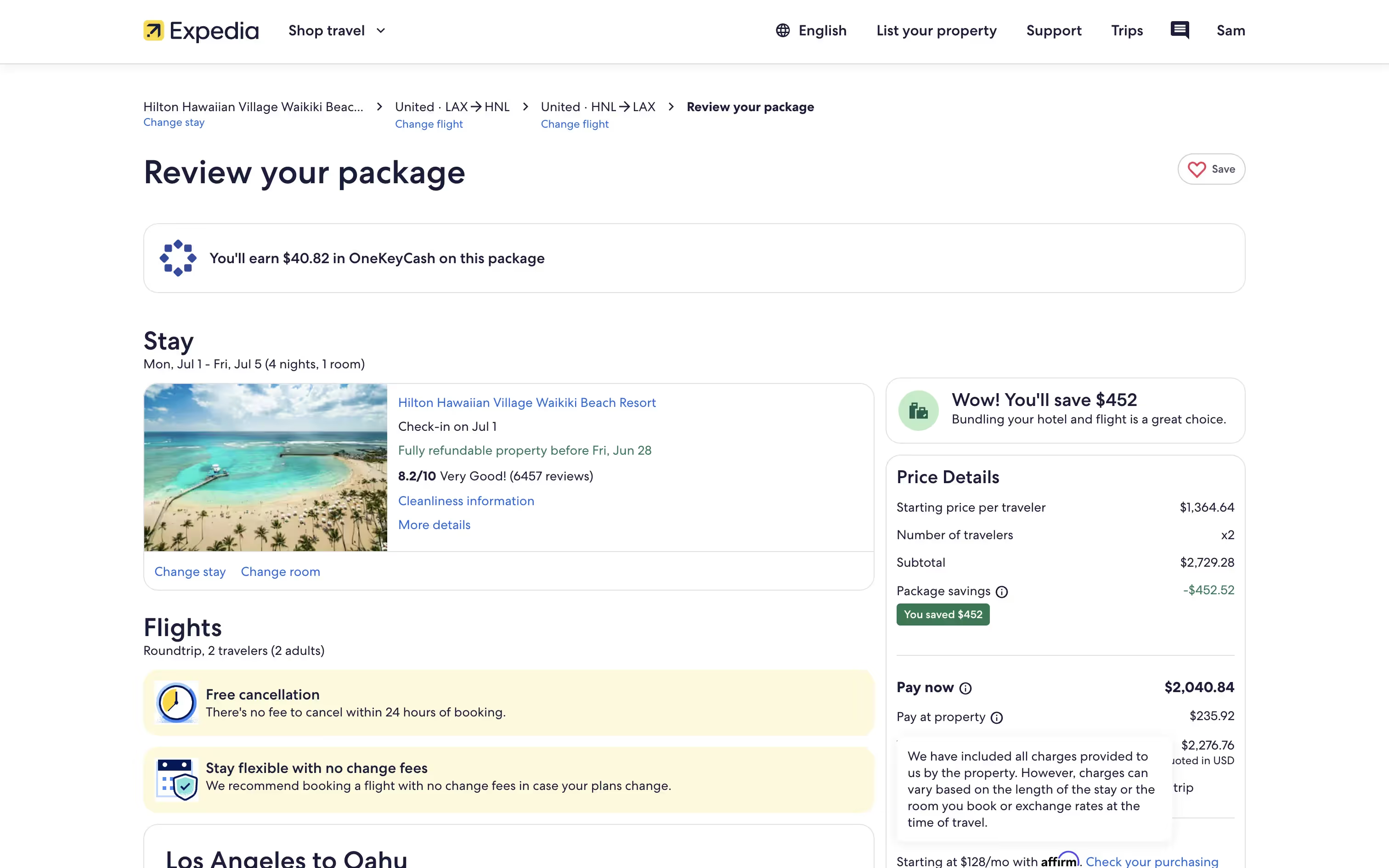
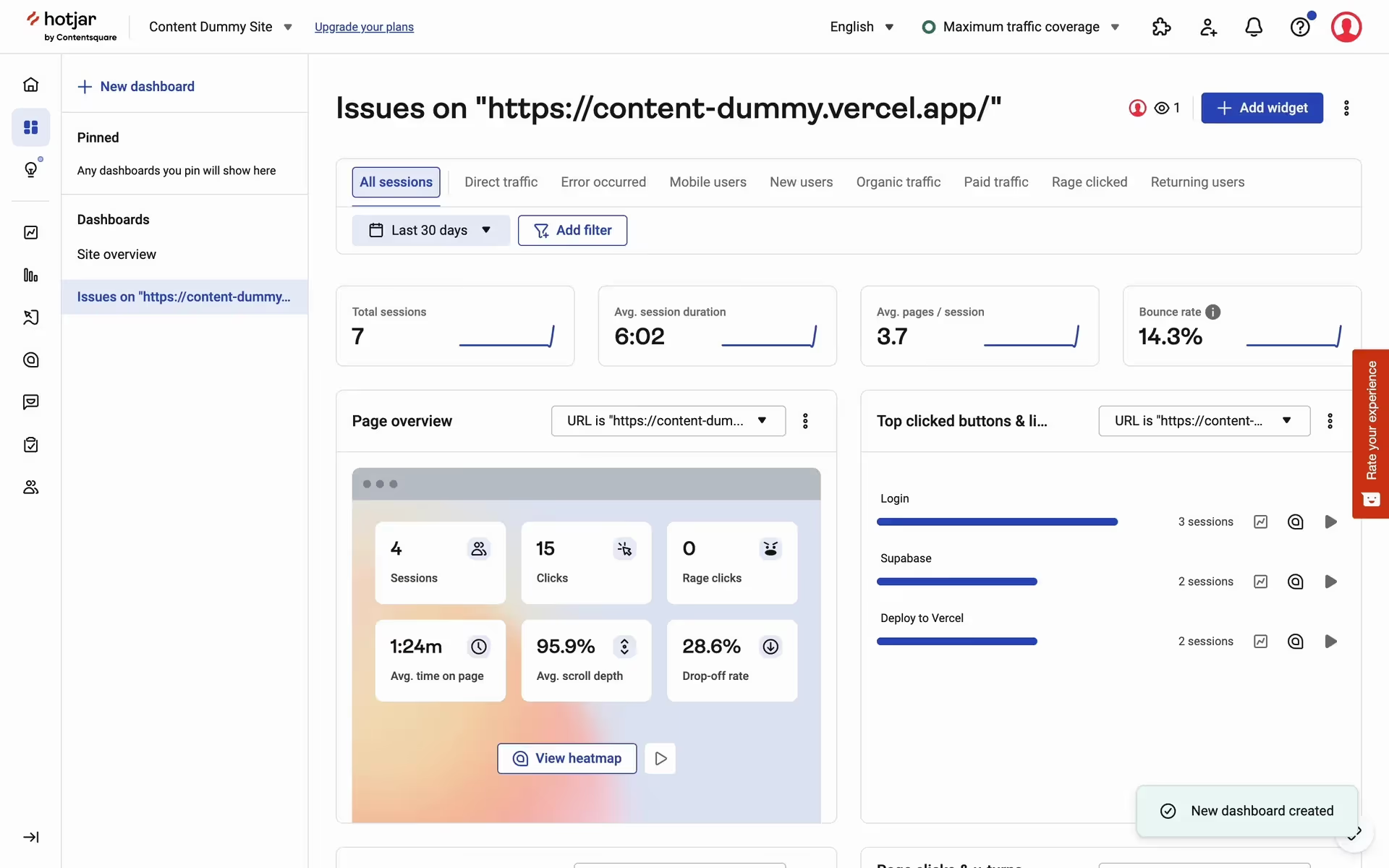
While not as widespread as standard corporate blues, shades similar to Gunmetal are used by brands like Expedia, Hotjar, and Marcus by Goldman Sachs to convey a sense of professionalism and trust. Its relative rarity can also give a product a distinctive, modern edge in a crowded market.
Use the tools below to explore curated palettes, test color contrast for accessibility, and preview Gunmetal in real UI components from top brands.
Using Gunmetal color codes?
When working with Gunmetal, it's helpful to start with its hex code, #1E243A. This code is the most direct way to specify the color in digital design tools and CSS, acting as its unique digital fingerprint.
From this base, you can generate other color models for different applications. RGB (Red, Green, Blue) values are essential for digital screens, while CMYK (Cyan, Magenta, Yellow, Key/Black) is the standard for print. Other formats like HSL (Hue, Saturation, Lightness) or LAB provide different ways to describe and manipulate the color.
To get you started, we’ve converted #1E243A into a range of popular formats. Find the exact values you need below and copy them directly into your project.
Analogous
Analogous colors are found next to Gunmetal on the color wheel. This combination of neighboring hues creates a visually cohesive and serene palette.
Complementary
Opposites on the color wheel, complementary colors create a vibrant, high-contrast look when used alongside Gunmetal, making interface elements pop.
Split Complementary
Split complementary colors for Gunmetal pair it with the two hues on either side of its direct complement, providing strong contrast with less tension.
Triadic
Triadic color schemes use three hues equally spaced on the color wheel, creating a vibrant and balanced palette with Gunmetal as a base.
Tetradic
A tetradic color scheme uses two pairs of complementary colors. With Gunmetal as a base, this creates a vibrant, balanced four-color palette for designs.
Square
A square color scheme uses four colors evenly spaced on the color wheel, creating a vibrant and high-contrast palette with Gunmetal as its base.
Text Color
Background Color
Your Catchy Large Text Goes Here
Shades
Shades are darker variants of Gunmetal, made by adding black to create depth and visual weight.
Tints
Tints are lighter versions of Gunmetal, achieved by adding white to create a softer feel.
Tones
Tones are muted versions of Gunmetal, created by adding gray to soften its saturation.
Hues
Hues are variations of Gunmetal that differ in intensity, creating distinct visual moods.




Never run out of inspiration again.
Use Mobbin for free as long as you like or get full access with any of our paid plans.



















