
Google Blue
Presenting Google Blue (#4285F4), a shade that has become a cornerstone of digital aesthetics. This bright, saturated blue is notable for its clean and direct visual impact. Its specific formulation gives it a distinct energy, making it a familiar yet compelling choice for any interface.
What color is Google Blue?
Google Blue is a vibrant and saturated shade, sitting squarely in the cool spectrum of the color wheel.
It presents as a pure, primary blue with a subtle lean towards cyan, giving it a distinctly digital and approachable character.
What is the meaning behind Google Blue (#4285F4)?
Google Blue (#4285F4) taps into the psychology of blue to project trust, intelligence, and dependability. It's a color that reassures users of the reliability and authority of the information they're seeking.
Symbolically, this specific shade reflects the brand's approachable and innovative spirit, moving away from a traditional corporate feel to one that is more open and accessible to everyone.
How to use Google Blue (#4285F4) in UI design?
To apply Google Blue (#4285F4) effectively, use it as an accent for primary actions like buttons and links. It stands out sharply against neutral backgrounds, creating high contrast and guiding the user's eye. For a harmonious scheme, pair it with analogous greens and blues or a complementary orange.
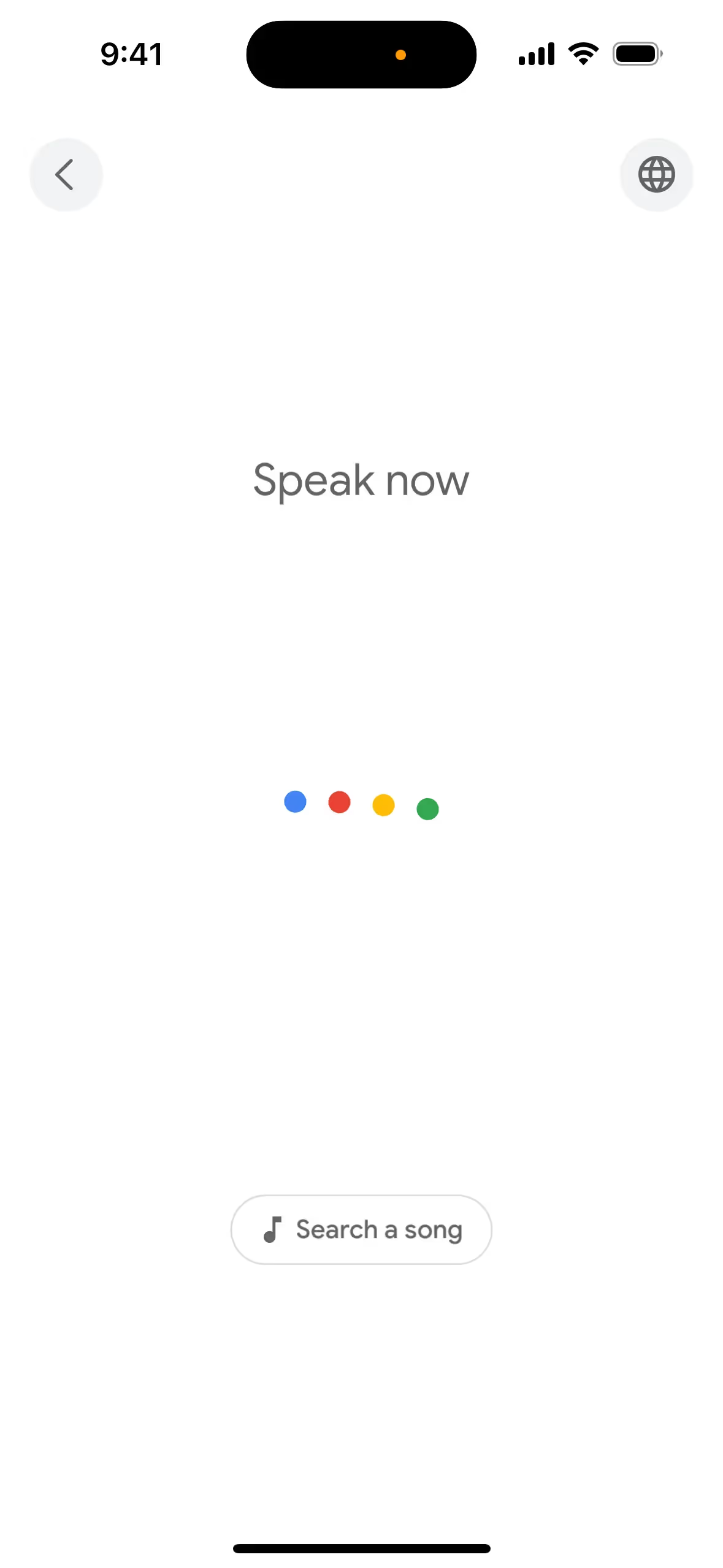
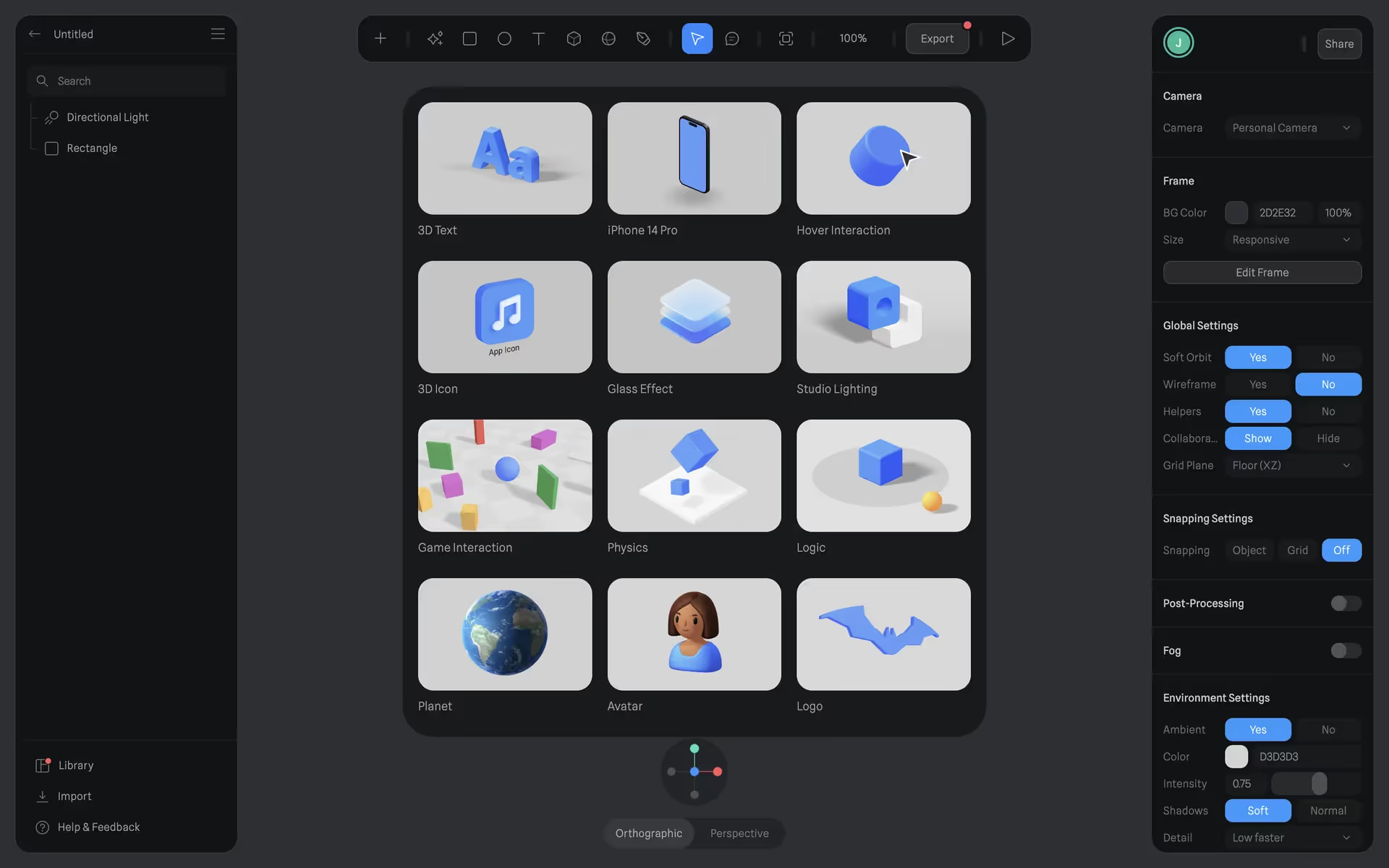
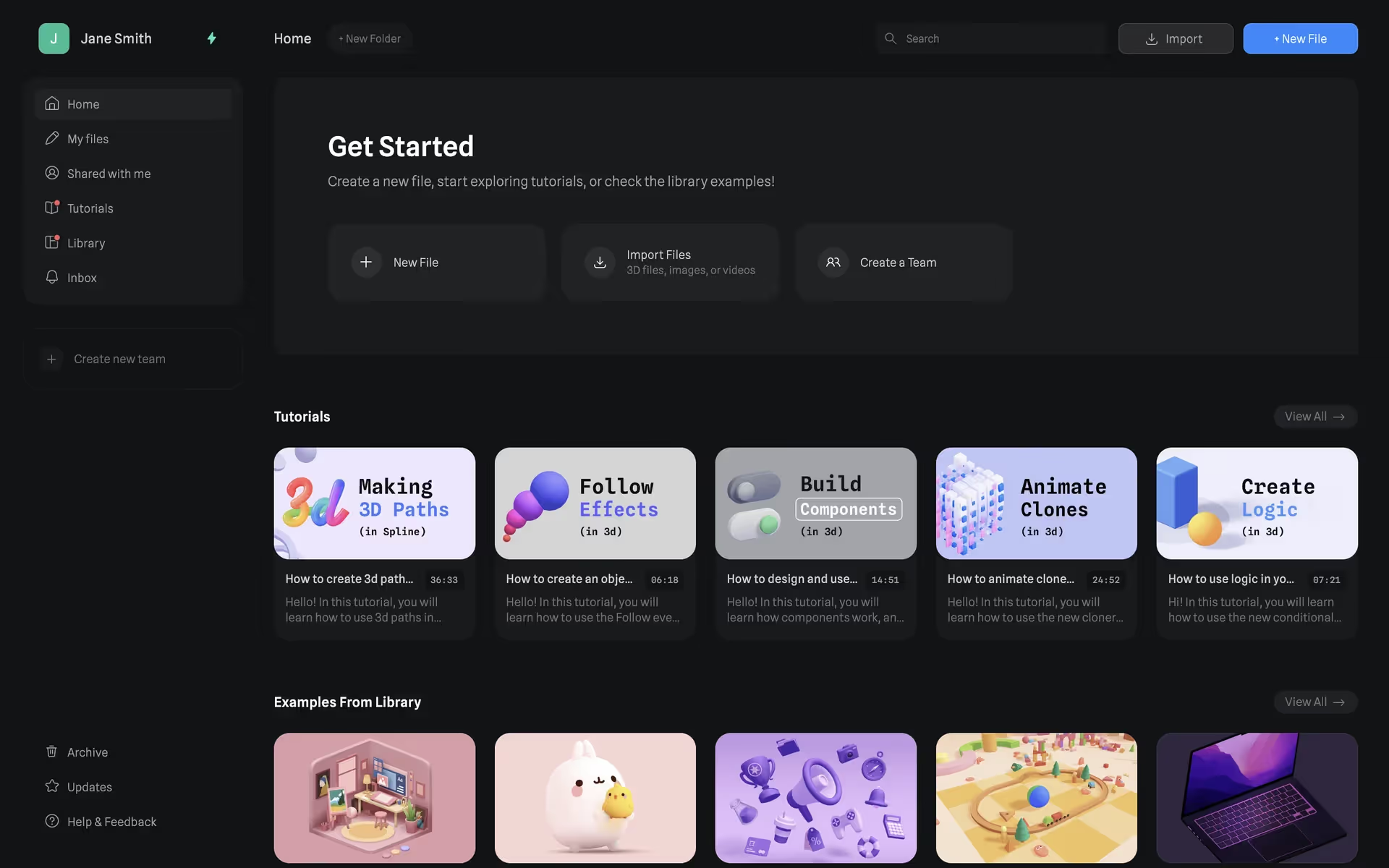
A signature color for tech brands, shades similar to Google Blue appear in the interfaces of Google, Google Maps, Spline, Zeplin, and the South China Morning Post. Its frequent use on these platforms connects it with innovation and clear communication.
You can use the tools below to explore curated palettes, test color contrast for accessibility, and preview Google Blue in real UI components from top brands.
How do I use the Google Blue color codes?
When working with Google Blue, the most direct way to specify it for digital use is with its hex code: #4285F4. Using this exact code ensures perfect color consistency across all your screen-based assets, from app interfaces to web pages.
Of course, a hex code is just one of many ways to define a color. You'll often need to convert #4285F4 into other formats depending on your medium. For digital work, you might use its RGB (Red, Green, Blue) values, which mix light for display on screens. For print materials, you'll need the CMYK (Cyan, Magenta, Yellow, Key/Black) equivalent, which is based on mixing physical inks. Other models like HSL (Hue, Saturation, Lightness) offer a more intuitive way to make adjustments.
To help you get started, we've converted Google Blue's #4285F4 code into a range of popular formats. Feel free to copy the exact values you need for your project directly from the list below.
Analogous
Analogous colors sit next to each other on the color wheel. For Google Blue, these neighboring hues create a harmonious and visually pleasing palette.
Complementary
Complementary colors sit opposite each other on the color wheel. When paired with Google Blue, its complement creates a bold, high-contrast effect.
Split Complementary
A split complementary scheme for Google Blue uses the two colors on either side of its direct complement, creating a vibrant yet balanced palette.
Triadic
A triadic palette uses three colors equally spaced on the color wheel. With Google Blue as a base, this creates a vibrant, high-contrast combination.
Tetradic
A tetradic scheme builds a versatile palette around Google Blue by using two pairs of complementary colors in a rectangular formation.
Square
Square color schemes pair four colors equidistant on the color wheel. This arrangement, with Google Blue, produces a lively and balanced high-contrast palette.
Text Color
Background Color
Your Catchy Large Text Goes Here
Shades
Shades of Google Blue are darker tones made by adding black, giving the color depth and weight.
Tints
Tints of Google Blue are lighter variations made by adding white to soften the hue.
Tones
By adding gray to Google Blue, you create tones with a softer, muted saturation.
Hues
Hues are variations of Google Blue, differing in intensity or temperature to create specific moods.




Never run out of inspiration again.
Use Mobbin for free as long as you like or get full access with any of our paid plans.



















