
Firebrick
Meet Firebrick, hex code #B22222. This deep, muted red carries the intensity of a classic crimson but with a sophisticated, earthy undertone. Its rich saturation and subtle warmth make it a compelling choice for creating strong, yet grounded, visual statements in any design project.
What color is Firebrick?
Firebrick is a strong, muted red that carries the warmth of fired clay and the depth of a dark cherry.
It has distinct brown undertones, giving it an earthy, stable quality that feels both sophisticated and solid.
What is the meaning of the color Firebrick?
Named after the durable bricks lining fireplaces, Firebrick embodies warmth, stability, and a sense of grounded strength.
It evokes feelings of comfort and resilience, blending red's inherent energy with an earthy, dependable quality.
What are the best practices for using Firebrick in UI design?
Firebrick, with its rich and commanding tone, works exceptionally well as an accent color for calls-to-action, icons, or key interactive elements. To ground its intensity, pair #B22222 with a foundation of warm neutrals like cream, beige, or charcoal gray. For a more adventurous palette, consider pairing it with deep teals or muted blues, creating a sophisticated contrast that draws the eye without overwhelming it.
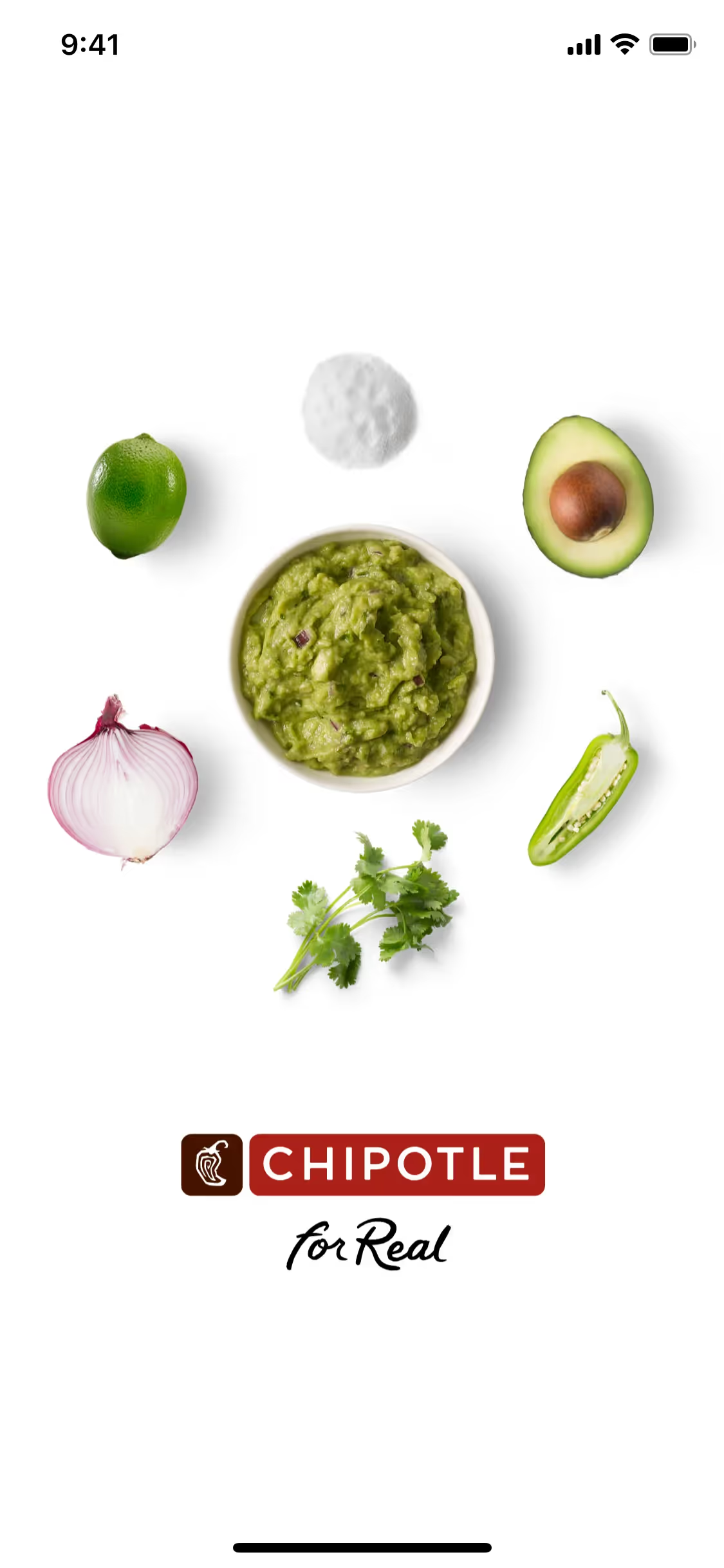
While not a color you see every day, this family of assertive reds is present in the branding of major companies like Netflix, The Athletic, Quora, and Chipotle. Its selective use suggests that Firebrick can give a product a distinct and memorable identity, setting it apart from more common color schemes.
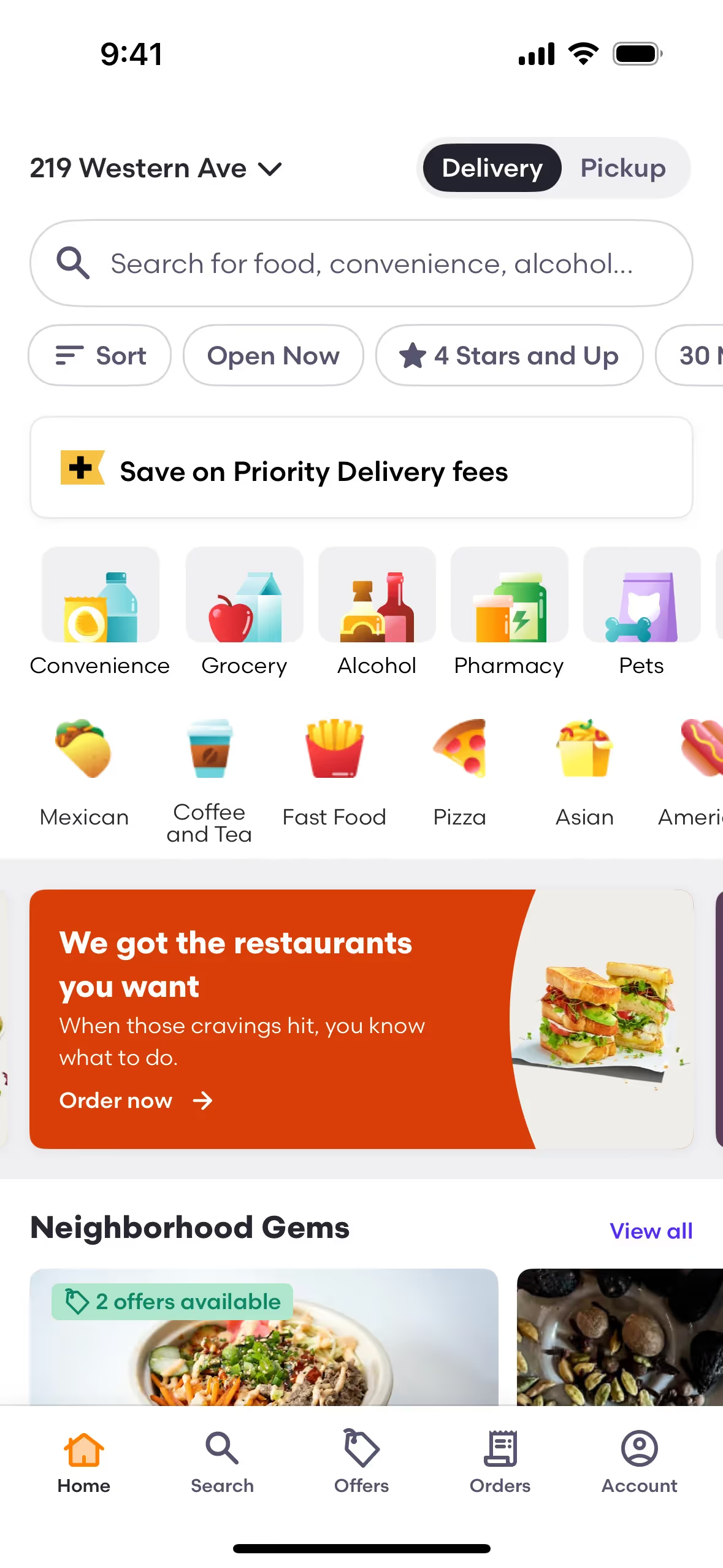
To see how Firebrick performs in practice, use the tools below. You can explore curated palettes, check color contrast for accessibility compliance, and even preview #B22222 in UI components from well-known applications.
How do I use the Firebrick color codes?
When working with Firebrick, its hex code #B22222 is your starting point for digital projects. However, to maintain color consistency across different mediums, you'll often need to translate this value into other color models.
Each color code system serves a specific purpose. RGB (Red, Green, Blue) is fundamental for digital displays, defining colors by mixing light. For print materials, you'll need the CMYK (Cyan, Magenta, Yellow, Key/Black) values, which are based on ink absorption. Other models like HSL (Hue, Saturation, Lightness) offer a more intuitive way to make adjustments.
To help you get started, we've converted Firebrick's #B22222 hex code into a variety of popular formats. You can find and copy the exact values you need for your work below.
Analogous
Analogous colors sit beside Firebrick on the color wheel. This close relationship produces a cohesive and calm aesthetic, ideal for creating serene user interfaces.
Complementary
Found directly across from Firebrick on the color wheel, its complementary color creates a bold and vibrant pairing perfect for eye-catching designs.
Split Complementary
A split complementary palette pairs Firebrick with the two colors on either side of its direct opposite, creating a strong visual contrast with less tension.
Triadic
A triadic color scheme for Firebrick involves two other colors equally spaced on the color wheel, creating a vibrant and balanced high-contrast palette.
Tetradic
Tetradic color palettes for Firebrick are built from two sets of complementary colors, forming a rectangle on the color wheel for balanced, four-color combinations.
Square
A square color scheme uses four colors evenly spaced on the color wheel, creating a vibrant, high-contrast palette with Firebrick as the base.
Text Color
Background Color
Your Catchy Large Text Goes Here
Shades
Adding black to Firebrick creates darker shades, which introduce depth and weight.
Tints
Adding white to Firebrick creates tints, which are lighter and introduce a softer feel.
Tones
Tones are created by adding gray to Firebrick, resulting in a softer, more muted color.
Hues
Hues are Firebrick variations that differ in warmth and intensity, altering the overall feeling.








Never run out of inspiration again.
Use Mobbin for free as long as you like or get full access with any of our paid plans.



















