
Brilliant Azure
Brilliant Azure (#0C6FF9) is a pure, saturated blue that cuts through the noise. Its electric intensity gives it a sharp, digital-native quality, making it a standout choice for interfaces that need to make a clear, confident statement.
What color is Brilliant Azure?
Brilliant Azure is a vivid, electric blue with a distinctly cool temperature.
It carries a subtle green undertone, giving it a fresh quality that sets it apart from more traditional, deeper blues.
What is the meaning of Brilliant Azure (#0C6FF9) in design?
Brilliant Azure (#0C6FF9) taps into the psychology of blue, projecting trustworthiness, dependability, and calm authority.
Symbolically, this vibrant hue represents clarity and open communication, recalling the vastness of a clear sky and its boundless possibilities.
How can I use Brilliant Azure in UI design?
Brilliant Azure (#0C6FF9) works effectively as either a primary brand color or a striking accent. For a sharp, professional interface, pair it with a monochromatic palette of cool grays and stark whites to make interactive elements stand out. To create a more dynamic composition, consider using it with a complementary warm orange or a vibrant yellow, applying the 60-30-10 principle for a balanced visual hierarchy.
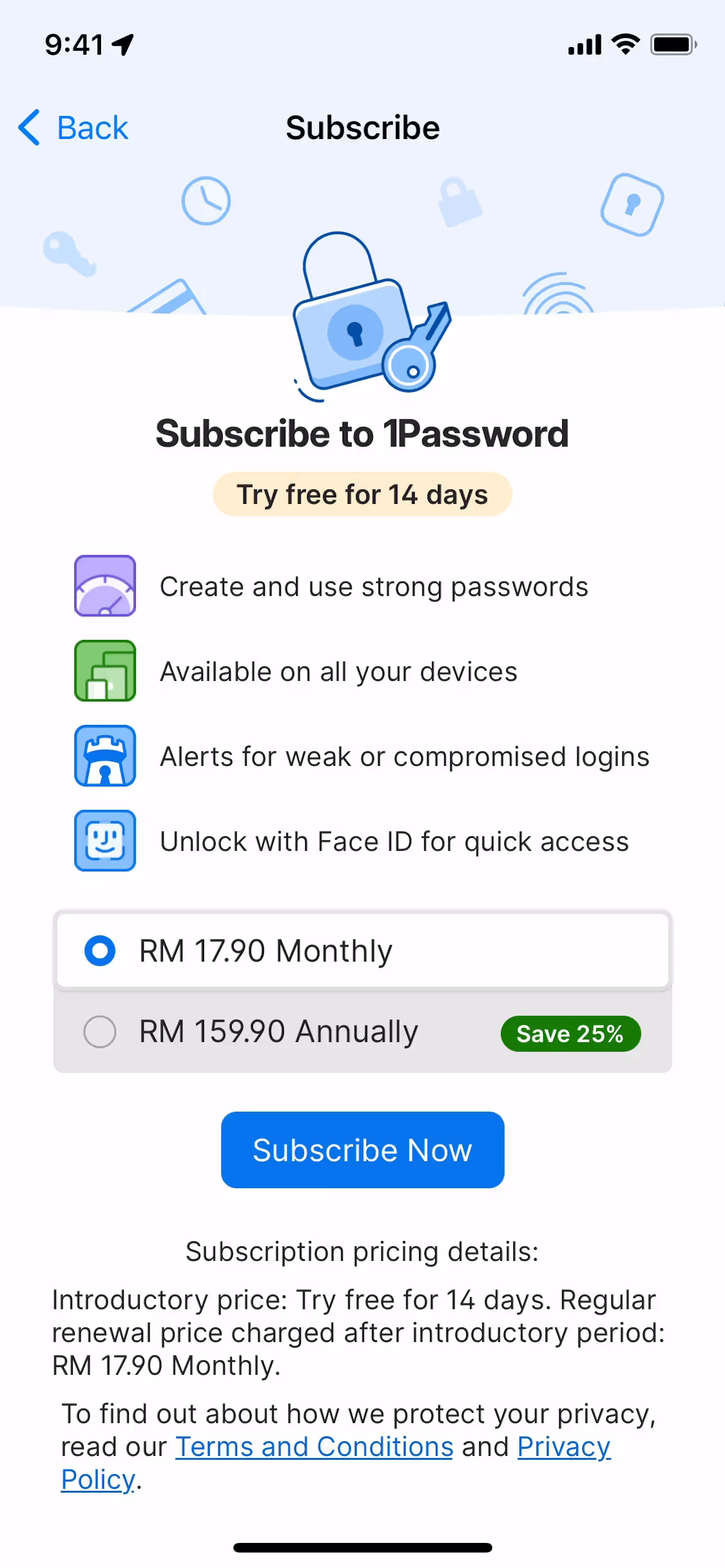
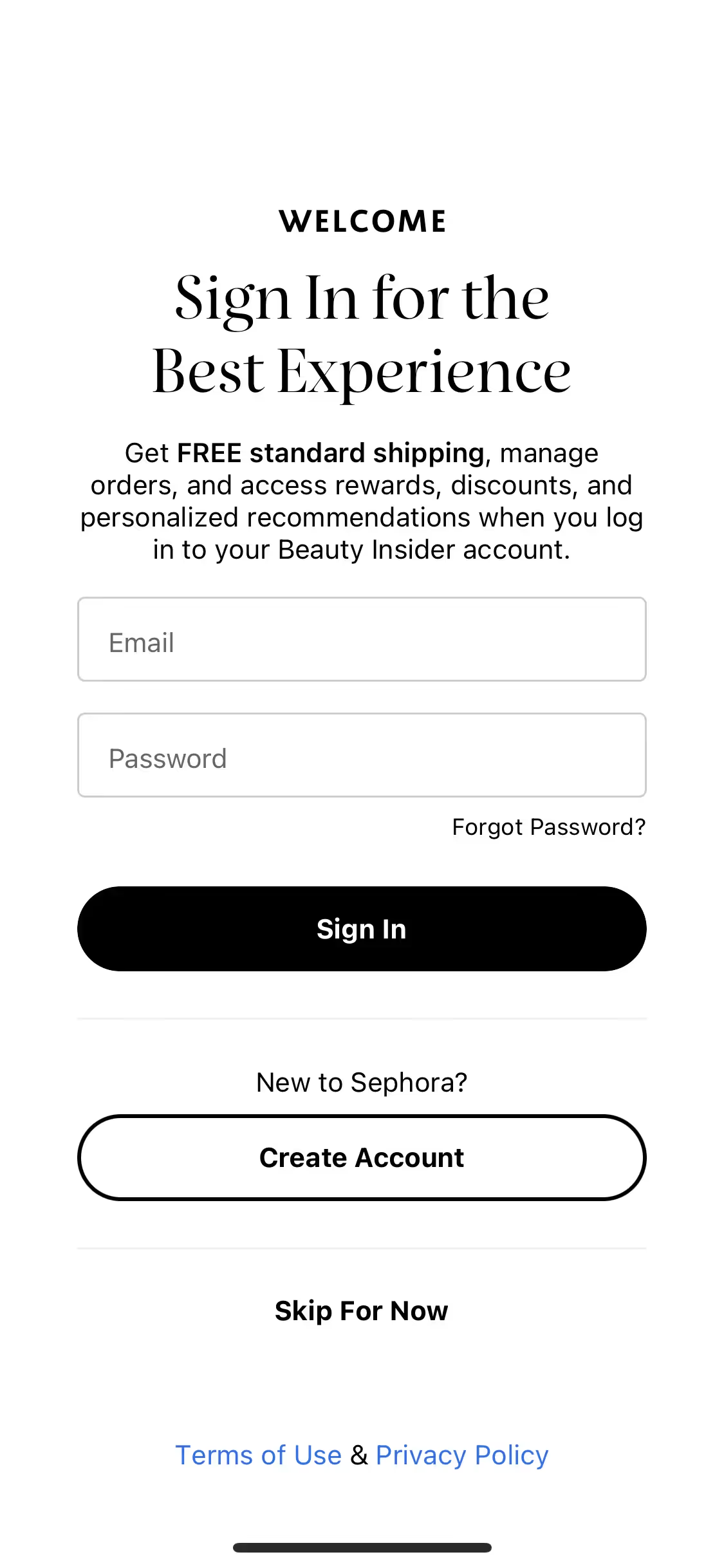
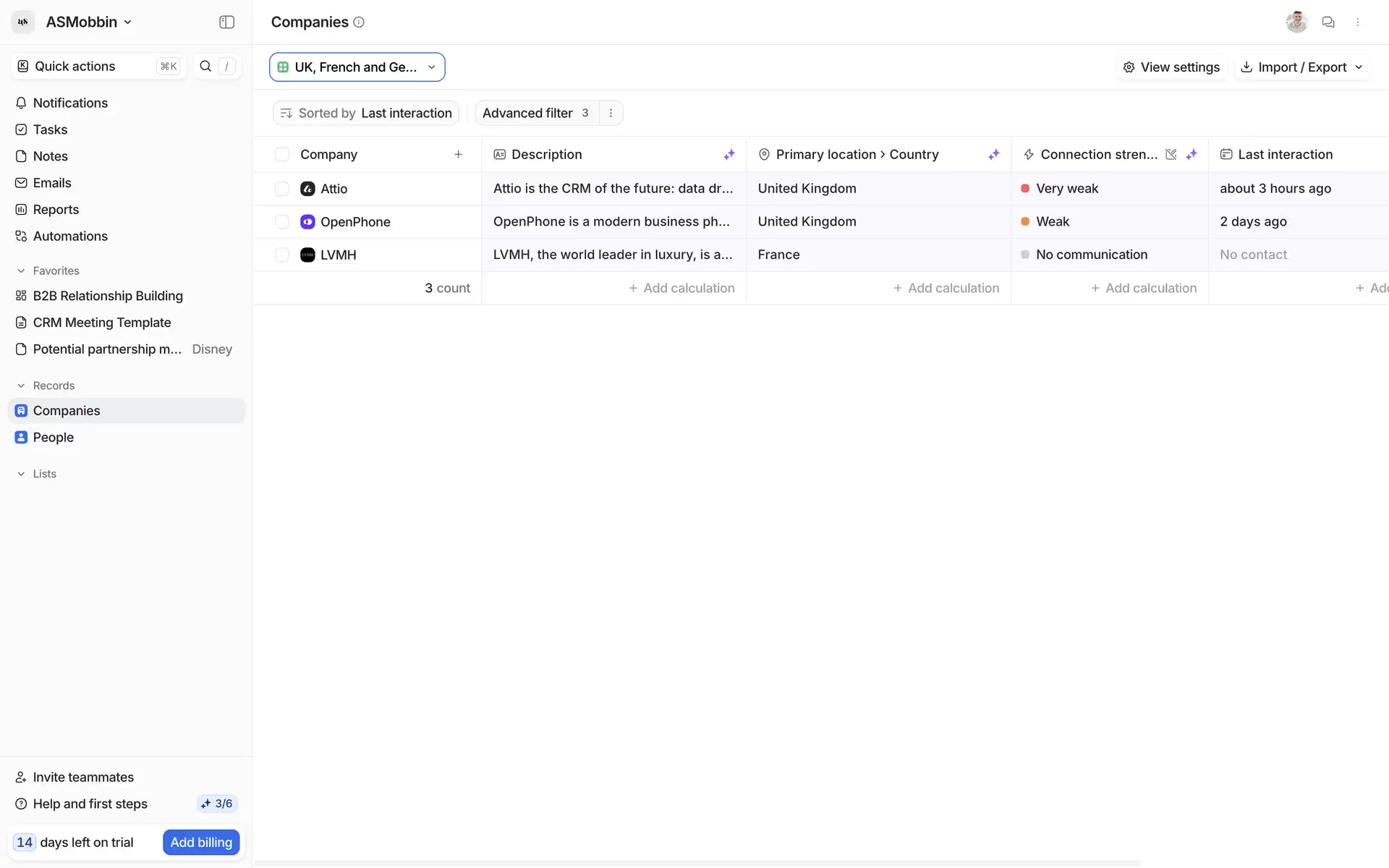
This shade of blue is a popular choice among leading digital products, signaling trust and clarity. You can see similar hues in the interfaces of brands like Productboard, Attio, Google Maps, 1Password, Sephora, and Canva, where it is often applied to key actions, navigation, and branding elements.
To see how Brilliant Azure works in practice, use the tools below. You can explore curated palettes, check color contrast ratios for accessibility compliance, and preview #0C6FF9 in UI components from well-known applications.
Using Brilliant Azure color codes
To apply Brilliant Azure in your projects, you'll start with its hexadecimal code, #0C6FF9, the standard for web design. However, different mediums and design tools require different color models. Translating the HEX code into formats like RGB, CMYK, or HSL allows you to maintain color consistency across both digital screens and printed materials.
Each code serves a specific purpose. RGB (Red, Green, Blue) is additive and used for digital displays, while CMYK (Cyan, Magenta, Yellow, Key) is subtractive and intended for print. Other models like HSL (Hue, Saturation, Lightness) or LAB provide more intuitive ways to make adjustments, separating the core color from its brightness and intensity.
We've converted Brilliant Azure's #0C6FF9 into a full spectrum of popular color codes below. Simply find the format you need and copy it for your use.
Analogous
Analogous colors sit side-by-side on the color wheel. With Brilliant Azure, these combinations produce a cohesive and tranquil visual experience.
Complementary
Complementary colors are opposites on the color wheel. When placed next to Brilliant Azure, they create a high-contrast, visually arresting effect.
Split Complementary
A split complementary scheme for Brilliant Azure uses the two colors adjacent to its direct complement, offering a vibrant yet balanced palette.
Triadic
A triadic palette pairs Brilliant Azure with two other colors, all equidistant on the color wheel, for a dynamic and harmonious visual effect.
Tetradic
A tetradic color scheme uses four hues, including Brilliant Azure, arranged as two complementary pairs that form a rectangle on the color wheel.
Square
Square color schemes pair Brilliant Azure with three other equidistant colors on the wheel, forming a lively, high-contrast combination with rich variety.
Text Color
Background Color
Your Catchy Large Text Goes Here
Shades
By adding black to Brilliant Azure, you create shades that add depth and weight.
Tints
Tints are lighter versions of Brilliant Azure, created by adding white for a softer look.
Tones
Tones of Brilliant Azure are created by adding gray, which softens the color’s saturation.
Hues
Hues are variations of Brilliant Azure, differing in intensity or temperature to create distinct moods.





Never run out of inspiration again.
Use Mobbin for free as long as you like or get full access with any of our paid plans.



















