
A tree visualizes the hierarchical structure of nodes / nested items.
A tree view commonly comes with parent nodes and child nodes, and sometimes even nested levels (child-child nodes, etc) - it is a good way to visualise data with hierarchy requirements.
The parent node is often referred to as the 'root node', and child nodes are sometimes referred to as 'leaf nodes'.
It is common for parent nodes to expand or collapse to reveal or hide the child nodes - similar to how accordions work.
A tree is commonly used in the following design patterns: Navigation, Filtering & sorting, Commenting.
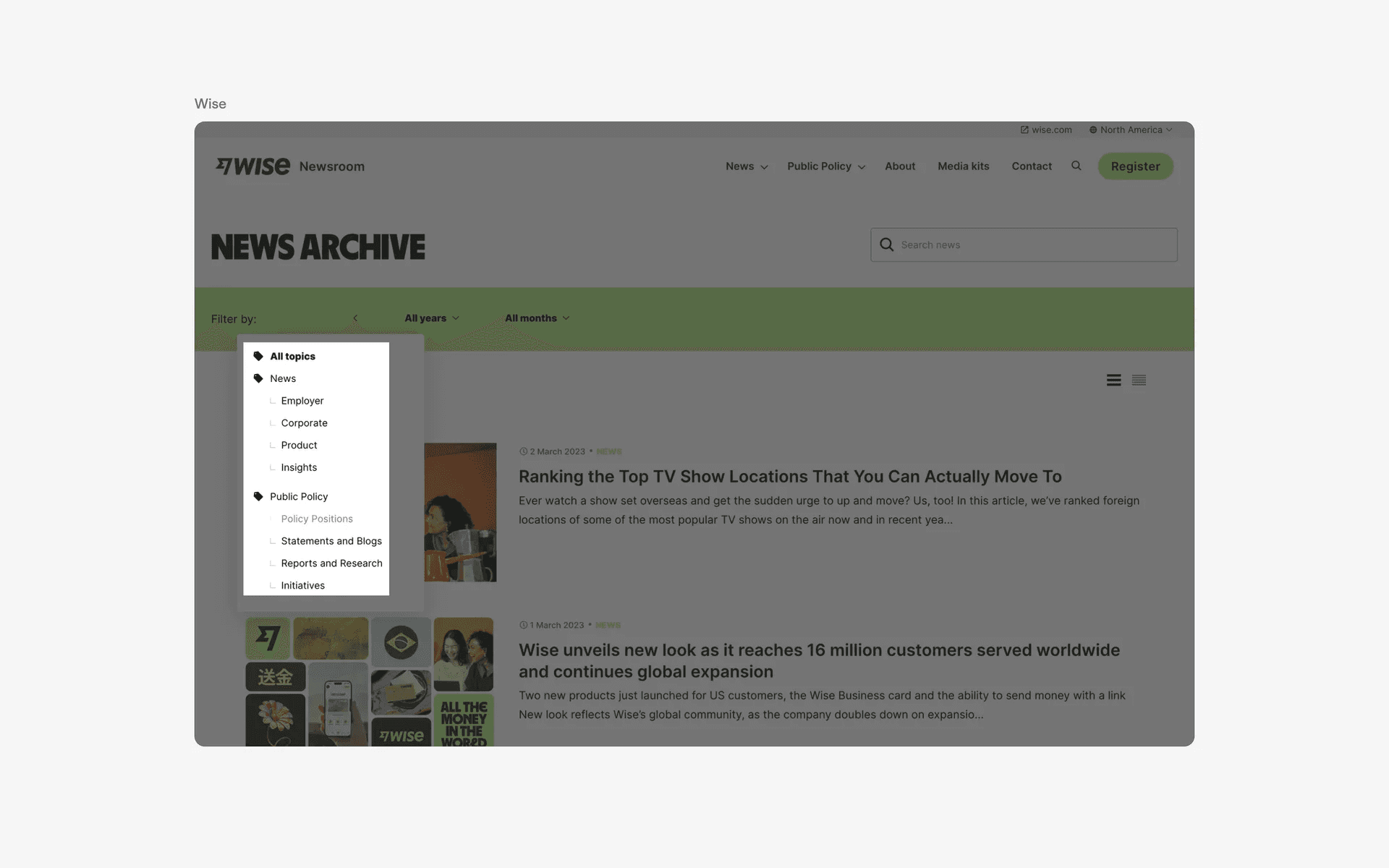
Examples of tree structure with parent node and child node.
What is the anatomy of a tree?
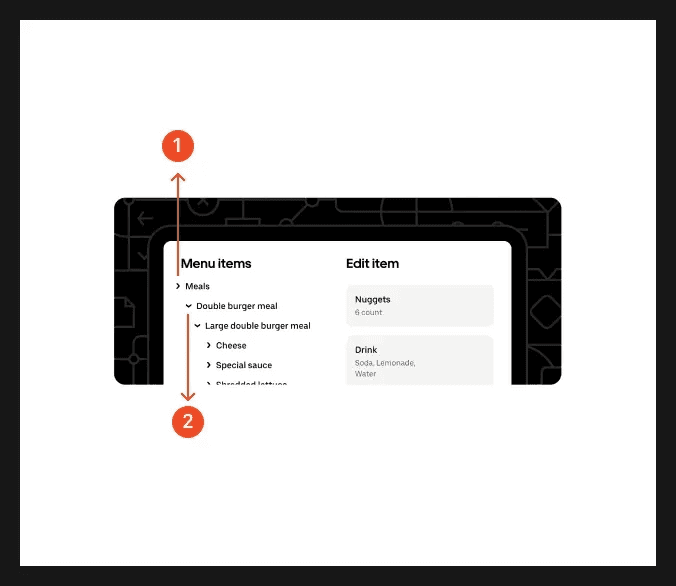
Anatomy of a tree
What are the design variants of a tree?
We studied over 400+ tree UI components on Mobbin, from real-world examples and found the following variants.
1. Tree nodes commonly come with icon and text
Adding icon and text to parent nodes and child nodes help to create more visual contrast in the folder structure.
In fact, it is common to have different icons on the parent node v.s. the child node in the tree view to better contrast the hierarchical relationship between the two node types.
Here are some examples of a tree view that comes with icons and text.
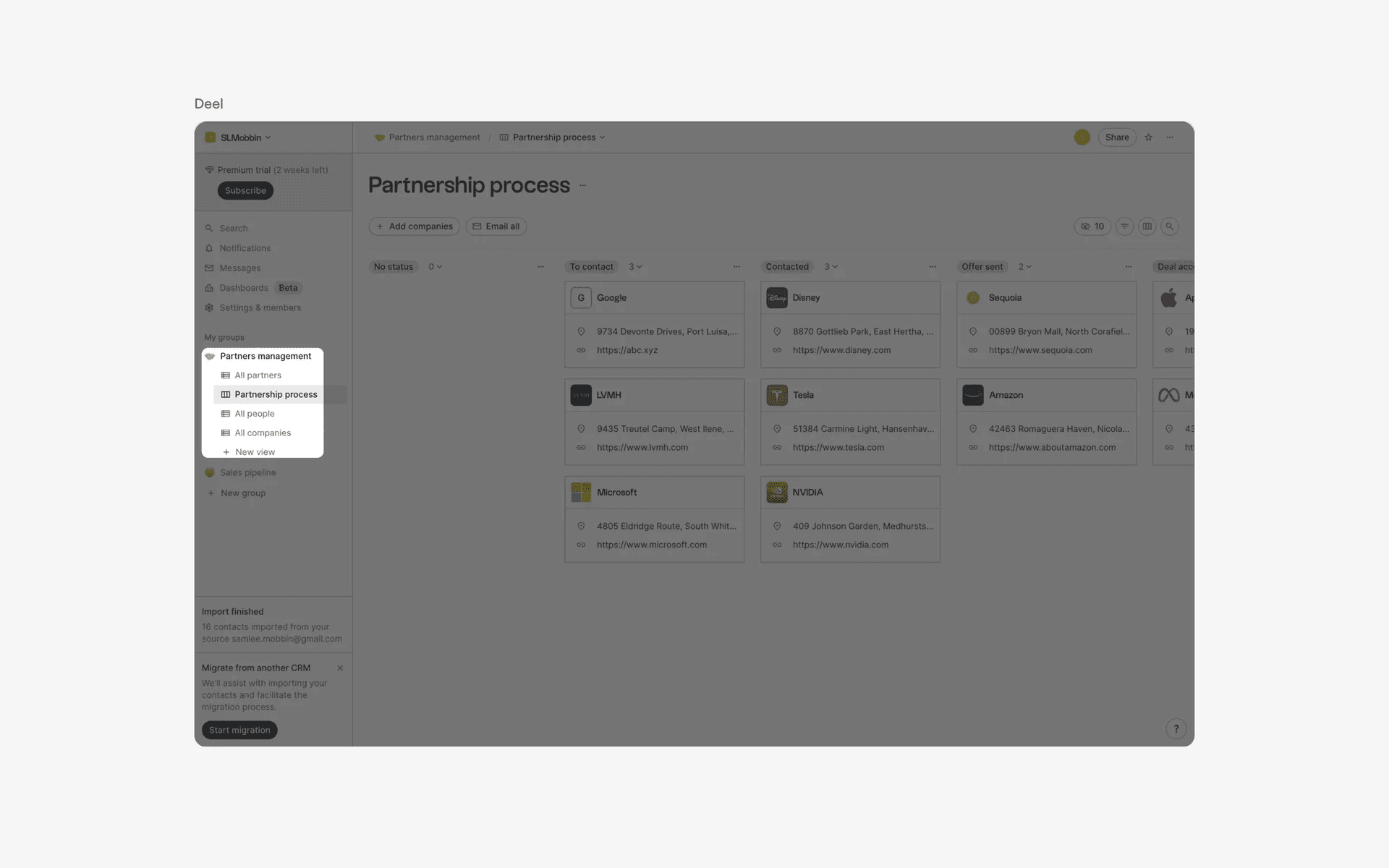
Examples of tree nodes with icon and text
You can also opt to not use icons on every single node of the tree.

Examples of tree nodes without icons
2. Tree nodes sometimes come with checkboxes too
Similar to a list view, it is common for tree views to come with checkboxes if there is a need to have selected nodes for bulk user actions like moving, deleting, editing items.
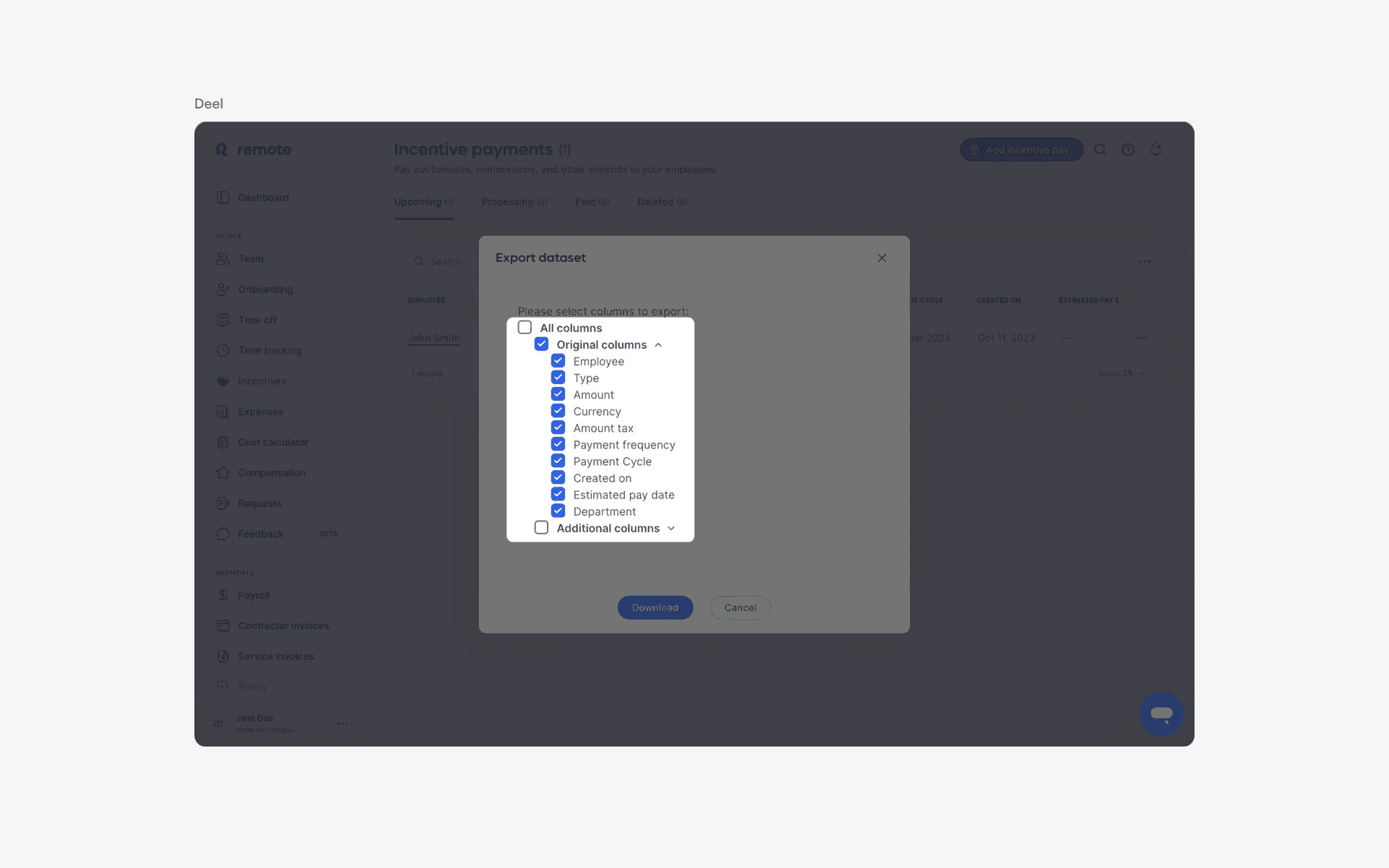
3. Using tree nodes for conversations
This is a common design pattern for forum-based apps like Reddit, or threaded comment design patterns. Having a tree design allows these conversations to be collapsible, similar to an accordion - which allows users to quickly filter through and find comment threads that are relevant for them.

Examples of tree nodes for conversations
When to use a tree component?
1. Navigation
A tree structure is commonly used for navigation on websites, allowing users to easily explore different categories or sections of the website.
On Mobbin, we use the tree view specifically for the flows section to highlight to hierarchical information architecture of each website. Clicking on a specific node in the tree navigates the users to the appropriate content.
Navigational tree views commonly come in form of Table of Contents on blog pages on websites.
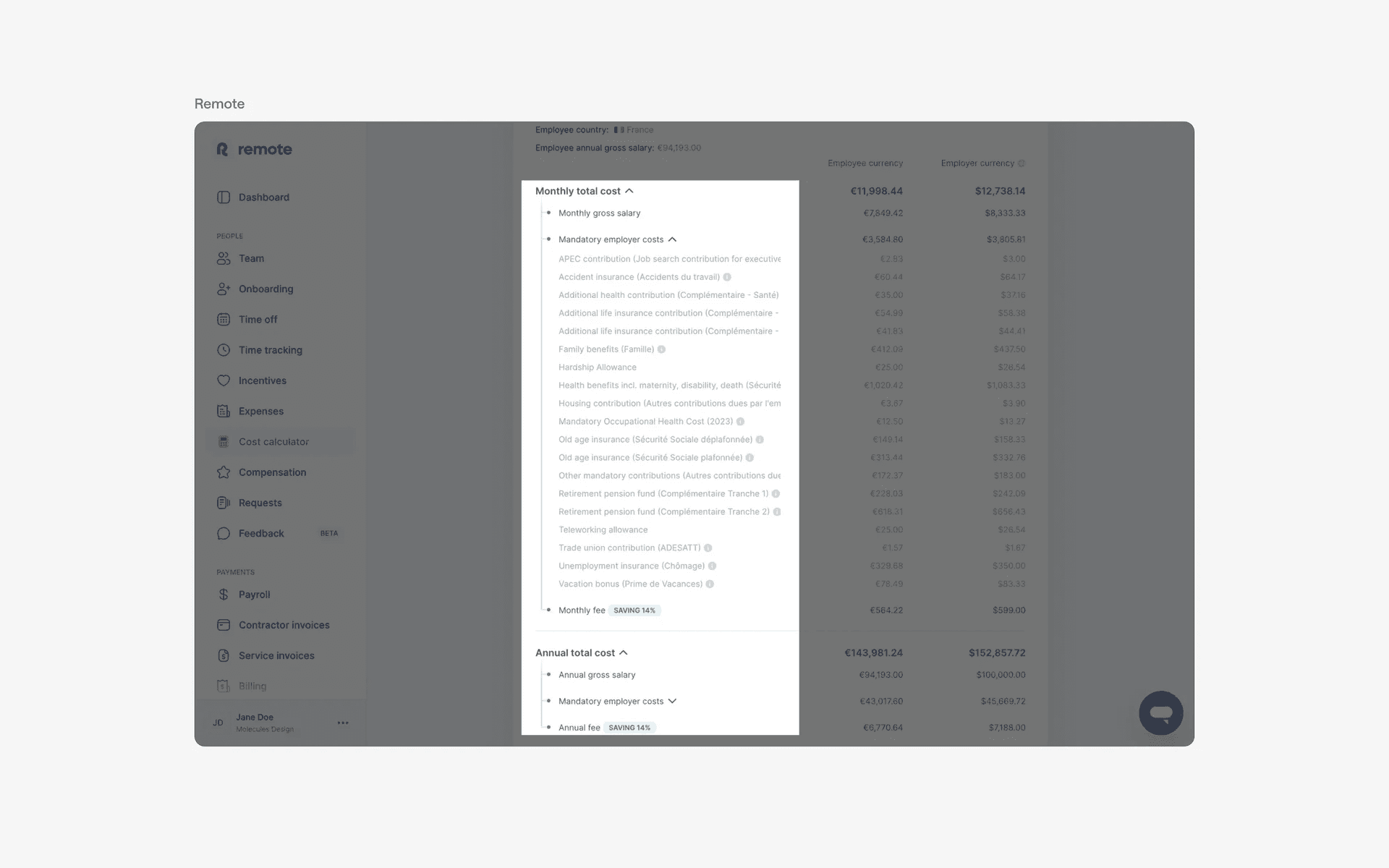
Examples of tree nodes used for navigation.
2. Filtering & sorting
In e-commerce or product listing websites, a tree structure can be used for filtering and sorting products based on different categories, such as price, brand, or size.
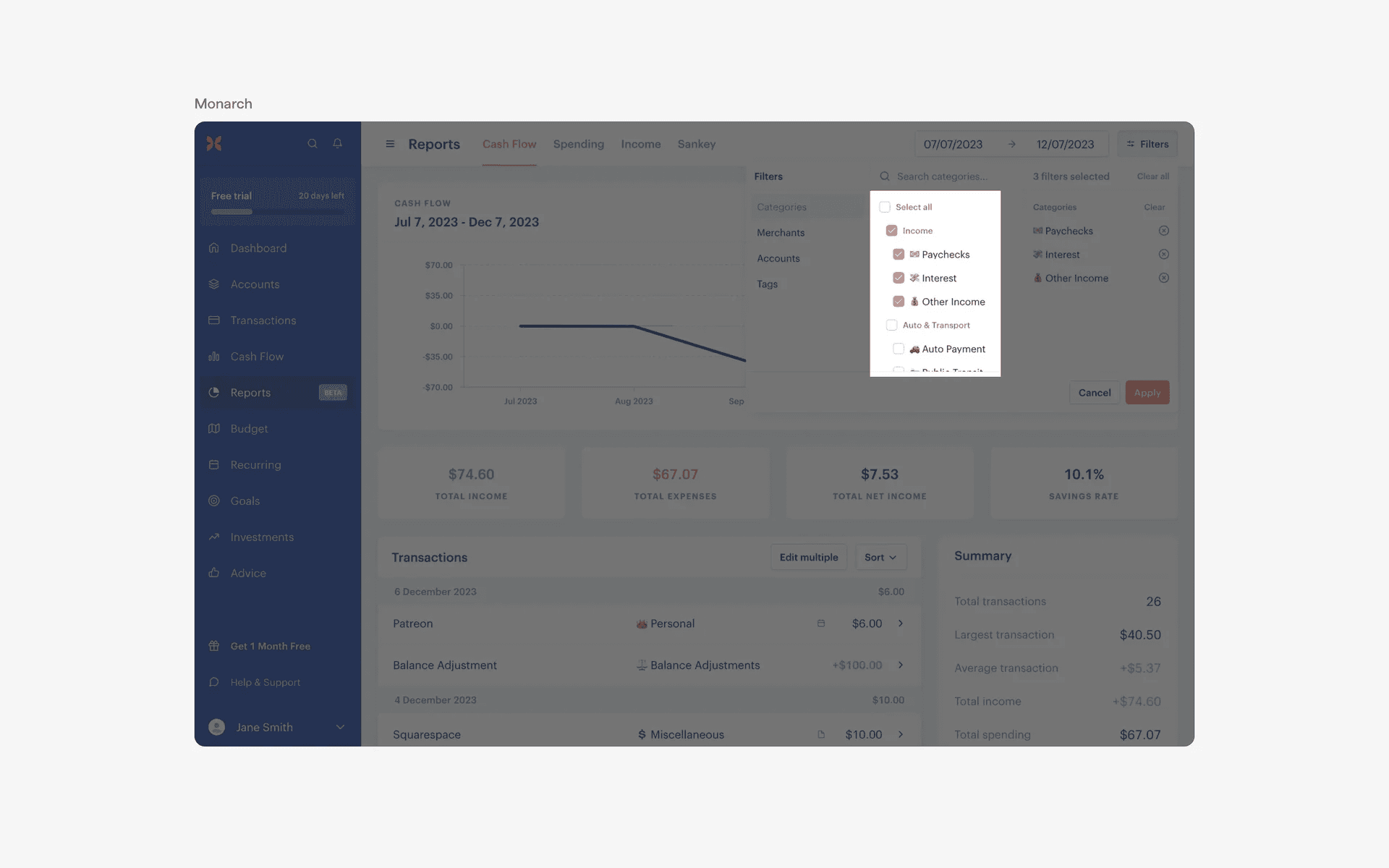
Examples of tree nodes used for filtering & sorting
3. Comments
On threads or forums, replies and comments can be arranged in a tree for easier viewing. For example, a comment can be expanded to multiple replies from other users.
The best example of this is Reddit, tree view in the comments section handles huge volumes of comments elegantly - and the tree nodes often have many nested levels. Users can easily expand or collapse different root nodes to see relevant comments that they might be interested in.
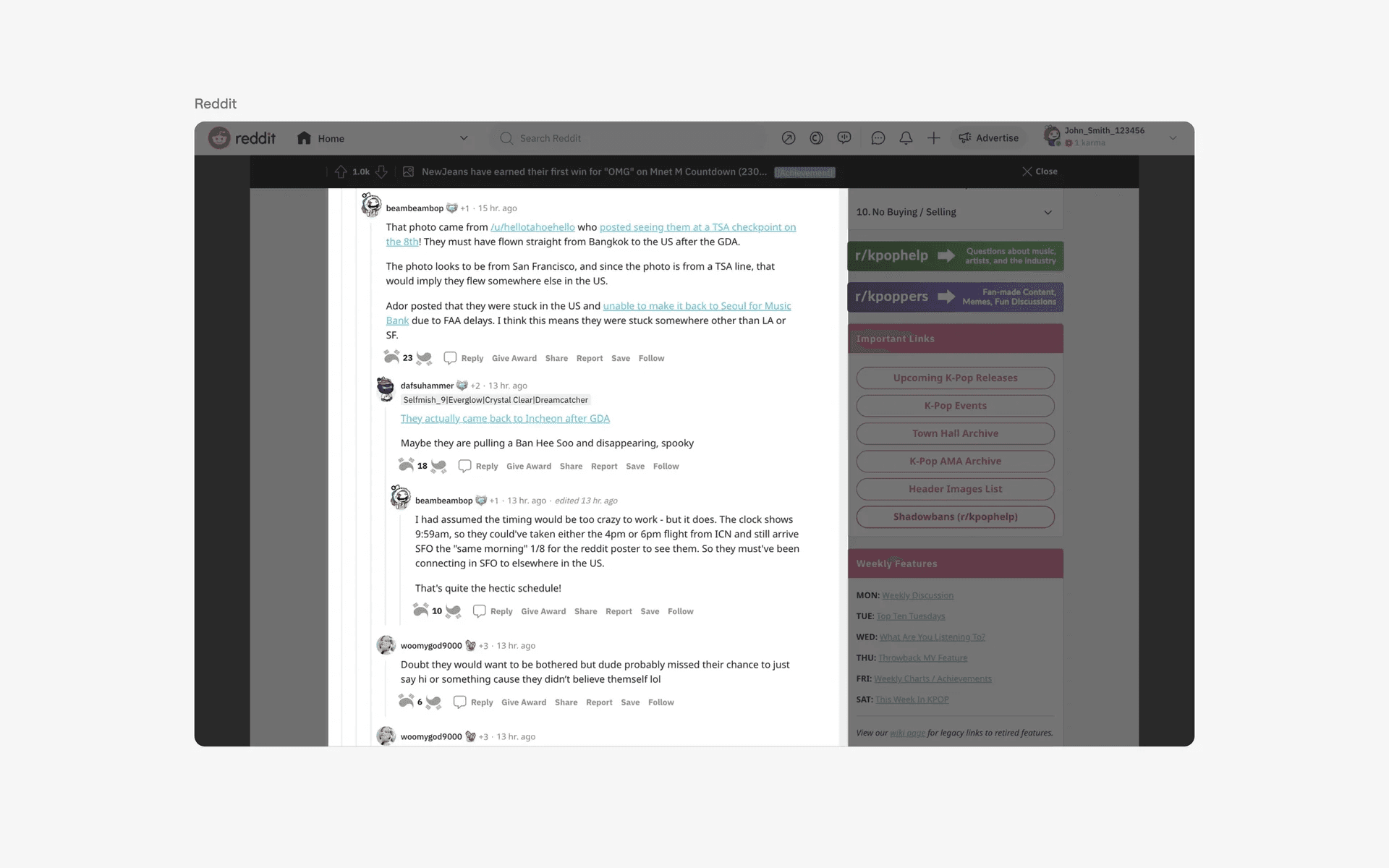
Examples of tree nodes used on comment sections