
What is a select component?
Select allows users to choose from multiple options from a dropdown menu list.
A select menu is effective for straightforward choices with limited options.
It allows users to choose an option or value from a list.
The user is able to view the selected option, or a placeholder, even when the element is closed.
Select UI elements are commonly used in form submission design patterns where a user submits data and chooses one option from the list.
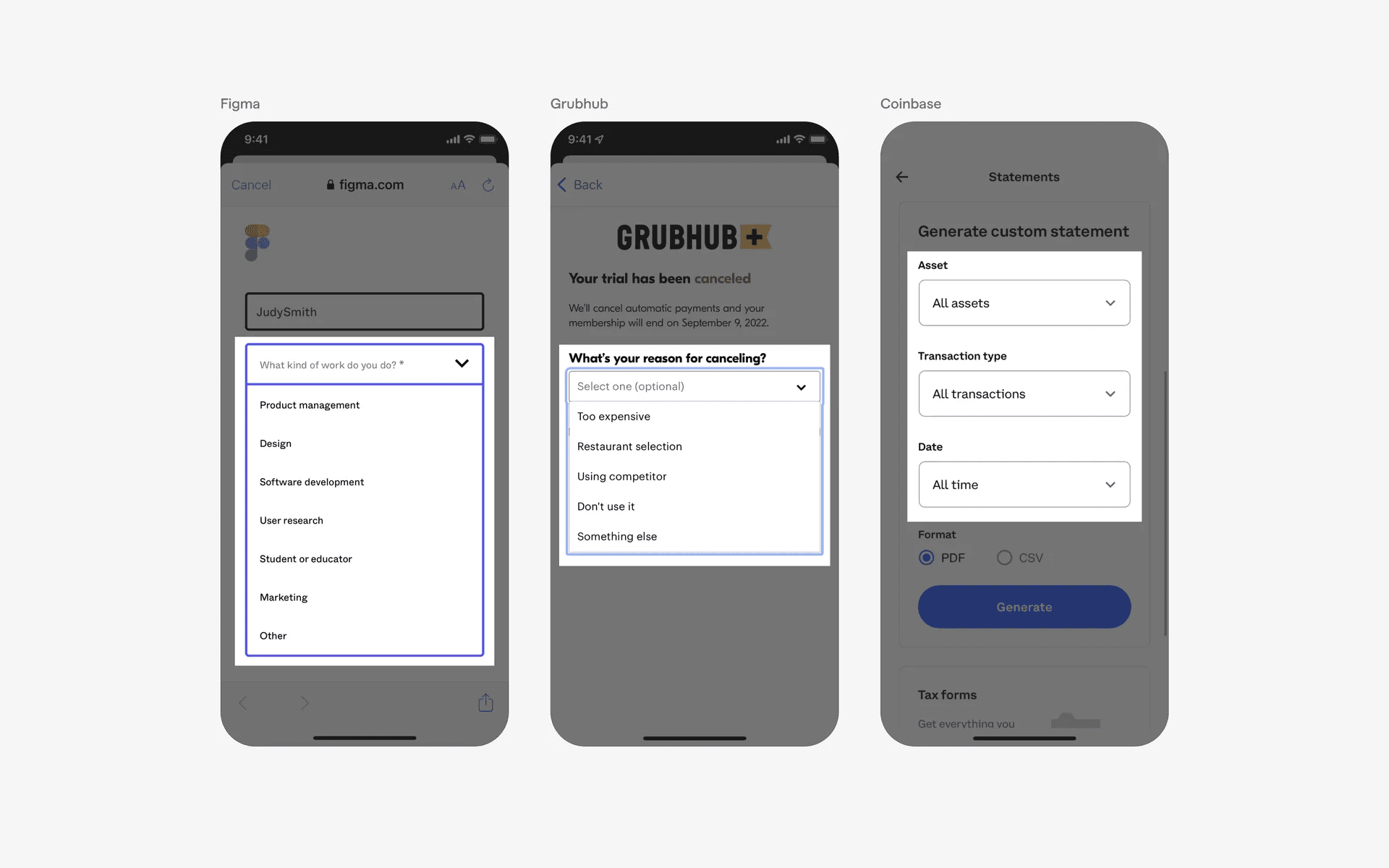
Example of Select element with dropdown menu
What is the anatomy of select element?
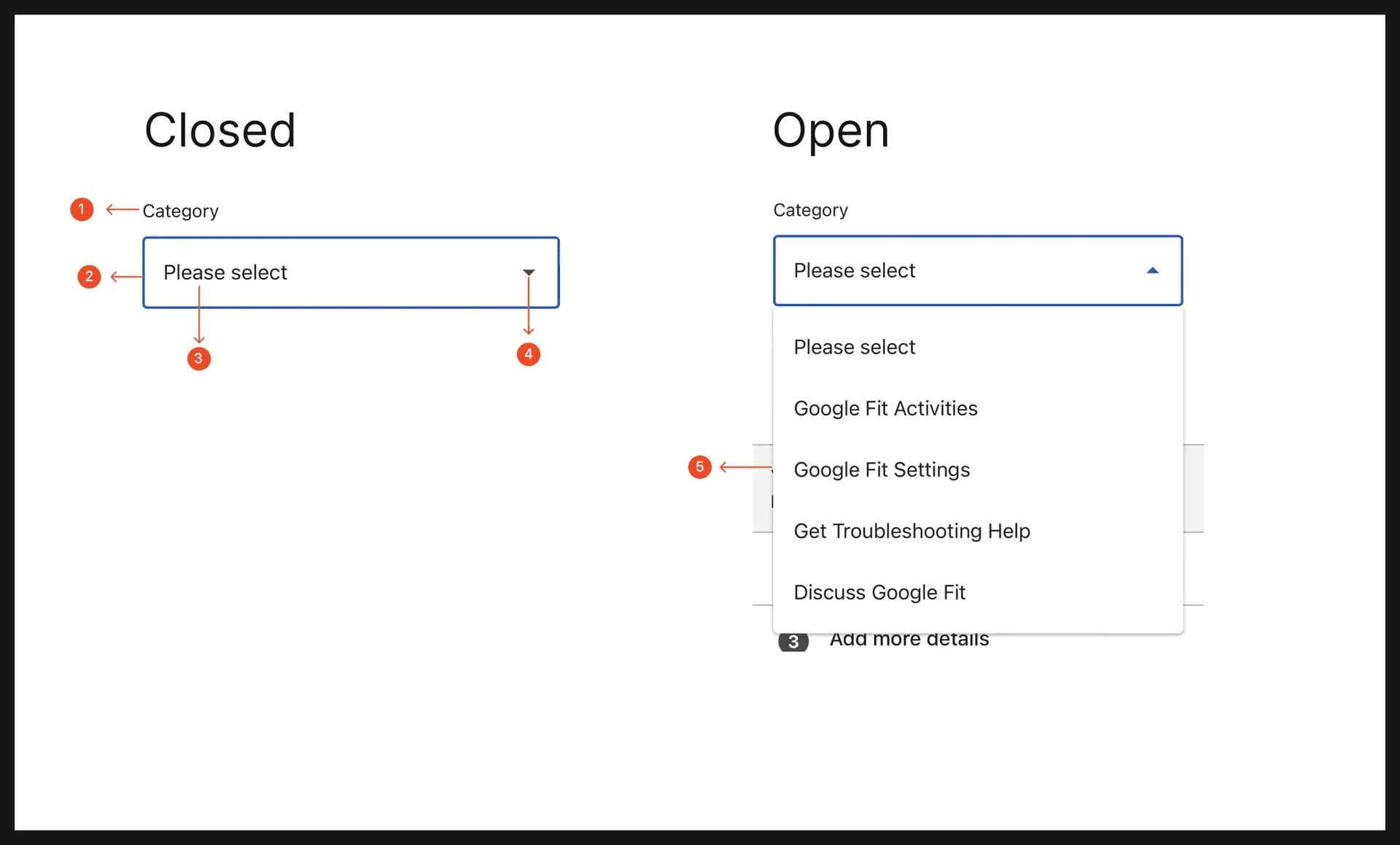
Anatomy of select element
What are the design variants of select?
We studied over 4,200+ select UI components on Mobbin, from real-world examples and found the following variants.
1. Dropdown menu in select element
When a select element is closed, they usually has a default value that has been pre-selected, or a placeholder value.
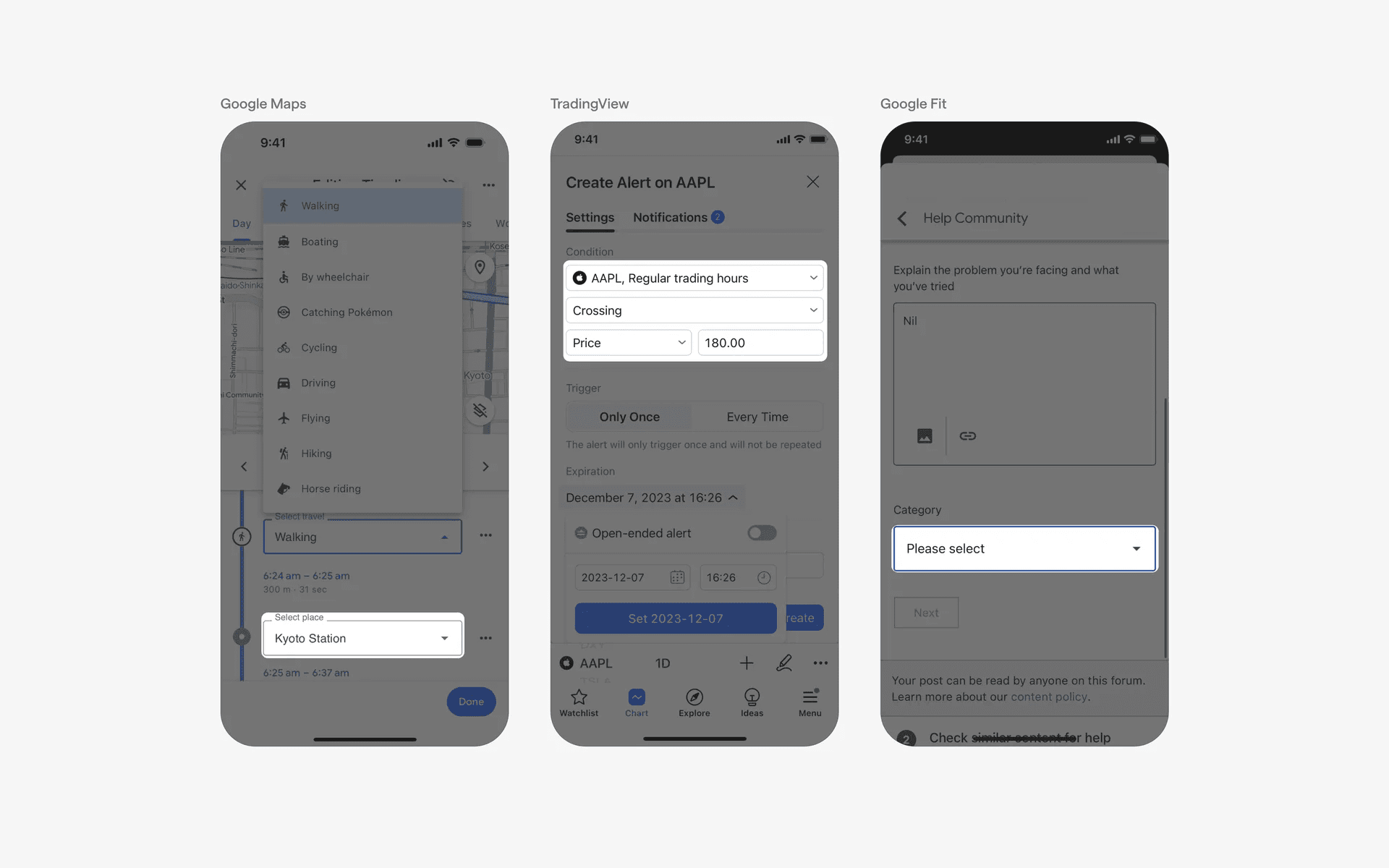
Example of closed select elements
When users click on the select element, it opens up a dropdown menu. Users will be able to select from multiple options in the menu.
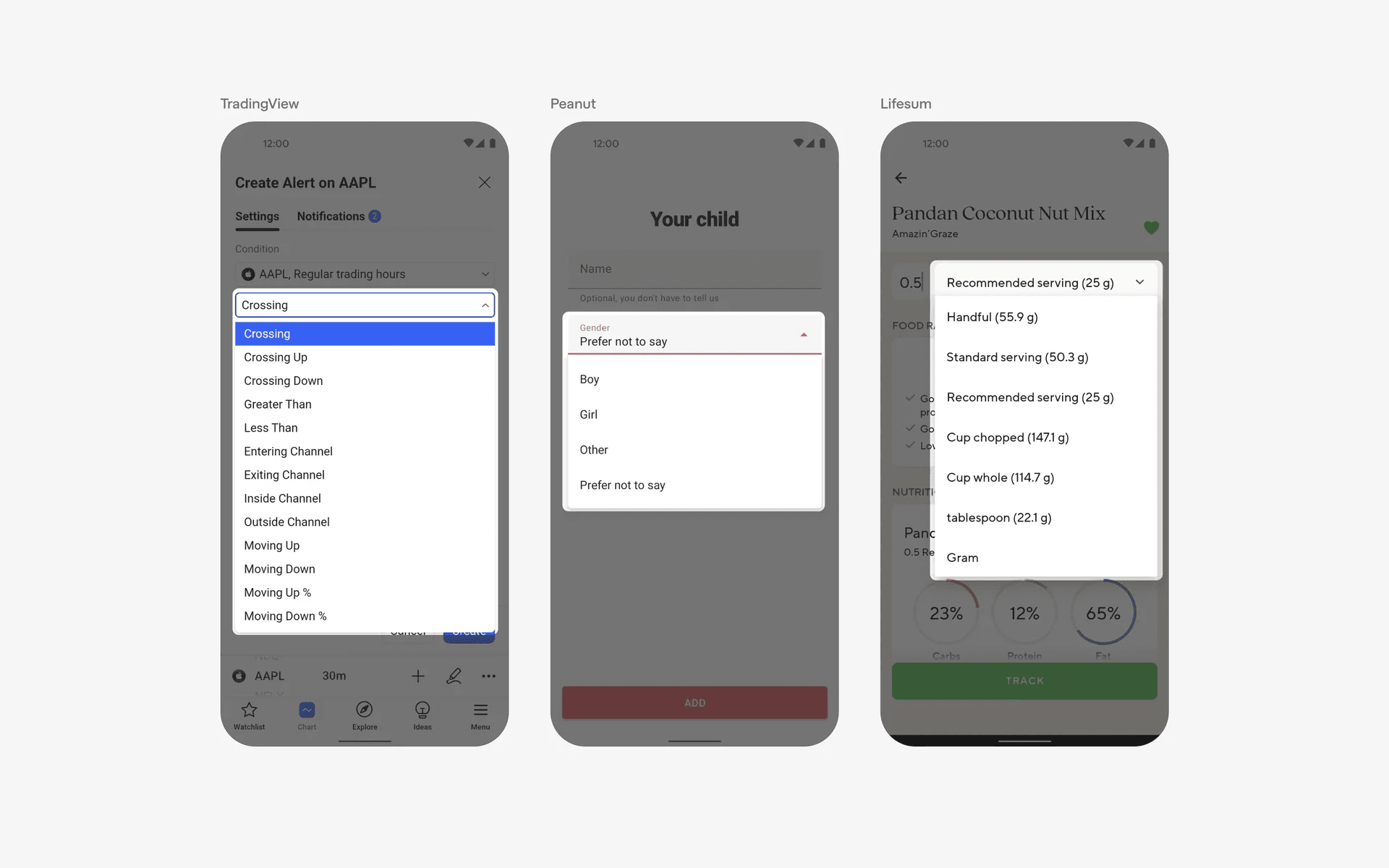
Example of opened select elements
2. Minimal container in select element
While an select element with outlined container is the most common design variant, you can also consider using a more minimal style with a single underline select container instead.
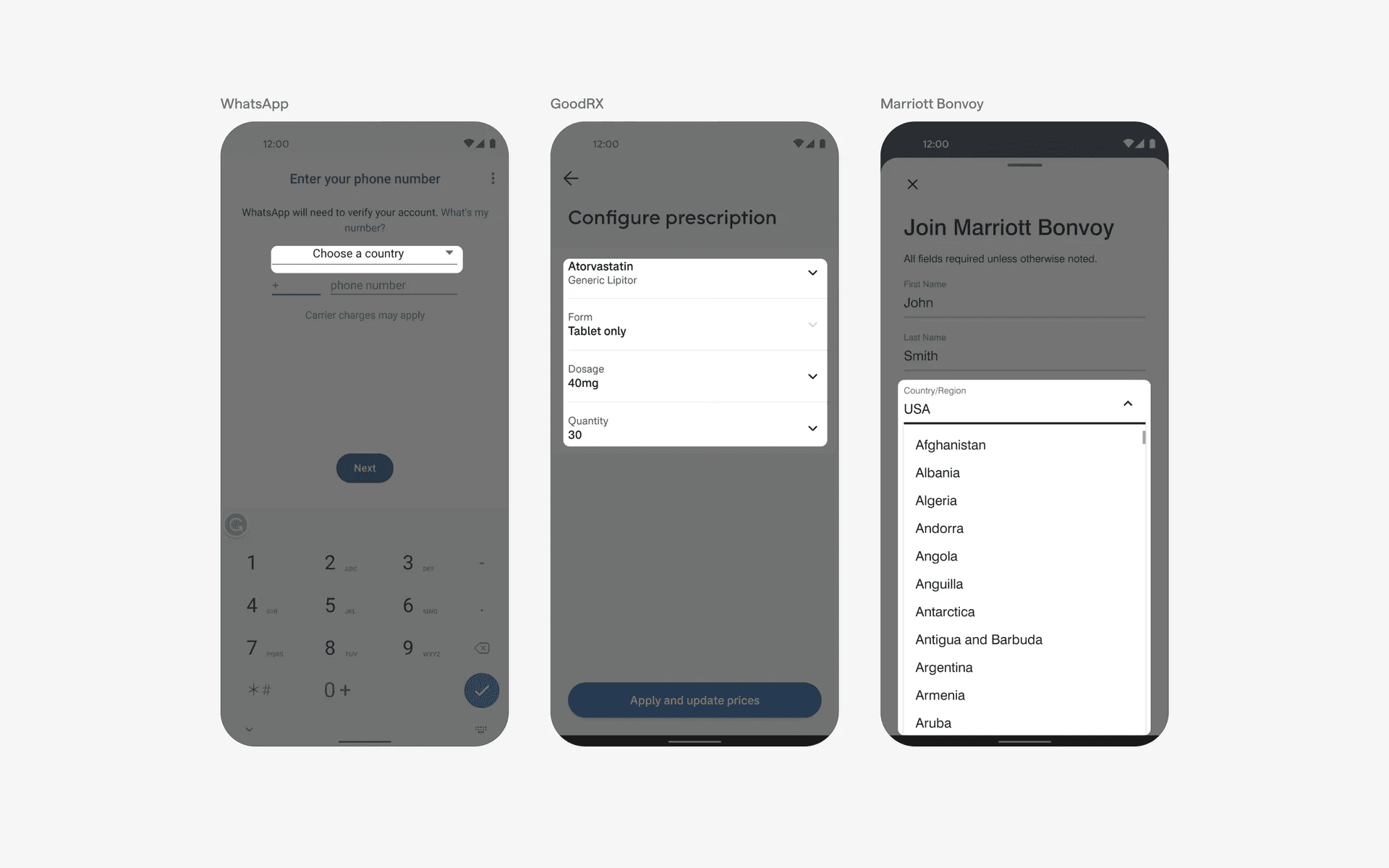
Example of minimal containers in select element
3. Alternative trailing icons in select element
Instead of using the trailing caret icon, some apps opt to use alternative icons instead.
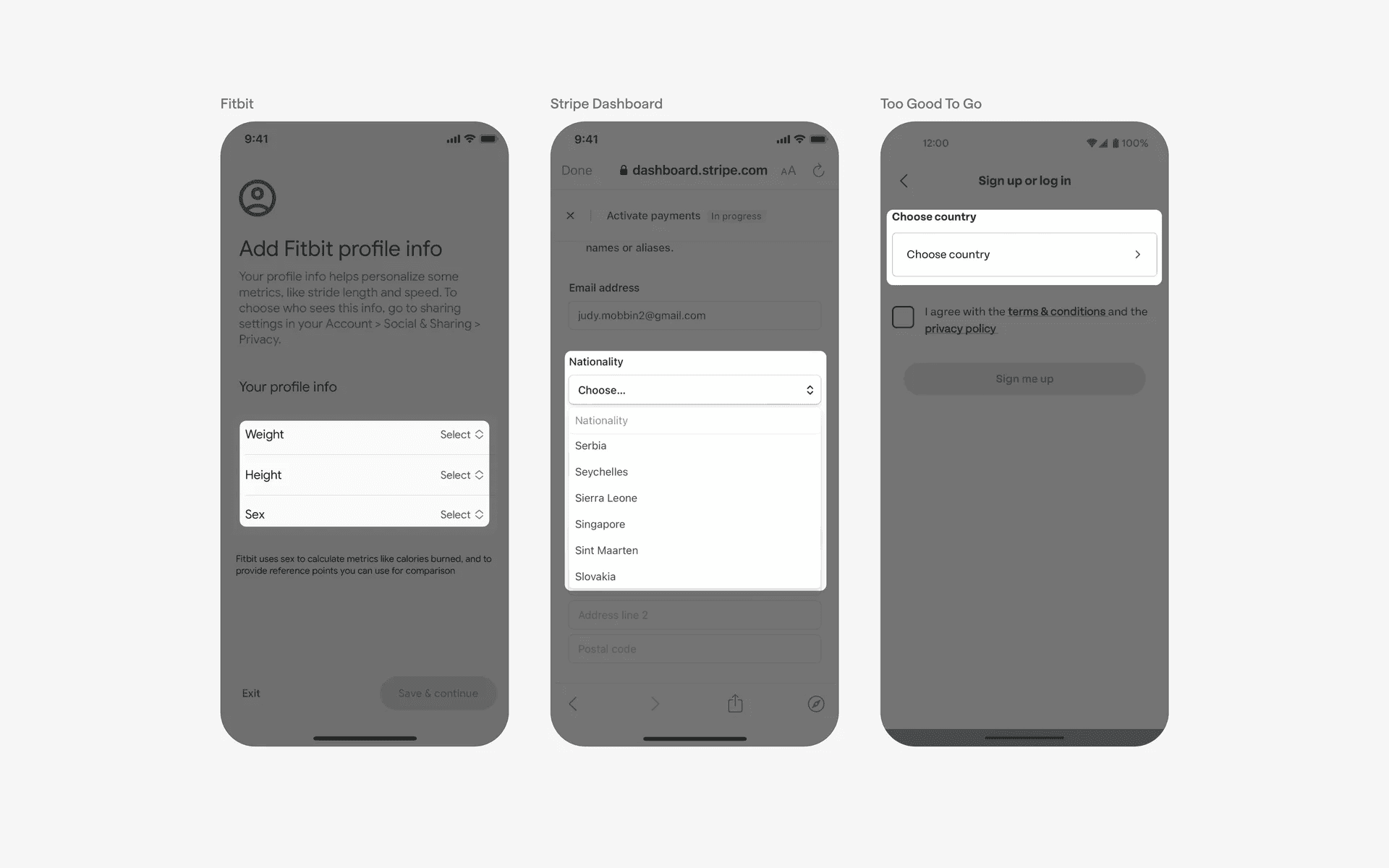
Example of alternative trailing icons
When to use select?
Form submission
Select allows users to select from a list of options in a form, such as a drop-down menu of countries.
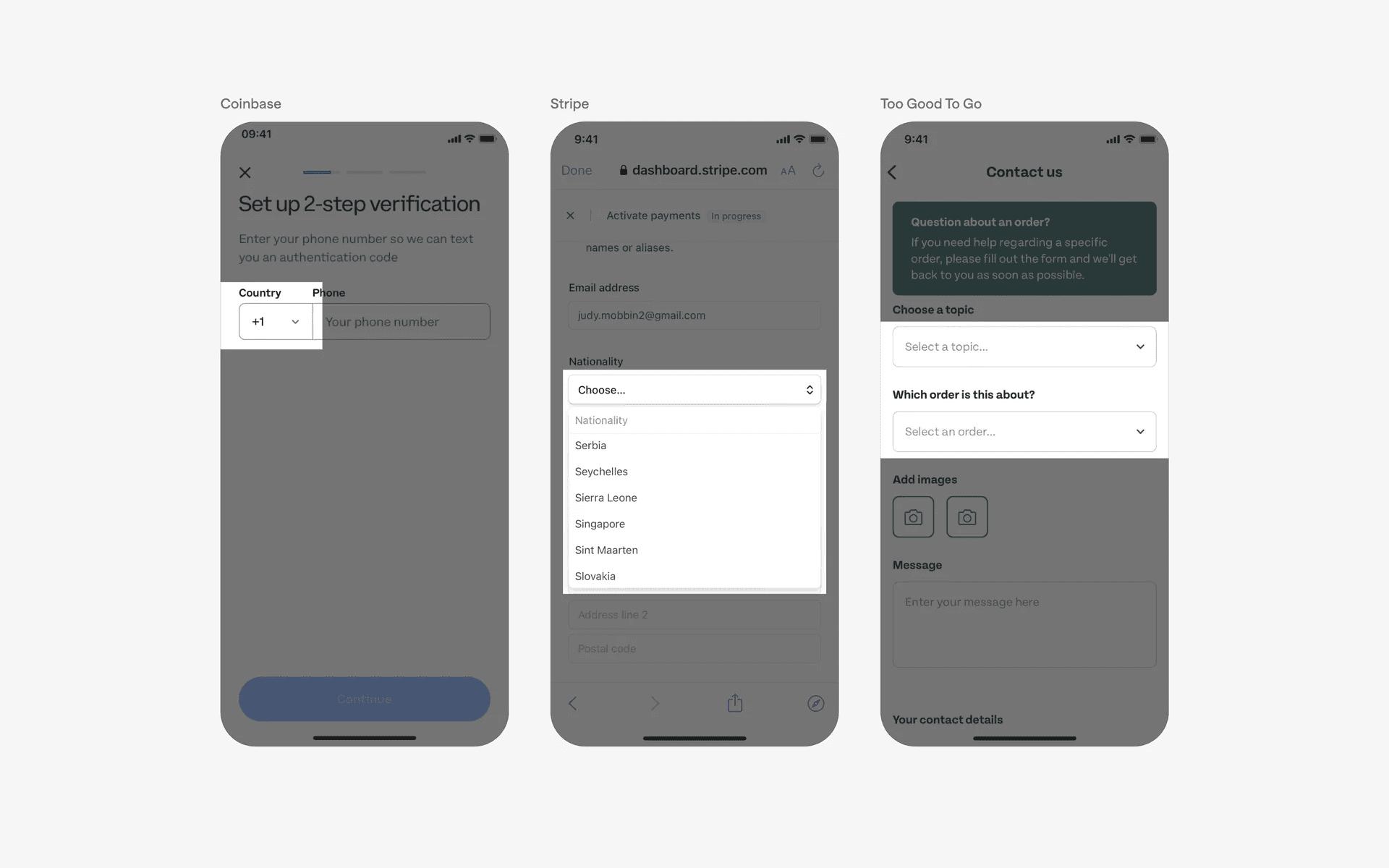
Examples of select used in form inputs
Conflicting UI elements: Accordions, Menus
1. Select v.s. Accordions
While a select might share the same appearance as Accordion - with a caret - they are not the same thing. Accordion displays content, while Select would displays a list of options that when expanded.
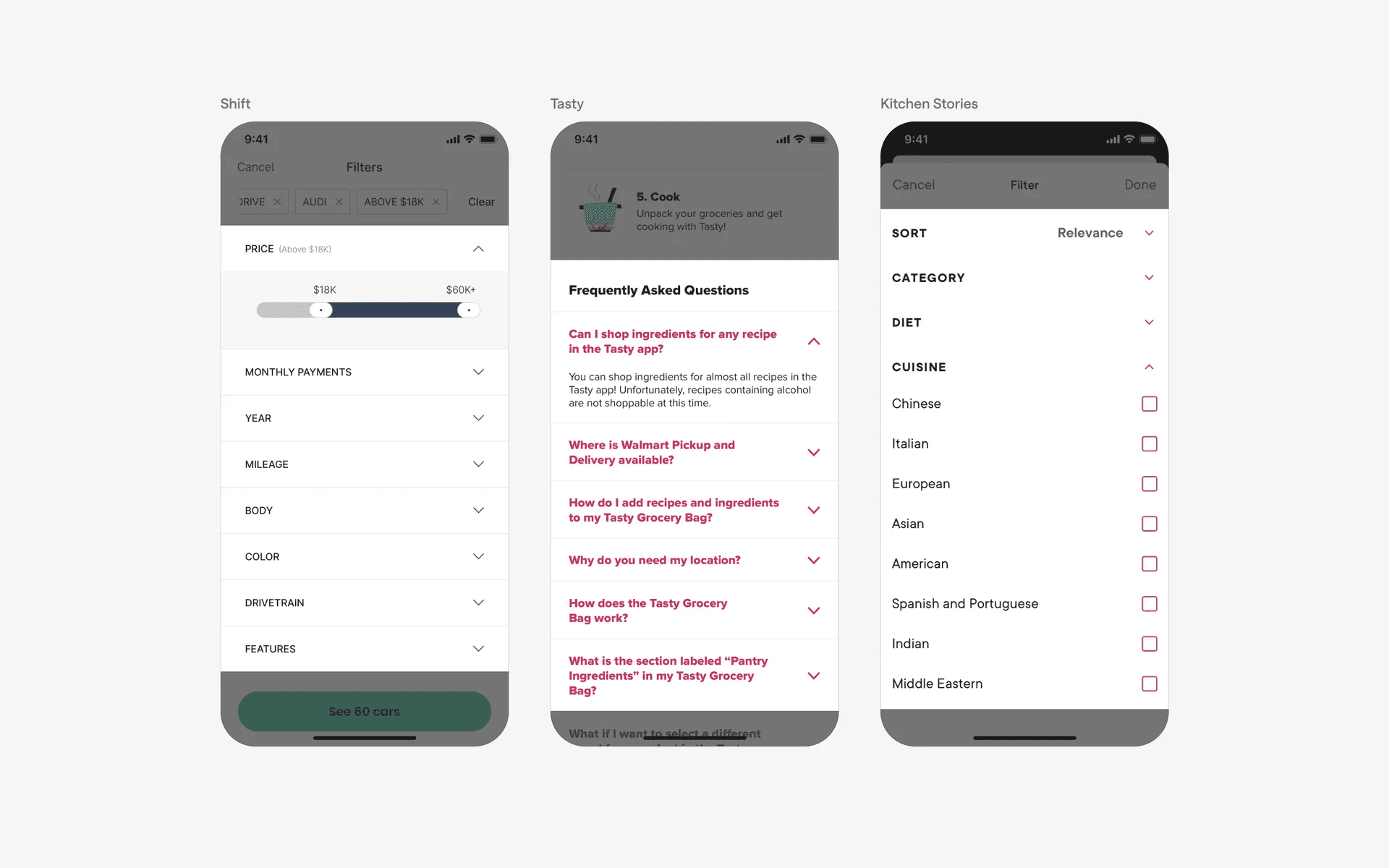
Examples of accordions
2. Select v.s. Menus
Select is a more expanded version of a menu. More importantly, a value needs to be changed or entered (e.g country code, quantity, etc.) in a select, whereas a menu does not need such a requirement. A menu need not contain options of values, but just actions too.
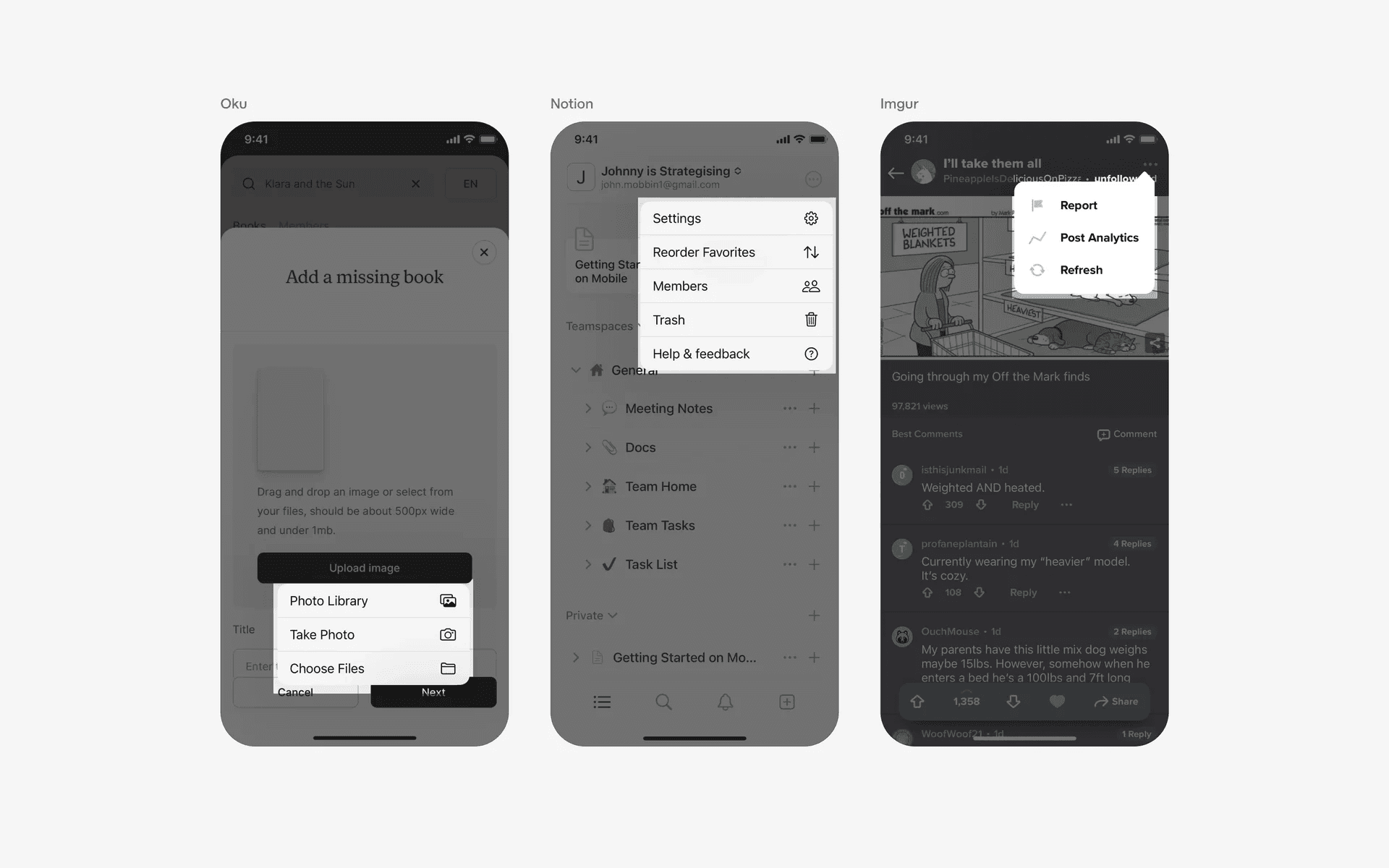
Examples of Menus