
Tin
Meet Tin (#D3D4D5), a whisper-light gray that offers a sophisticated alternative to stark white. Its unique balance between warmth and coolness provides a clean, contemporary foundation for any design palette, making it a quietly versatile choice for modern interfaces.
What color is Tin?
Tin is a light, silvery gray with a cool, almost neutral temperature. It sits on the edge of off-white, carrying a subtle blue undertone.
As a near-achromatic shade, its character shifts depending on the surrounding colors, appearing starkly neutral or revealing its faint cool cast.
What is the meaning of the color Tin (#D3D4D5)?
The color Tin, #D3D4D5, is the color of balance, intellect, and composure.
It suggests a modern sophistication and functional elegance, bringing a sense of calm and stability.
How is Tin best applied in UI design?
Tin (#D3D4D5) works exceptionally well as a neutral background, allowing brighter accent colors to stand out. For text, pair it with dark grays or black to ensure sufficient contrast. For a sophisticated palette, combine it with deep navy blues or earthy tones; for a more energetic feel, try pairing it with a vibrant coral or electric green.
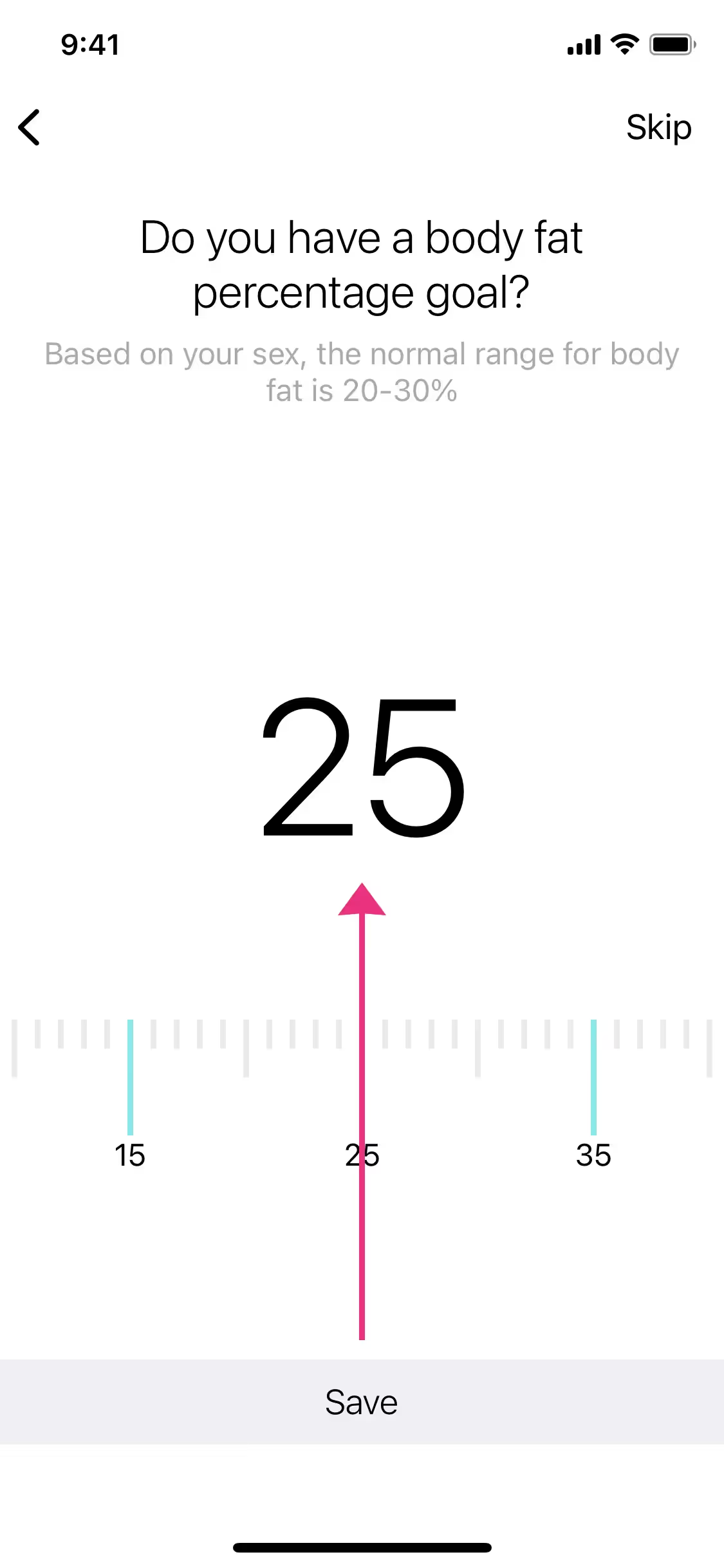
While not a dominant brand color, shades similar to Tin appear in the digital products of companies like Nike, Fitbit, and Peloton. They use these light grays for UI containers, backgrounds, and secondary elements to build a clean, functional, and modern aesthetic.
Use the tools below to explore curated palettes, test color contrast for accessibility, and preview Tin in real UI components from top brands.
Using Tin color codes
The hex code #D3D4D5 is your direct path for using Tin in digital projects. But depending on your medium—whether it's a screen or a printed page—you will need to work with different color models to get the exact shade you want.
Each color code system serves a specific purpose. RGB is fundamental for digital displays, mixing red, green, and blue light to create colors on screen. For print work, you will use CMYK, which is based on cyan, magenta, yellow, and black inks. Other models like HSL offer a more intuitive way to manipulate color attributes.
To make things easier, we have converted the Tin hex code #D3D4D5 into a range of popular formats. You can find and copy the exact values you need for your project below.
Analogous
Analogous colors are found next to Tin on the color wheel. Pairing them creates a harmonious and serene palette, perfect for a calm design.
Complementary
Complementary colors are opposites on the color wheel. When paired with Tin, these hues create a striking, high-contrast visual effect for any design.
Split Complementary
A split complementary scheme for Tin uses the two colors adjacent to its complement, offering a vibrant yet balanced palette with strong visual contrast.
Triadic
For a high-contrast and colorful palette, a triadic scheme pairs Tin with two other colors equally spaced on the color wheel.
Tetradic
Tetradic schemes pair Tin with three other colors, creating two complementary pairs that form a rectangle on the color wheel.
Square
A square color scheme builds on Tin with three additional hues, each spaced evenly on the color wheel for a vibrant, high-contrast palette.
Text Color
Background Color
Your Catchy Large Text Goes Here
Shades
Shades are darker versions of Tin, created by adding black to give depth and weight.
Tints
Tints of Tin are lighter versions made by mixing in white for a softer, airier effect.
Tones
Tones are created by adding gray to Tin, softening its saturation for a more muted appearance.
Hues
Hues are variations of Tin's base color, with changes in intensity or temperature affecting mood.






Never run out of inspiration again.
Use Mobbin for free as long as you like or get full access with any of our paid plans.



















