
Orange Crush
Meet Orange Crush (#FEC169), a color that commands attention. Its sun-drenched warmth and vibrant character make it a standout choice for any palette. This hue possesses a unique saturation that feels both energetic and approachable, making it a compelling option for modern interface design.
What color is Orange Crush?
Orange Crush is a bright, warm orange with a distinct golden-yellow undertone. It radiates a sunny quality, leaning more towards a marigold or apricot hue rather than a deep, reddish-orange.
This gives the color a soft, approachable warmth, avoiding the intensity of a pure, saturated orange while maintaining a lively and luminous appearance.
What is the meaning of the color Orange Crush (#FEC169)?
Orange Crush radiates a sense of vibrant energy and youthful optimism. It's a color that speaks to creativity and social connection, capturing attention with a friendly and approachable warmth.
Symbolically, this shade of orange points to spontaneity and adventure. The name itself suggests an intense, positive feeling, reminiscent of a brilliant sunset or the sweet burst of citrus.
How can I apply Orange Crush (#FEC169) to a UI design effectively?
To make Orange Crush (#FEC169) effective in your design, use it as a vibrant accent. It works well for drawing the eye to key elements like buttons, icons, or notification badges. For a high-impact look, pair it against deep blues or dark charcoals. If you're aiming for a more organic feel, combine it with off-whites, soft browns, and muted greens.
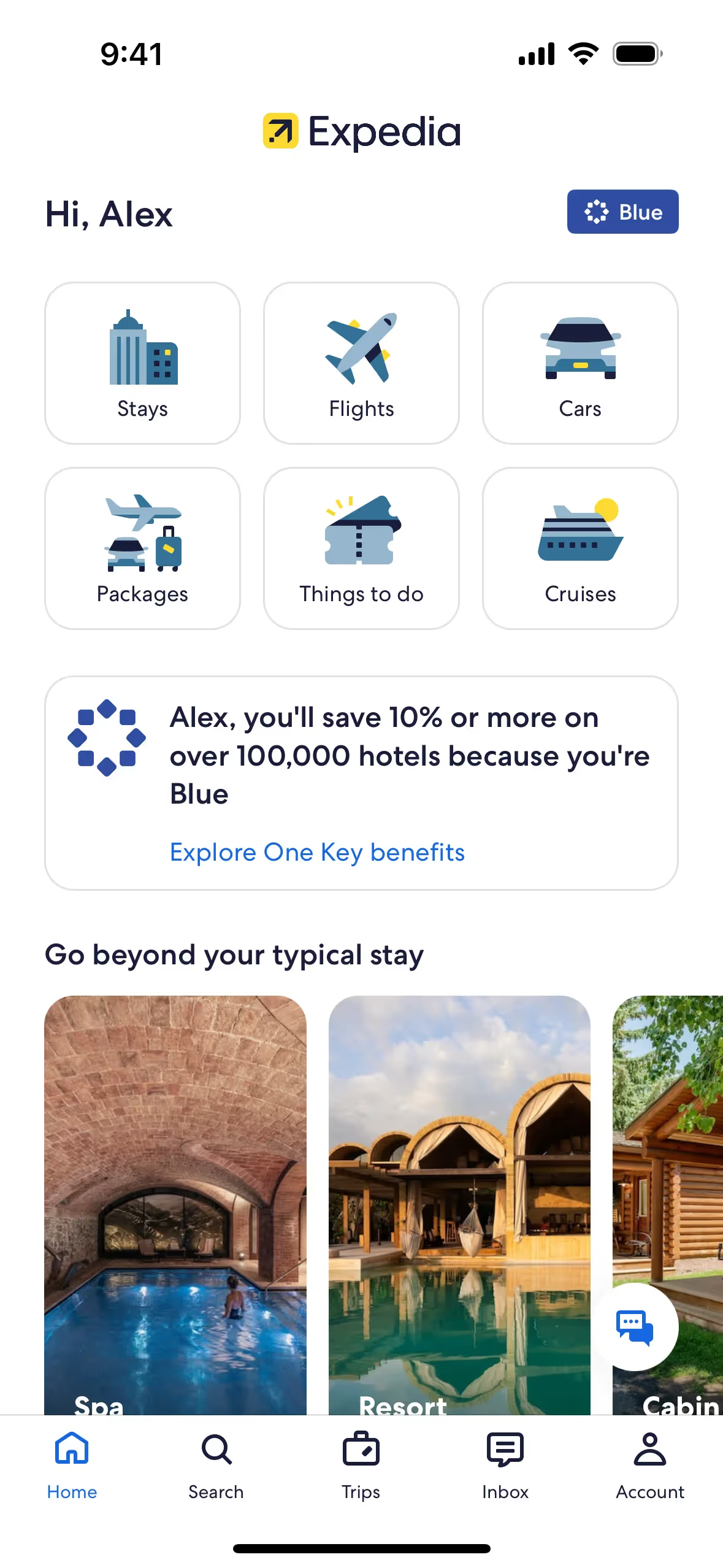
You'll spot similar warm, energetic oranges in the interfaces of brands like Expedia and Yik Yak. Its infrequent use as a primary brand color presents an opportunity; incorporating Orange Crush can help a product stand out with a fresh and confident appearance.
Use the tools below to see how Orange Crush works in practice. You can explore curated palettes, check contrast ratios for accessibility, and see the color applied to UI components from well-known apps.
Using Orange Crush color codes
Using Orange Crush in your work is as simple as plugging its hex code, #FEC169, into your design software. This specific code guarantees you get the exact shade every time, maintaining color consistency across digital projects.
Your project might require converting #FEC169 into other formats like RGB, HSL, or CMYK. Each code serves a different purpose; for instance, RGB (Red, Green, Blue) is the standard for digital screens, while CMYK (Cyan, Magenta, Yellow, Key/Black) is essential for anything destined for print.
To get you started, we’ve converted #FEC169 into a range of popular color code formats. Simply find the one you need below and copy it directly into your project.
Analogous
Analogous colors are found side-by-side on the color wheel. Paired with Orange Crush, they create a cohesive and tranquil palette, ideal for serene designs.
Complementary
Find the complementary partner to Orange Crush by looking directly across the color wheel. This pairing creates the most striking and energetic visual contrast.
Split Complementary
For a more nuanced palette, split complementary colors pair Orange Crush with the two colors adjacent to its direct complement on the color wheel.
Triadic
Triadic color schemes use three hues evenly spaced on the color wheel. This creates a vibrant, high-contrast palette with Orange Crush.
Tetradic
A tetradic scheme pairs Orange Crush with three other hues. These four colors form two complementary pairs, creating a rich and balanced palette.
Square
A square color scheme uses four colors evenly spaced on the color wheel, creating a vibrant, high-contrast palette with Orange Crush.
Text Color
Background Color
Your Catchy Large Text Goes Here
Shades
Shades are darker versions of Orange Crush, created by adding black for depth and weight.
Tints
Tints are lighter versions of Orange Crush, created by adding white for a softer feel.
Tones
Tones are created by adding gray to Orange Crush, resulting in softer, less saturated versions.
Hues
Hues are variations of Orange Crush, differing in intensity and temperature to create distinct moods.
Never run out of inspiration again.
Use Mobbin for free as long as you like or get full access with any of our paid plans.



















