
Microsoft Yellow
Microsoft Yellow (#FDB900) is a pure, saturated hue that commands attention. This specific shade stands out for its remarkable luminosity and clean, vibrant character. It’s a color that brings an unapologetic burst of energy to any design, feeling both modern and assertive.
What color is Microsoft Yellow?
Microsoft Yellow is a warm, golden hue with a distinct touch of orange, giving it a bright and sunny character.
It’s a highly saturated shade with clean undertones, free of any muddy or greenish tints, which results in a rich and modern appearance.
What is the meaning of Microsoft Yellow (#FDB900) in design?
Microsoft Yellow (#FDB900) taps into the psychology of its namesake color, often linked to optimism, energy, and intellect. For the tech giant, it represents a commitment to innovation and accessibility, projecting a sense of warmth and friendliness.
Historically, the yellow quadrant in the Microsoft logo symbolizes the Office suite of products. This ties the color directly to creativity and productivity, suggesting the bright ideas and solutions users generate through tools like Word and Excel.
How can I use Microsoft Yellow in my UI design?
Microsoft Yellow’s brightness makes it a powerful accent color for calls-to-action, notifications, and highlights. For high contrast, pair #FDB900 with deep blues or charcoals. For a lighter, more modern feel, combine it with a palette of whites and light grays. A good starting point is the 60-30-10 rule, where this vibrant yellow can serve as the 10% accent that guides the user’s eye.
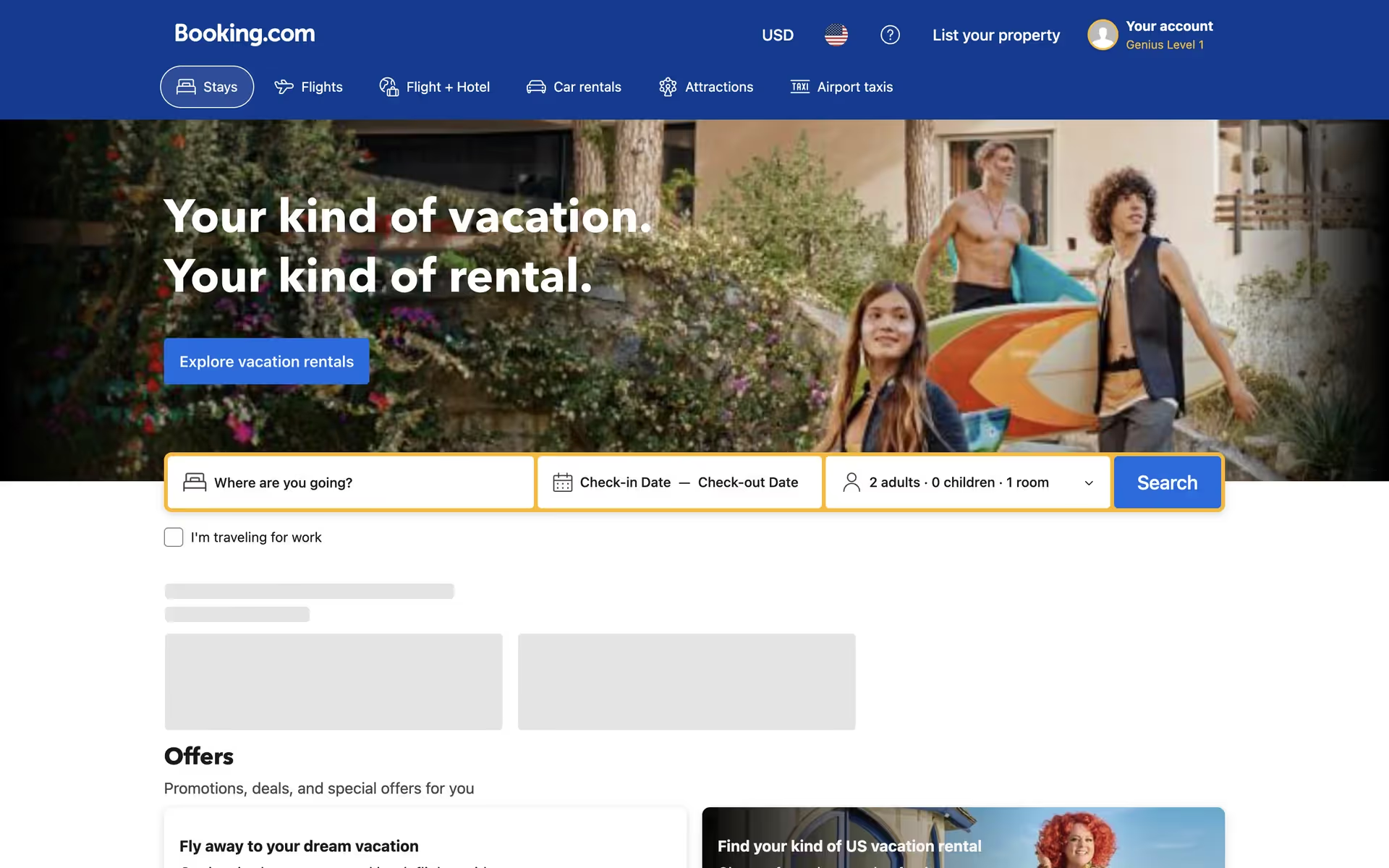
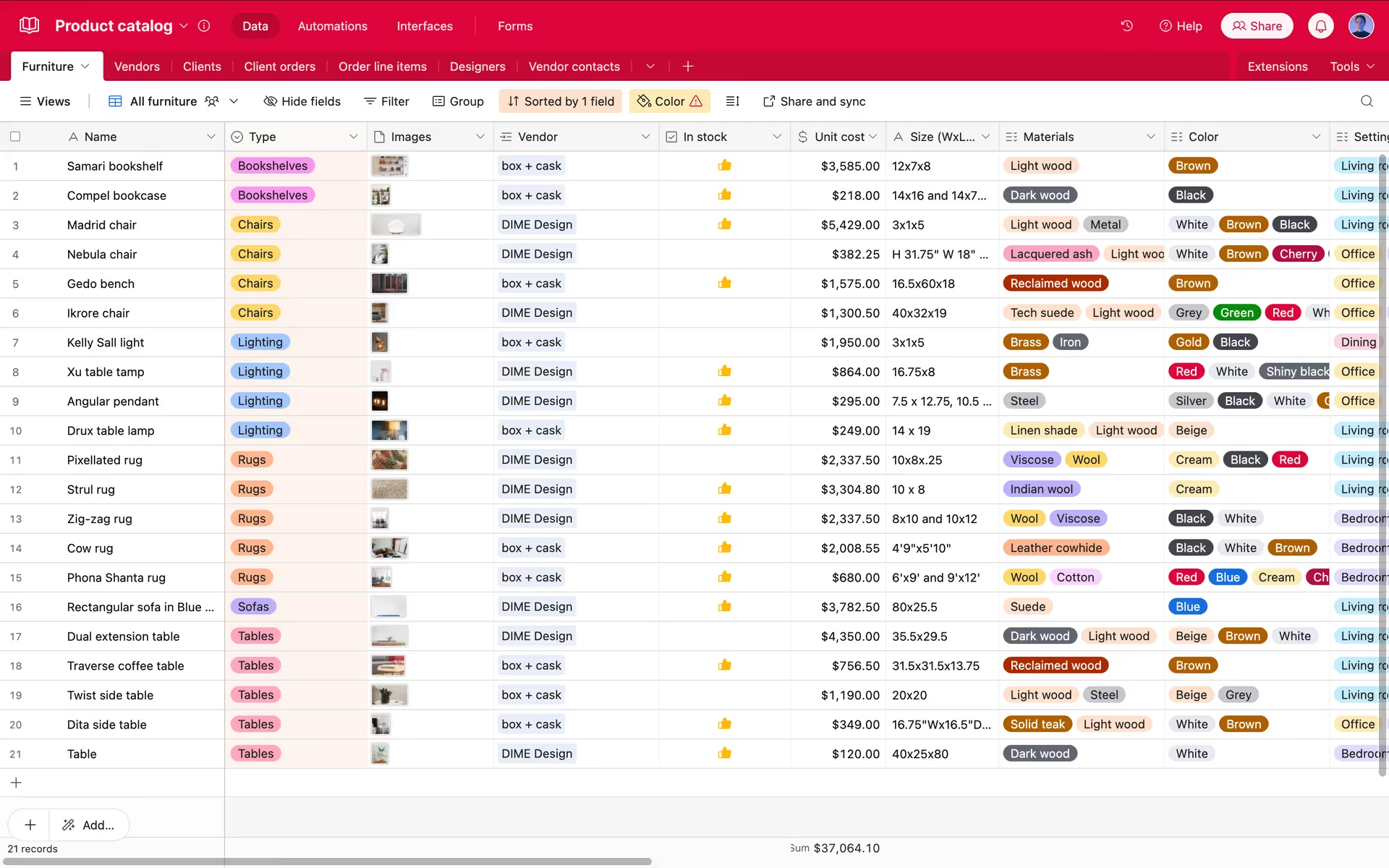
Several major brands use a similar yellow to great effect. You can spot it in the core branding of Booking.com and Airtable, as a primary action color within Gmail, and as a key visual component for companies like How We Feel and Lemon Squeezy, proving its effectiveness across different industries.
Use the tools below to explore curated palettes, test color contrast for accessibility, and preview how Microsoft Yellow looks in the real UI components of leading brands.
Using Microsoft Yellow color codes
The most direct way to specify Microsoft Yellow is with its hex code, #FDB900, which is standard for web development. However, different projects require different color models.
For digital displays, you'll work with RGB values that define the intensity of red, green, and blue light. For print materials, CMYK values are essential as they correspond to cyan, magenta, yellow, and black inks. Other models like HSL offer a more intuitive way to adjust hue, saturation, and lightness.
To help you get started, we've converted Microsoft Yellow (#FDB900) into a range of popular color code formats. Simply find the one you need and copy it from the list below.
Analogous
An analogous palette uses colors found next to each other on the color wheel. With Microsoft Yellow, this results in a unified and tranquil composition.
Complementary
Complementary colors sit directly opposite each other on the color wheel. For Microsoft Yellow, its complement creates a striking, high-contrast visual pairing.
Split Complementary
The split complementary scheme for Microsoft Yellow uses the two colors next to its direct opposite, creating a vibrant yet balanced and versatile palette.
Triadic
A triadic scheme uses three colors equally spaced on the color wheel. With Microsoft Yellow, this creates a vibrant and balanced high-contrast palette.
Tetradic
A tetradic scheme for Microsoft Yellow uses two pairs of complementary colors, forming a rectangle on the color wheel for a vibrant, balanced palette.
Square
A square color scheme uses four colors evenly spaced on the color wheel, creating a vibrant, high-contrast palette with Microsoft Yellow.
Text Color
Background Color
Your Catchy Large Text Goes Here
Shades
Shades of Microsoft Yellow are created by adding black, resulting in darker, weightier tones.
Tints
Tints of Microsoft Yellow are created by adding white, resulting in lighter, softer variations.
Tones
By mixing in gray, tones of Microsoft Yellow offer a softer, less saturated appearance.
Hues
Hues are variations of Microsoft Yellow, differing in intensity or temperature to create distinct moods.





Never run out of inspiration again.
Use Mobbin for free as long as you like or get full access with any of our paid plans.



















