
Magnolia
Meet Magnolia (#F8F4FF), a color defined by its quiet distinction. Its striking quality lies in a whisper of violet within a soft, near-white base. This faint chromatic touch offers a sophisticated alternative to stark white, ideal for crafting clean and airy digital interfaces.
What color is Magnolia?
Magnolia is a delicate off-white, a whisper away from pure white. It has a soft appearance with a distinct, yet subtle, character that separates it from starker whites.
The color carries cool undertones, leaning gently towards lavender from its #F8F4FF value. This gives Magnolia a serene and airy quality with a cool temperature that feels both modern and clean.
What is the meaning of the color Magnolia in design?
Drawing its symbolism from the flower, the color Magnolia embodies purity, dignity, and gentleness. It evokes a sense of calm, sophistication, and quiet perseverance.
For designers, Magnolia offers a clean foundation with more warmth than a stark white, suggesting clarity, new beginnings, and an understated, timeless quality.
How can I use Magnolia in UI design?
In UI design, Magnolia (#F8F4FF) works beautifully as a sophisticated background, offering a softer alternative to stark white. For strong readability, pair it with deep, saturated colors for text and key elements. Consider combining it with rich charcoals, navy blues, or even a vibrant jewel tone to make interactive components stand out against the subtle, airy base.
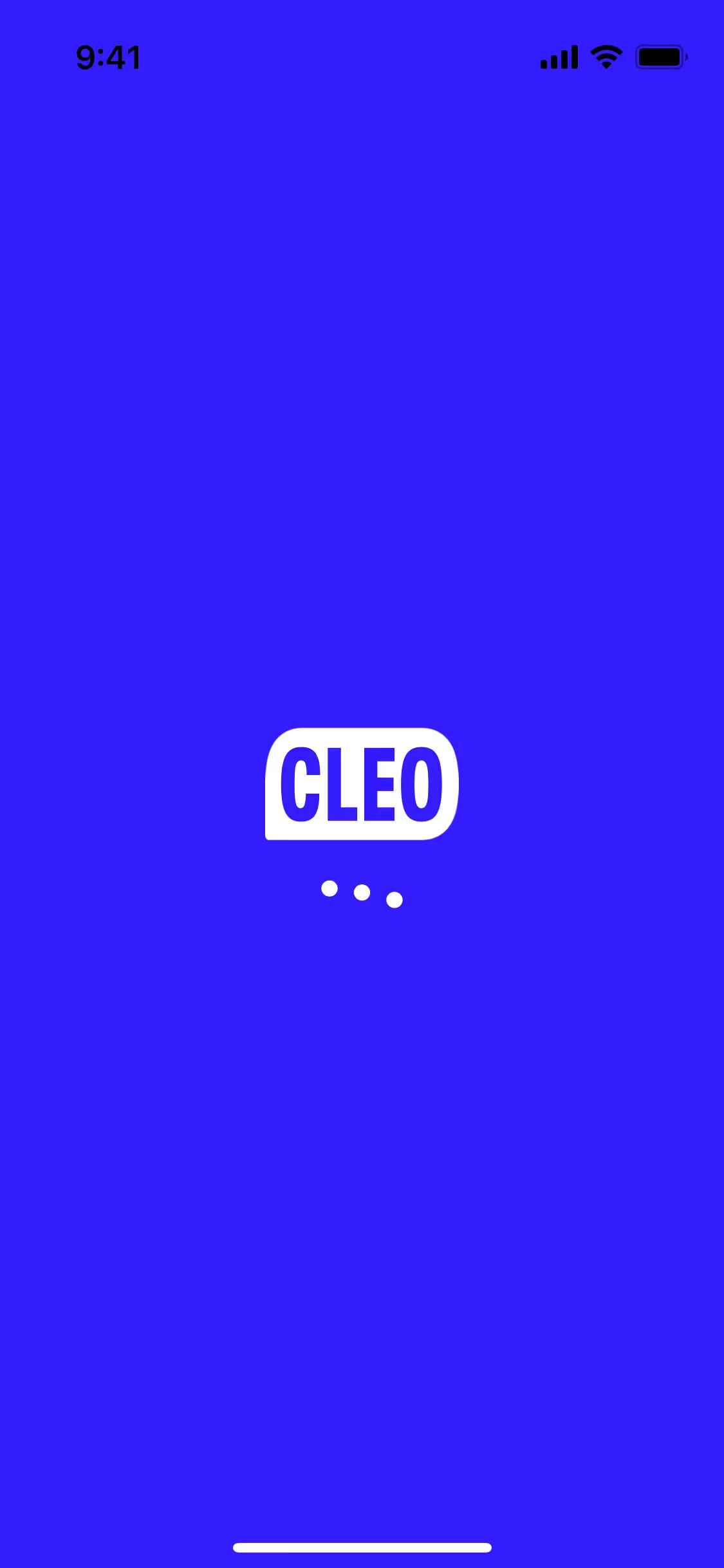
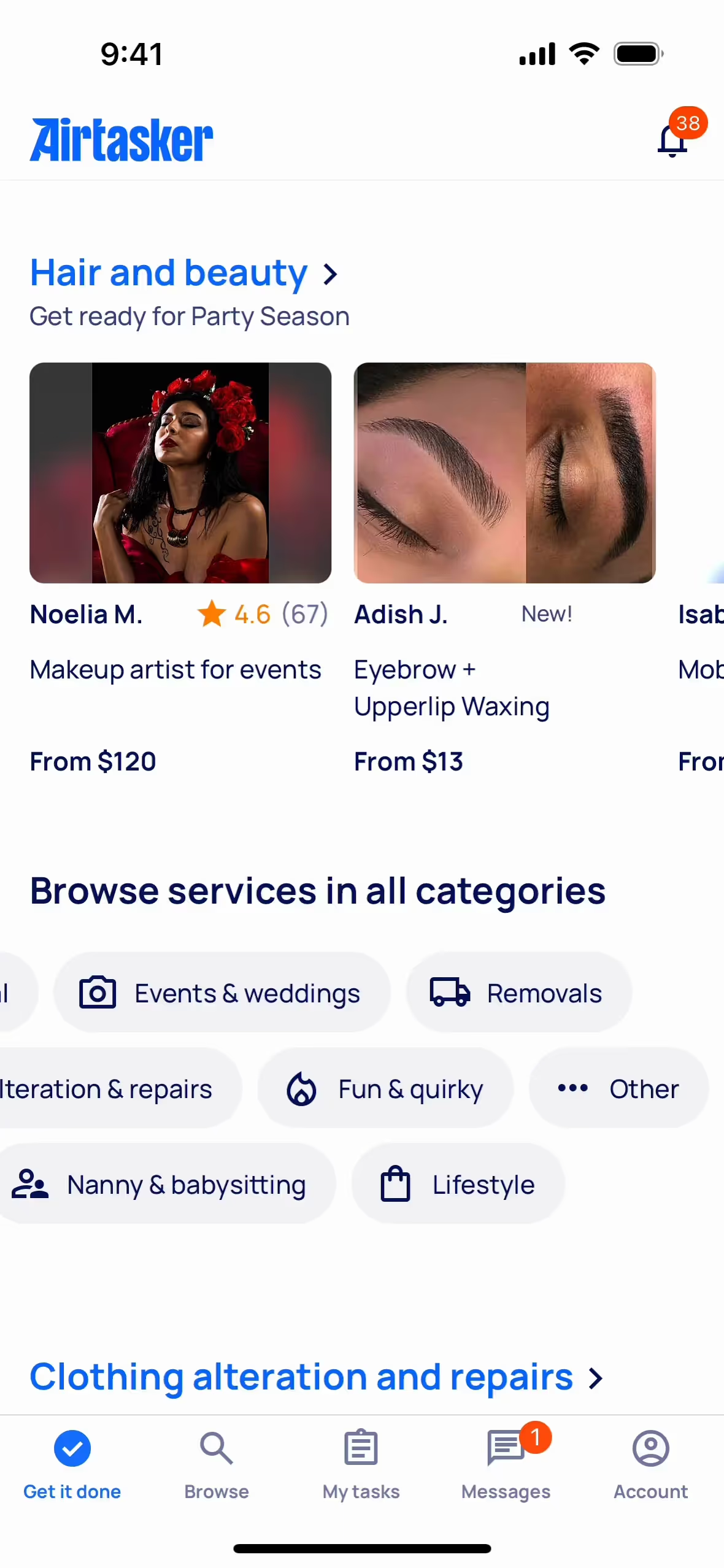
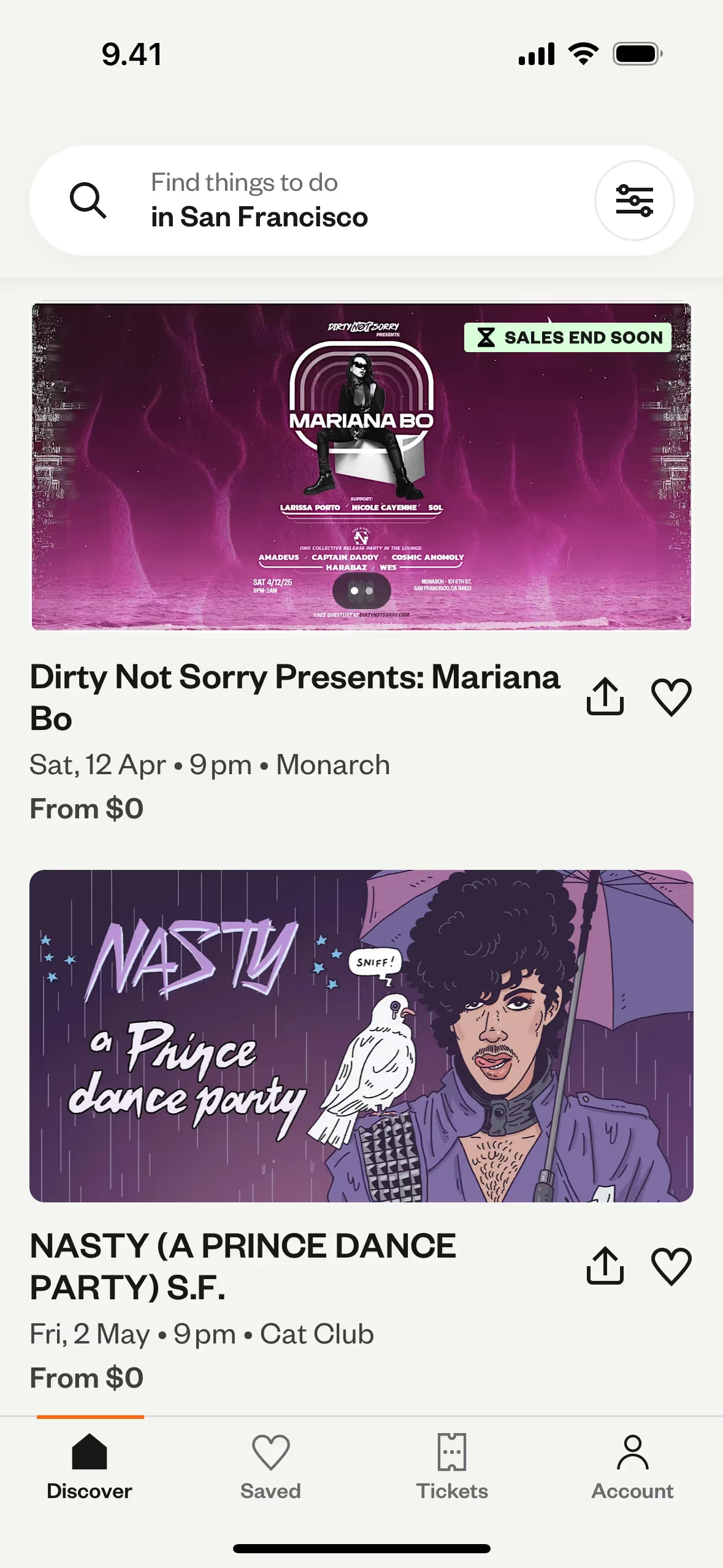
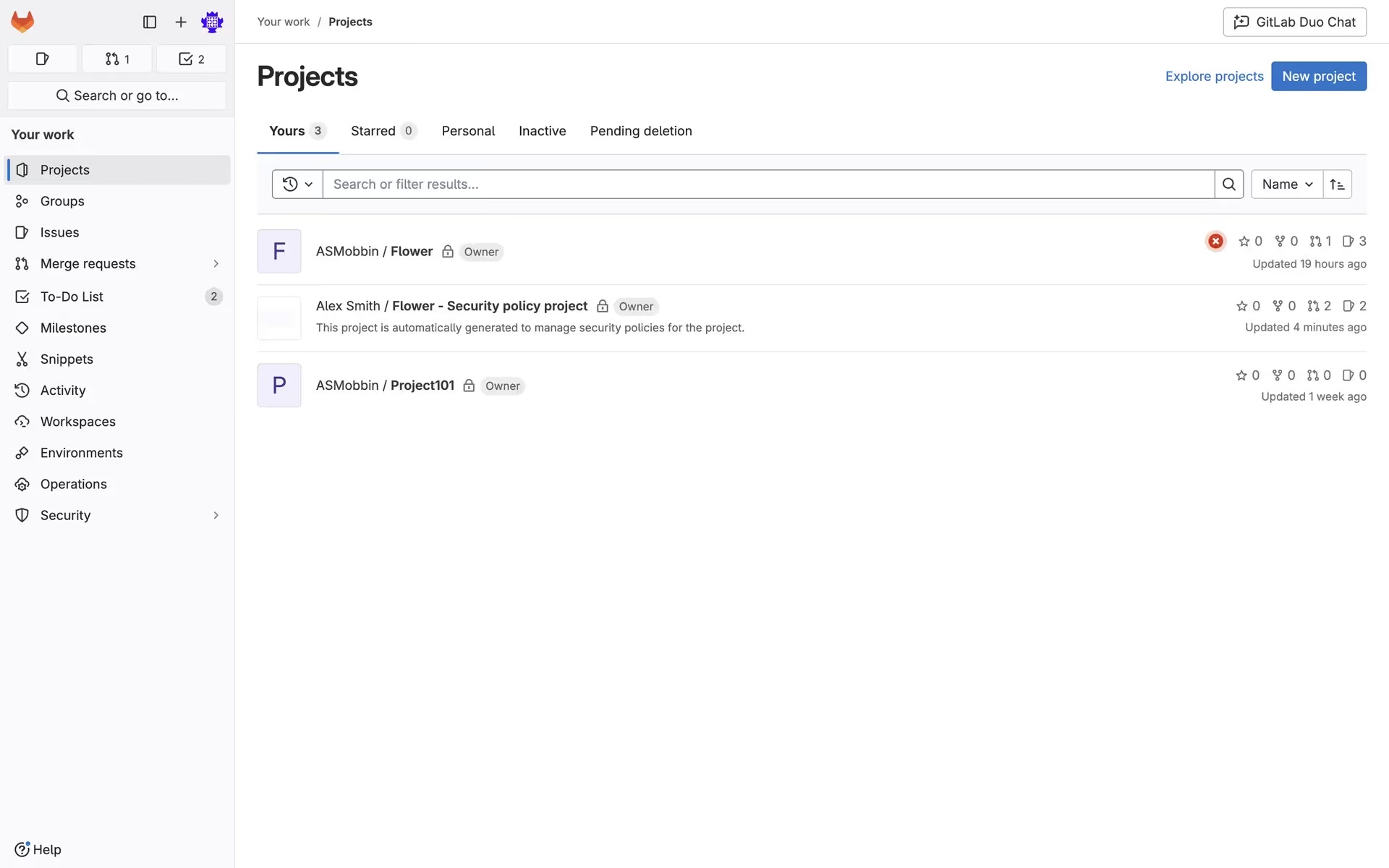
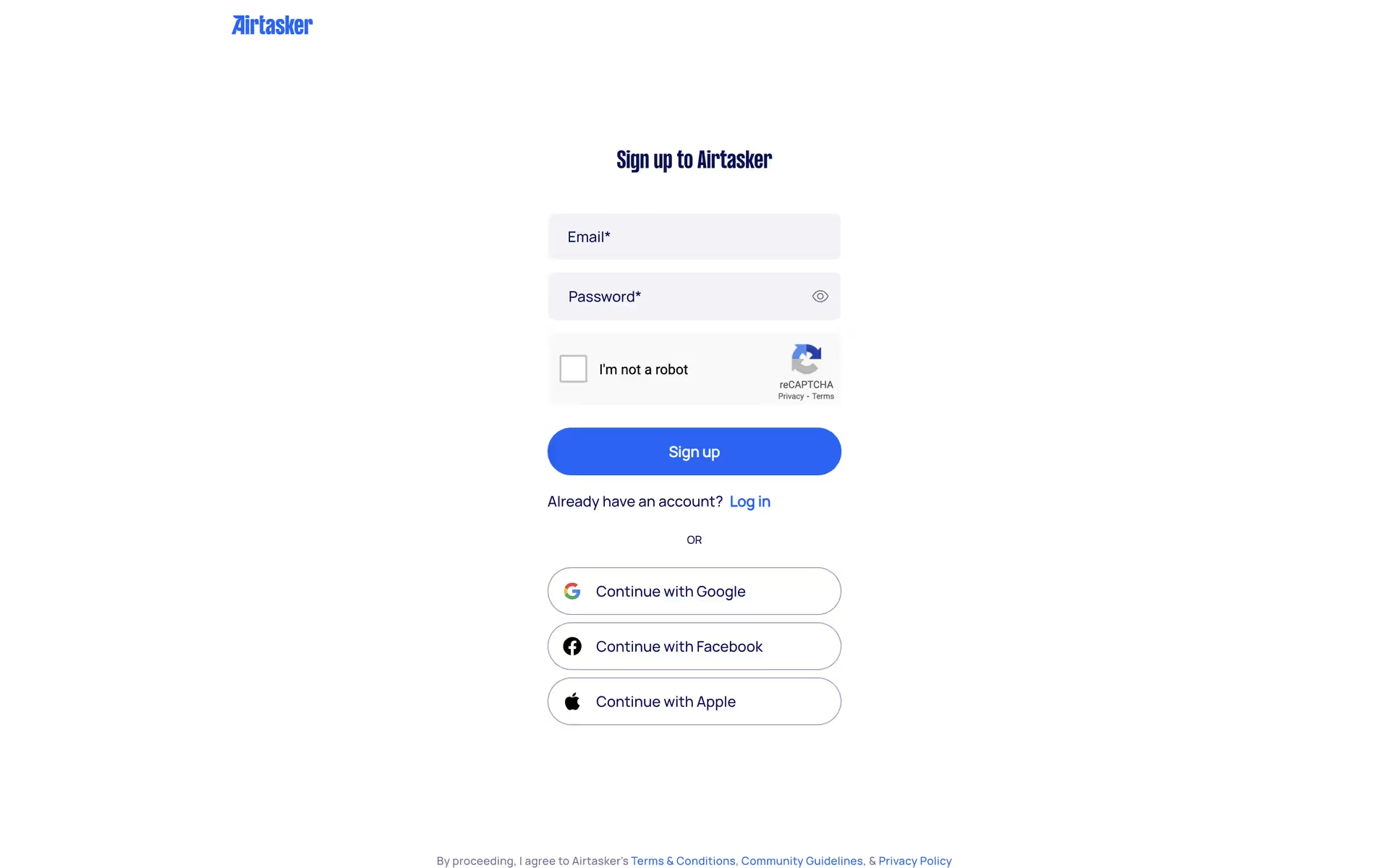
While not overwhelmingly common, shades similar to Magnolia appear in the branding of companies like GitLab, Uxcel, Cleo, and Airtasker. They often apply it to create a sense of spaciousness and calm, demonstrating its value in interfaces that prioritize clarity and a clean aesthetic.
To see it in action, use the tools on this page to explore curated palettes, check color contrast for accessibility, and preview how Magnolia appears within the actual UI components of top brands.
Using Magnolia color codes
Using the color Magnolia in your projects starts with its hex code, #F8F4FF, which is standard for web development. However, depending on your medium—whether digital or print—you'll need to convert this code into other formats to maintain color consistency.
Different color models serve specific purposes. RGB (Red, Green, Blue) defines colors for digital displays, while CMYK (Cyan, Magenta, Yellow, Key/Black) is the standard for printed materials. Other models like HSL (Hue, Saturation, Lightness) offer more intuitive ways to adjust color properties directly in your design software.
To help you get started, we've converted Magnolia's hex code #F8F4FF into a variety of popular formats. You can find and copy the exact values you need for your project below.
Analogous
Analogous colors are neighbors on the color wheel. When paired with Magnolia, they create a harmonious and serene palette for your designs.
Complementary
Complementary colors sit on opposite ends of the color wheel. Pairing them with Magnolia results in a bold, attention-grabbing palette for any interface.
Split Complementary
For a high-contrast yet balanced palette, split complementary colors pair Magnolia with the two colors adjacent to its direct complement on the color wheel.
Triadic
A triadic scheme pairs Magnolia with two other colors, all equally spaced on the color wheel, creating a bold and balanced palette.
Tetradic
Tetradic schemes pair Magnolia with three other hues, forming two complementary sets on the color wheel for a rich and balanced four-color palette.
Square
A square color scheme pairs Magnolia with three other colors, all equidistant on the color wheel, creating a vibrant and high-contrast palette.
Text Color
Background Color
Your Catchy Large Text Goes Here
Shades
Adding black to Magnolia produces darker shades, giving the original color more depth and weight.
Tints
Tints of Magnolia are lighter values made by adding white, which gives them a softer quality.
Tones
Tones are created by adding gray to Magnolia, resulting in softer, more muted variations.
Hues
Hues are variations of Magnolia, sharing its base color but with different intensities and temperatures.






Never run out of inspiration again.
Use Mobbin for free as long as you like or get full access with any of our paid plans.



















