
In The Navy
Meet In The Navy (#283849), a deep and desaturated blue that commands attention through its subtlety. This isn't your typical navy; its distinct slate-gray undertone gives it a sophisticated, almost architectural quality, making it a versatile foundation for any modern design palette.
What color is In The Navy?
In The Navy is a profound, dark blue that verges on charcoal but is distinguished by its cool undertones.
A subtle green-gray cast gives the color its cool temperature, lending it a sophisticated, slate-like quality rather than a simple, primary blue.
What is the meaning of the color In The Navy (#283849)?
In The Navy (#283849) carries a sense of authority and stability, rooted in its association with naval tradition and the deep sea. It suggests depth, confidence, and unwavering reliability.
For designers, this color communicates trustworthiness and sophistication, making it a solid foundation for brands aiming to project expertise and enduring quality.
How can I effectively use In The Navy (#283849) in my UI design?
In The Navy (#283849) works well as a foundational color for a mature and stable interface, or as a sophisticated accent. For high contrast, pair it with vibrant oranges or warm creams. For a more understated palette, combine it with soft grays or other cool blues. Applying a framework like the 60-30-10 rule can help balance its depth with lighter, complementary shades.
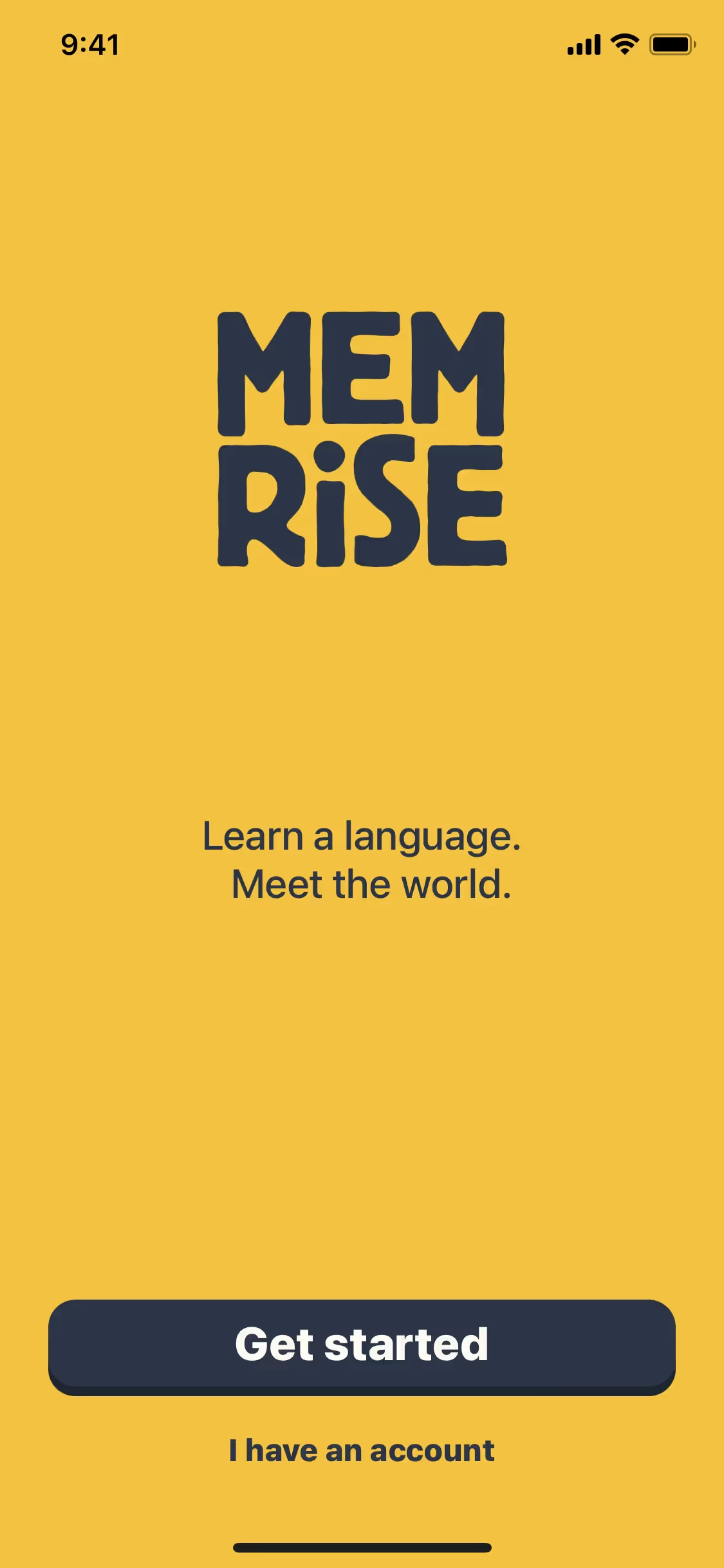
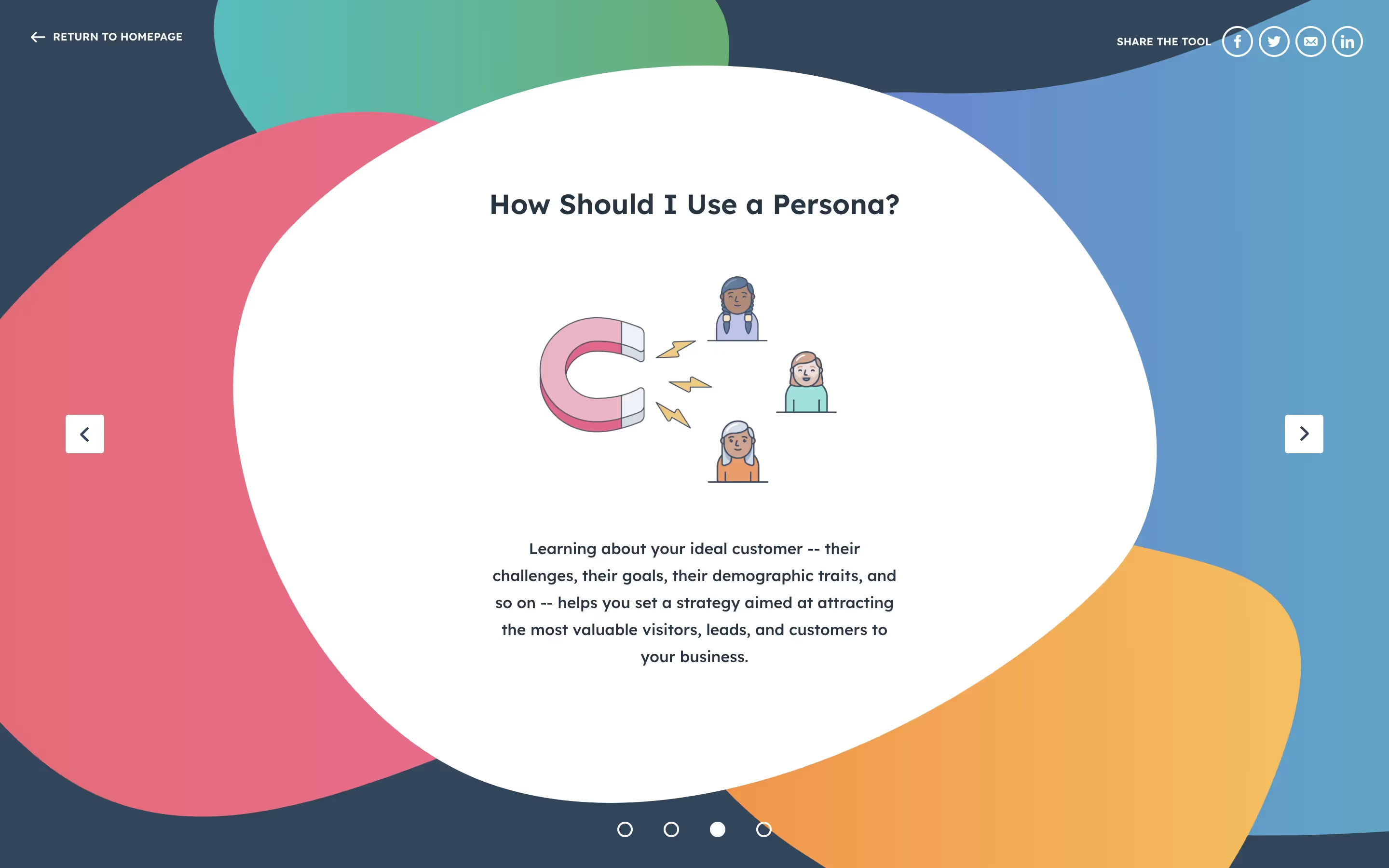
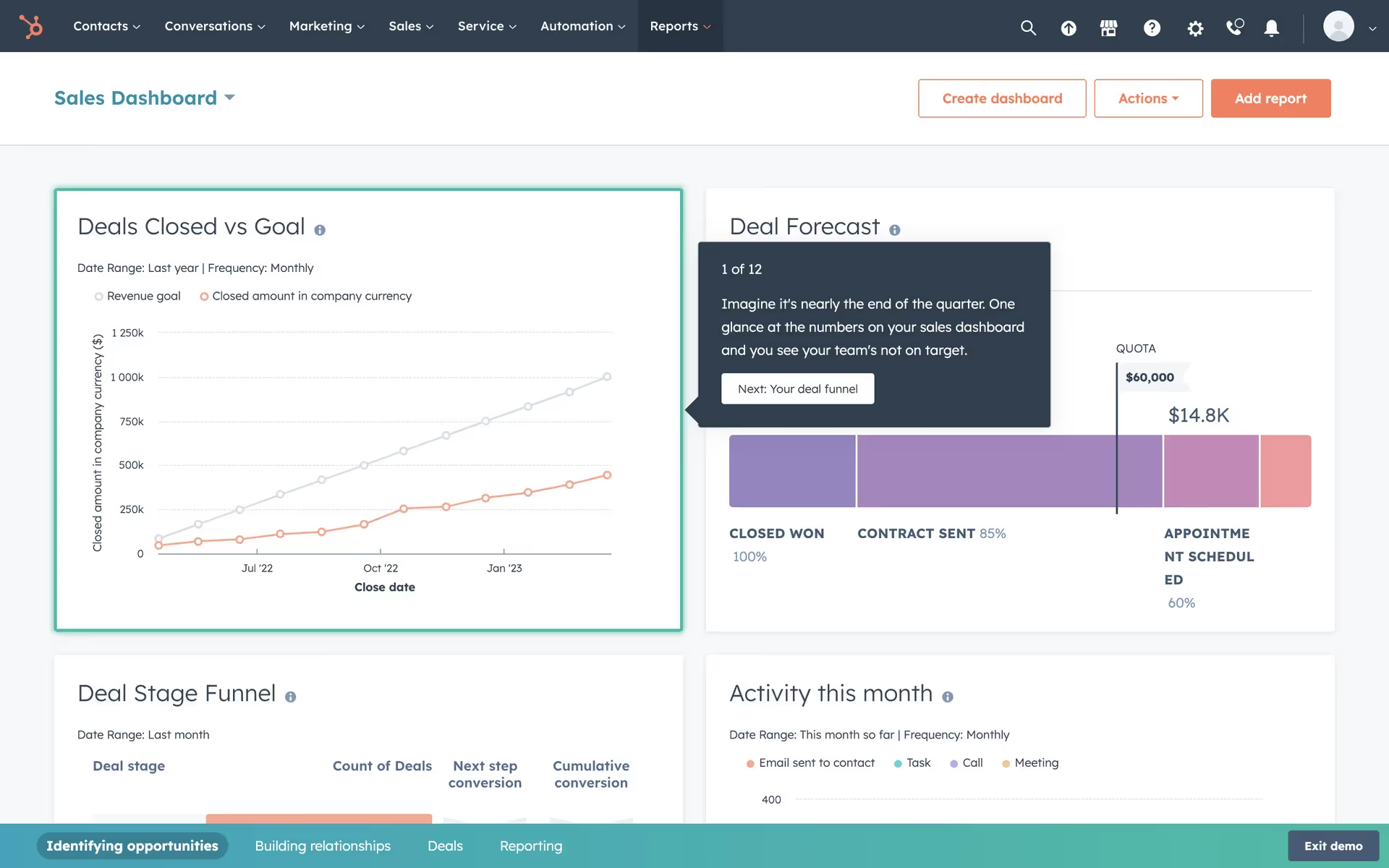
While not as widespread as brighter blues, similar deep navy tones appear in the branding of companies like HubSpot, Yubo, and Memrise. Its relative rarity offers a chance for differentiation, signaling a brand that is both serious and modern without resorting to the usual corporate palette.
Use the tools below to discover curated palettes, check the accessibility of your color combinations, and preview how In The Navy looks within the actual UI components of well-known applications.
Using In The Navy color codes
Using In The Navy in your projects starts with its digital identifier, the hex code #283849. While this code is standard for web development, working across different media—from print to digital displays—often requires translating it into other color models.
Each color model serves a specific purpose. RGB (Red, Green, Blue) is fundamental for digital screens, defining colors as a mix of light. For print, CMYK (Cyan, Magenta, Yellow, Key/Black) is the standard, representing colors through ink absorption. Other models like HSL (Hue, Saturation, Lightness) offer a more intuitive way to adjust color properties in software.
To help you apply In The Navy consistently across your work, we've converted #283849 into a variety of common formats. You can find and copy the exact codes you need for your tools below.
Analogous
Analogous colors sit next to each other on the color wheel. When used with In The Navy, they produce a calm and cohesive palette.
Complementary
Complementary colors are direct opposites on the color wheel. Paired with In The Navy, they create a striking combination with maximum visual contrast.
Split Complementary
A split complementary scheme uses the two colors adjacent to In The Navy's complement, offering high contrast with more nuanced and balanced results.
Triadic
A triadic palette is built from three hues equidistant on the color wheel, offering a balanced yet visually striking combination with In The Navy.
Tetradic
A tetradic scheme for In The Navy uses two sets of complementary colors, forming a rectangle on the color wheel for a balanced, vibrant palette.
Square
A square color scheme uses four colors evenly spaced on the color wheel. This creates a rich, high-contrast palette with plenty of visual tension.
Text Color
Background Color
Your Catchy Large Text Goes Here
Shades
Adding black to In The Navy creates its darker shades, which introduce depth and weight.
Tints
Add white to In The Navy to create tints, which produce a softer, lighter feel.
Tones
Tones of In The Navy are created by adding gray, resulting in softer, more subtle variations.
Hues
Hues are variations of In The Navy, differing in intensity and temperature to create distinct moods.



Never run out of inspiration again.
Use Mobbin for free as long as you like or get full access with any of our paid plans.



















