
Fire Red
Meet Fire Red (#CF1920), a color defined by its pure, unapologetic intensity. Its high saturation and clean appearance give it a powerful visual presence, making it a striking choice for designers who need to command attention without ambiguity. This is red at its most direct.
What color is Fire Red?
Fire Red (#CF1920) is a brilliant and intense shade of red that commands attention. It's a warm color, sitting squarely in the red part of the spectrum and radiating energy without leaning too far into orange or pink.
This particular red has a very clean and saturated appearance, with subtle yellow undertones that give it a luminous, fiery quality. It avoids the deep, bluish cast of a crimson or the earthy feel of a brick red, presenting itself as a pure, powerful primary.
What is the meaning of Fire Red (#CF1920)?
Fire Red is a color of intense emotion, embodying everything from passionate love and boundless energy to urgency and aggression.
It commands attention and can signify importance or danger, making it a potent choice for designers looking to provoke a strong response.
How can I effectively use Fire Red in my UI design?
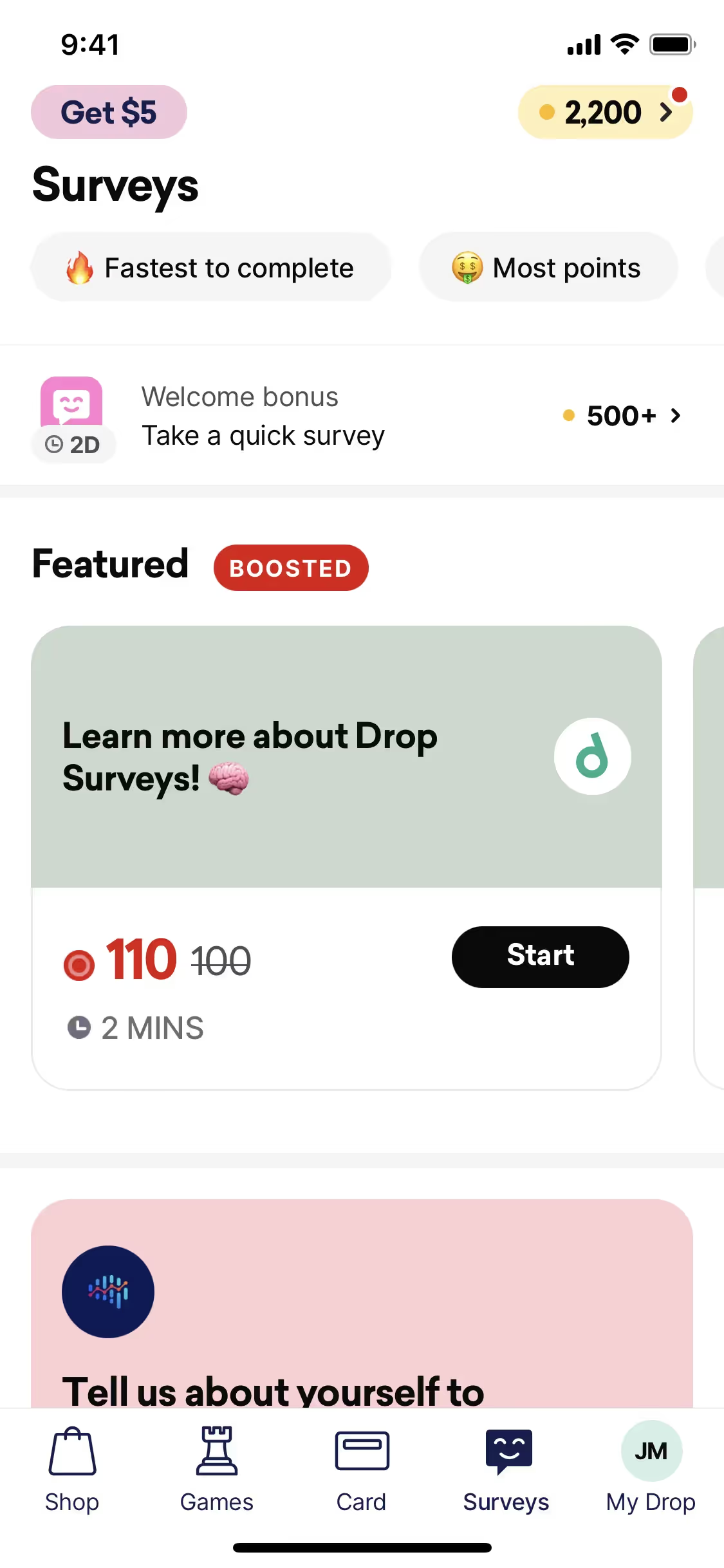
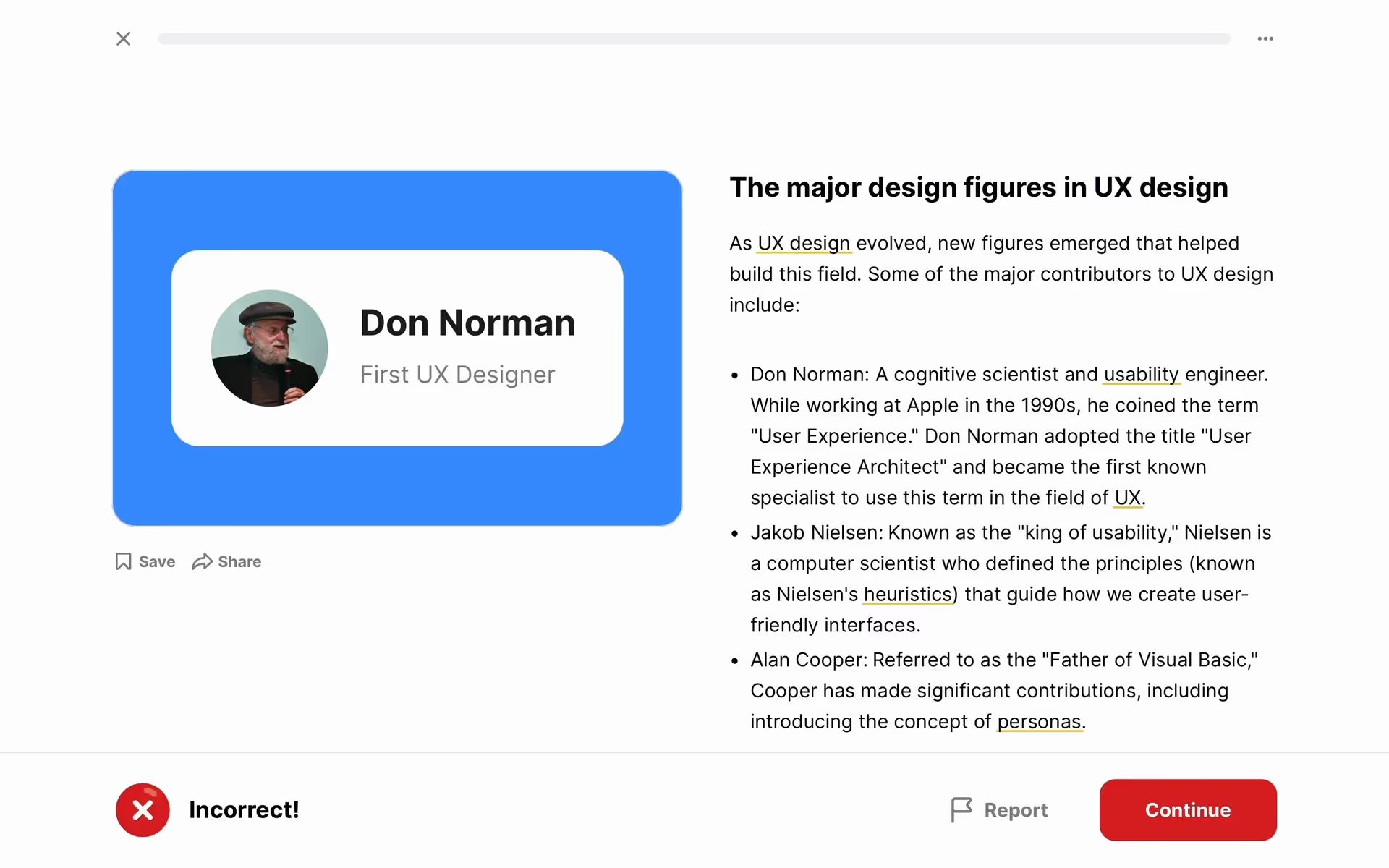
In UI design, Fire Red (#CF1920) is most effective as an accent color to guide user attention. Apply it to primary calls-to-action, notifications, or error states where you need to create immediate focus. For maximum impact and readability, set it against a neutral background like white, off-white, or dark gray. This high contrast makes interactive elements pop.
While not overwhelmingly common, this intense shade of red is a confident choice for brands that want to make a statement. You can see similar hues in the interfaces of products like Gmail, ESPN, and Badoo, often used to signify action, importance, or energy.
Use the tools below to explore curated palettes, check color contrast for accessibility, and see how Fire Red looks in the actual UI components of leading apps.
Using Fire Red color codes
When working with Fire Red, its hex code #CF1920 is your starting point. Given its high saturation and visual weight, it’s most effective when applied with intention to highlight key information or create a strong focal point.
While #CF1920 is standard for the web, different projects require other formats. For instance, RGB values are necessary for digital screen displays that mix light, while CMYK is the subtractive model used for physical print materials. Other codes like HSL offer more intuitive ways to adjust hue, saturation, and lightness in code.
To simplify your workflow, we’ve converted Fire Red’s #CF1920 into a range of popular color code formats. You can find and copy the exact values you need for your project directly below.
Analogous
Analogous colors are neighbors on the color wheel. When paired with Fire Red, they create a harmonious and visually cohesive palette with a serene effect.
Complementary
Complementary colors are opposites on the color wheel. Paired with Fire Red, its opposite creates a striking combination with maximum visual contrast.
Split Complementary
A split complementary palette gives you high contrast with less tension, pairing Fire Red with the two colors adjacent to its direct complement.
Triadic
A triadic combination pairs Fire Red with two other colors, all positioned evenly apart on the color wheel for a bold, balanced effect.
Tetradic
Tetradic schemes build on Fire Red by adding its complement plus another complementary pair, offering a versatile four-color palette for your interface.
Square
A square scheme pairs Fire Red with three other colors, all equidistant on the color wheel, for a vibrant and highly contrasting palette.
Text Color
Background Color
Your Catchy Large Text Goes Here
Shades
Shades of Fire Red are made by mixing in black, which adds depth and weight.
Tints
Tints are lighter versions of Fire Red, created by adding white to soften the hue.
Tones
Tones of Fire Red are created by adding gray, resulting in a softer, desaturated hue.
Hues
Hues are variations of Fire Red, differing in intensity or temperature to create distinct moods.






Never run out of inspiration again.
Use Mobbin for free as long as you like or get full access with any of our paid plans.



















