
Facebook Blue
Instantly recognizable, Facebook Blue (#1877F2) is a cornerstone of digital branding. This vibrant, highly saturated shade commands attention with its pure, digital-native energy, making it a powerful and familiar choice for any designer's palette.
What color is Facebook Blue?
Facebook Blue is a vivid, highly saturated shade with a cool temperature. It sits cleanly in the middle of the blue spectrum, steering clear of any strong purple or green undertones.
This purity gives it a distinct, digital quality that feels both authoritative and modern, allowing it to be bright and attention-grabbing without appearing harsh.
What is the meaning behind the Facebook Blue color (#1877F2)?
The choice of Facebook Blue is famously practical; CEO Mark Zuckerberg is red-green colorblind, and blue is the richest color he can see.
Beyond its origin story, the color #1877F2 taps into the psychology of blue, representing trust, security, and open communication—foundational qualities for a global social network.
What are the best practices for using Facebook Blue in UI design?
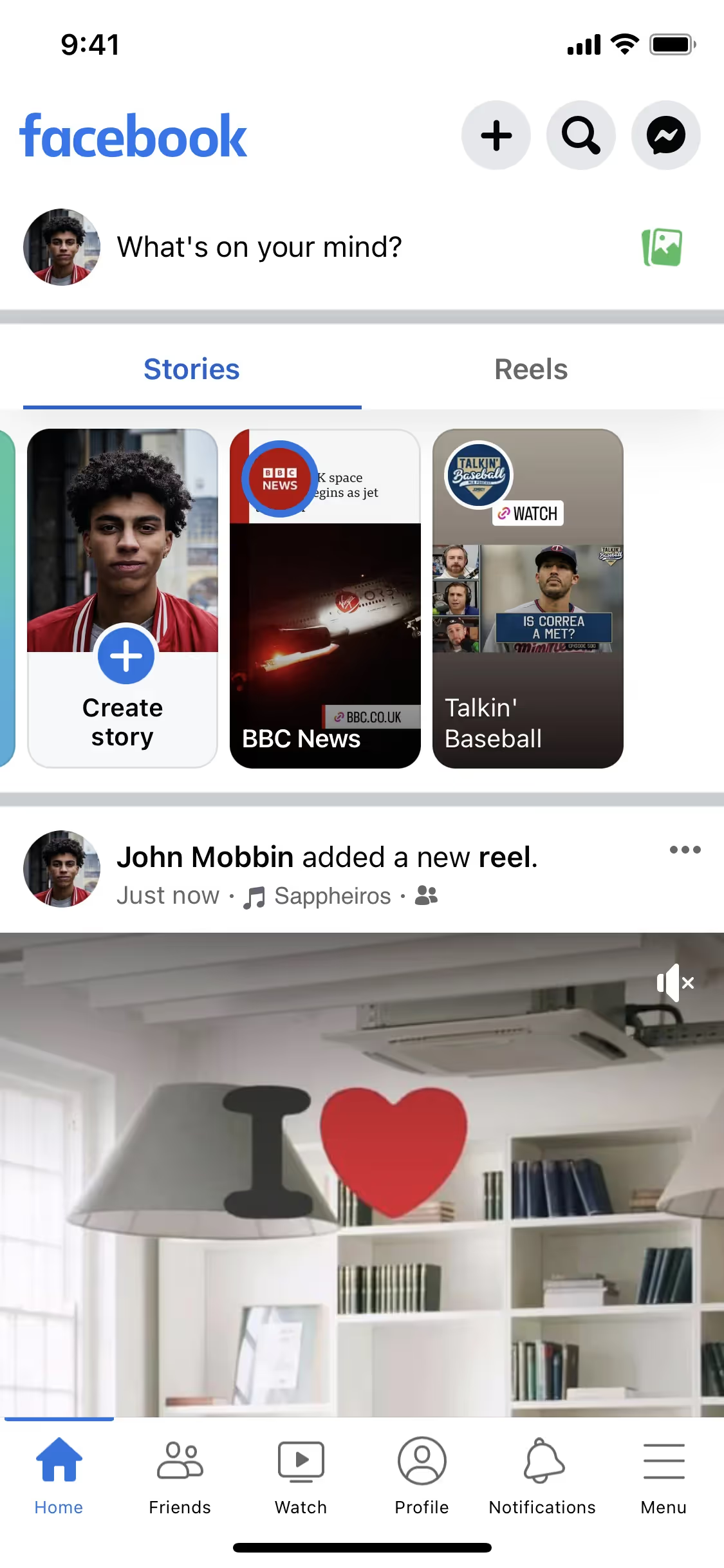
Facebook Blue’s high saturation makes it an effective accent for primary actions and interactive elements, guiding the user’s attention. For a clean interface, pair it with ample neutral space—think whites, light grays, or deep charcoal. Applying the 60-30-10 rule, you can use neutrals for your base and secondary colors, reserving this vibrant blue for the 10% that highlights key functions.
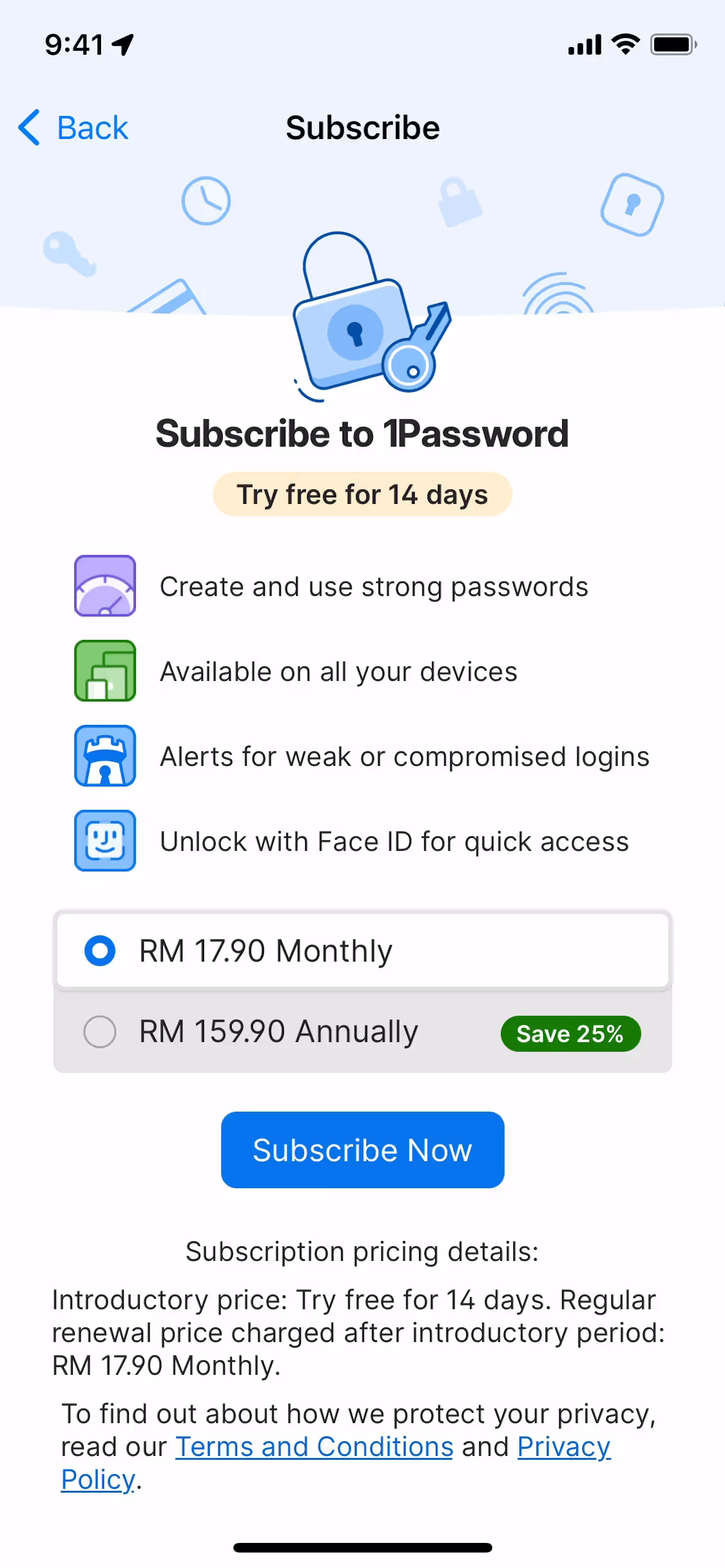
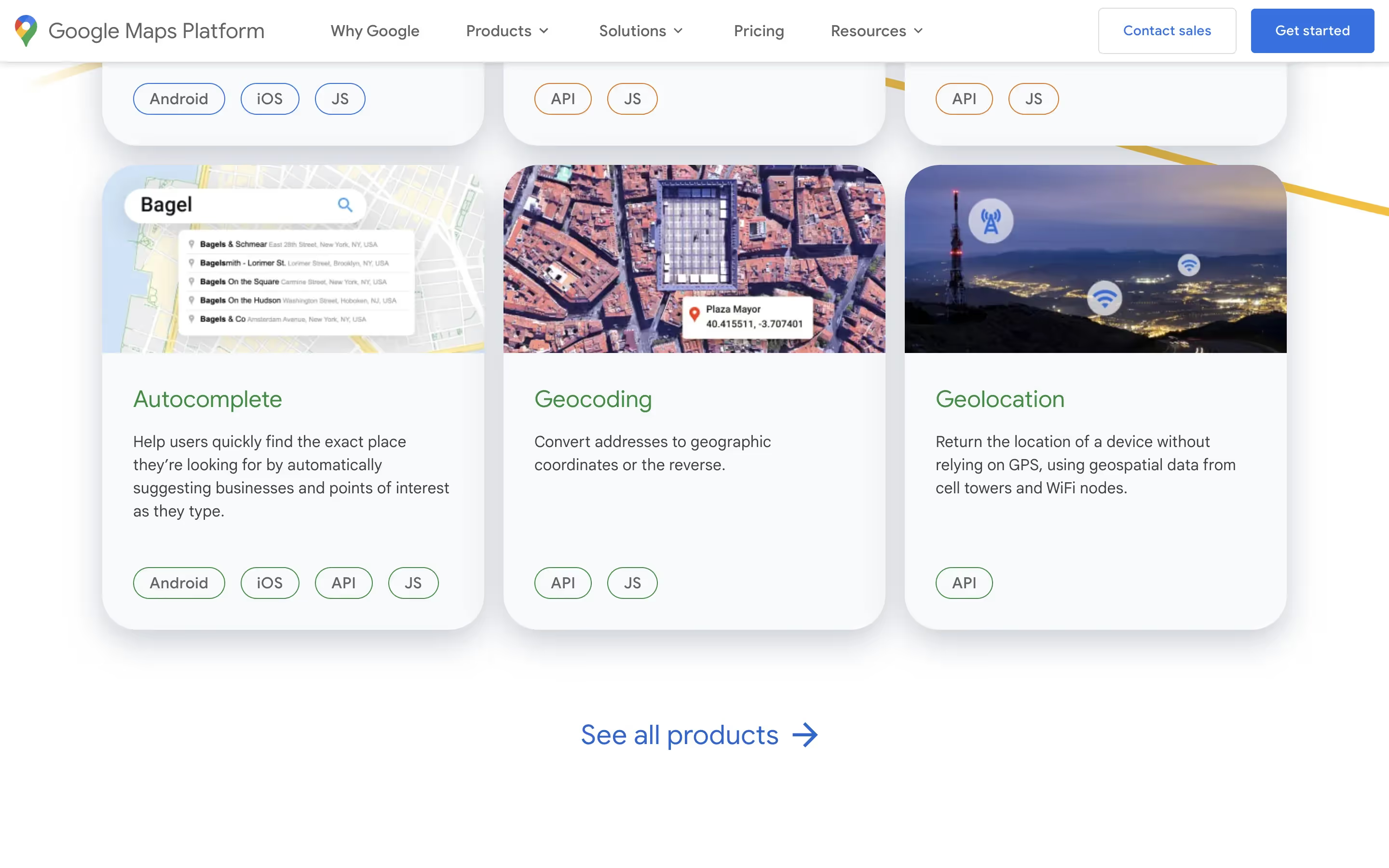
This specific shade is a familiar choice in the tech world. Brands like Productboard, Google Maps, and 1Password use similar blues to build a sense of dependability and clarity. Its popularity points to a recognized capacity for establishing user trust and improving navigation.
To see these principles in action, use the tools below. You can explore curated palettes, test color contrast for accessibility, and preview how Facebook Blue (#1877F2) appears in the UI components of top brands.
Using Facebook Blue color codes?
To apply Facebook Blue, use its official hex code: #1877F2. Using this specific value is critical for maintaining brand consistency across all digital platforms and assets.
While the hex code is standard for web design, you will need to convert it for other applications. RGB (Red, Green, Blue) is also used for digital screens, while CMYK (Cyan, Magenta, Yellow, Key) is the standard for print materials. Other formats like HSL, LAB, and LCH offer different ways to define and adjust the color for specific design needs.
We have converted #1877F2 into a range of popular color code formats for your convenience. Feel free to copy the values you need from the list below.
Analogous
By selecting colors adjacent to Facebook Blue on the color wheel, you create an analogous scheme that feels cohesive and tranquil.
Complementary
Complementary colors are direct opposites on the color wheel. Paired with Facebook Blue, they produce a vibrant combination with maximum visual contrast.
Split Complementary
Instead of using Facebook Blue's direct complement, a split complementary scheme uses the two neighboring colors, offering high contrast with more nuanced harmony.
Triadic
A triadic combination pairs Facebook Blue with two other colors, forming an equilateral triangle on the color wheel for a bold, balanced effect.
Tetradic
A tetradic scheme for Facebook Blue uses two pairs of complementary colors, forming a rich and balanced palette with four distinct hues.
Square
A square color scheme uses four colors evenly spaced on the color wheel. With Facebook Blue, this creates a vibrant, high-contrast palette.
Text Color
Background Color
Your Catchy Large Text Goes Here
Shades
By adding black to Facebook Blue, you create shades that add depth and visual weight.
Tints
Tints are lighter versions of Facebook Blue, created by adding white for a softer effect.
Tones
Tones of Facebook Blue are created by adding gray, which softens the color’s saturation.
Hues
Hues are variations of Facebook Blue, differing in intensity or temperature to create specific moods.



Never run out of inspiration again.
Use Mobbin for free as long as you like or get full access with any of our paid plans.



















