
Chestnut
Meet Chestnut (#CD5C5C), a color that strikes a fine balance between a warm red and an earthy brown. Its most notable quality is its ability to convey richness and warmth without the intensity of a pure red, giving it a sophisticated and grounded presence.
What color is Chestnut?
Chestnut is a warm, muted reddish-brown, drawing its character from the natural tones of the nut itself.
Its prominent red undertones give it a distinct warmth, preventing it from appearing as a flat or neutral brown.
What is the meaning of the color Chestnut in design?
A warm and earthy reddish-brown, Chestnut evokes feelings of comfort, stability, and security. Its connection to the natural world gives it a grounded and reliable character, often associated with warmth and home.
Symbolically, Chestnut represents strength, resilience, and the wholesomeness of the autumn season. It carries a sense of tradition and authenticity, making it a color of substance and dependability.
How can I use the color Chestnut in my UI design?
In UI design, Chestnut works exceptionally well as an accent color. Use its warmth for key elements like call-to-action buttons, notification badges, or active state indicators to draw the user's eye. For a balanced composition, pair #CD5C5C with cool neutrals such as off-whites, light grays, or deep charcoals. This creates a strong visual hierarchy and ensures the color stands out without overwhelming the interface.
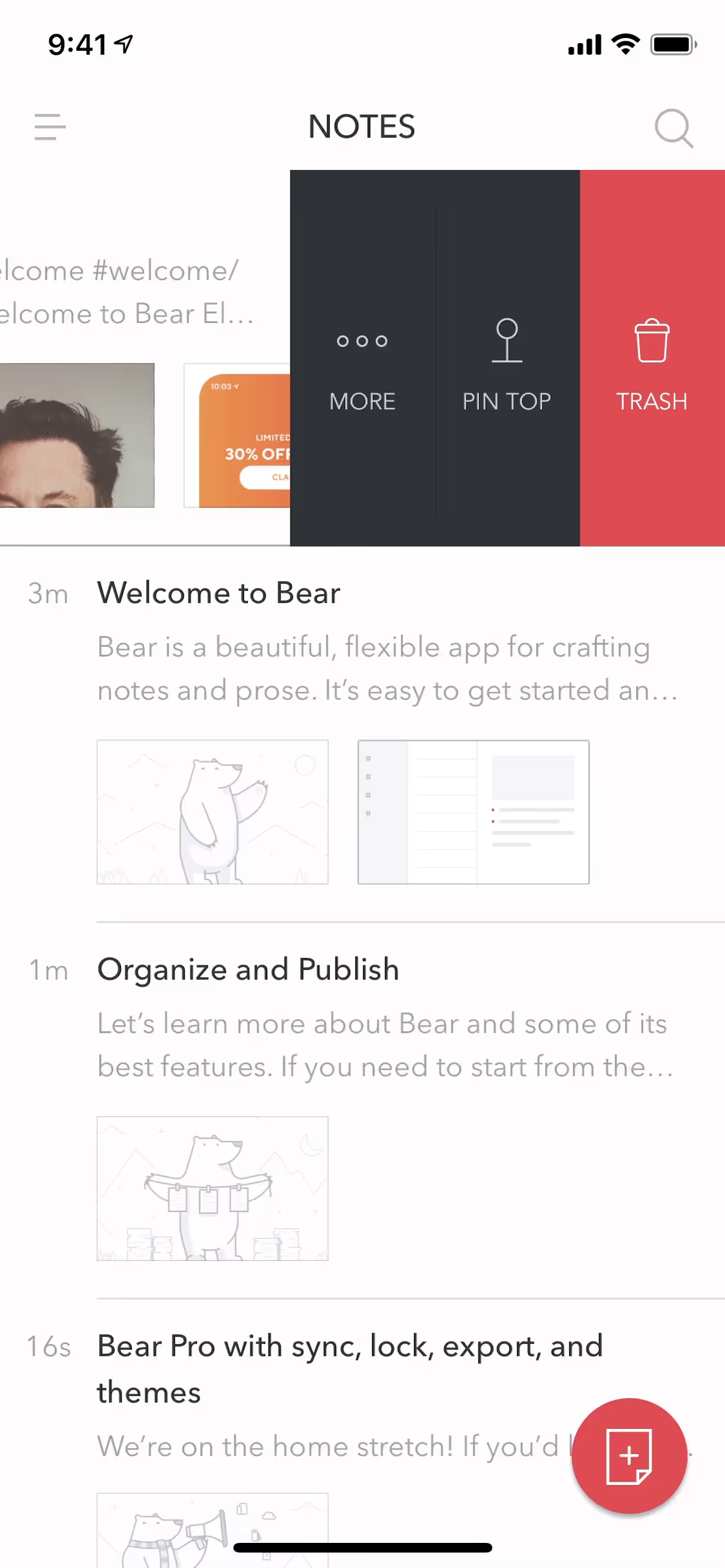
Few major brands build their entire identity around a color like Chestnut, which makes it a compelling choice for differentiation. While you might spot similar warm, earthy reds in the branding of apps like Meetup or Bear, its relative scarcity in the digital space presents a clear opportunity. Employing Chestnut can help a product establish a memorable and unique visual presence.
To see these principles in practice, use the tools below. You can explore curated palettes, test the color contrast of your pairings for accessibility, and preview how Chestnut looks within the actual UI components of leading applications.
Using Chestnut color codes
For digital work, the hex code #CD5C5C is the most direct way to apply the color Chestnut. However, for mediums like print, you will need to convert this value into a different color model.
Color codes are simply numerical representations for different outputs. HEX and RGB are standards for digital screens, while CMYK is essential for printing. Models like HSL (Hue, Saturation, Lightness) can also offer more intuitive ways to modify colors.
We've converted #CD5C5C into several popular formats below, ready for you to copy and use in your projects.
Analogous
For Chestnut, analogous colors are those found next to it on the color wheel. They produce a cohesive and tranquil look, ideal for calm designs.
Complementary
Complementary colors sit directly opposite each other on the color wheel. For Chestnut, this creates a high-contrast pairing that makes both colors pop.
Split Complementary
For a nuanced high-contrast look, Chestnut's split complementary palette uses the two colors found on either side of its direct complement.
Triadic
Triadic color schemes use three hues evenly spaced on the color wheel. For Chestnut, this creates a vibrant, balanced palette with strong visual contrast.
Tetradic
Tetradic color palettes are built from two sets of complementary colors. For Chestnut (#CD5C5C), this creates a rich, four-color harmony.
Square
The square color scheme uses four colors equidistant on the color wheel. This creates a vibrant, high-contrast palette built around the base color, Chestnut.
Text Color
Background Color
Your Catchy Large Text Goes Here
Shades
Shades are darker versions of Chestnut made by adding black, which introduces depth and weight.
Tints
Tints are lighter versions of Chestnut, created by adding white to produce a softer feel.
Tones
Tones of Chestnut are created by adding gray, resulting in softer, more subdued variations.
Hues
Hues are variations of Chestnut, differing in intensity and temperature to create visual depth.



Never run out of inspiration again.
Use Mobbin for free as long as you like or get full access with any of our paid plans.



















