
Celeste
Meet Celeste (#B2FFFF), a color that hovers on the edge of perception. Its striking quality comes from its high luminosity and near-ethereal lightness, offering a whisper of cyan that feels both airy and brilliantly crisp without overwhelming the eye.
What color is Celeste?
Celeste is a pale, airy cyan that sits on the cooler side of the color spectrum.
It carries distinct green undertones, giving it a brighter, more ethereal quality than a traditional sky blue.
What is the meaning of the color Celeste?
Named after the Latin word for "heavenly," Celeste embodies tranquility, clarity, and a sense of boundless open space. It's a color that speaks to the mind, suggesting serenity and a calm, focused state.
This ethereal shade often symbolizes purity and spirituality, evoking a feeling of gentle peace and quiet contemplation, much like a clear, quiet sky.
How can I effectively use Celeste in my UI design projects?
When working with Celeste (#B2FFFF) in UI design, its high brightness makes it an excellent choice for spacious backgrounds or subtle accents. To maintain readability, always pair it with a dark, high-contrast foreground color for text. For color pairings, consider a monochromatic scheme with deeper blues for a stable look, or add a complementary soft orange to create a vibrant focal point.
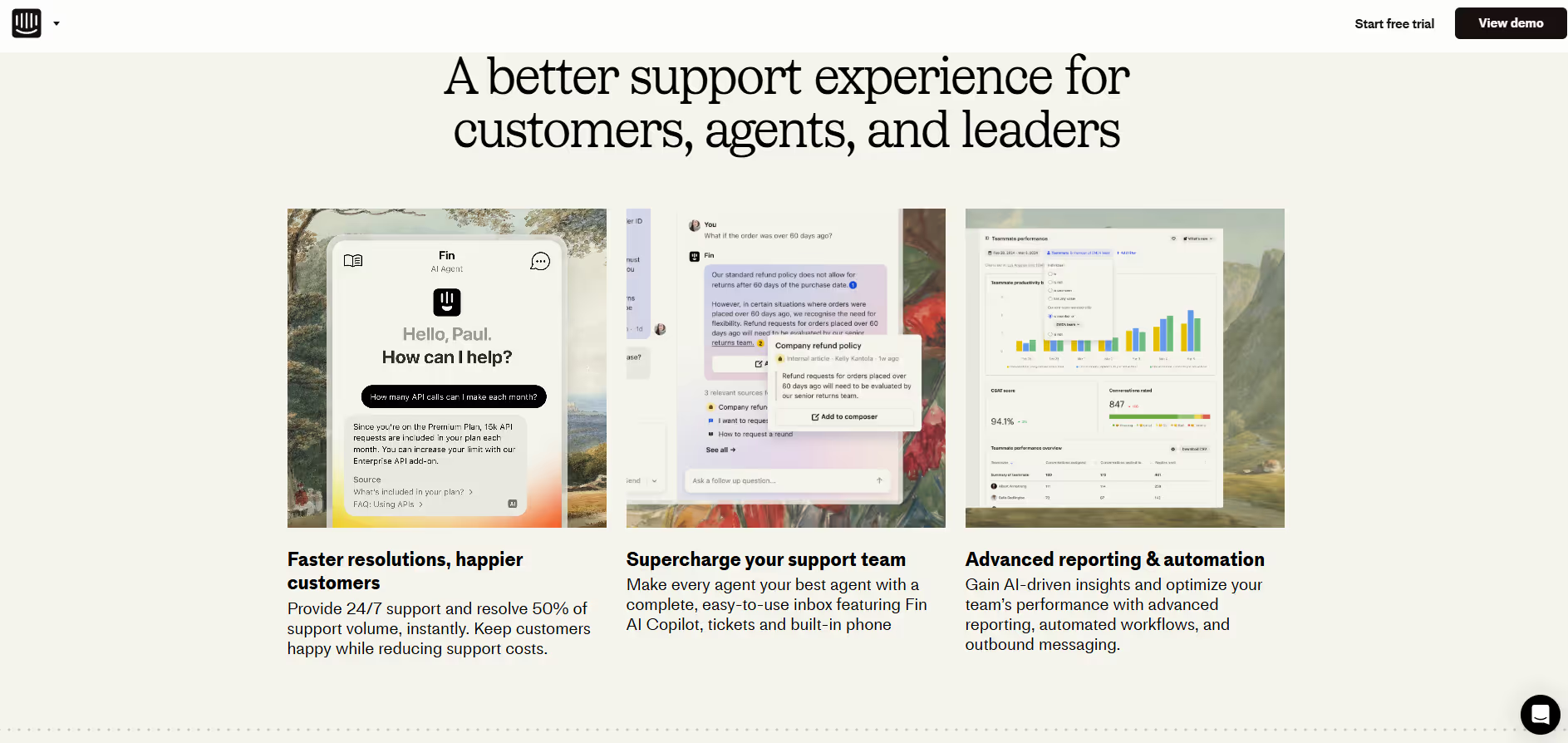
While not a dominant color in most branding, you can see shades reminiscent of Celeste in the identity of companies like Intercom, which project a friendly and approachable feel. Its relative rarity is an advantage, as using #B2FFFF can help a brand appear fresh and stand out in a crowded market.
To see how #B2FFFF performs in practice, use the tools below. You can explore curated palettes, test color contrast for accessibility, and preview Celeste applied to UI components from leading apps.
How do I use the Celeste color codes?
Using the color Celeste in your digital work is straightforward with its hex code, #B2FFFF. This code can be directly plugged into CSS or design tools like Figma and Sketch to apply the color with perfect accuracy.
While #B2FFFF is ideal for screens, you might need different codes for other mediums. For instance, RGB values define color for digital displays by mixing red, green, and blue light. For print projects, you'll need the CMYK equivalent, which is based on ink colors. Other models like HSL offer a more intuitive way to modify color by adjusting its hue, saturation, and lightness.
To help you get started, we’ve converted Celeste’s hex code #B2FFFF into a range of popular formats. You can find and copy the exact values you need for your project below.
Analogous
By selecting colors adjacent to Celeste on the color wheel, you can build an analogous palette that feels cohesive and soothing to the eye.
Complementary
Found directly opposite each other on the color wheel, complementary colors create a vibrant effect. Paired with Celeste, its complement offers maximum contrast.
Split Complementary
A split complementary scheme creates strong visual contrast with less tension by pairing Celeste with the two colors flanking its direct complement.
Triadic
A triadic color scheme uses three colors equally spaced on the color wheel. With Celeste as the base, this creates a vibrant and high-contrast palette.
Tetradic
A tetradic scheme for Celeste involves four colors. These form a rectangle on the color wheel, combining two distinct pairs of complementary colors.
Square
The square color scheme features four colors equidistant on the color wheel. This arrangement offers a lively, high-contrast palette built around the color Celeste.
Text Color
Background Color
Your Catchy Large Text Goes Here
Shades
Shades are darker versions of Celeste, created by adding black to give the color substance.
Tints
Tints of Celeste are made by adding white, which creates lighter and softer variations.
Tones
Tones of Celeste are created by adding gray, resulting in softer, less saturated variations.
Hues
Hues are variations of Celeste's base color, differing in their intensity or temperature.


Never run out of inspiration again.
Use Mobbin for free as long as you like or get full access with any of our paid plans.



















