
Caramel
Meet Caramel (#FFD59A), a warm, golden hue that radiates a soft, inviting glow. Its striking quality lies in its rich, buttery undertones, offering a sophisticated alternative to brighter yellows and golds, making it a compelling choice for a designer's palette.
What color is Caramel?
Caramel is a soft, golden hue that rests comfortably between yellow and orange.
It possesses a distinct warmth, with sunny yellow undertones that give it a bright and approachable feel.
What is the meaning of the color Caramel (#FFD59A) in design?
The color Caramel, with its hex code #FFD59A, evokes a sense of warmth, comfort, and approachability.
It often symbolizes simple pleasures and a touch of wholesome indulgence, drawing its meaning directly from the sweet confection it is named after.
How can I effectively use Caramel in my UI design?
In UI design, Caramel (#FFD59A) works beautifully as a warm accent. For a striking look with high contrast, pair it with deep blues or rich forest greens. To build a more harmonious palette, combine it with earthy tones like terracotta and cream. Consider using it for call-to-action buttons, highlights, or as a gentle background to create a welcoming atmosphere.
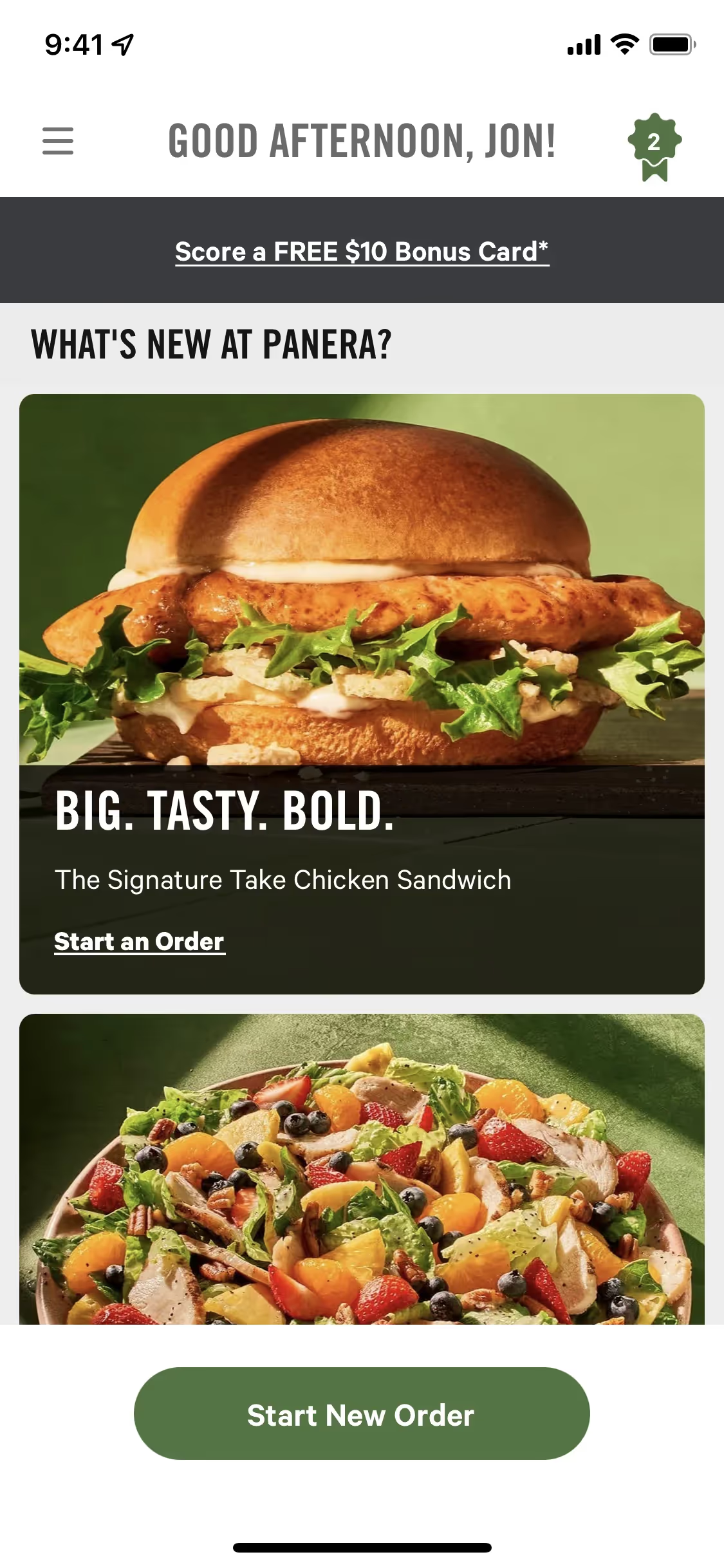
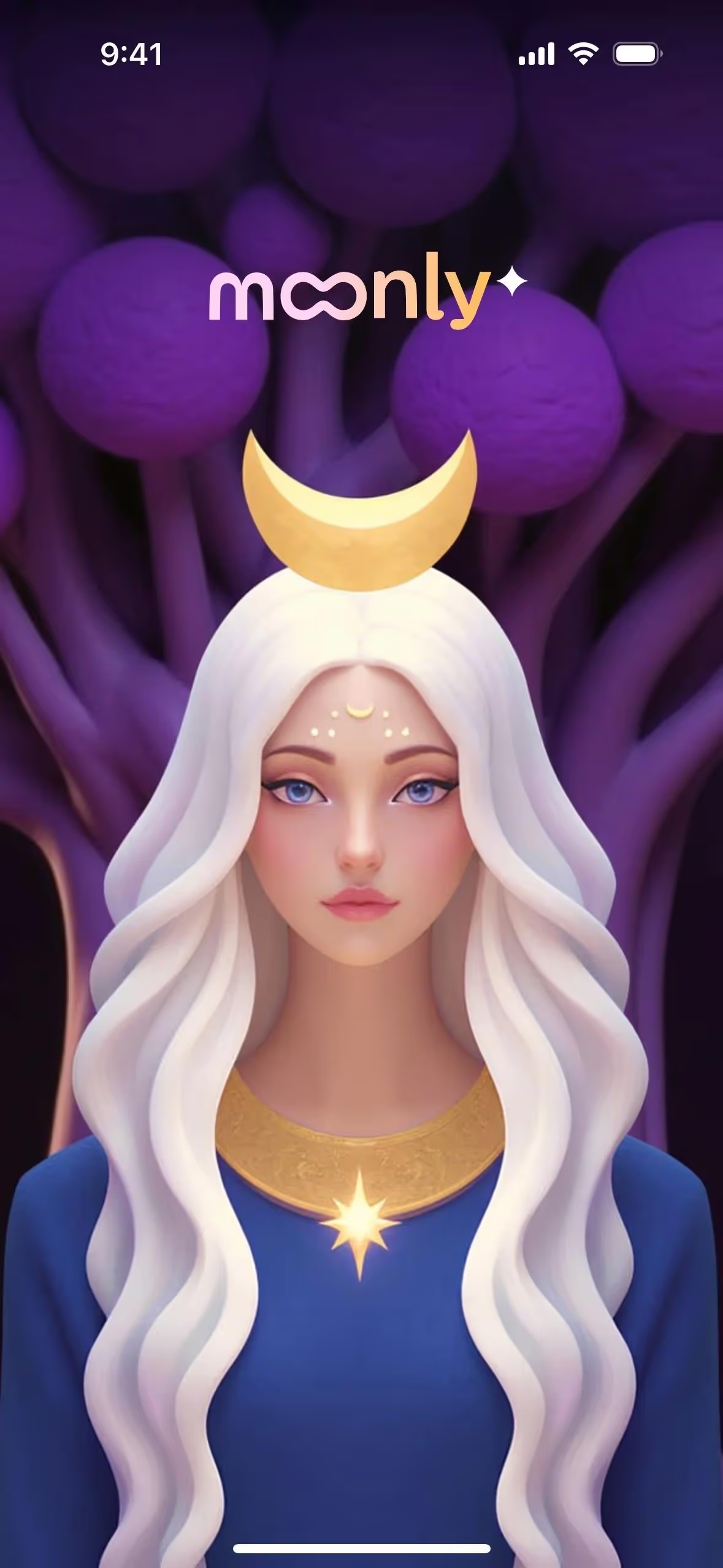
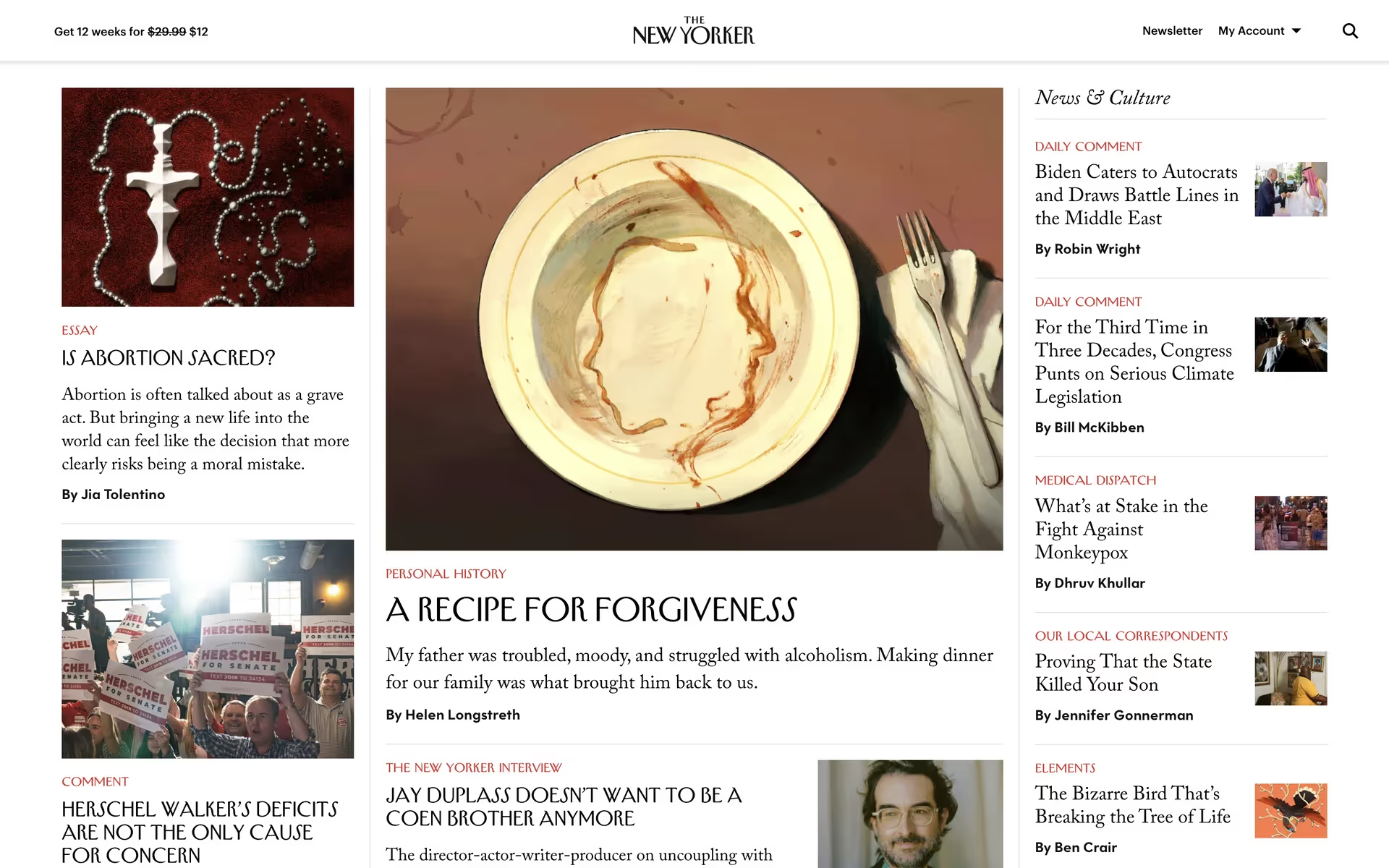
Brands like The New Yorker, Panera Bread, Moonly, and Yik Yak use colors similar to Caramel to project warmth and familiarity. Its relative rarity in digital products also presents an opportunity for a design to stand out with a distinct, comforting identity.
Use the tools below to explore curated palettes, test color contrast for accessibility, and preview Caramel in real UI components from top brands.
How do I use Caramel color codes?
To apply Caramel in your work, start with its hex code: #FFD59A. This is the standard for specifying color in web design and is directly recognized by CSS, HTML, and most digital design tools.
Different projects, however, call for different color models. You may need to convert #FFD59A for specific applications. For example, RGB (Red, Green, Blue) values are used for digital screens, while CMYK (Cyan, Magenta, Yellow, Key) is the standard for print. Other models like HSL (Hue, Saturation, Lightness) provide a more intuitive way to make color adjustments.
To help you get started, we've converted #FFD59A into a range of popular formats. Simply find the code you need below and copy it for your project.
Analogous
Analogous colors sit next to each other on the color wheel. Paired with Caramel, they create a harmonious and serene color palette.
Complementary
Directly opposite Caramel on the color wheel are its complementary colors. Placing them together produces a vibrant, high-contrast look that makes both pop.
Split Complementary
A split complementary scheme for Caramel uses the two colors adjacent to its direct complement, offering a vibrant yet balanced and harmonious palette.
Triadic
A triadic scheme pairs Caramel with two other colors equally spaced on the color wheel, creating a vibrant and balanced high-contrast palette.
Tetradic
Tetradic schemes pair two sets of complementary colors. With Caramel as a base, this method builds a vibrant, four-color palette using a rectangular shape on the color wheel.
Square
A square color scheme uses four colors evenly spaced on the color wheel. With Caramel as the base, this creates a vibrant, high-contrast palette.
Text Color
Background Color
Your Catchy Large Text Goes Here
Shades
By adding black to Caramel, you create its darker shades, which introduce depth and weight.
Tints
Tints are lighter versions of Caramel, created by adding white to produce a softer look.
Tones
Adding gray to Caramel creates its tones, which are softer and less saturated versions.
Hues
Hues are variations of Caramel that share its base color but differ in intensity or temperature.




Never run out of inspiration again.
Use Mobbin for free as long as you like or get full access with any of our paid plans.



















