
Azure Mist/Web
Meet Azure Mist/Web (#F0FFFF), a color that whispers rather than shouts. Its striking quality lies in its extreme lightness—a barely-there hint of cyan that hovers on the edge of pure white, offering a delicate and airy alternative to stark neutrals.
What color is Azure Mist/Web?
Azure Mist/Web is an exceptionally light, cool off-white with a subtle cyan undertone.
Its composition is nearly pure white, distinguished by a whisper of blue-green that gives it a crisp, airy quality.
What is the meaning behind the color Azure Mist/Web (#F0FFFF)?
Azure Mist/Web communicates a profound sense of tranquility and mental clarity. Its near-white, airy nature fosters a feeling of quiet contemplation, suggesting an open and uncluttered state of mind.
Symbolically, the color represents purity and fresh starts, akin to a blank canvas. It carries an ethereal quality that speaks to limitless potential and gentle beginnings, offering a subtle note of optimism.
How can I use Azure Mist/Web in my UI design projects?
In UI design, Azure Mist/Web works beautifully as a primary background color, creating a sense of space and calm. To maintain readability, pair it with dark, saturated colors like deep navy or charcoal gray for text and important interface elements. For a harmonious palette, consider analogous shades of light blue and green, or introduce a soft, warm accent like peach or coral for calls-to-action, applying a classic 60-30-10 balance.
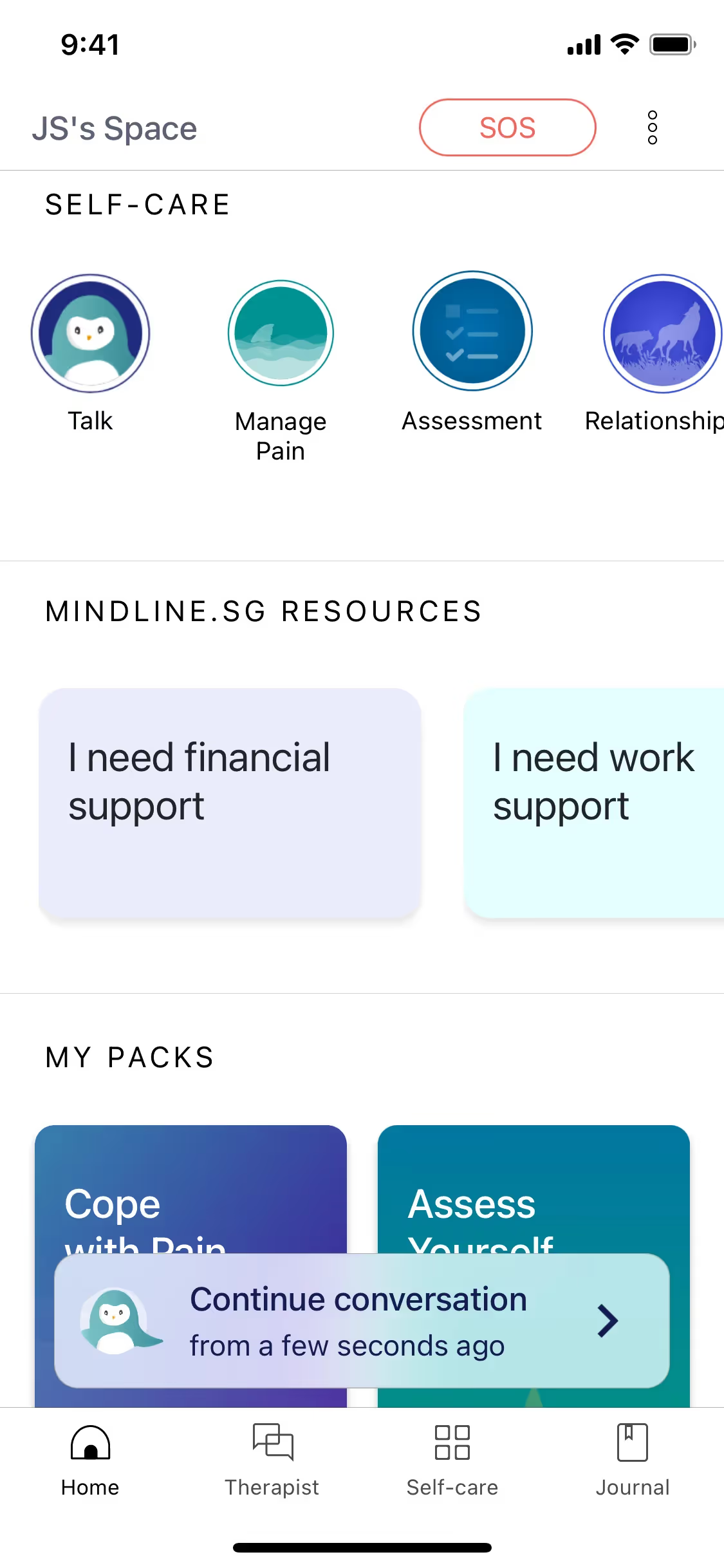
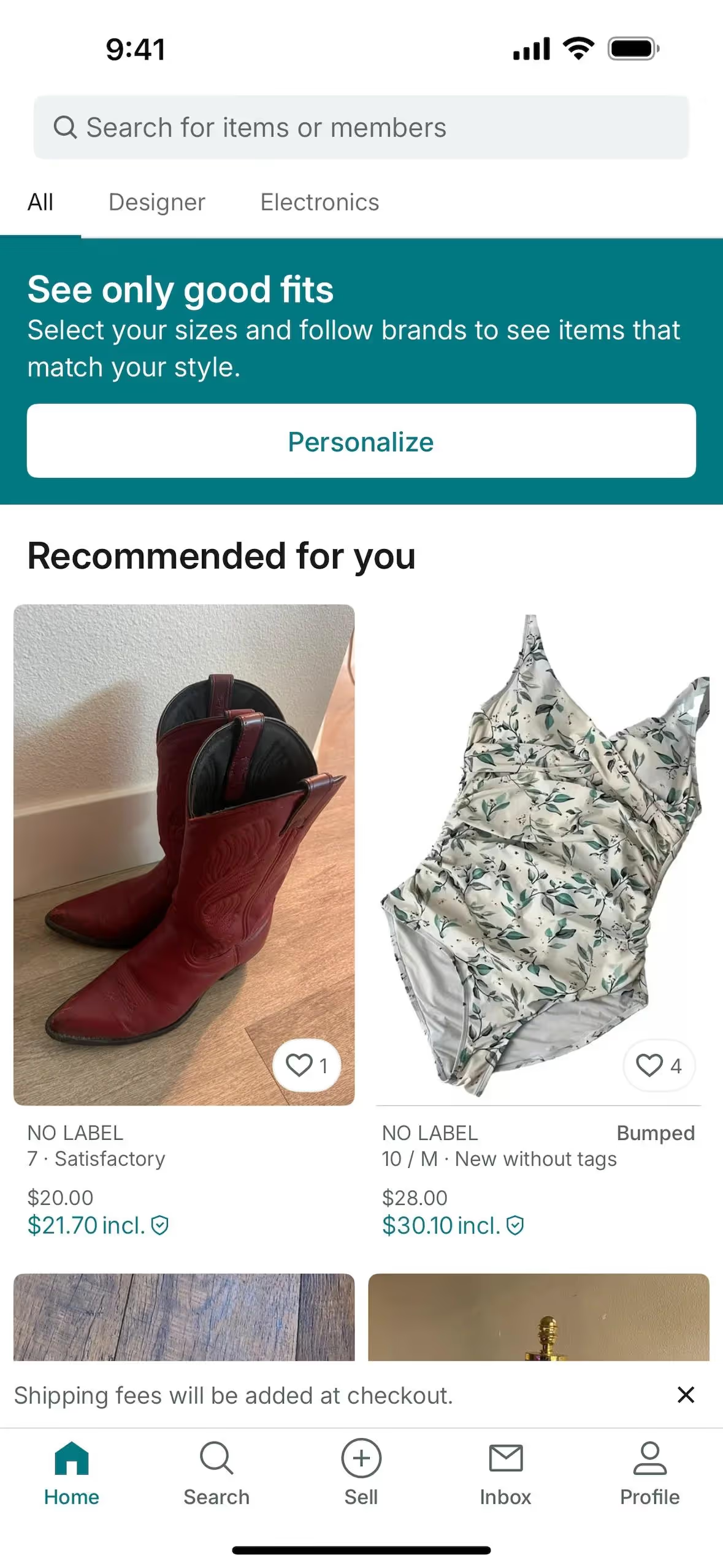
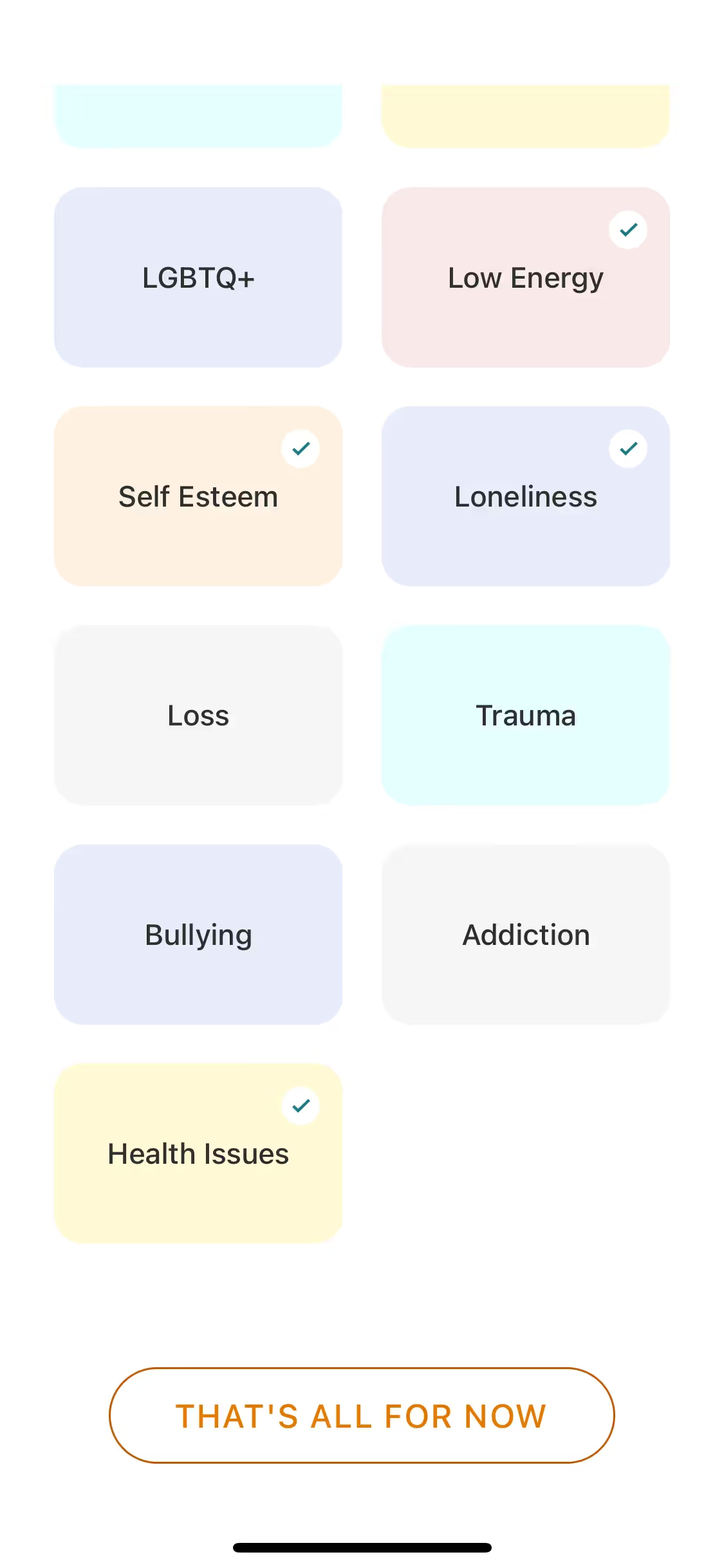
While not a dominant choice for many brands, its subtlety is its strength. Companies like Yik Yak, Workable, Remind, Wysa, and Vinted incorporate similar light, airy tones to build clean and modern interfaces. Using a color like Azure Mist/Web can help a product feel fresh and uncluttered, offering a distinct visual identity in a market often filled with bolder palettes.
To see how #F0FFFF performs, use the tools below to explore curated palettes, test its contrast for accessibility, and preview Azure Mist/Web in real UI components from leading apps.
How do I use the Azure Mist/Web color codes?
Using Azure Mist/Web in your projects starts with its hex code, #F0FFFF. While this code is standard for web development, maintaining color consistency across different media—from digital screens to printed materials—requires translating it into other formats. Each color model serves a specific purpose in a design workflow.
The most common conversions are to RGB (Red, Green, Blue) for screen-based displays and CMYK (Cyan, Magenta, Yellow, Key/Black) for print. Other useful models include HSL (Hue, Saturation, Lightness), which offers a more intuitive way to make color adjustments, and specialized systems like LAB or LCH for perceptually uniform color spaces.
To help you maintain accuracy in your work, we've converted the #F0FFFF hex code for Azure Mist/Web into a range of popular formats. You can find and copy the exact values you need for your tools below.
Analogous
Analogous colors sit beside Azure Mist/Web on the color wheel. Using them together in your designs produces a cohesive and tranquil visual experience.
Complementary
Complementary colors sit opposite each other on the color wheel, creating a high-contrast and vibrant effect when paired with a base like Azure Mist/Web.
Split Complementary
For a vibrant yet balanced palette, a split complementary scheme pairs Azure Mist/Web with the two colors neighboring its opposite on the wheel.
Triadic
Triadic palettes select three colors equally spaced on the color wheel, resulting in a vibrant, high-contrast combination with inherent visual balance.
Tetradic
A tetradic scheme for Azure Mist/Web uses two pairs of complementary colors, forming a rectangle on the color wheel for a vibrant palette.
Square
A square color scheme uses four colors evenly spaced on the color wheel, creating a vibrant and high-contrast palette with Azure Mist/Web.
Text Color
Background Color
Your Catchy Large Text Goes Here
Shades
Shades of Azure Mist/Web are created by adding black, resulting in darker, weightier tones.
Tints
By mixing white with Azure Mist/Web, you create tints for a softer, airier palette.
Tones
Tones of Azure Mist/Web are created by adding gray, resulting in softer, more subdued variations.
Hues
Hues of Azure Mist/Web are variations that adjust the color's intensity and temperature for different effects.








Never run out of inspiration again.
Use Mobbin for free as long as you like or get full access with any of our paid plans.



















