
Azure Blue
Introducing Azure Blue, #0066CC. This is a pure, highly saturated blue that commands attention with its digital-native brightness. Its striking intensity and clean appearance make it a compelling choice for designers looking to build interfaces with clarity and confidence.
What color is Azure Blue?
Azure Blue is a vibrant, deep blue that captures the clarity of a cloudless sky, sitting on the cooler side of the spectrum between cyan and pure blue.
Its saturation gives it a crisp appearance, free of noticeable green or purple undertones, resulting in a stable and energetic hue.
What is the meaning behind the color Azure Blue (#0066CC)?
Azure Blue evokes feelings of calmness and stability, much like a clear sky or a tranquil sea. It's a color that communicates trust, intelligence, and dependability, making it a symbol of authority and open communication.
Historically linked to the precious stone lapis lazuli, Azure Blue carries connotations of wisdom and value. This connection gives the color a sense of depth and significance beyond its immediate visual appeal.
How can I effectively use Azure Blue in my UI design?
When working with Azure Blue (#0066CC), consider its strong presence. It excels as a primary color for calls-to-action or as an accent to draw attention without being overwhelming. For a classic, readable interface, pair it with neutrals like white or soft gray. To create a more dynamic composition, try a triadic scheme with shades of yellow and red, or apply the 60-30-10 rule where Azure Blue serves as a secondary highlight.
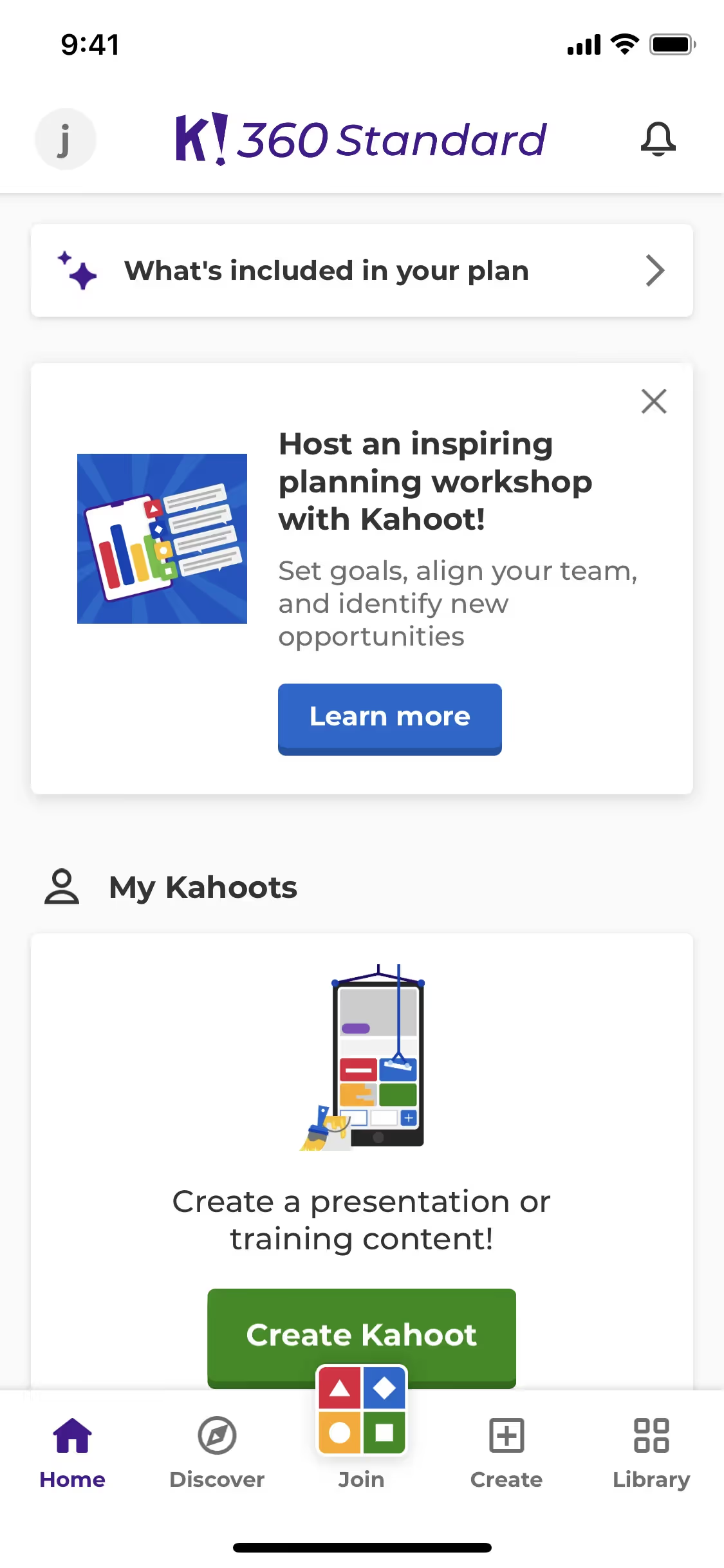
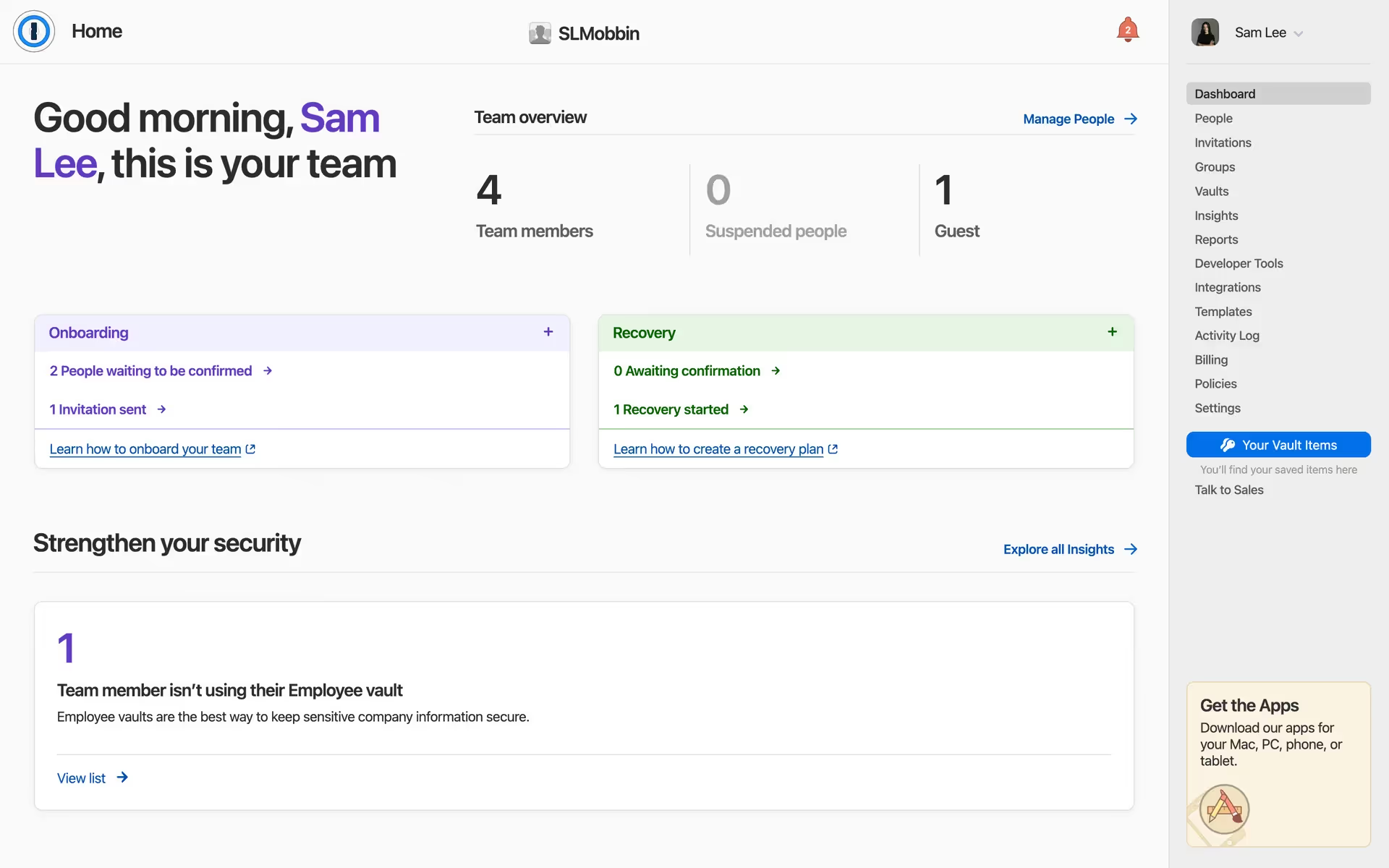
While not seen everywhere, colors similar to Azure Blue are used by recognizable brands like 1Password, Apple, Kahoot!, Slopes, and ESPN. Its relative rarity in branding can be an advantage, offering a chance for a design to appear both distinct and dependable.
Use the tools below to explore curated palettes, test color contrast for accessibility, and preview how Azure Blue appears in real UI components from top brands.
Using Azure Blue color codes
Using Azure Blue in your projects is straightforward with its hex code, #0066CC. This is the standard for specifying colors in web design and most digital graphics software, giving you precise control over its appearance on screen.
Different mediums, however, require different color models. Your hex code can be converted to other formats like RGB (Red, Green, Blue) for screen-based displays or CMYK (Cyan, Magenta, Yellow, Key/Black) for print materials. Other models such as HSL (Hue, Saturation, Lightness) offer a more intuitive way to make adjustments.
To make things easier, we've converted #0066CC into a variety of popular color code formats. Simply find the one you need below and copy it directly into your project.
Analogous
Analogous colors are neighbors on the color wheel. When paired with Azure Blue, they create a harmonious and tranquil visual experience for users.
Complementary
To find Azure Blue's complementary color, look directly across the color wheel. This pairing creates a striking visual contrast that makes both colors pop.
Split Complementary
Split complementary colors for Azure Blue offer a vibrant yet balanced palette by pairing it with the two colors adjacent to its direct complement.
Triadic
Triadic color schemes use three hues equally spaced on the color wheel. With Azure Blue, this method creates a vibrant, high-contrast, and balanced palette.
Tetradic
A tetradic color scheme for Azure Blue uses two pairs of complementary colors, forming a rich, four-color palette with built-in contrast.
Square
The square color scheme pairs Azure Blue with three other colors, all spaced evenly on the color wheel for a dynamic, high-contrast effect.
Text Color
Background Color
Your Catchy Large Text Goes Here
Shades
Shades of Azure Blue are made by adding black, creating darker tones with more substance.
Tints
Tints of Azure Blue are created by mixing in white, resulting in softer, airier variations.
Tones
Adding gray to Azure Blue creates tones, which produce a softer, more muted effect.
Hues
Hues are variations of Azure Blue that alter its intensity or temperature, affecting its mood.






Never run out of inspiration again.
Use Mobbin for free as long as you like or get full access with any of our paid plans.



















