
Wild Mushroom
Meet Wild Mushroom (#A7A198), a complex neutral that perfectly straddles the line between gray and beige. Its most striking feature is a subtle, earthy warmth that gives it a grounded yet sophisticated character, setting it apart from more common greige tones.
What color is Wild Mushroom?
Wild Mushroom is a sophisticated greige, sitting comfortably between gray and beige.
It possesses a distinct warmth with subtle brown undertones, distancing it from cooler, more industrial grays.
What is the meaning of the color Wild Mushroom (#A7A198)?
Wild Mushroom evokes a sense of calm, stability, and grounding. It's a color that speaks to authenticity and timeless sophistication, offering a quiet, reassuring presence.
Symbolically, this earthy neutral represents balance and dependability. It provides a solid, unobtrusive foundation that feels both natural and modern.
How can I effectively use Wild Mushroom in my UI design?
In UI design, Wild Mushroom, #A7A198, serves as a sophisticated neutral. Use it for backgrounds or secondary elements where its organic warmth can replace stark grays, but be sure to pair it with dark, high-contrast text for accessibility. For color pairings, consider an analogous scheme with other earthy tones or create a focal point with a complementary deep navy or muted terracotta.
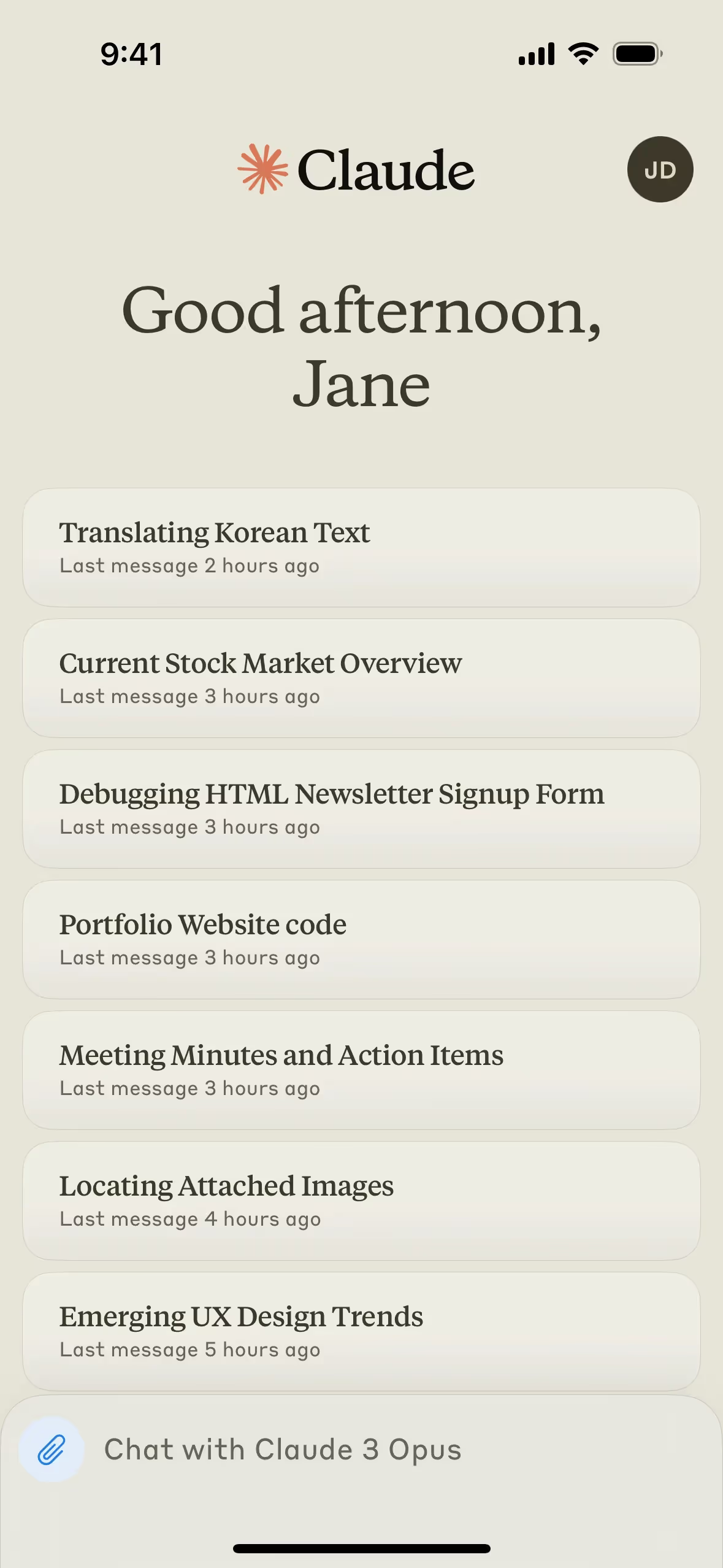
While not widely adopted, you can spot shades similar to Wild Mushroom in the interface for Claude. Its rarity in branding is an advantage, offering a way for a product to appear grounded and thoughtful, setting it apart from competitors using more typical blues and grays.
To see how #A7A198 performs in practice, use the tools on this page. You can explore curated palettes, check color contrast ratios, and preview Wild Mushroom in real UI components from top brands.
Using Wild Mushroom color codes
Using Wild Mushroom in your digital projects is straightforward with its hex code, #A7A198. This code is the standard for specifying colors in CSS and most design software, making it the quickest way to get started.
Depending on your project's medium, you might need to convert #A7A198 into other color models. For instance, RGB (Red, Green, Blue) values are fundamental for digital screens, while CMYK (Cyan, Magenta, Yellow, Key/Black) is essential for print materials. Models like HSL (Hue, Saturation, Lightness) can offer more intuitive ways to make color adjustments.
To make your workflow quicker, we've converted Wild Mushroom's #A7A198 hex code into a range of popular formats. You can find and copy the exact values for RGB, CMYK, HSL, and more just below.
Analogous
Analogous colors are neighbors on the color wheel. For Wild Mushroom, these adjacent hues create a harmonious and tranquil visual experience.
Complementary
Complementary colors sit opposite each other on the color wheel. For Wild Mushroom, these opposing hues create a vibrant and high-contrast pairing.
Split Complementary
A split complementary scheme for Wild Mushroom pairs it with the two colors adjacent to its direct opposite, creating a vibrant yet balanced palette.
Triadic
For a vibrant and balanced look, a triadic scheme pairs Wild Mushroom with two other colors that are equally spaced on the color wheel.
Tetradic
A tetradic scheme pairs Wild Mushroom (#A7A198) with three other colors, forming two complementary pairs for a vibrant and balanced palette.
Square
A square color scheme is a type of tetradic harmony that uses four colors evenly spaced on the color wheel, creating a vibrant, high-contrast palette.
Text Color
Background Color
Your Catchy Large Text Goes Here
Shades
Shades are darker versions of Wild Mushroom, made by adding black for more depth and weight.
Tints
Tints are lighter versions of Wild Mushroom, made by adding white to soften the original hue.
Tones
Tones are created by adding gray to Wild Mushroom, resulting in softer, muted variations.
Hues
Hues are variations of Wild Mushroom, sharing its base color but differing in intensity or temperature.


Never run out of inspiration again.
Use Mobbin for free as long as you like or get full access with any of our paid plans.



















