
Turquoise Green
Meet Turquoise Green (#A0D6B4), a color that captures a unique equilibrium between blue's calm and green's organic energy. Its muted vibrancy gives it a fresh, contemporary feel, making it a compelling choice for modern digital interfaces without being overpowering.
What color is Turquoise Green?
Turquoise Green is a light, cool-toned color that sits between green and blue on the color spectrum. It carries a dominant green base with a noticeable blue undertone, giving it a fresh and airy quality.
This specific shade is softer and more muted than a pure turquoise, presenting a gentle and calming appearance. Its cool temperature makes it feel refreshing, reminiscent of shallow tropical waters.
What is the meaning of the color Turquoise Green (#A0D6B4)?
Turquoise Green evokes feelings of tranquility, emotional balance, and mental clarity, blending the peaceful qualities of blue with the rejuvenating energy of green.
Historically associated with the protective turquoise gemstone, the color symbolizes wisdom, serenity, and good fortune across many cultures.
How can I use Turquoise Green (#A0D6B4) in my UI design?
To work with Turquoise Green in your design, consider its soft, approachable nature. It performs beautifully as a background color when paired with crisp whites and light grays for a clean, modern interface. For more pop, use it as an accent against a dark charcoal or deep navy blue. A classic design principle like the 60-30-10 rule can be a great guide, where #A0D6B4 could serve as your secondary color to support a more neutral primary choice.
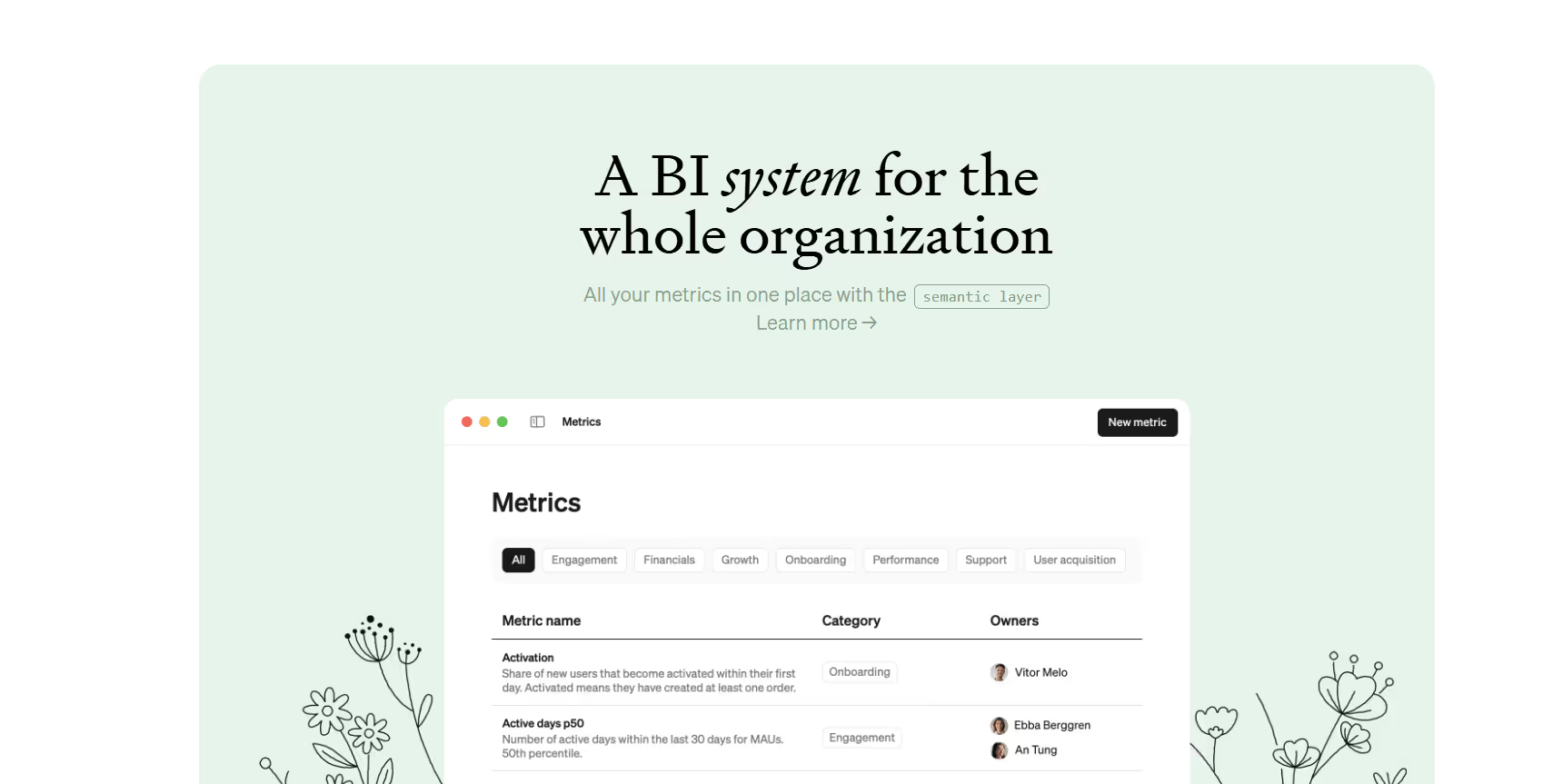
You won't find many large brands building their identity around this specific shade, which is an opportunity to create something distinctive. While some apps like Steep use similar greenish tones, Turquoise Green remains fairly uncommon. This rarity can make an interface feel fresh and memorable, helping a product stand out from competitors who stick to more traditional color palettes.
Explore curated palettes, test your color pairings for accessibility, and see how Turquoise Green looks in real UI components from top brands using the tools below.
Using Turquoise Green color codes
Using Turquoise Green in your project is as simple as copying its hex code, #A0D6B4. This is the standard format for web design, ensuring color consistency across different browsers and devices.
While #A0D6B4 is perfect for CSS, you'll need other formats for different jobs. RGB codes are fundamental for on-screen applications, defining color through red, green, and blue light. For print work, you'll switch to CMYK, which uses cyan, magenta, yellow, and black ink. Other models like HSL offer a more intuitive way to modify color, while spaces like LAB and LCH provide device-independent accuracy.
To make things easy, we've converted Turquoise Green's #A0D6B4 value into a range of popular formats. Find the code you need below and copy it directly into your design software.
Analogous
Analogous colors are found side-by-side on the color wheel. When paired with Turquoise Green, they result in a visually soothing and balanced composition.
Complementary
Complementary colors sit opposite each other on the color wheel. For Turquoise Green, its complement creates a striking, high-contrast visual pairing.
Split Complementary
Split complementary colors for Turquoise Green are the two hues sitting next to its direct opposite on the color wheel, offering a vibrant, balanced palette.
Triadic
A triadic scheme pairs Turquoise Green with two other colors, all equidistant on the color wheel, for a high-contrast, harmonious effect.
Tetradic
A tetradic scheme for Turquoise Green involves two complementary color pairs, forming a rectangle on the color wheel for a vibrant, balanced palette.
Square
A square color scheme uses four colors evenly spaced on the color wheel, creating a vibrant, high-contrast palette with Turquoise Green as its base.
Text Color
Background Color
Your Catchy Large Text Goes Here
Shades
Adding black to Turquoise Green creates shades, which introduce a sense of depth and weight.
Tints
Tints of Turquoise Green are lighter variations made by adding white for a softer appearance.
Tones
Tones are created by mixing gray with Turquoise Green, producing less saturated, calmer variations.
Hues
Hues are variations of Turquoise Green, differing in intensity or temperature to create distinct moods.
Never run out of inspiration again.
Use Mobbin for free as long as you like or get full access with any of our paid plans.



















