
Teal
Meet Teal (#008080), a color that perfectly balances the cool tranquility of blue with the organic energy of green. Its striking quality comes from this unique equilibrium, offering a saturated hue that provides both depth and a touch of modern sophistication to any design palette.
What color is Teal?
Teal is a captivating cyan-green color, a balanced blend that sits between blue and green on the color spectrum. It's a cool-toned hue, often perceived as deep and sophisticated.
Its character can shift depending on its undertones; a stronger blue presence gives it a more somber, aquatic feel, while a hint more green can make it appear more earthy and vibrant.
What is the meaning of the color Teal?
A blend of blue’s tranquility and green’s optimism, Teal stands for clarity, open communication, and emotional balance.
It’s a color of profound stability and spiritual grounding, historically named after the vibrant marking on the common Teal duck.
How can I use Teal (#008080) in my UI design?
Teal works exceptionally well as an accent color, creating a focal point against neutral backdrops like off-white or charcoal gray. For a vibrant, high-contrast look, pair it with warm tones such as coral or terracotta. For a more cohesive and calming effect, combine it with analogous colors like deep blues and forest greens.
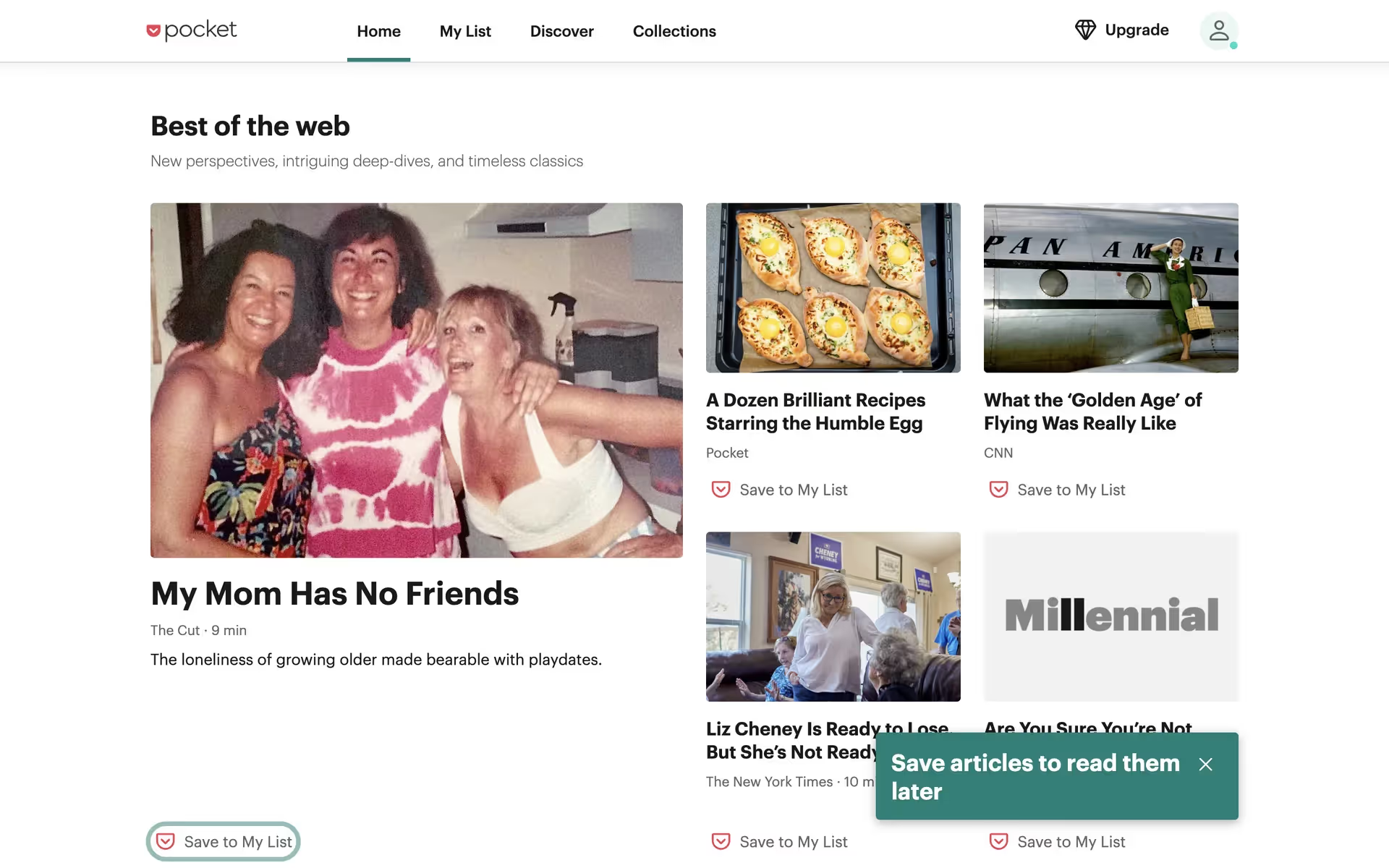
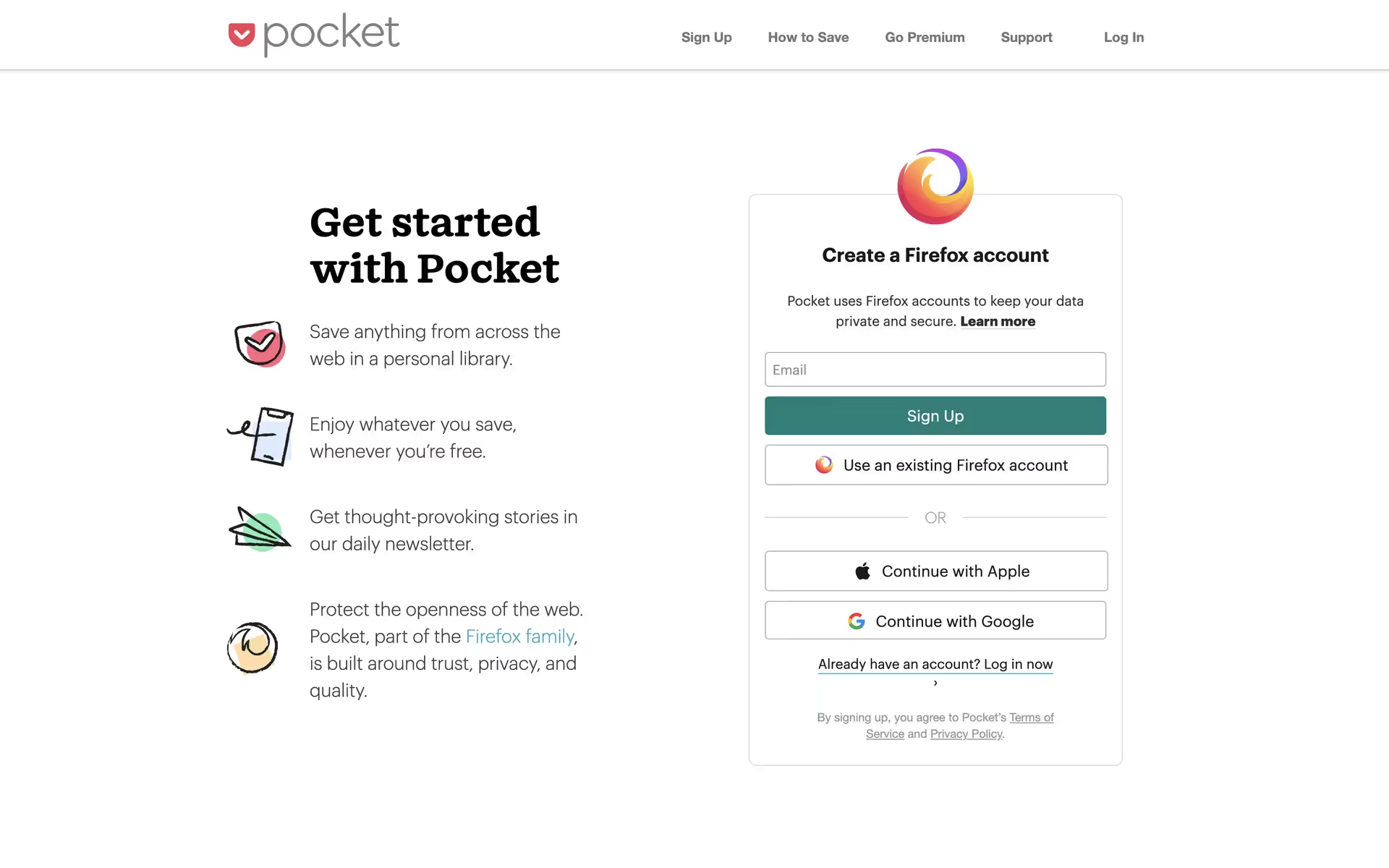
While not as common as primary colors, Teal's relative rarity is its advantage. It helps brands like Pocket establish a distinct and sophisticated identity. Using a less frequent color can make a design feel original and stand out from competitors.
Put these ideas to the test with the tools on this page. You can explore curated palettes, check your color contrast for accessibility, and see how Teal (#008080) looks in real UI components from leading applications.
Using Teal color codes
Using Teal in your projects often starts with its hex code, #008080, the standard for web design. However, different media require different color models. Digital displays render color using RGB (Red, Green, Blue) values, while print projects depend on CMYK (Cyan, Magenta, Yellow, Key/Black) for physical ink mixing. Other formats like HSL (Hue, Saturation, Lightness) offer a more intuitive way to make adjustments in design software.
To simplify your workflow, we've converted #008080 into a range of popular formats below that you can copy directly into your project.
Analogous
Analogous colors are Teal's neighbors on the color wheel. Using them together produces a gentle, low-contrast palette that feels both calm and composed.
Complementary
A complementary color scheme for Teal involves its direct opposite on the color wheel. This pairing creates a bold, high-contrast combination that makes both colors pop.
Split Complementary
A split complementary scheme for Teal uses the two colors adjacent to its direct opposite, offering a vibrant yet balanced palette with more creative options.
Triadic
A triadic palette pairs Teal with two other colors equally spaced on the color wheel, creating a vibrant and balanced high-contrast look.
Tetradic
A tetradic scheme pairs Teal with three other hues, forming two complementary pairs for a rich and balanced four-color design palette.
Square
A square color scheme uses four colors evenly spaced on the color wheel. With Teal as the base, this creates a vibrant, high-contrast palette.
Text Color
Background Color
Your Catchy Large Text Goes Here
Shades
Shades are darker versions of Teal, created by adding black for a heavier and deeper feel.
Tints
By mixing white with Teal, you create tints—lighter variations that soften the palette.
Tones
Tones are simply Teal mixed with gray, producing a more subtle and sophisticated effect.
Hues
Hues are variations of Teal, differing in intensity or temperature to influence visual perception.

Never run out of inspiration again.
Use Mobbin for free as long as you like or get full access with any of our paid plans.



















