
Sky Blue
Meet Sky Blue (#87CEEB), a color defined by its bright, airy quality. Its pure, light tone offers a clean and open feel, making it a distinct choice for interfaces that require a sense of clarity and space without appearing cold or sterile.
What color is Sky Blue?
Sky Blue is a pale, bright cyan with a cool temperature. It sits between blue and green on the color wheel, giving it a fresh and airy quality reminiscent of a clear afternoon sky.
Its composition includes a significant amount of white, which creates its light value and soft appearance. The subtle green undertone is what distinguishes it from purer blues, lending it a calm and gentle character.
What is the meaning of Sky Blue (#87CEEB) in design?
The color Sky Blue, #87CEEB, evokes feelings of calmness, serenity, and openness. Drawing from the vastness of a clear daytime sky, it is psychologically linked to trust, loyalty, and inspiration, offering a sense of stability and peace.
Symbolically, Sky Blue represents clarity in communication and thought. This makes it a frequent choice for brands aiming to project dependability and an approachable nature, while also suggesting hope and new possibilities.
How can I effectively apply Sky Blue (#87CEEB) in my UI design?
In UI design, Sky Blue works beautifully as a primary or accent color. For a crisp, professional interface, pair #87CEEB with neutrals like stark whites, soft grays, or deep charcoals. To create a more dynamic composition and draw attention to key elements, introduce a complementary warm color like a muted orange or coral for contrast. This creates a strong visual hierarchy without overwhelming the user.
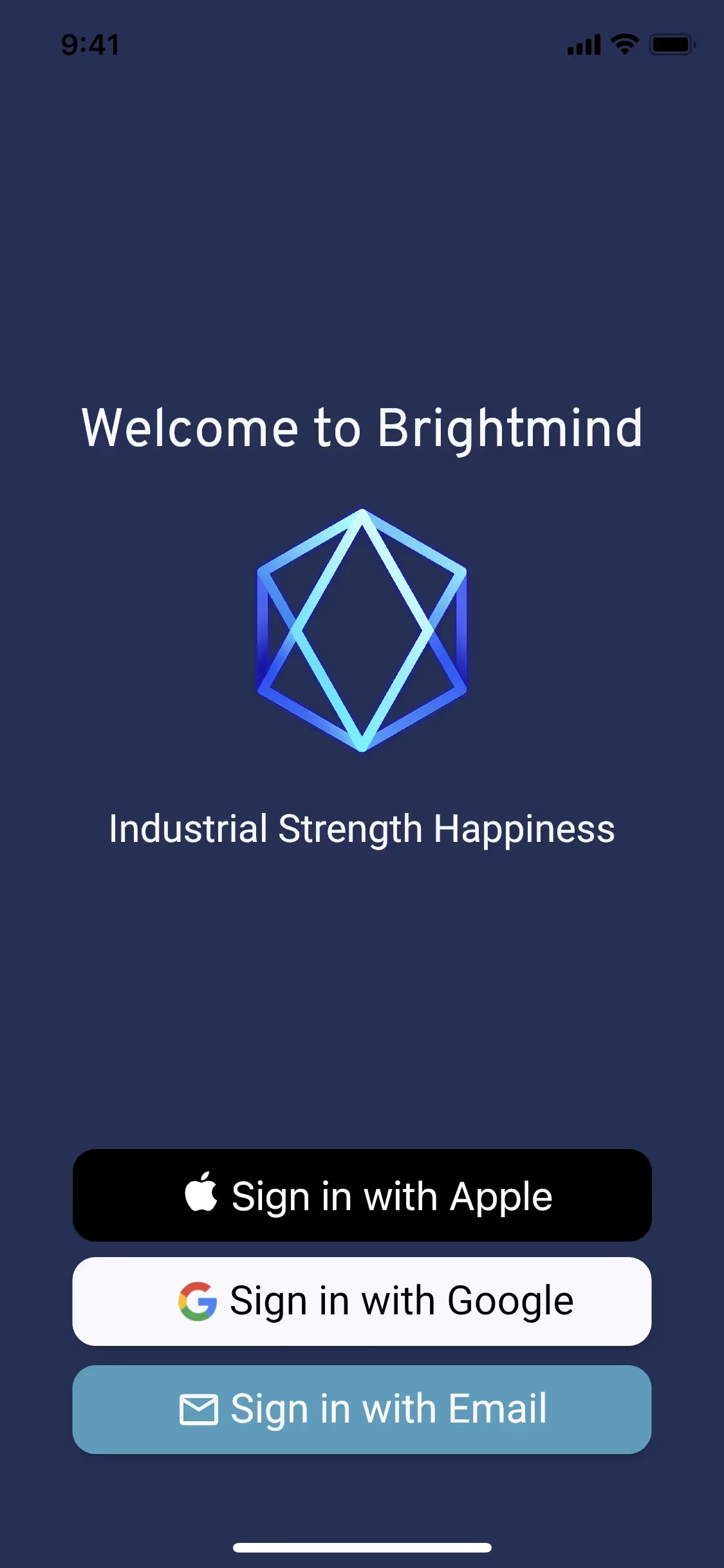
While not as ubiquitous as other blues, Sky Blue and its variants are used effectively by brands like Life360, Flighty, and Artifact. These companies often apply these lighter blues to build a feeling of openness and reliability in their products, showing its potential for creating a distinct brand identity.
To see how Sky Blue performs in practice, use the tools below. You can explore curated palettes, check the color’s contrast ratios for accessibility, and even preview #87CEEB within UI components from well-known apps.
How do I use the Sky Blue color codes?
Using Sky Blue in your projects begins with its hex code, #87CEEB. This identifier is the standard for specifying the exact shade in digital design tools, ensuring consistency across screen-based work.
For different applications, you may need to convert this hex code. Color models like RGB (Red, Green, Blue) are used for digital displays that emit light, while CMYK (Cyan, Magenta, Yellow, Key/Black) is the go-to for printed materials that absorb light. Other formats such as HSL, LAB, and LCH define color based on attributes like hue, saturation, and luminance.
To simplify your workflow, we have converted #87CEEB into a range of common formats. You can find and copy the precise values for your needs in the sections below.
Analogous
Analogous palettes are built from colors neighboring Sky Blue on the color wheel, resulting in a composition that feels both unified and tranquil.
Complementary
Complementary colors sit directly opposite each other on the color wheel. For Sky Blue, this pairing creates a striking, high-contrast visual effect.
Split Complementary
A split complementary scheme for Sky Blue uses the two colors adjacent to its direct opposite, offering a vibrant yet balanced and harmonious palette.
Triadic
A triadic scheme pairs Sky Blue with two other colors equally spaced on the color wheel, creating a vibrant and high-contrast palette.
Tetradic
A tetradic scheme for Sky Blue uses two pairs of complementary colors, forming a rectangle on the color wheel for a rich, balanced palette.
Square
A square color scheme pairs Sky Blue with three other colors, all equidistant on the color wheel, creating a vibrant, high-contrast palette.
Text Color
Background Color
Your Catchy Large Text Goes Here
Shades
Shades of Sky Blue are created by adding black, resulting in darker, weightier tones.
Tints
Tints are lighter variations of Sky Blue, created by adding white for a softer, airier feel.
Tones
Adding gray to Sky Blue creates its tones, producing a more muted, sophisticated appearance.
Hues
Hues are variations of Sky Blue, differing in intensity and temperature to create distinct moods.





Never run out of inspiration again.
Use Mobbin for free as long as you like or get full access with any of our paid plans.



















