
Rhino
Meet Rhino (#8A8F98), a sophisticated neutral that stands apart from typical grays. Its cool, stony character and subtle blue undertone provide a quiet strength, making it a versatile yet distinctive choice for any design palette.
What color is Rhino?
Rhino is a sophisticated, cool-toned gray that sits comfortably in the medium-dark range.
Its character comes from a subtle blue undertone, which gives the color a composed and solid feel, distinct from a pure, flat neutral.
What is the meaning of the color Rhino (#8A8F98)?
The color Rhino, #8A8F98, conveys a sense of calm professionalism and balance. It's a color of stability and reliability, creating a feeling of grounded sophistication without being overpowering.
Drawing its name from the powerful animal, Rhino symbolizes strength, resilience, and quiet confidence. It represents a solid and enduring foundation, much like the steadfast nature of its namesake.
How can I use the color Rhino in my UI design?
In UI and web design, Rhino (#8A8F98) serves as a sophisticated neutral. Apply it as a background or for secondary text to establish a clear visual hierarchy, allowing primary elements to stand out. It pairs beautifully with both vibrant accents for a splash of energy and other neutrals for a composed, monochromatic look.
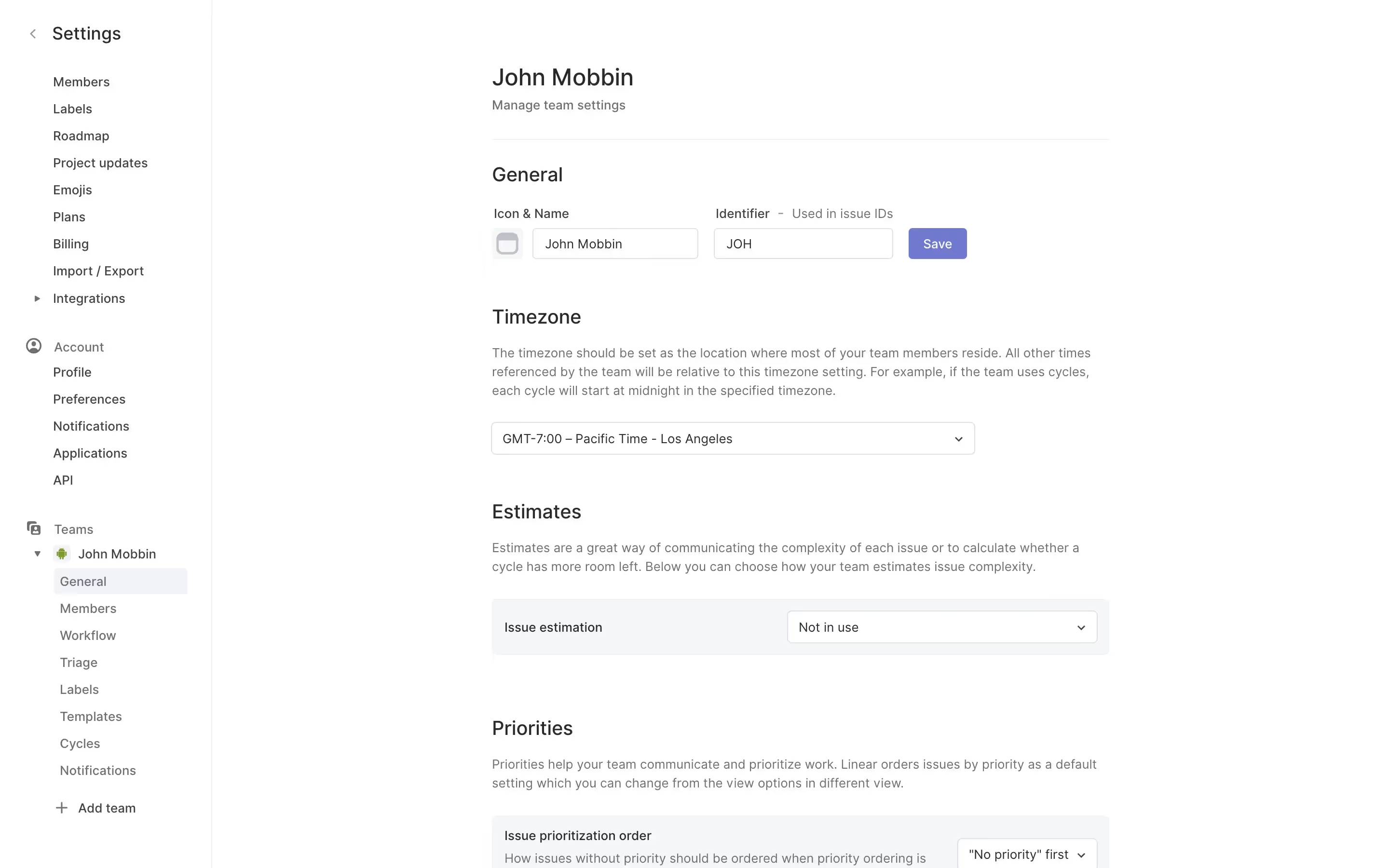
While not a widely used primary brand color, this quality gives it a sense of distinction. Brands like Linear employ similar muted grays to build a refined, modern aesthetic. Using Rhino can make your interface feel both unique and thoughtfully designed.
Explore curated palettes, test color contrast for accessibility, and preview Rhino in real UI components from top brands using the tools below.
Using Rhino color codes
To use the color Rhino in your design software, copy its hex code: #8A8F98. This is the most direct way to specify colors for web and digital interfaces, recognized by nearly all graphic and UI design applications.
While HEX is standard for screens, you may need other formats for different jobs. For instance, RGB (Red, Green, Blue) also defines colors for digital displays, while CMYK (Cyan, Magenta, Yellow, Key) is essential for print work. Other models like HSL, LAB, and LCH offer different ways to describe and manipulate color properties.
To make things easy, we’ve converted Rhino’s #8A8F98 code into a range of common formats. Find the one you need and copy the values below for your project.
Analogous
Analogous colors sit next to each other on the color wheel. Using Rhino (#8A8F98) as a base, they produce a serene and cohesive palette.
Complementary
To find Rhino's complement, look directly across the color wheel. This pairing produces a striking visual contrast, ideal for drawing attention.
Split Complementary
For a high-contrast yet balanced palette, Rhino's split complementary scheme pairs it with the two colors adjacent to its direct complement.
Triadic
Triadic color schemes use three hues equally spaced on the color wheel. With Rhino as the base, these combinations create a vibrant, high-contrast palette.
Tetradic
Tetradic colors build on Rhino by adding three more hues. Together, the four colors form two complementary pairs, creating a vibrant, rectangular palette.
Square
A square color scheme uses four colors evenly spaced on the color wheel. With Rhino as the base, this creates a vibrant, high-contrast palette.
Text Color
Background Color
Your Catchy Large Text Goes Here
Shades
Adding black to Rhino creates its shades, giving the color more depth and weight.
Tints
Tints are lighter versions of Rhino, created by mixing in white for a softer effect.
Tones
Tones are muted versions of Rhino, created by adding gray to soften its saturation.
Hues
Hues are variations of Rhino's base color, differing in intensity or temperature for subtle effects.


Never run out of inspiration again.
Use Mobbin for free as long as you like or get full access with any of our paid plans.



















