
Prussian Blue
Meet Prussian Blue, #003153. This deep, commanding shade sits on the cusp of navy and cyan, offering a rich saturation that avoids the starkness of pure black. Its unique character provides a sophisticated foundation for any digital palette, creating visual interest without overwhelming the design.
What color is Prussian Blue?
Prussian Blue is a deep, dark blue with a cool temperature, sitting somewhere between navy and a more saturated royal blue.
It carries subtle green or even black undertones, giving it a rich, inky quality that feels both classic and profound.
What is the meaning of Prussian Blue?
Historically, Prussian Blue was one of the first modern synthetic pigments, lending it an air of authority and tradition. Its use in military uniforms established a connection to discipline, order, and seriousness.
Psychologically, the color #003153 evokes feelings of stability, trust, and deep intellect. Its profound depth can convey a sense of calm confidence and thoughtful introspection, making it a symbol of expertise.
How can I effectively use Prussian Blue in my UI design?
Prussian Blue (#003153) offers a sophisticated alternative to standard navy. It excels as a primary color for creating a stable, professional feel. For strong visual hierarchy, pair it with crisp off-whites or light grays. To add warmth and character, introduce accents of ochre, muted orange, or even a soft gold. This creates a balanced composition that feels both classic and modern.
While not as common as brighter blues, shades similar to Prussian Blue are used by brands like Angi, Trello, and Babbel. Its relative rarity in digital products presents an opportunity for differentiation, helping a brand communicate trust and depth without resorting to the usual corporate palette.
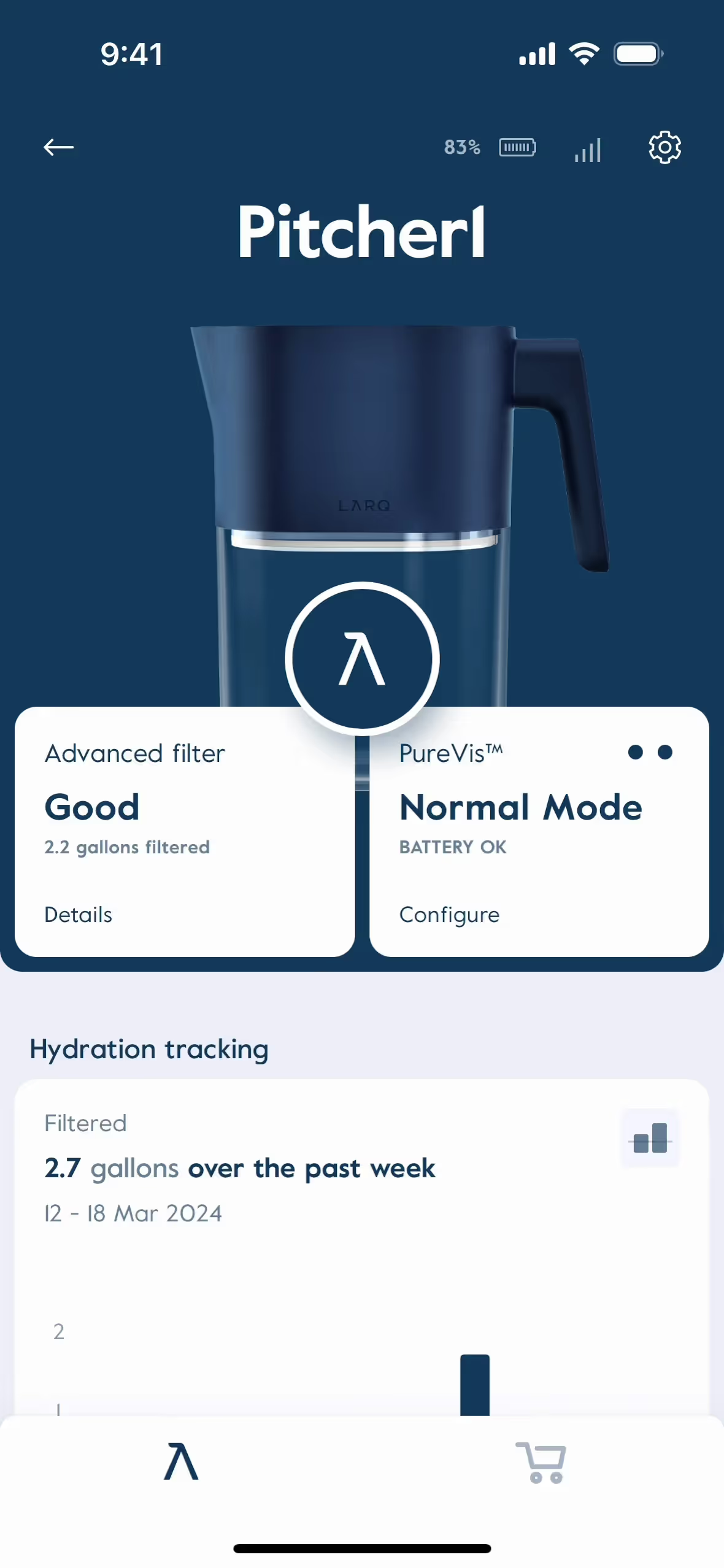
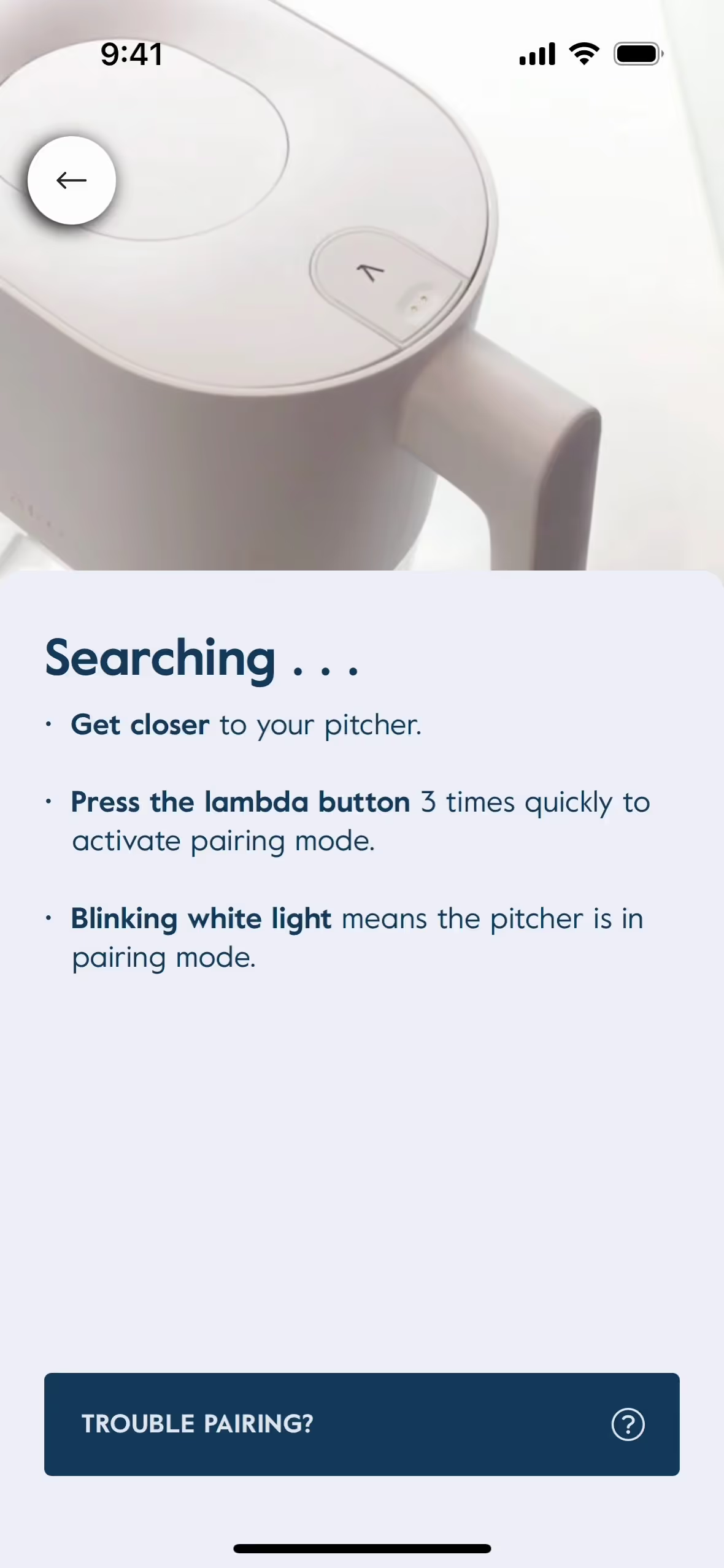
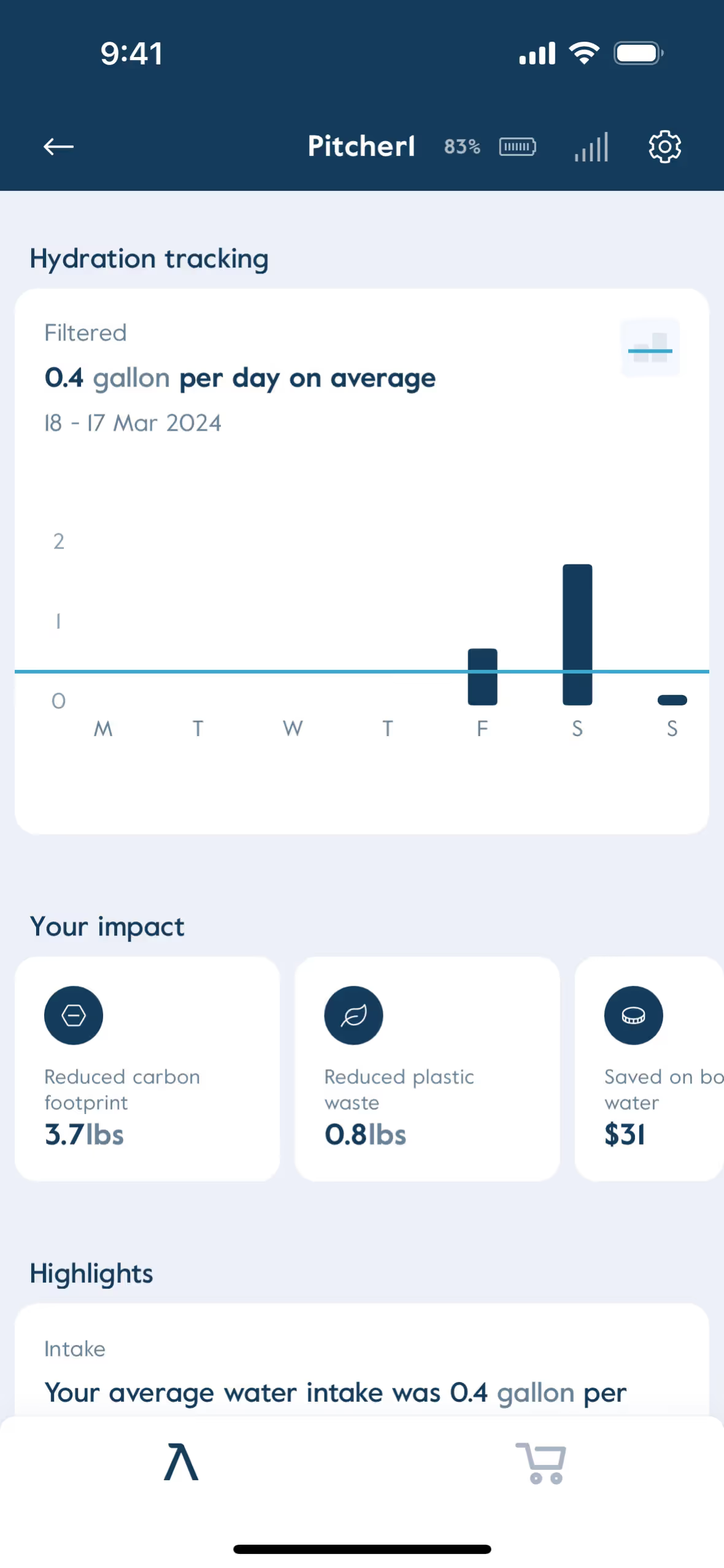
To see these principles in action, use the tools below. You can explore curated palettes, test your color combinations for accessibility, and preview how Prussian Blue looks within the actual UI components of leading apps.
Using Prussian Blue color codes
Using Prussian Blue in your digital projects starts with its hex code, #003153. This specific identifier is the standard for web development, creating a consistent appearance across different screens and devices.
While #003153 is perfect for CSS, your workflow might demand other formats. For digital UIs, you may need RGB values (Red, Green, Blue) for software like Figma or Sketch. For print work, you'll need the CMYK equivalent, which dictates the ink mixture for physical media.
To simplify your process, we’ve converted #003153 into a range of popular color models. Find the format you need below and copy it directly into your design tool or codebase.
Analogous
By pairing Prussian Blue with its neighbors on the color wheel, you create an analogous scheme. This combination produces a calm and cohesive visual effect.
Complementary
Complementary colors sit opposite each other on the color wheel. Paired with Prussian Blue, they create a striking, high-contrast visual effect.
Split Complementary
For Prussian Blue, a split complementary palette uses the two colors next to its direct opposite, offering high contrast with more sophisticated color harmony.
Triadic
Triadic palettes pair Prussian Blue with two other hues from equidistant points on the color wheel, resulting in a bold, balanced combination.
Tetradic
A tetradic color scheme for Prussian Blue uses two pairs of complementary colors, forming a rich, four-color palette for vibrant designs.
Square
A square color scheme uses four colors evenly spaced on the color wheel, creating a vibrant, high-contrast palette with Prussian Blue.
Text Color
Background Color
Your Catchy Large Text Goes Here
Shades
Shades are darker versions of Prussian Blue, made by adding black for increased depth and weight.
Tints
Tints of Prussian Blue are made by adding white, resulting in lighter, softer hues.
Tones
Tones of Prussian Blue are created by adding gray, resulting in softer, more subdued variations.
Hues
Hues are variations of Prussian Blue, differing in intensity and temperature to create specific moods.




Never run out of inspiration again.
Use Mobbin for free as long as you like or get full access with any of our paid plans.



















