
Pale Green
Meet Pale Green (#98FB98), a color that balances softness with a surprising digital vibrancy. Its unique position between mint and lime gives it a fresh, almost luminous quality, making it a standout choice for modern interfaces without overwhelming the eye.
What color is Pale Green?
Pale Green is a light shade of green characterized by its high brightness and low saturation, which gives it a soft, airy appearance.
The hue is a pure, balanced green with a cool temperature, presenting a refreshing quality without strong yellow or blue undertones.
What is the meaning of the color Pale Green (#98FB98)?
Symbolizing new life and tranquility, Pale Green (#98FB98) is psychologically tied to feelings of freshness and optimism.
Its gentle quality suggests safety and harmony, making it a frequent representative for health and environmental consciousness.
How can I effectively use Pale Green in my UI design?
In UI design, Pale Green (#98FB98) works well as a refreshing background or a subtle accent. To maintain readability, pair it with high-contrast text colors like deep charcoal or navy. For a clean, modern aesthetic, combine it with neutrals like off-white and light gray, or with other pastels for a softer look.
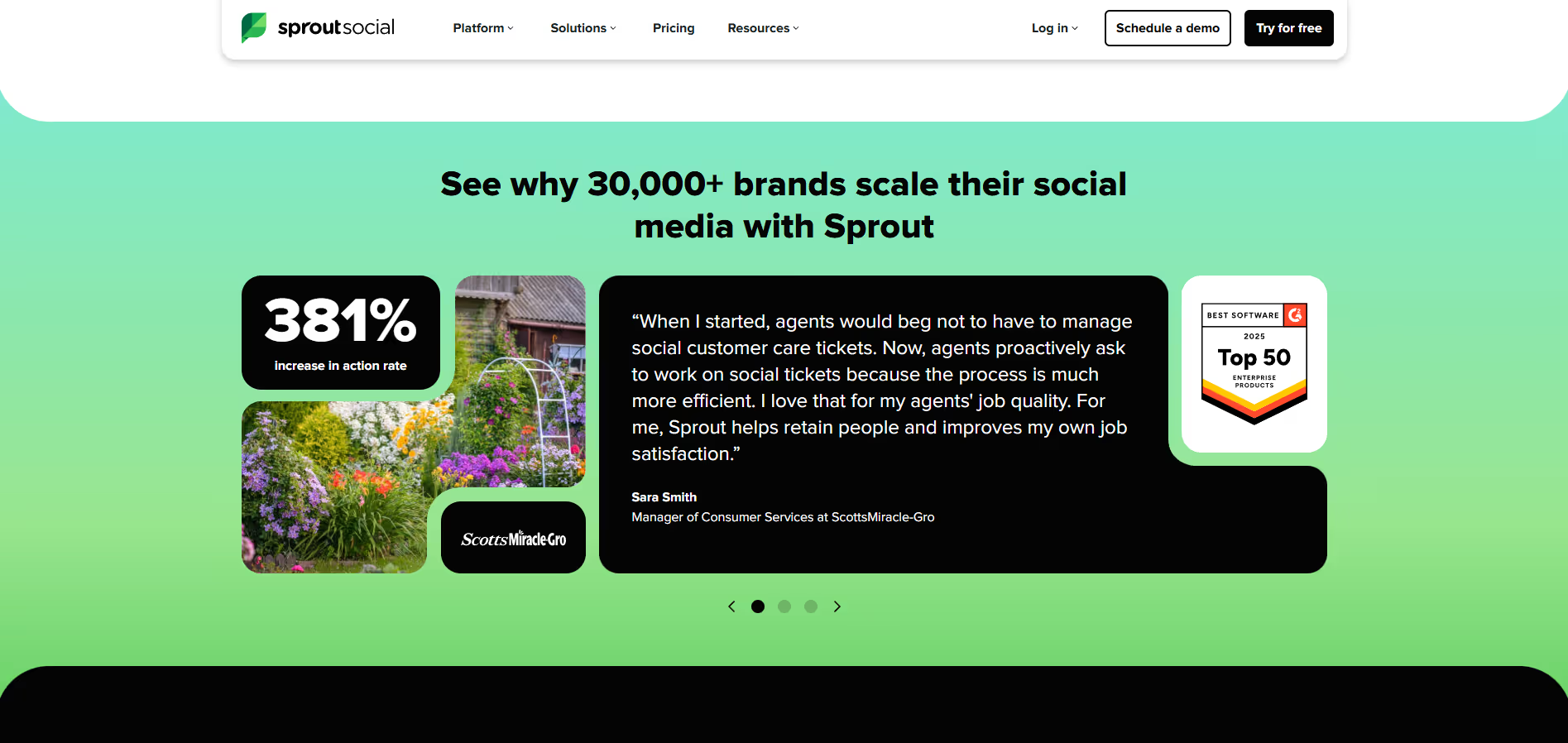
While not a dominant choice in branding, some companies like Opal and Sprout Social use similar greens. Its relative rarity in the market can make a product feel distinctive and memorable.
Use the tools below to explore curated palettes, test color contrast for accessibility, and preview Pale Green in real UI components from top brands.
How do I use Pale Green color codes?
When implementing Pale Green in a project, the hex code #98FB98 is the universal identifier for web-based applications. From this single code, you can generate equivalents for any medium you're designing for, ensuring color consistency across digital and physical outputs.
Every design medium has its preferred color model. While HEX is the standard for CSS and HTML, you'll convert it to RGB (Red, Green, Blue) for most digital screen applications. For print work, the CMYK (Cyan, Magenta, Yellow, Key/Black) model is essential. Other formats like HSL (Hue, Saturation, Lightness) give you a more intuitive way to make adjustments, such as desaturating the color or tweaking its brightness.
To help you get started, we’ve converted #98FB98 into a range of popular formats. Find the exact codes you need for your project below and copy them with a single click.
Analogous
Analogous colors are neighbors on the color wheel. For Pale Green, this creates a harmonious and serene palette, perfect for creating cohesive designs.
Complementary
Complementary colors sit opposite each other on the color wheel. Pairing them with Pale Green results in a visually striking and high-contrast combination.
Split Complementary
A split complementary scheme for Pale Green uses the two colors adjacent to its direct complement, offering a vibrant yet balanced palette with less tension.
Triadic
Triadic palettes are built from three hues equidistant on the color wheel. With Pale Green as a base, this method produces a bold, high-contrast trio.
Tetradic
A tetradic palette for Pale Green is built from two sets of complementary colors, forming a rectangle on the color wheel for vibrant combinations.
Square
A square color scheme uses four colors equidistant on the color wheel. With Pale Green as the base, this creates a vibrant, high-contrast palette.
Text Color
Background Color
Your Catchy Large Text Goes Here
Shades
Shades of Pale Green are created by adding black, resulting in darker, weightier tones.
Tints
Tints are lighter variations of Pale Green, made by adding white to soften the original hue.
Tones
Tones of Pale Green are created by adding gray, which softens the color's saturation.
Hues
Hues are variations of Pale Green, differing in intensity or temperature to create distinct moods.



Never run out of inspiration again.
Use Mobbin for free as long as you like or get full access with any of our paid plans.



















