
Pale Cyan
Meet Pale Cyan (#87D3F8), a color that sits at the intersection of sky blue and a soft, digital glow. Its high brightness and clean saturation give it a crisp, airy quality, making it a standout choice for modern user interfaces that need a touch of clarity.
What color is Pale Cyan?
Pale Cyan is a light, cool shade that sits comfortably between blue and green on the color wheel. Its character comes from a high level of brightness mixed with low saturation, giving it a soft, almost pastel-like quality.
Visually, it presents as a gentle, airy blue with a subtle green undertone. This composition gives #87D3F8 a crisp yet serene appearance, reminiscent of a clear winter sky.
What is the meaning of the color Pale Cyan (#87D3F8)?
Pale Cyan brings a sense of calm and clarity to the mind, borrowing the peaceful stability of blue and the fresh, rejuvenating spirit of green.
Symbolically, this soft color represents open communication and gentle optimism, fostering an environment of quiet and thoughtful composure.
How can I use Pale Cyan (#87D3F8) in UI design?
To apply Pale Cyan (#87D3F8) effectively, use it as an accent or a light background. Because of its low intrinsic contrast, you must pair it with dark, rich colors like charcoal or deep navy for text and critical UI elements. For a more energetic palette, consider a split-complementary scheme by pairing it with a warm, contrasting color like a soft orange or coral.
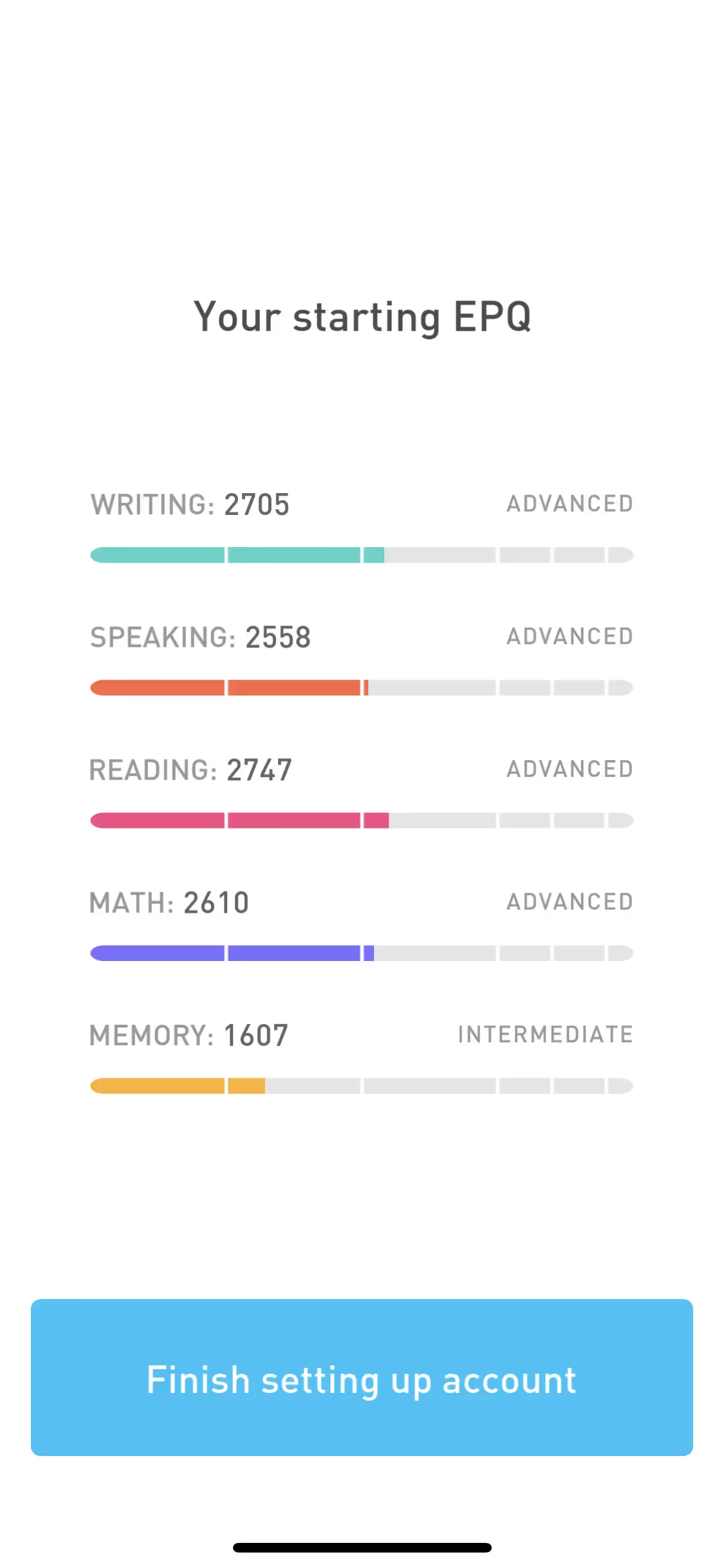
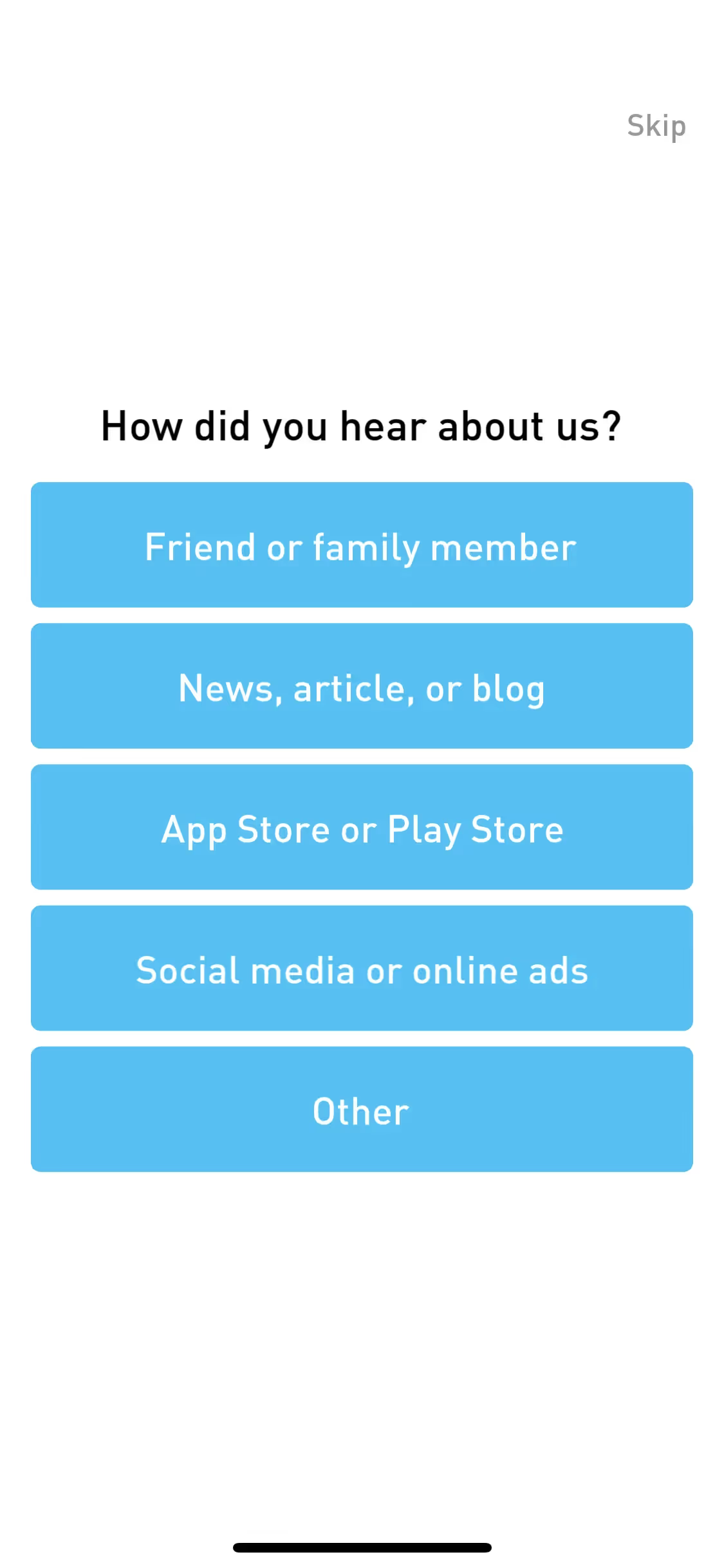
While not a dominant color in the branding world, some apps like Elevate, CAVA, and Flighty use similar airy blues. This relative rarity means Pale Cyan can give a product a unique and memorable identity, setting it apart from the more common corporate blues.
You can use the tools below to explore curated palettes, test color contrast for accessibility, and preview Pale Cyan in real UI components from leading brands.
How do I use Pale Cyan color codes?
To use Pale Cyan in your digital projects, the most direct method is to copy its hex code, #87D3F8. This six-digit code is the web standard for specifying exact colors, ensuring consistency across different browsers and devices.
Different projects require different color systems. For on-screen applications, RGB (Red, Green, Blue) values define the color by mixing light. For printed materials, CMYK (Cyan, Magenta, Yellow, Key/Black) is the standard, defining color with ink. Other models like HSL (Hue, Saturation, Lightness) offer a more intuitive way to make adjustments. Each system represents the same Pale Cyan, just in a different language for a different medium.
To make things simple, we’ve converted #87D3F8 into a variety of popular color code formats. You can find and copy the exact values you need for your project below.
Analogous
Analogous colors sit side-by-side on the color wheel. When paired with Pale Cyan, they produce a cohesive and soothing palette for any interface.
Complementary
Complementary colors sit opposite each other on the color wheel. When paired with Pale Cyan, they create a striking, high-contrast visual effect.
Split Complementary
Instead of a direct complement, a split complementary palette for Pale Cyan uses the two neighboring colors, creating high contrast with less tension.
Triadic
A triadic scheme pairs Pale Cyan with two other colors, all equidistant on the color wheel, resulting in a bold and balanced combination.
Tetradic
A tetradic color scheme for Pale Cyan uses four colors in total, arranged as two complementary pairs for a vibrant, balanced palette.
Square
A square color scheme uses four colors equally spaced on the color wheel. With Pale Cyan as the base, this creates a vibrant, high-contrast palette.
Text Color
Background Color
Your Catchy Large Text Goes Here
Shades
Shades of Pale Cyan are created by adding black, giving the color more depth and weight.
Tints
Tints are lighter versions of Pale Cyan, created by adding white to soften the hue.
Tones
Tones of Pale Cyan are created by adding gray, resulting in softer, more muted variations.
Hues
Hues are variations of Pale Cyan, differing in intensity or temperature to create unique moods.



Never run out of inspiration again.
Use Mobbin for free as long as you like or get full access with any of our paid plans.



















