
Nickel
Meet Nickel (#727472), a mid-tone gray with a quiet strength. Its nearly balanced RGB values are subtly disrupted by a touch of green, giving it a cool, metallic character that sets it apart from purely neutral grays and provides a solid foundation for any palette.
What color is Nickel?
Nickel is a medium-dark gray with a soft, muted appearance. It sits comfortably between the starkness of black and the brightness of white, presenting a balanced and sophisticated neutral tone.
The color #727472 possesses a cool temperature, characterized by subtle green undertones. This gives Nickel a certain depth and prevents it from feeling flat, offering a hint of complexity within its grayish harmony.
What is the meaning behind the color Nickel (#727472)?
The color Nickel embodies balance, neutrality, and composure. It is a shade that suggests timelessness and reliability, often associated with intellect and wisdom.
This particular gray, #727472, evokes a feeling of modern sophistication and understated strength, providing a solid and dependable foundation.
How can I use the color Nickel in my UI design?
In UI design, Nickel (#727472) is a versatile neutral that can ground a composition. Use it for body text on a light background for a softer feel than pure black, or apply it as a background color to make a vibrant accent pop. It pairs well with both warm and cool tones, offering great flexibility. Consider applying the 60-30-10 rule, with Nickel acting as the 30% secondary color to add depth to an interface.
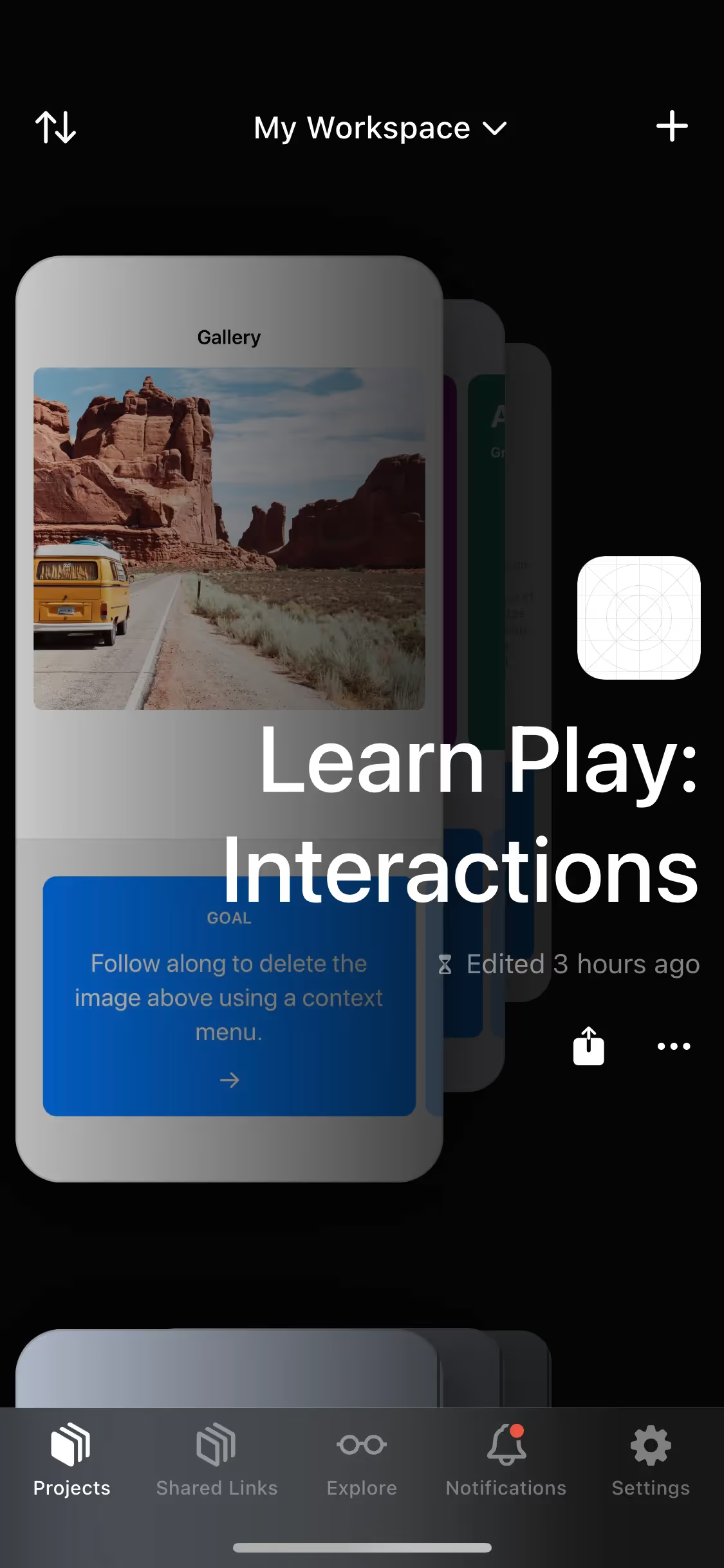
While gray is a fixture in app design, this specific shade is not a common primary brand color, which creates an opportunity to build a distinct identity. Brands like Yik Yak and Zero use similar muted tones to create clean, focused experiences. Using a color like Nickel can communicate a mature, modern, and composed brand personality.
See how Nickel can fit into your own designs. Use the tools below to explore curated palettes, test color contrast for accessibility, and preview #727472 in real UI components from leading apps.
Using Nickel color codes?
The hex code for Nickel, #727472, represents a balanced mid-tone gray. Its near-perfect neutrality makes it a steady and reliable foundation in any digital color system, free from strong chromatic shifts.
While HEX is the web standard, your projects may require other formats. RGB codes define color for digital screens using light, CMYK is essential for print materials using ink, and HSL allows for more intuitive adjustments to hue, saturation, and lightness.
To help you get started, we’ve converted Nickel’s #727472 hex code into its corresponding RGB, HSL, CMYK, and other values. You can find and copy them right below.
Analogous
Built around Nickel, analogous colors are neighbors on the color wheel. This combination produces a cohesive and calming effect in any design.
Complementary
Complementary colors are opposites on the color wheel. When paired with Nickel, they create a high-contrast, vibrant combination perfect for making elements stand out.
Split Complementary
A split complementary scheme for Nickel uses the two colors adjacent to its direct complement, offering a vibrant yet balanced and harmonious palette.
Triadic
A triadic scheme pairs Nickel with two other colors, all equally spaced on the color wheel, creating a vibrant and balanced visual harmony.
Tetradic
A tetradic color scheme for Nickel uses four colors arranged into two complementary pairs, forming a rectangle on the color wheel for a vibrant palette.
Square
A square color scheme pairs Nickel with three other colors, all equidistant on the color wheel, creating a vibrant and high-contrast palette.
Text Color
Background Color
Your Catchy Large Text Goes Here
Shades
Shades of Nickel are created by adding black, giving the color more depth and weight.
Tints
Tints are lighter versions of Nickel, created by adding white for a softer effect.
Tones
Tones are created by mixing Nickel with gray, producing softer, less saturated variations.
Hues
Hues are variations of Nickel that alter its intensity or temperature for different visual moods.



Never run out of inspiration again.
Use Mobbin for free as long as you like or get full access with any of our paid plans.



















