
Neon Green
Neon Green (#39FF14) is a color that refuses to be ignored. Its intense, almost luminous quality gives it a digital-first feel, vibrating with an energy that seems to leap off the screen. This isn't just green; it's a statement in pure, unadulterated light.
What color is Neon Green?
Neon Green is an intensely bright and saturated shade, sitting on the visual edge between green and yellow.
This gives the color an electric, almost luminous quality with a noticeable yellowish undertone.
What is the meaning of Neon Green (#39FF14) in design?
Neon Green is a color pulsating with energy and life, often symbolizing excitement, high visibility, and a certain technological edge. It evokes feelings of alertness and intensity, grabbing attention immediately.
Its vibrant nature connects it to themes of youthfulness and forward-thinking, while its artificial brightness can also carry connotations of caution or the surreal, reminiscent of digital worlds and sci-fi aesthetics.
How should I use Neon Green in my UI design?
Neon Green, with its electric #39FF14 hue, works best as an accent color rather than a dominant one. To make it stand out without overwhelming the user, place it against dark, neutral backgrounds like charcoal gray or deep navy. This high-contrast approach is perfect for drawing attention to key elements such as call-to-action buttons, active state indicators, or notification badges.
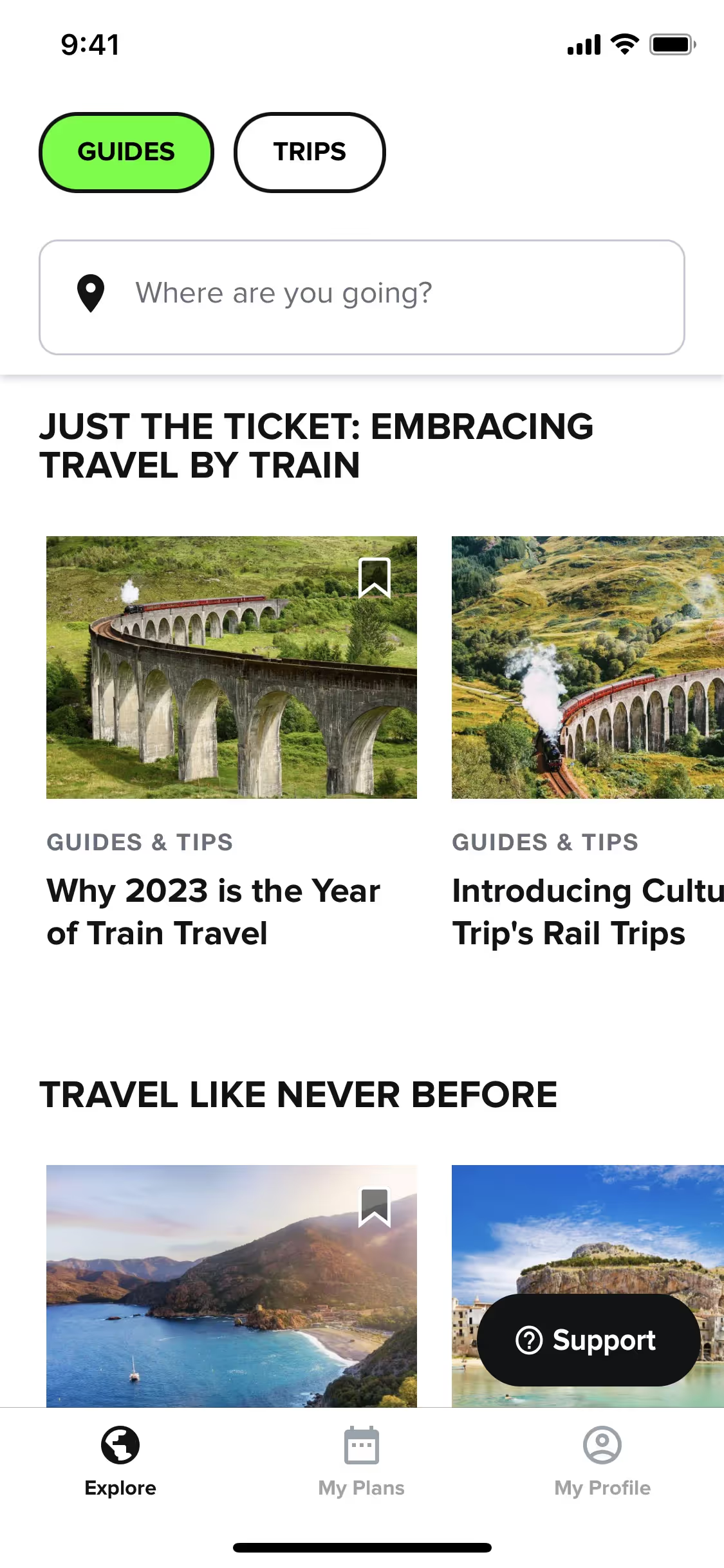
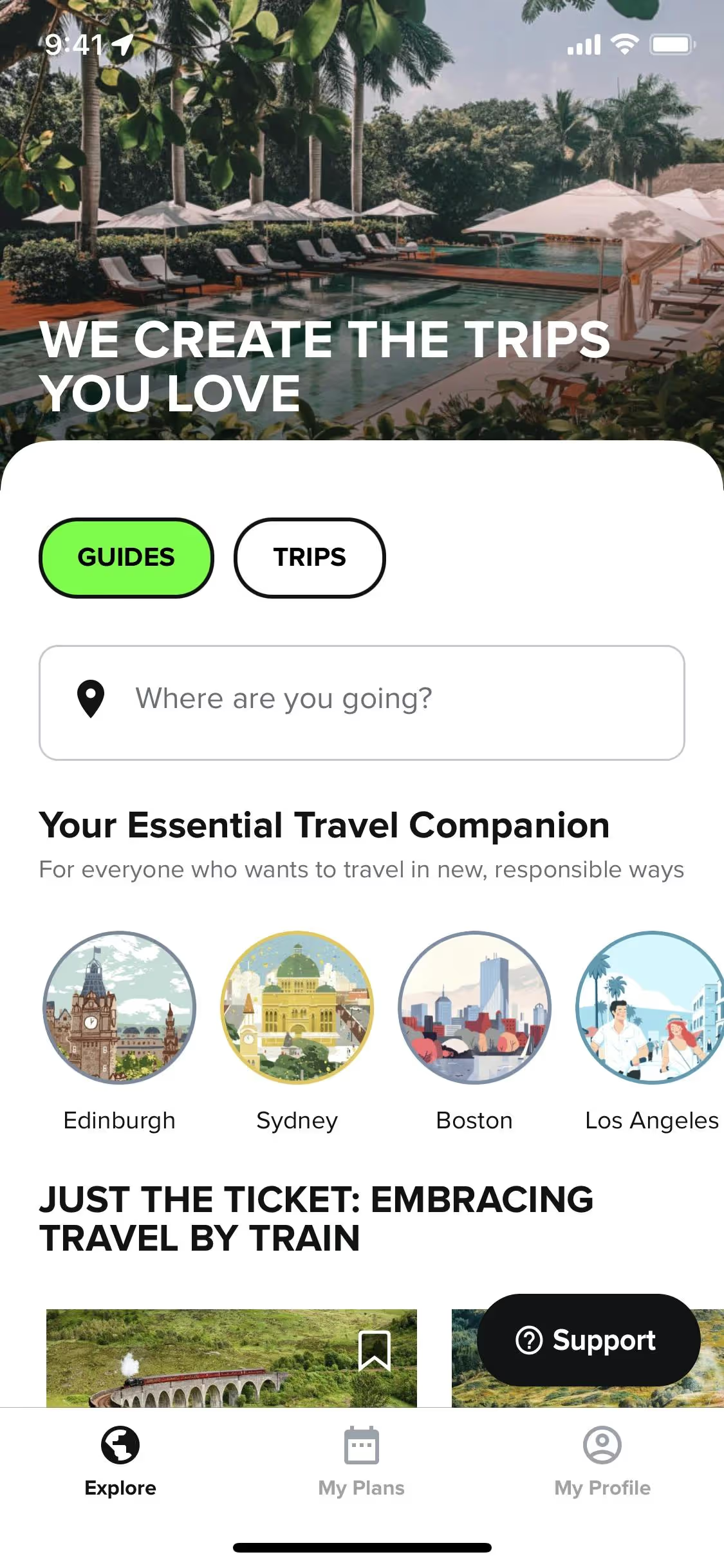
Few brands build their entire identity around a color this audacious, making it a powerful differentiator. Companies like Culture Trip and Dispo have incorporated similar bright greens to project a fresh, energetic, and modern feel. Adopting Neon Green can signal a departure from the norm and help a product feel distinctive in a crowded market.
To see how this color performs in practice, use the tools below. You can explore curated palettes, test color contrast ratios for accessibility, and preview Neon Green applied to UI components from well-known apps.
How should I use Neon Green color codes?
Given its electric intensity, Neon Green works best in small, deliberate doses. Using the hex code #39FF14 for accents, highlights, or key interactive elements allows you to direct focus without overwhelming the eye.
While #39FF14 is standard for web use, different projects require different formats. Digital displays use the RGB model to mix red, green, and blue light, whereas print materials rely on the CMYK model for ink. Other systems like HSL (Hue, Saturation, Lightness) give designers a more intuitive way to modify color properties.
To help you get started, we’ve converted #39FF14 into a full range of popular color code formats. Simply find the one you need below and copy it for your project.
Analogous
Analogous colors sit next to Neon Green on the color wheel. This pairing produces a harmonious and visually pleasing effect, often perceived as calm.
Complementary
Complementary colors sit directly opposite each other on the color wheel. For Neon Green, this pairing creates a striking, high-contrast visual effect.
Split Complementary
A split complementary scheme for Neon Green uses the two colors adjacent to its direct opposite, offering strong visual contrast with more nuance.
Triadic
Triadic color schemes use three hues equidistant on the color wheel. For Neon Green, this creates a vibrant, high-contrast, and balanced palette.
Tetradic
A tetradic scheme for Neon Green uses two pairs of complementary colors, forming a rectangle on the color wheel for a vibrant, balanced palette.
Square
A square color scheme pairs Neon Green with three other colors, all equidistant on the color wheel, creating a vibrant and high-contrast palette.
Text Color
Background Color
Your Catchy Large Text Goes Here
Shades
Shades are darker versions of Neon Green, created by adding black for more depth.
Tints
Tints of Neon Green are made by mixing in white, producing softer, less saturated versions.
Tones
Tones of Neon Green are created by adding gray, resulting in softer, less saturated versions.
Hues
Hues are variations of Neon Green, differing in intensity and temperature to create distinct moods.
Never run out of inspiration again.
Use Mobbin for free as long as you like or get full access with any of our paid plans.



















