
Light Cobalt Blue
Meet Light Cobalt Blue (#88ACE0), a color that balances vibrancy with a soft, airy quality. Its striking character comes from a unique blend of cool blue undertones and a gentle luminosity, making it a versatile choice for modern digital interfaces without being overpowering.
What color is Light Cobalt Blue?
Light Cobalt Blue is a cool, crisp shade of blue with a soft, airy quality. It occupies a space between a classic sky blue and a gentle periwinkle, appearing both calm and clear.
The color has subtle gray undertones, which give it a sophisticated, muted character. This keeps it from feeling overly sweet, resulting in a balanced and serene hue that is both modern and timeless.
What is the meaning of Light Cobalt Blue (#88ACE0)?
Light Cobalt Blue evokes a sense of calm and clarity. It's a color that suggests trustworthiness and stability, making it a reliable choice for fostering open communication.
Symbolically, it connects to the vastness of the sky and sea, representing expansiveness, inspiration, and intellectual thought.
How can I effectively use Light Cobalt Blue in UI design?
Light Cobalt Blue (#88ACE0) works beautifully as a calming background or a prominent accent color. To create sufficient contrast for text and key elements, pair it with deep navies, charcoal grays, or a clean white. For a more dynamic composition, consider complementary pairings with muted oranges or soft yellows to make your interface pop.
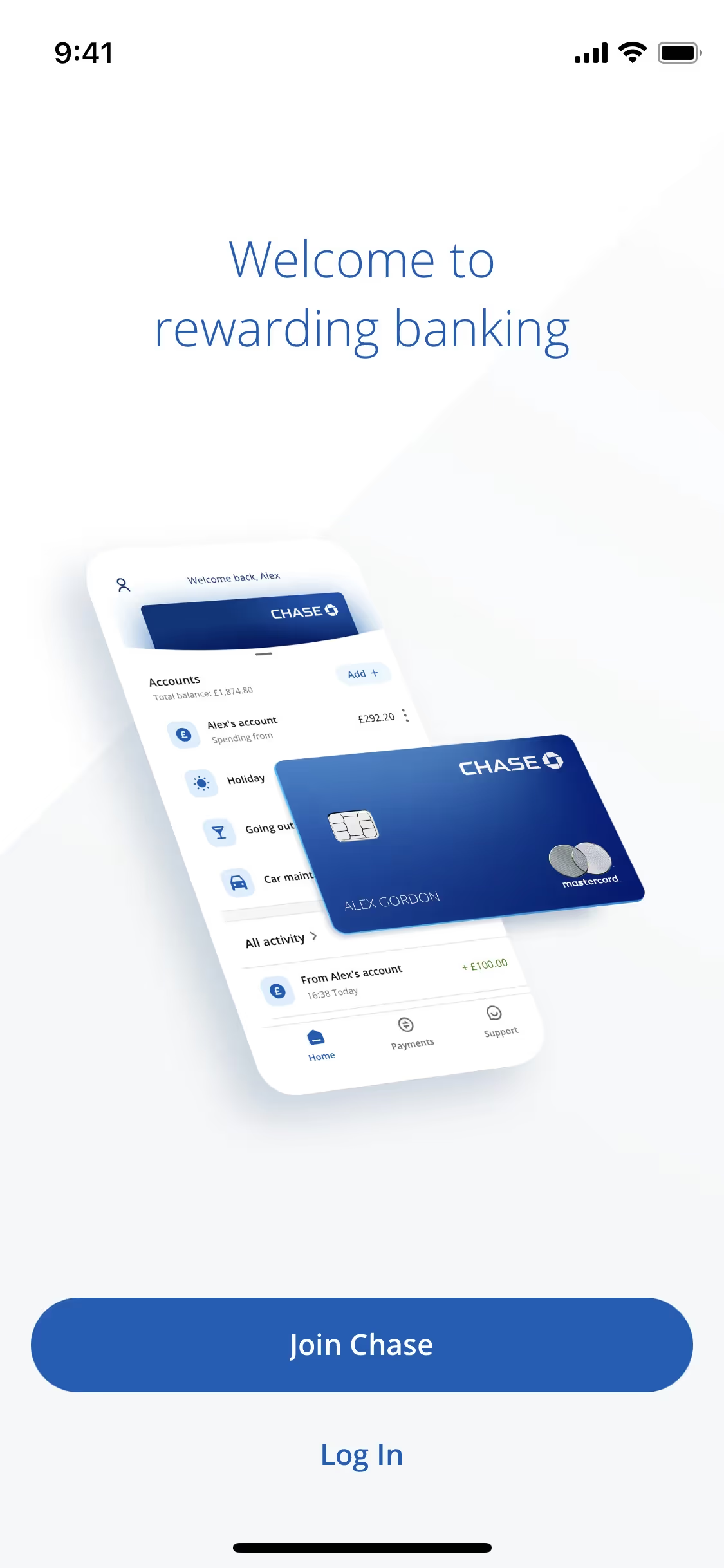
While not as common as its darker counterparts, shades similar to Light Cobalt Blue are used by modern brands like Chase UK, suggesting it can project both trustworthiness and a fresh perspective. Its relative scarcity in branding presents an opportunity for designers to create a distinct and memorable visual identity.
Explore curated palettes, test color contrast for accessibility, and preview #88ACE0 in real UI components of top brands using the tools below.
How do I use the Light Cobalt Blue color codes?
Using Light Cobalt Blue in your projects starts with its hex code, #88ACE0, which is standard for web design. For consistency across different media, you'll need to convert it. Digital displays use RGB values to mix red, green, and blue light, while print materials rely on CMYK values for the ink mixture of cyan, magenta, yellow, and black.
Other models like HSL (Hue, Saturation, Lightness) are also useful, particularly for programmatically generating tints, shades, and tones of Light Cobalt Blue.
To help you get started, we've converted #88ACE0 into a range of popular color code formats below. Simply find the one you need and copy it for your project.
Analogous
Analogous colors are neighbors to Light Cobalt Blue on the color wheel. They create a cohesive and serene palette, perfect for harmonious designs.
Complementary
Complementary colors sit opposite each other on the color wheel. For Light Cobalt Blue, its complement creates a striking, high-contrast visual pairing.
Split Complementary
Split complementary colors for Light Cobalt Blue are the two colors adjacent to its direct opposite, offering a vibrant yet balanced high-contrast palette.
Triadic
A triadic palette combines Light Cobalt Blue with two other hues equidistant on the color wheel, creating a high-contrast, yet harmonious, color combination.
Tetradic
A tetradic scheme pairs Light Cobalt Blue with three other colors, forming two complementary pairs for a rich and attention-grabbing four-color palette.
Square
A square color scheme uses four colors evenly spaced on the color wheel, creating a vibrant and balanced palette with high contrast for Light Cobalt Blue.
Text Color
Background Color
Your Catchy Large Text Goes Here
Shades
Shades of Light Cobalt Blue are made by adding black, creating a deeper, weightier feel.
Tints
By adding white, you can create tints of Light Cobalt Blue for a gentler, airier look.
Tones
Tones of Light Cobalt Blue are created with gray, producing softer, less saturated versions.
Hues
Hues are variations of Light Cobalt Blue, differing in intensity or temperature to create distinct moods.

Never run out of inspiration again.
Use Mobbin for free as long as you like or get full access with any of our paid plans.



















