
Folly
Meet Folly, or #FF004F, a color that commands attention. This intense, nearly-neon magenta sits at the electrifying edge of the red spectrum. Its pure saturation and high visibility make it a powerful choice for creating focal points and adding a jolt of energy to any design palette.
What color is Folly?
Folly is a striking shade of red, characterized by its cool, blue undertones which push it towards the magenta side of the spectrum.
Its high saturation gives it an intense, almost electric quality, setting it apart from warmer, more traditional reds.
What is the meaning of the color Folly (#FF004F)?
Named after the architectural term for a structure built purely for delight, Folly embodies a spirit of joyful extravagance and daring confidence. It's a color that doesn't take itself too seriously, evoking feelings of vibrant energy and spontaneous fun.
Psychologically, this intense magenta-pink hue communicates passion and excitement. The color #FF004F is a statement of boldness, symbolizing a modern, unapologetic approach that commands attention.
How can I use the color Folly in my UI design?
Folly, with its intense saturation, works exceptionally well as an accent in UI design. Apply it to primary call-to-action buttons, notification badges, or active states to guide user focus. To ground its energy, pair #FF004F with a foundation of deep charcoals and crisp whites, or create a more dynamic composition by matching it with complementary teals.
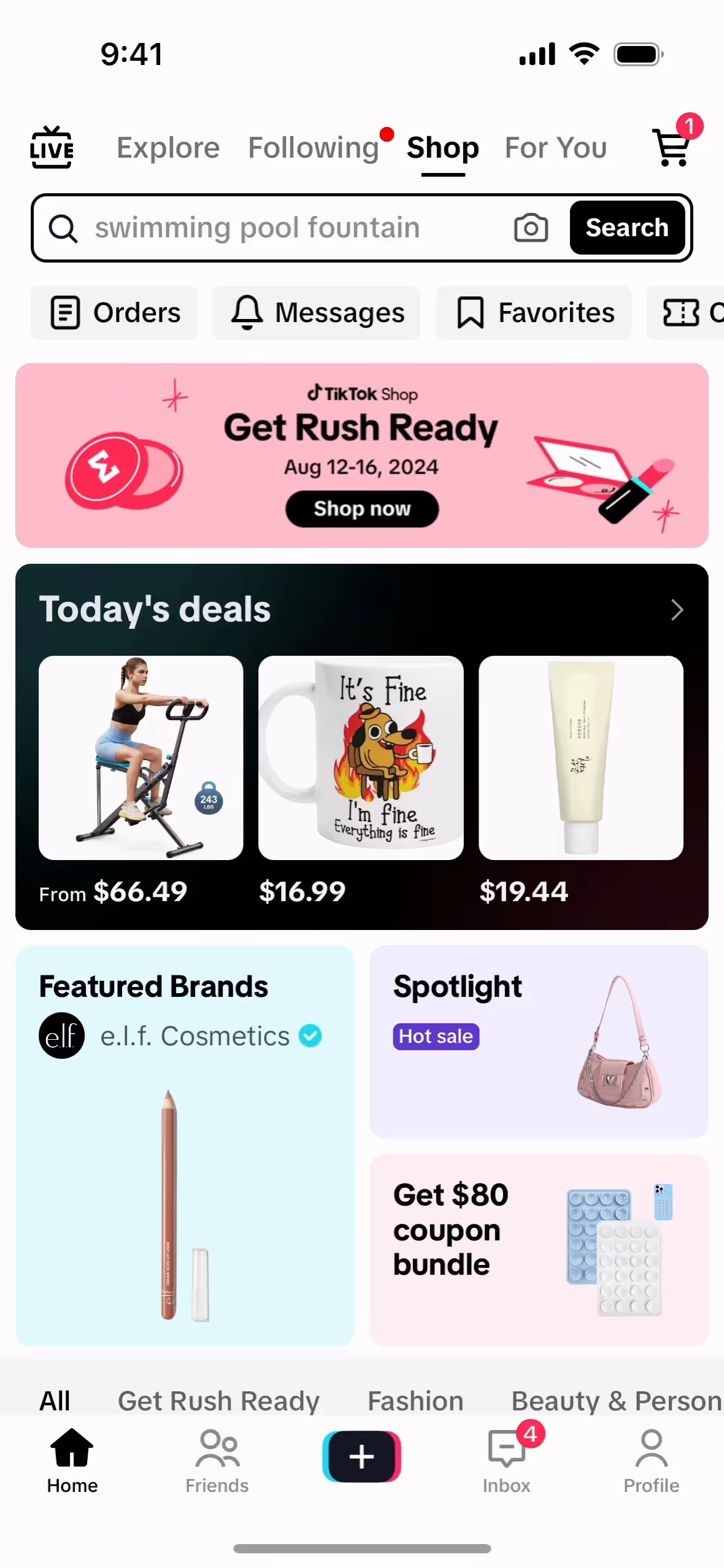
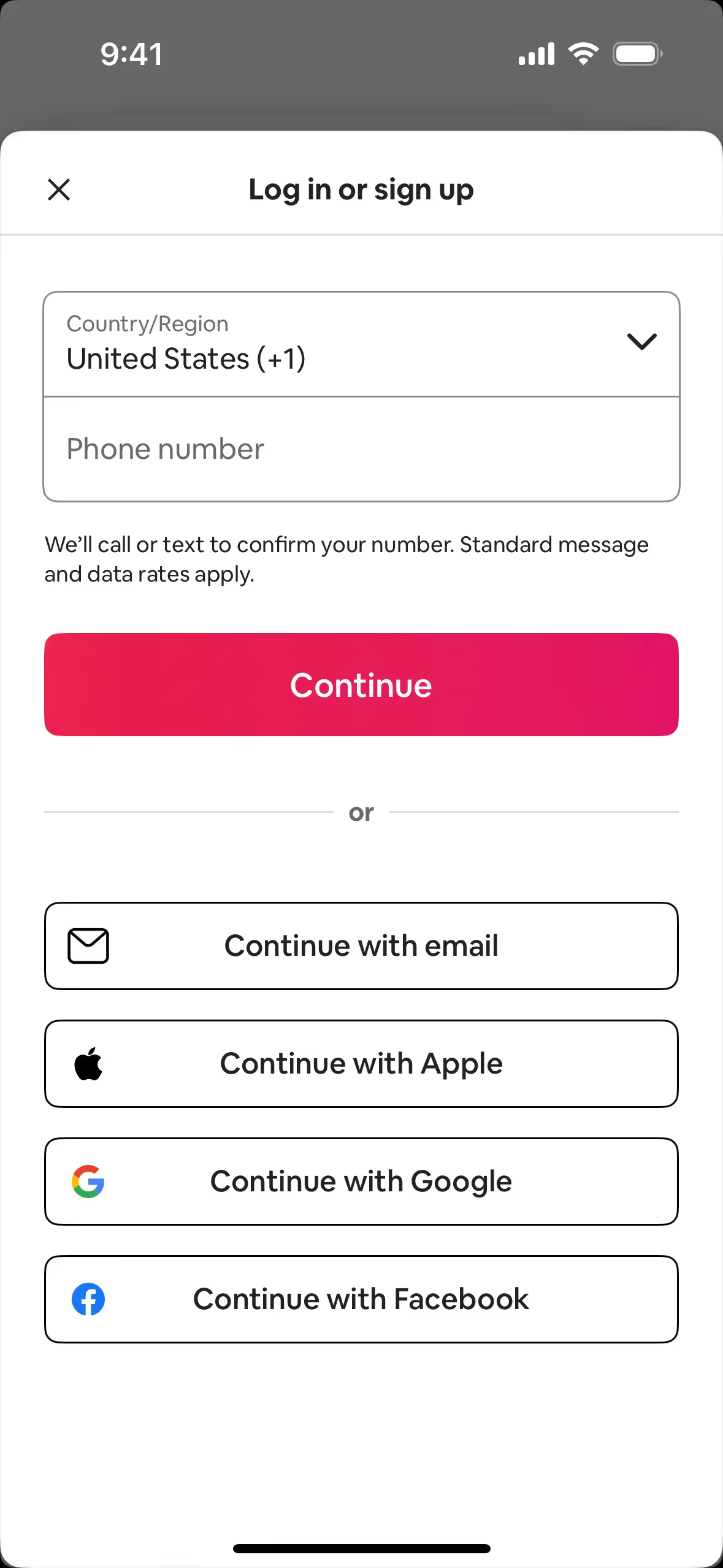
Several prominent brands incorporate a similar high-energy pink. Companies like TikTok, Airbnb, and Meetup use it to project vibrancy and build a memorable identity. The color helps them create an instantly recognizable visual signature.
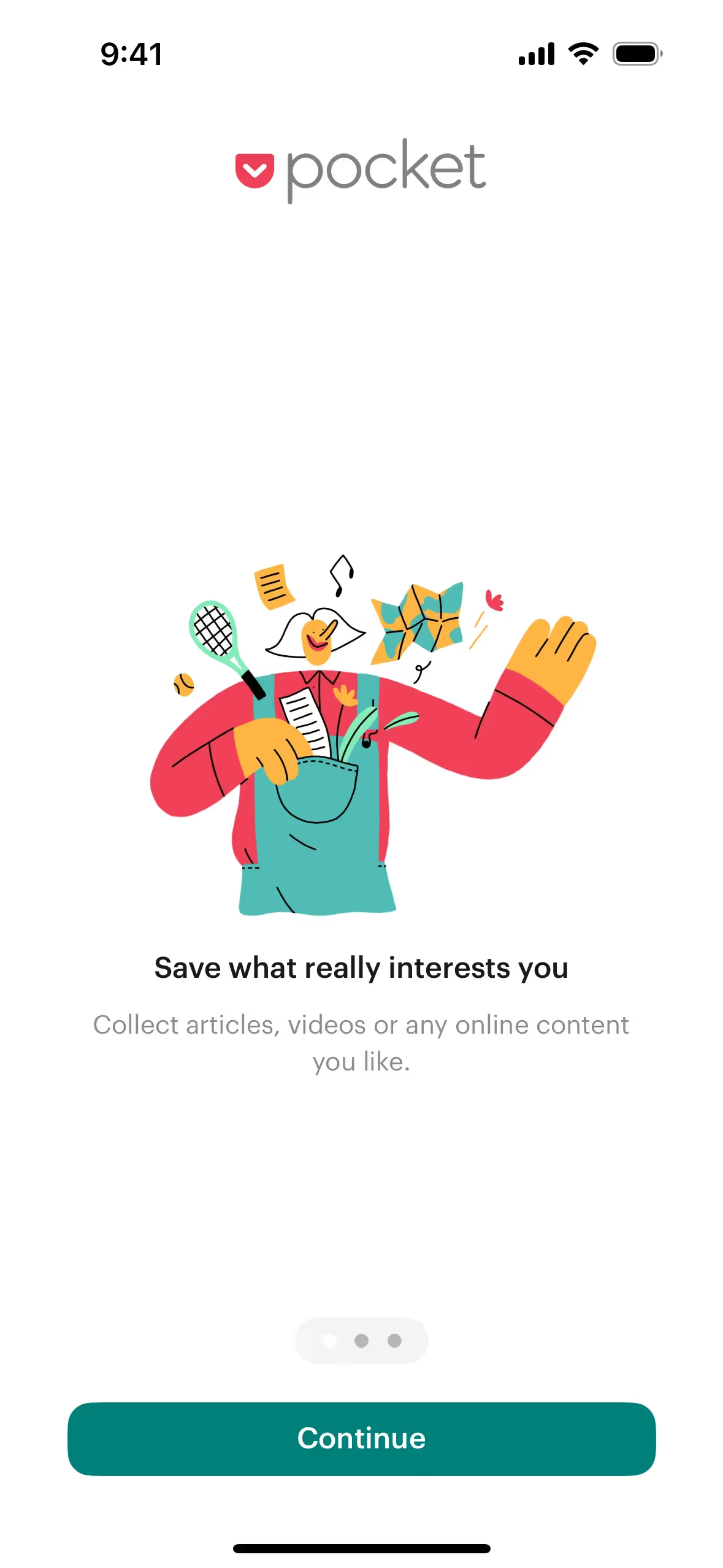
Put theory into practice with the tools on this page. You can explore curated palettes, test color contrast for accessibility, and preview Folly in real UI components from top brands.
How can I use the Folly color codes?
Using the color Folly in your projects starts with its digital identifier, the hex code #FF004F. This code is the standard for specifying colors in CSS, HTML, and most digital design software, making it the go-to for any screen-based work.
However, your design might need to live beyond the screen. For that, you'll need to convert #FF004F into other color models. RGB (Red, Green, Blue) also defines colors for digital displays, while CMYK (Cyan, Magenta, Yellow, Key/Black) is essential for print materials. Other models like HSL (Hue, Saturation, Lightness) offer more intuitive ways to adjust and create color variations.
To help you apply Folly consistently across any medium, we've converted #FF004F into a range of popular formats. You can find and copy the exact codes you need for your project below.
Analogous
Analogous color schemes pair Folly with two adjacent colors on the color wheel. This combination creates a harmonious and serene visual effect.
Complementary
A complementary color scheme pairs Folly with its direct opposite on the color wheel, producing a vibrant and visually arresting combination.
Split Complementary
A split complementary scheme pairs Folly with the two colors adjacent to its direct complement, creating a versatile and high-contrast palette.
Triadic
Triadic color schemes use three hues equally spaced on the color wheel, creating a vibrant, high-contrast look. Here are some combinations built around Folly (#FF004F).
Tetradic
A tetradic scheme pairs Folly with its complement, plus a second complementary pair, creating a rich, balanced palette with four distinct colors.
Square
The square color scheme pairs Folly with three other colors, all equally spaced on the color wheel for a balanced yet striking effect.
Text Color
Background Color
Your Catchy Large Text Goes Here
Shades
Shades of Folly are created by adding black, resulting in darker, weightier variations.
Tints
Tints are lighter variations of Folly, made by adding white for a softer effect.
Tones
Adding gray to Folly creates its tones, resulting in softer, less saturated variations.
Hues
Hues are variations of Folly, sharing its base color but differing in intensity or temperature.






Never run out of inspiration again.
Use Mobbin for free as long as you like or get full access with any of our paid plans.



















