
Cobalt
Meet Cobalt, #0047AB, a blue with remarkable intensity. Its deep, saturated character gives it a powerful presence without the somberness of navy. This pure hue commands attention, making it a compelling choice for creating memorable and impactful visual statements in any design project.
What color is Cobalt?
Cobalt is a deep, saturated blue with a distinctly cool undertone.
It sits between royal blue and navy, presenting a pure and intense hue that avoids leaning into purple or green.
What is the meaning of the color Cobalt (#0047AB)?
Cobalt, a deep and commanding blue, often communicates confidence, intelligence, and serenity. Its intensity suggests authority and importance, making it a powerful choice for designs that need to project stability and trust.
Historically prized as a pigment in ceramics and glass, the color carries a sense of artistry and enduring value. This rich background gives Cobalt a symbolic weight, representing both profound depth and clear, insightful thought.
How can I effectively use Cobalt (#0047AB) in my UI design?
In UI design, Cobalt is a commanding choice for a primary or accent color. It creates a sharp, readable interface when set against neutrals like crisp white or soft gray. For a more adventurous palette, try pairing it with a complementary muted orange or a rich gold for call-to-action buttons and highlights, following a balanced 60-30-10 approach to color distribution.
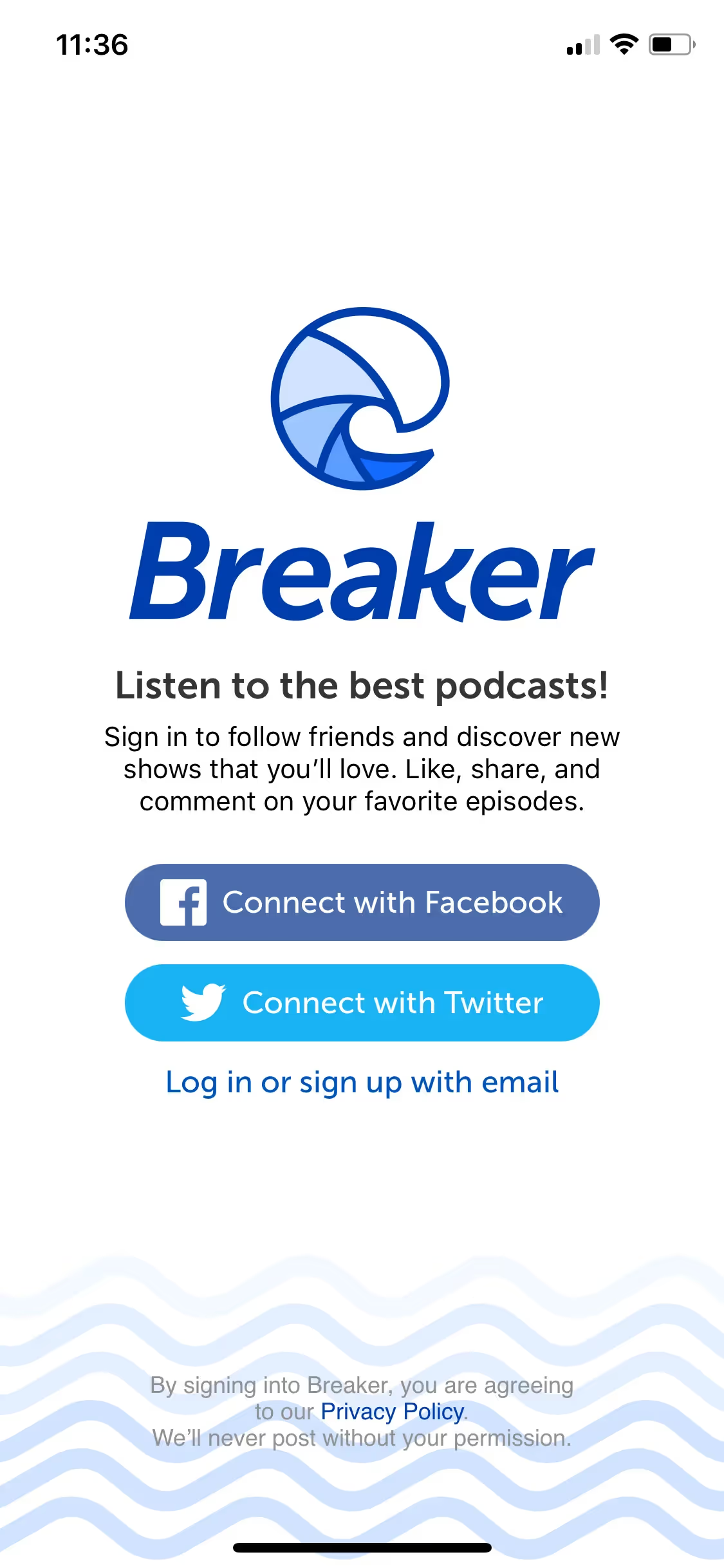
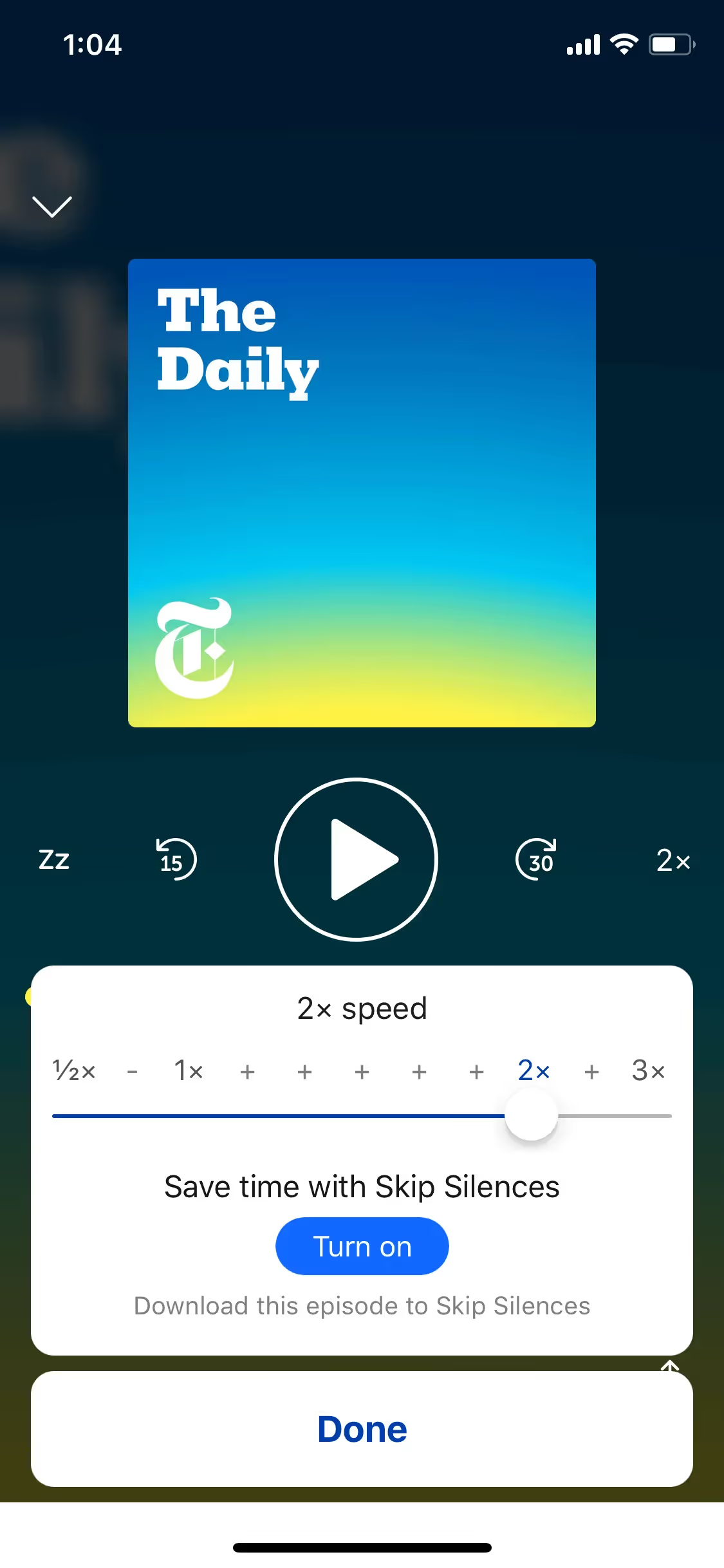
Established brands like Singapore Airlines, Calendly, and Sprout Social use deep blues similar to Cobalt to project stability and confidence. Its presence in their products demonstrates how to build a feeling of trust and professionalism while maintaining a modern appearance.
To see these principles in action, use the tools below. You can explore curated palettes, test color contrast for accessibility, and preview Cobalt (#0047AB) in real UI components from leading brands.
Using Cobalt color codes
Using the color Cobalt in your projects starts with its digital identifier, the hex code #0047AB. While this code is standard for web development, you'll often need to translate it into other formats depending on your medium, whether for screen or print.
Different color models serve specific purposes. RGB (Red, Green, Blue) values define colors for digital displays through additive light, while CMYK (Cyan, Magenta, Yellow, Key/Black) is the standard for printed materials. Other models like HSL (Hue, Saturation, Lightness) offer a more intuitive way to adjust color properties.
To make things easier, we've converted Cobalt’s #0047AB hex code into a range of popular formats. You can find and copy the exact values you need for your project below.
Analogous
Analogous colors sit beside Cobalt on the color wheel. Grouping them together produces a cohesive and tranquil palette, ideal for unified designs.
Complementary
Complementary colors are direct opposites on the color wheel. Pairing Cobalt with its complement creates a strong visual contrast, making both hues pop.
Split Complementary
For a sophisticated look, Cobalt's split complementary palette uses the two colors neighboring its direct complement, creating high contrast with less tension.
Triadic
Triadic palettes are formed by three hues evenly spaced on the color wheel. With Cobalt as the base, these combinations offer bold, harmonious contrast.
Tetradic
A tetradic scheme pairs Cobalt with three other colors, forming two complementary sets for a vibrant and balanced four-color palette.
Square
A square color scheme pairs Cobalt with three other colors, all equidistant on the color wheel, producing a vibrant and highly contrasting effect.
Text Color
Background Color
Your Catchy Large Text Goes Here
Shades
Shades are darker versions of Cobalt made by adding black for increased depth and weight.
Tints
Tints are lighter variations of Cobalt, created by adding white to produce a softer feel.
Tones
Tones are created by adding gray to Cobalt, resulting in softer, more subdued color variations.
Hues
Hues are variations of Cobalt that adjust intensity and temperature, affecting the overall design's feel.







Never run out of inspiration again.
Use Mobbin for free as long as you like or get full access with any of our paid plans.



















