
Bubbles
Meet Bubbles (#E7FEFF), a color that sits on the very edge of white. This whisper-light cyan is defined by its intense brightness and cool, airy character, giving it a distinct, almost luminous quality perfect for clean digital interfaces.
What color is Bubbles?
Bubbles is an extremely light, cool-toned cyan that borders on off-white, presenting a whisper of color rather than a definite statement.
Its composition is almost pure white, with just enough blue and green undertones to give it a crisp, airy quality.
What is the meaning of the color Bubbles?
The color Bubbles (#E7FEFF) evokes a sense of calm and clarity. Its near-white, airy quality is associated with purity, tranquility, and the quiet stillness of a winter morning.
Symbolically, Bubbles represents new beginnings and boundless possibility. It imparts a feeling of spaciousness and honesty, making it a powerful choice for designs that aim to feel clean, modern, and trustworthy.
How can I use the color Bubbles in my UI design?
The color Bubbles, #E7FEFF, works beautifully as a background tint to create a sense of space and calm. For readability, pair it with deep, saturated colors like navy, charcoal, or even a vibrant coral for a striking accent. Its high brightness makes it a poor choice for text but an excellent foundation for minimalist interfaces or to soften stark white layouts.
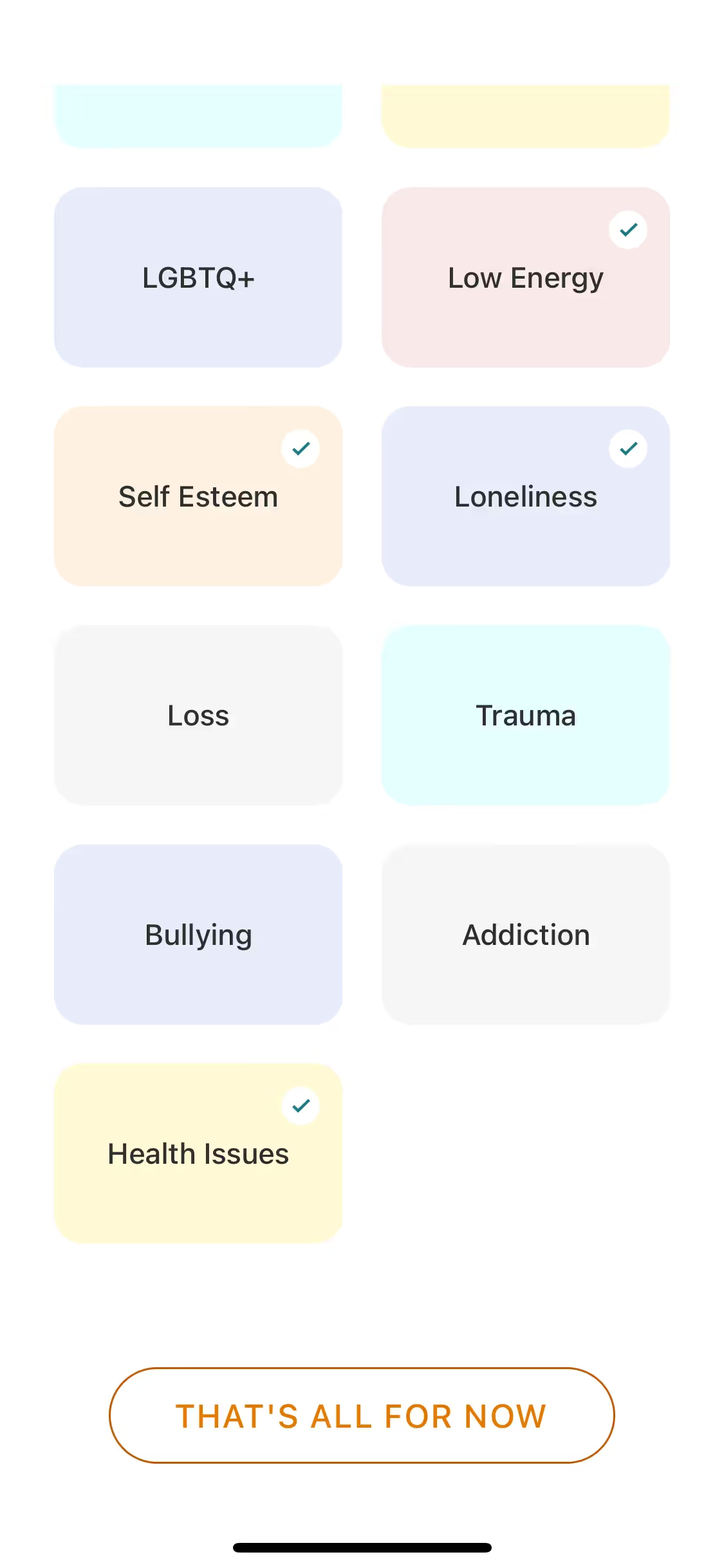
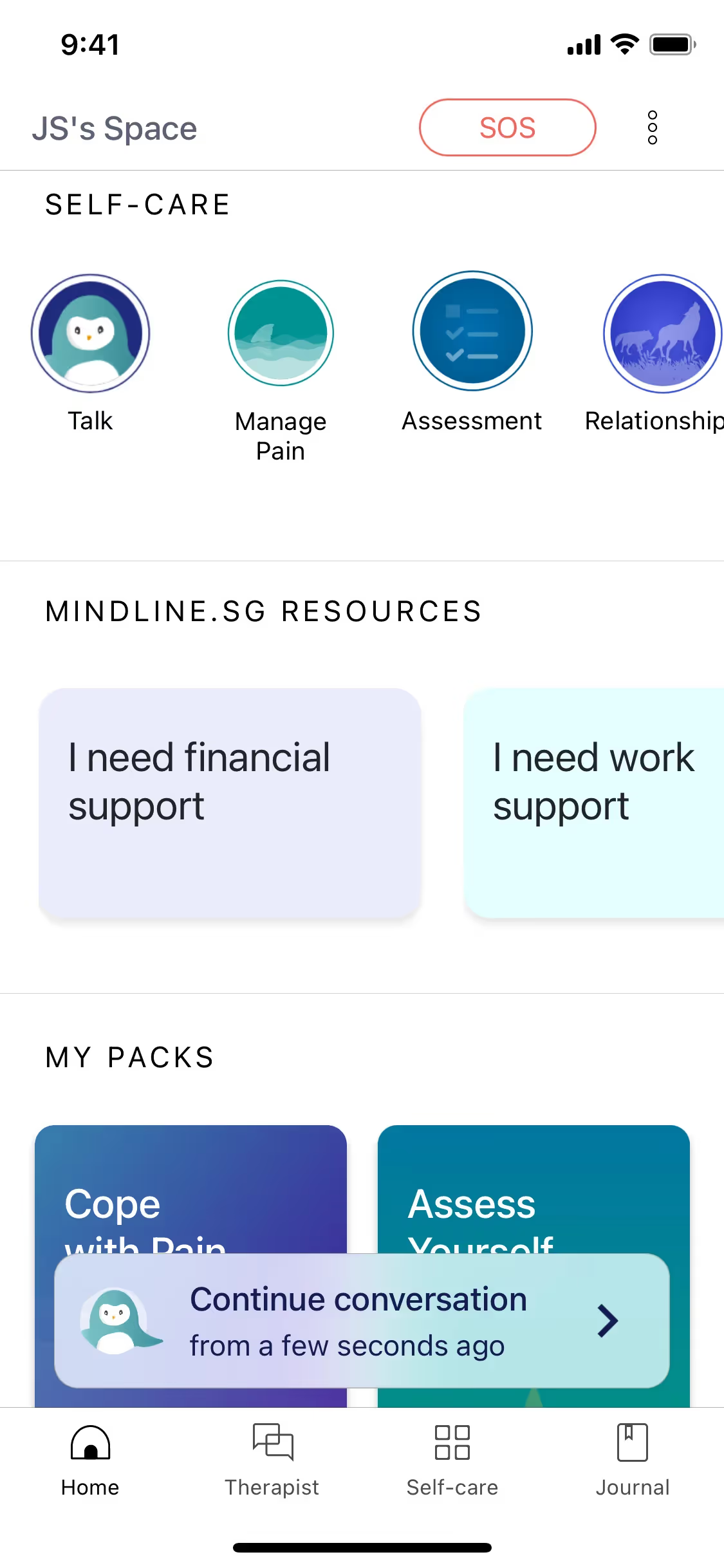
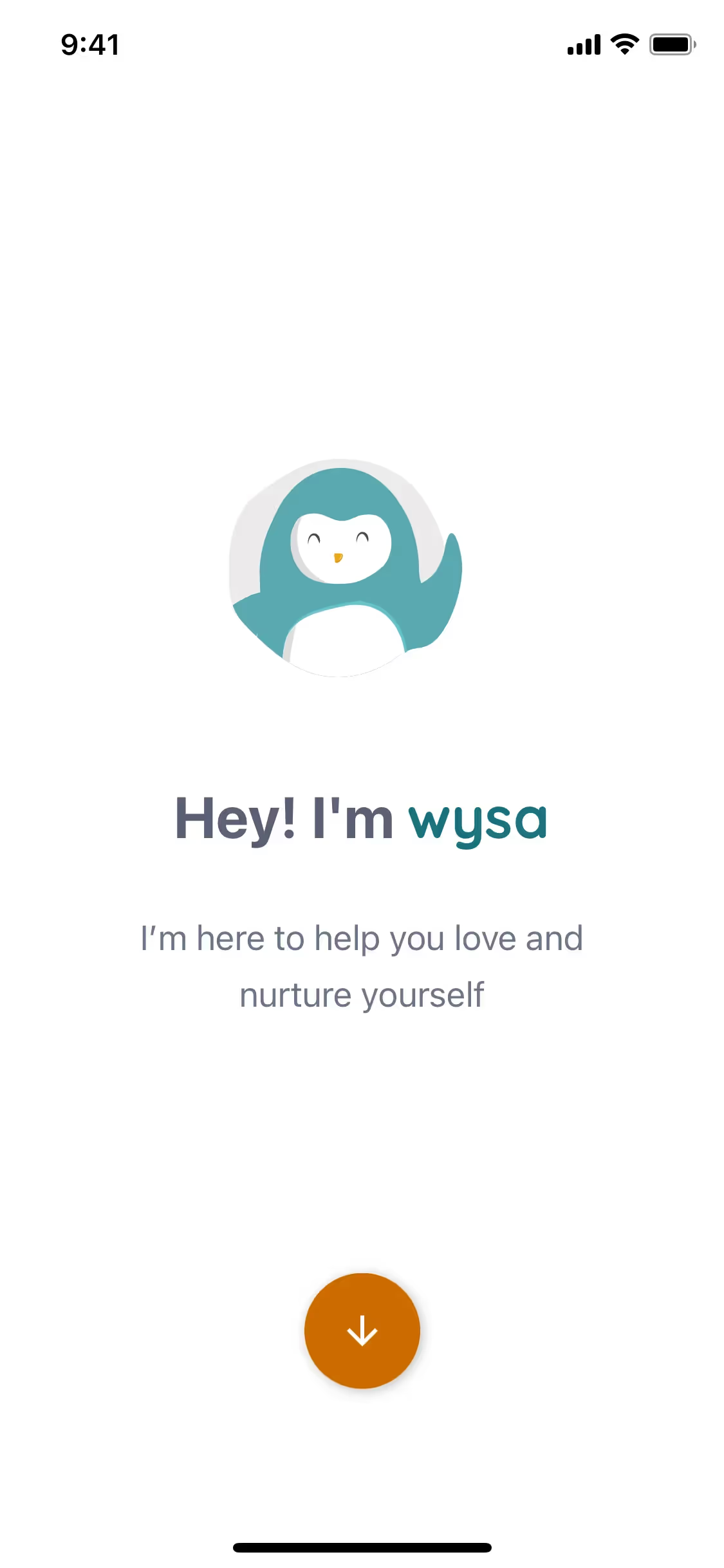
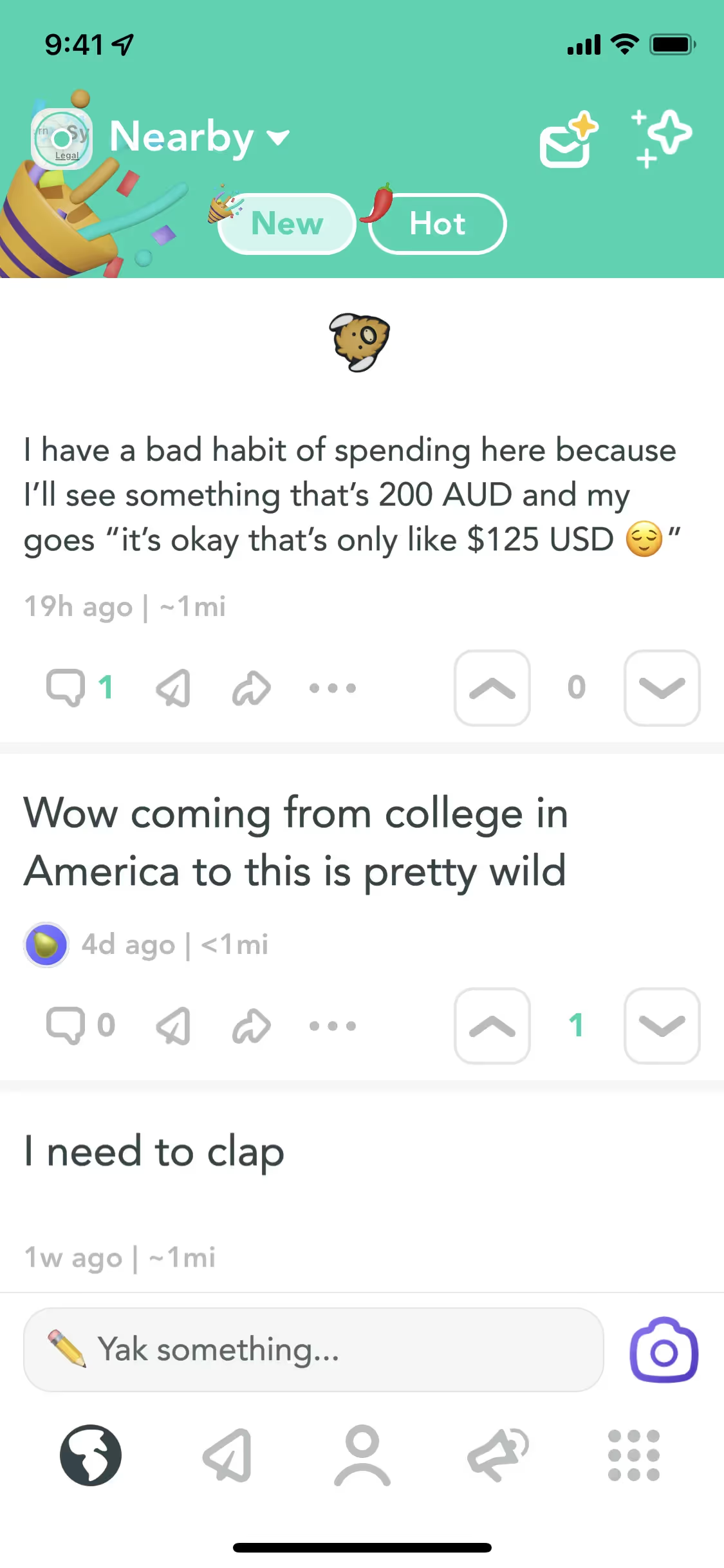
While not a dominant color in the branding world, you can see shades similar to Bubbles in the interfaces of apps like Yik Yak, Wysa, and Remind, often used to create a light and friendly atmosphere. Its infrequent use as a primary brand color presents a unique chance for a product to build a distinct visual identity around freshness and clarity.
To see how Bubbles performs in practice, use the tools below. You can explore curated palettes, check color contrast for accessibility, and see #E7FEFF applied to real UI components from well-known apps.
Using Bubbles color codes
The hex code #E7FEFF is your starting point for using Bubbles in digital projects. While perfect for CSS, you'll need to convert this value for other applications, like print materials or specific design software, to maintain color fidelity.
Different color models serve distinct functions. RGB (Red, Green, Blue) is the standard for digital screens, which create color by mixing light. In contrast, CMYK (Cyan, Magenta, Yellow, Key/Black) is used for printing, where color is produced by ink on paper. Other formats like HSL (Hue, Saturation, Lightness) give you a more intuitive way to modify color attributes.
To simplify your workflow, we have converted #E7FEFF into a range of popular formats. You can find and copy the exact codes for your project below.
Analogous
Analogous color schemes use colors adjacent to Bubbles on the color wheel, creating a harmonious and serene visual experience for any interface.
Complementary
Complementary colors are opposites on the color wheel. When paired with Bubbles (#E7FEFF), they create a striking, high-contrast visual effect.
Split Complementary
For a high-contrast look with more nuance, a split complementary palette pairs Bubbles with the two colors adjacent to its complement.
Triadic
A triadic scheme pairs Bubbles with two other hues equally spaced on the color wheel, creating a vibrant palette with strong visual contrast.
Tetradic
A tetradic palette uses four colors, made of two complementary pairs. These combinations, starting with Bubbles, create a rich and versatile color scheme.
Square
A square scheme pairs Bubbles with three other colors, all evenly spaced on the color wheel, creating a vibrant and balanced high-contrast palette.
Text Color
Background Color
Your Catchy Large Text Goes Here
Shades
Shades of Bubbles are darker tones made by adding black for depth and weight.
Tints
Tints are lighter versions of Bubbles, created by adding white to soften the hue.
Tones
Tones are created by adding gray to Bubbles, resulting in softer, more muted variations.
Hues
Hues are variations of Bubbles (#E7FEFF) that differ in intensity or temperature.



Never run out of inspiration again.
Use Mobbin for free as long as you like or get full access with any of our paid plans.



















