
Baby Blue
Introducing Baby Blue, #89CFF0. This specific shade of cyan is notable for its high brightness and low saturation, creating a soft yet distinct visual presence. It brings a clean, airy quality to a design, offering a subtle pop of color that works well in spacious layouts.
What color is Baby Blue?
Baby Blue is a pale tint of azure, a cool and airy color on the lighter end of the blue spectrum.
It has distinct cool undertones that give it a crisp character, with variations that can shift in saturation from a light cyan to a muted pastel.
What is the meaning of the color Baby Blue?
The color Baby Blue communicates tranquility, trust, and serenity. It suggests a sense of calm reliability and mental clarity, making it a go-to for conveying peacefulness.
Historically associated with newborn boys in Western culture, Baby Blue carries strong symbolism of innocence, youth, and gentleness. It represents a soft, approachable, and sincere nature.
How can I best use Baby Blue in my UI design?
Baby Blue shines when paired with neutrals like crisp whites and soft grays, creating a serene and spacious interface. For a more striking effect, contrast it with deep navy or charcoal. This establishes a strong visual hierarchy, making #89CFF0 suitable for both expansive backgrounds and subtle accents on buttons or icons.
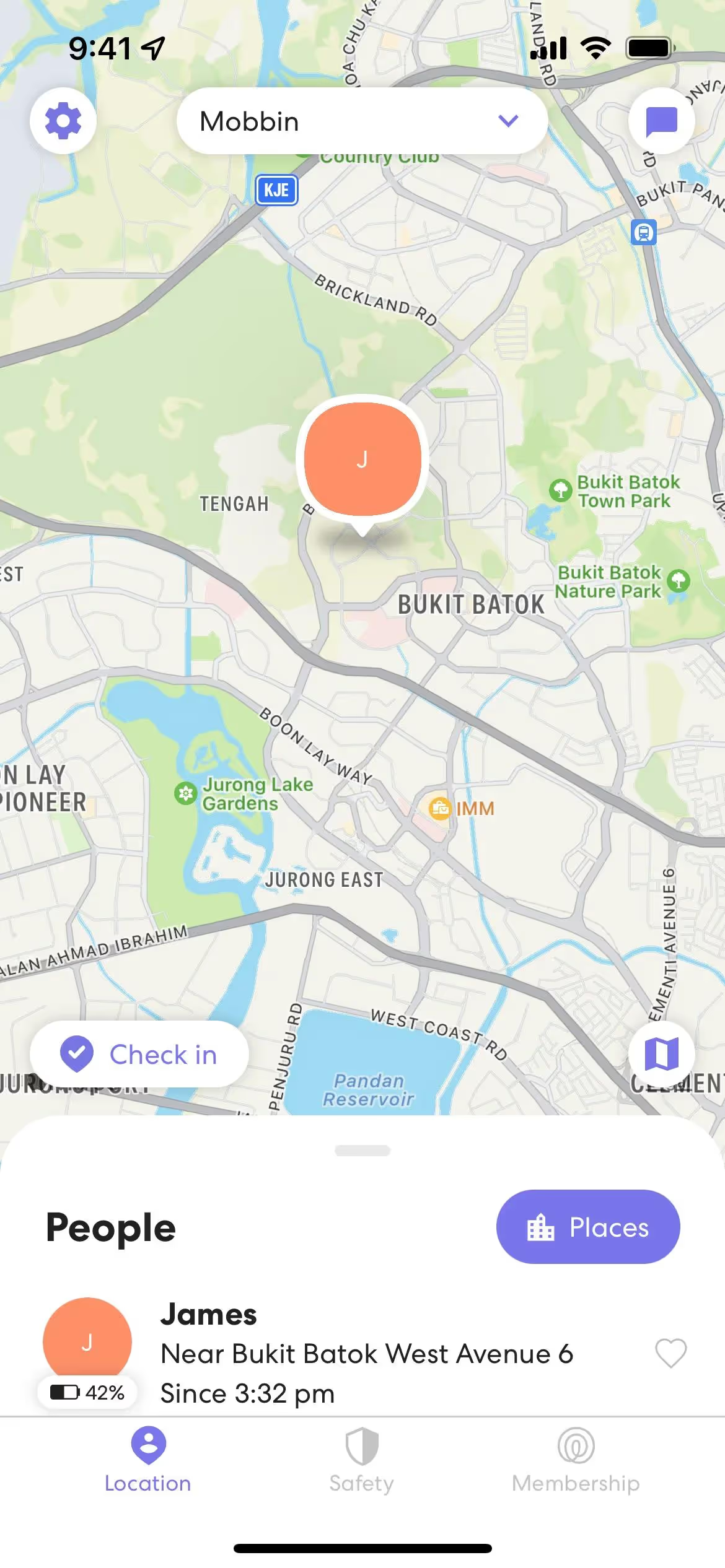
While not a dominant color across the digital product space, this shade of blue appears in apps like Flighty, Artifact, and Life360. Its selective use suggests an opportunity for brands to build a distinct identity that feels both modern and approachable.
Put theory into practice with the tools below. You can explore curated palettes, test the contrast of your color pairings for accessibility, and preview how Baby Blue looks in real UI components from leading applications.
Using Baby Blue color codes
To apply Baby Blue, #89CFF0, in your work, think beyond simple color fills. Its gentle quality makes it effective for UI states like 'selected' or 'active' without being distracting, and it works well for subtle gradients or as a highlight color in data visualizations.
While #89CFF0 is your go-to for CSS, other projects require different codes. RGB (Red, Green, Blue) values are essential for digital displays, defining color through light, whereas CMYK (Cyan, Magenta, Yellow, Key/Black) is the standard for print materials, which use ink. Models like HSL (Hue, Saturation, Lightness) offer an intuitive way to create tints and shades.
We've converted #89CFF0 into several popular formats for you. Simply find the color model you need below and copy the code for your project.
Analogous
Sitting next to Baby Blue on the color wheel, analogous colors produce a unified and tranquil palette, ideal for gentle, low-contrast designs.
Complementary
Complementary colors sit directly opposite each other on the color wheel. Paired with Baby Blue, its opposite creates a striking, high-contrast visual effect.
Split Complementary
A split complementary palette for Baby Blue uses the two colors next to its opposite, creating a high-contrast look with less visual tension.
Triadic
A triadic scheme pairs Baby Blue with two other colors equally spaced on the color wheel, creating a vibrant, high-contrast, and balanced palette.
Tetradic
For a rich, vibrant palette, a tetradic scheme matches Baby Blue with three other hues, forming two complementary pairs on the color wheel.
Square
A square color scheme uses four colors evenly spaced on the color wheel, forming a balanced yet high-contrast palette with Baby Blue.
Text Color
Background Color
Your Catchy Large Text Goes Here
Shades
Adding black to Baby Blue creates its shades, which introduce a sense of weight.
Tints
Tints of Baby Blue are created by mixing in white, producing softer, more airy tones.
Tones
Tones of Baby Blue are created by adding gray, resulting in softer, more subdued variations.
Hues
Hues are variations of Baby Blue, differing in intensity or temperature to create distinct moods.





Never run out of inspiration again.
Use Mobbin for free as long as you like or get full access with any of our paid plans.



















