#1db954
Copy
Copied


Signal is a privacy-focused messaging application known for its secure, nonprofit platform. The general colors used in Signal's branding and interface designs are Blue (#3A76F0) and White (#FFFFFF). You can easily copy Signal's colors in Hex, CMYK, RGB, and other popular formats on this page.
The main colors in Signal's color palette are a vibrant blue (#3A76F0) and a crisp white (#FFFFFF). These colors create a clean and modern aesthetic, perfect for enhancing user experience.
Signal's primary color, #3A76F0, embodies trust, reliability, and security, aligning perfectly with the app's commitment to privacy and secure communication. This vibrant blue not only captures attention but also instills a sense of calm and confidence. Complementing this, the use of white (#FFFFFF) enhances clarity and simplicity, reinforcing Signal's user-friendly and transparent interface.
Signal's color scheme, while not explicitly detailed in historical context, is deeply rooted in its core values of privacy and security. The choice of colors reflects a commitment to creating a trustworthy and secure environment for users, aligning with Signal's mission to provide a private and independent communication platform.
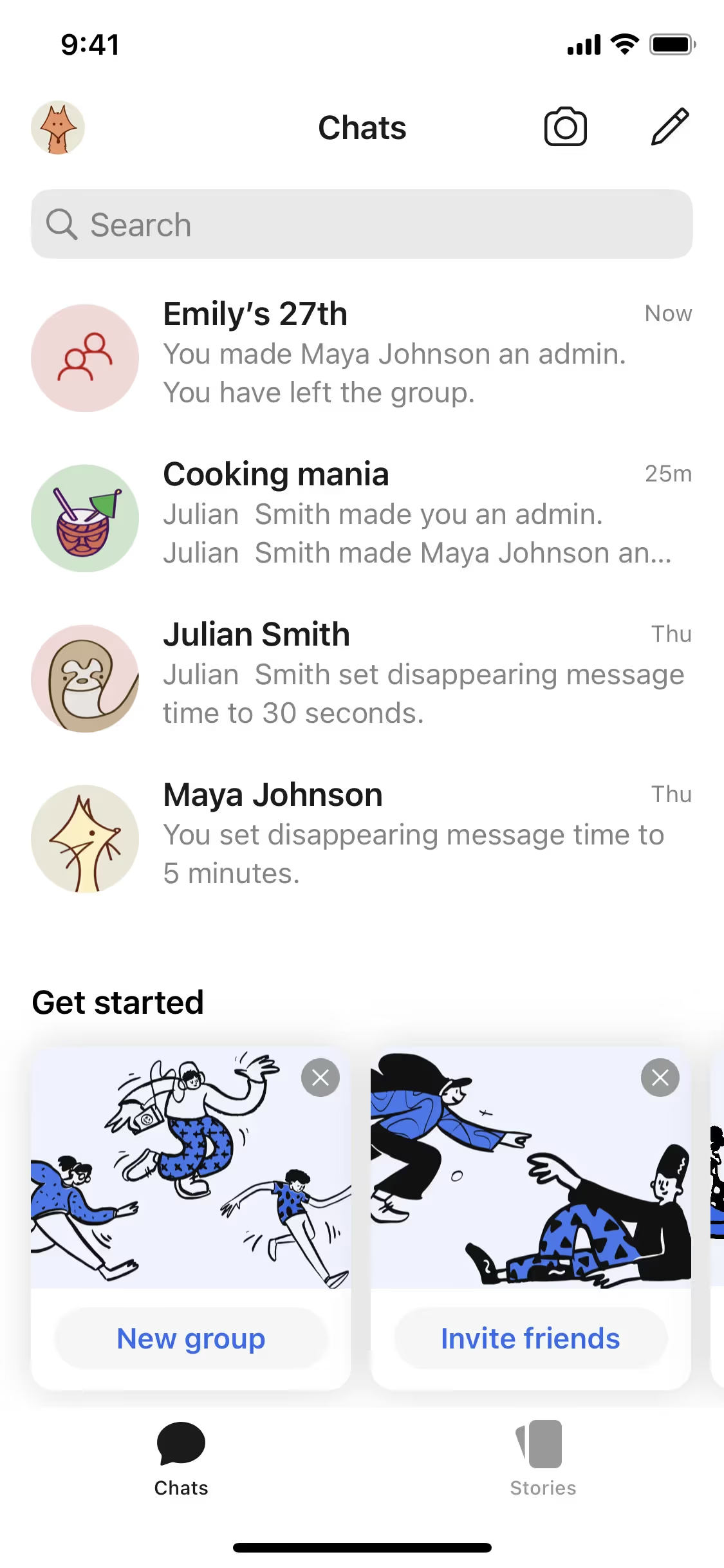
Signal's use of blue and white in its interface is designed to create a clean, trustworthy, and user-friendly experience. The blue (#3A76F0) evokes a sense of security and reliability, guiding you to take confident actions, while the white (#FFFFFF) ensures clarity and simplicity, making navigation intuitive and stress-free.
To complement Signal's primary blue (#3A76F0), consider using shades like coral (#FF6F61) for a vibrant contrast, or soft gray (#D3D3D3) for a balanced, neutral effect. These colors can enhance your design by adding depth and visual interest.
On Mobbin’s brand colors page, you can explore a curated list of brand color palettes from top companies. We also offer access to thousands of other UI designs and interfaces from various brands, making it a great resource for finding new color combinations and getting inspiration from real-world examples.
Mobbin helps you stay up-to-date with the latest UI/UX trends by offering an extensive, constantly updated collection of mobile and web design patterns. From color usage to user flows, our platform showcases the latest trends in UI/UX design, allowing you to easily explore current design practices and stay ahead in the industry.
Ready to elevate your design game? Try Mobbin today for free as long as you like, or get full access with any of our paid plans.

Use Mobbin for free as long as you like or get full access with any of our paid plans.