#1db954
Copy
Copied

PandaDoc Inc. provides a leading document automation software for businesses. Their branding and interface designs primarily feature Mine Shaft, White, and a distinctive Ocean Green. On this page, you can easily copy these colors in Hex, CMYK, RGB, and more.
To kickstart your design process, we've broken down PandaDoc's color palette for you. Their primary colors are a confident trio: Mine Shaft (#242424), White (#FFFFFF), and the vibrant Ocean Green (#47B972).
PandaDoc's primary charcoal color (#242424) grounds the experience in professionalism and security, creating a trustworthy environment for your documents. The accent green then provides a powerful visual cue for success and completion, celebrating every action you take.
PandaDoc strategically uses its color palette to project trust and efficiency, creating a clear and approachable experience as you navigate document workflows.
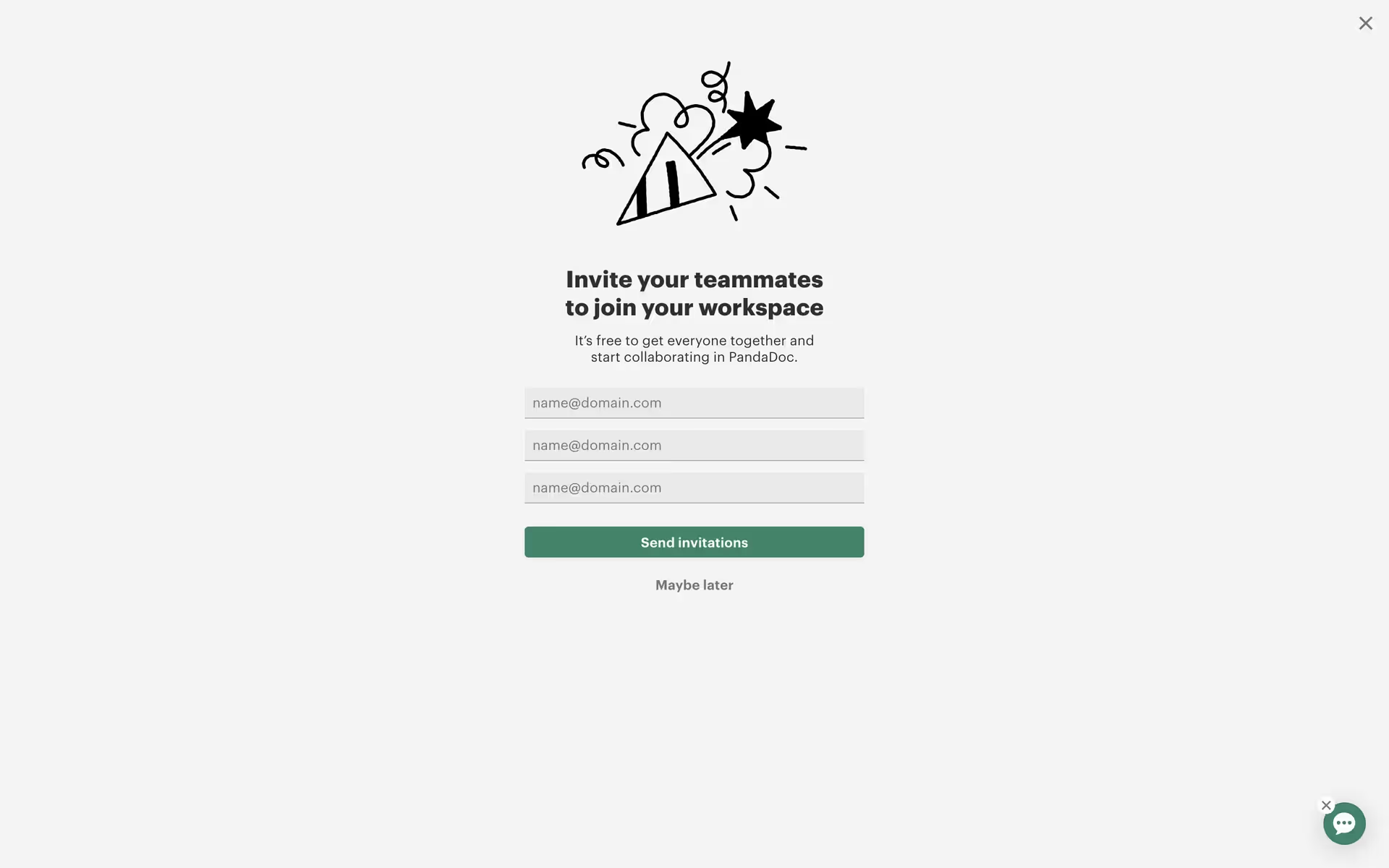
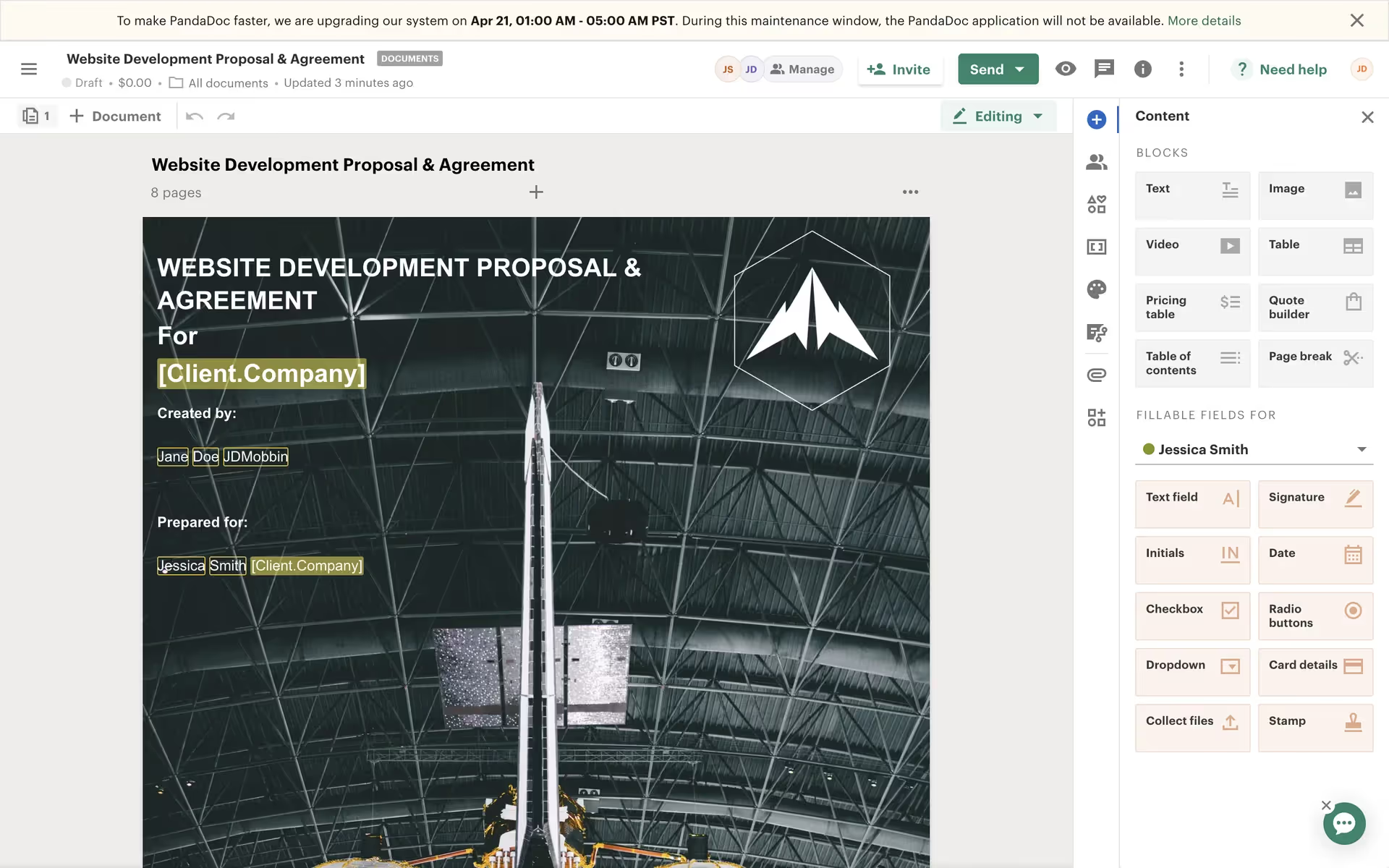
We've observed how PandaDoc strategically uses its vibrant Ocean Green to draw your eye to key actions, making the path to completion feel both intuitive and rewarding. The high-contrast palette of Mine Shaft and White reinforces this with a clean, focused user experience.
To build on PandaDoc's strong foundation, we'd explore adding a warm, muted orange for approachability or a sophisticated dusty blue to build trust. These colors would create a richer visual system by beautifully complementing the existing professional black and vibrant green.
On our brand colors page, you can explore curated palettes from top companies. We also offer thousands of UI designs from various brands, providing endless inspiration for your next color combination from real-world examples.
We help you stay on top of the latest UI/UX trends with our extensive, constantly updated collection of mobile and web design patterns, showing everything from current color usage to evolving user flows. By exploring our library, you can easily see how leading apps are implementing new design practices and stay ahead of the curve in the industry.
You can try Mobbin today for free for as long as you like, or get full access with any of our paid plans.
Use Mobbin for free as long as you like or get full access with any of our paid plans.