#1db954
Copy
Copied


Miro is an AI-powered collaboration platform designed to help teams innovate and work faster. Miro's branding and interface designs feature colors like Dodger Blue (#4262FF), Stratos (#050038), Sunglow (#FFD02F), Alabaster (#FAFAFA), and White (#FFFFFF). You can easily copy Miro's colors in Hex, CMYK, RGB, and other popular formats on this page.
The main colors in Miro's color palette are Dodger Blue (#4262FF), Stratos (#050038), Sunglow (#FFD02F), Alabaster (#FAFAFA), and White (#FFFFFF).
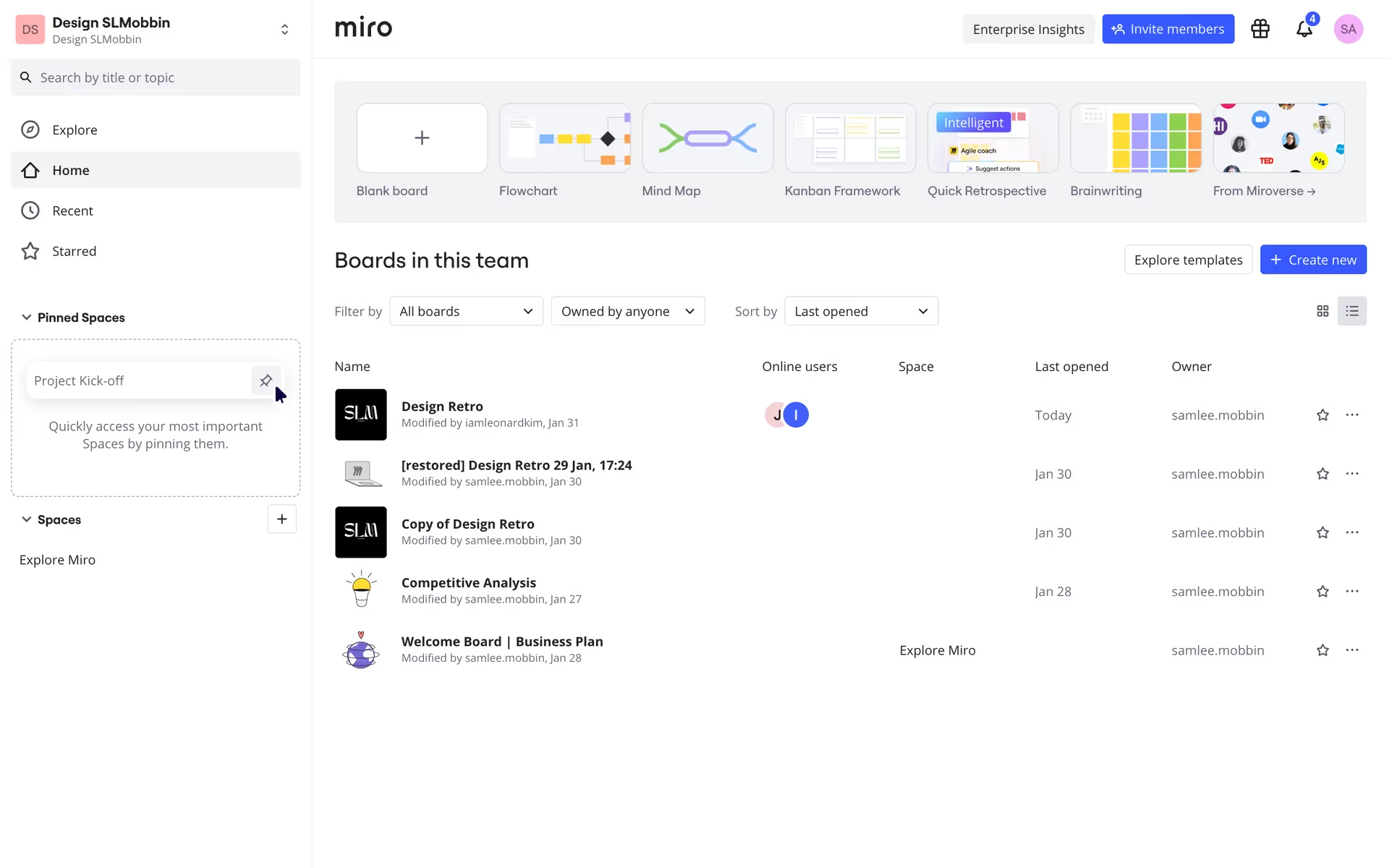
Miro's primary color, Dodger Blue (#4262FF), conveys a sense of trust, innovation, and clarity, aligning perfectly with the brand's identity as a collaborative and forward-thinking platform. Complementing this, Stratos (#050038) adds depth and professionalism, while Sunglow (#FFD02F) injects energy and optimism. Alabaster (#FAFAFA) and White (#FFFFFF) provide a clean, neutral backdrop, ensuring that the vibrant colors stand out and enhance the overall user experience.
The history and key influences behind Miro's color scheme are not explicitly detailed in the available resources. However, the vibrant and dynamic palette likely reflects the platform's emphasis on innovation, collaboration, and user engagement, aiming to inspire creativity and productivity among its users.
Miro uses color psychology to create an engaging and intuitive user experience. Dodger Blue and Stratos guide your primary actions and instill trust, while Sunglow highlights important notifications and energizes your interactions. Alabaster and White backgrounds keep the interface clean and focused, ensuring that key elements stand out and your workflow remains seamless.
To complement Miro's primary color (#4262FF), consider using colors like Coral (#FF7F50) for a vibrant contrast, Mint Green (#98FF98) for a refreshing balance, or Slate Gray (#708090) for a sophisticated touch. These hues can enhance your design by adding depth and variety while maintaining harmony with Miro's existing palette.
On Mobbin’s brand colors page, you can explore a curated list of brand color palettes from top companies. We also offer access to thousands of other UI designs and interfaces from various brands, making it a great resource for finding new color combinations and getting inspiration from real-world examples.
Mobbin helps you stay up-to-date with the latest UI/UX trends by offering an extensive, constantly updated collection of mobile and web design patterns. From color usage to user flows, you can easily explore current design practices and stay ahead of industry trends.
Ready to elevate your design game? Try Mobbin today for free as long as you like, or get full access with any of our paid plans.
Use Mobbin for free as long as you like or get full access with any of our paid plans.