#1db954
Copy
Copied


LinkedIn is a professional networking platform designed to help you connect, find jobs, and learn new skills. LinkedIn's branding and interface designs prominently feature Blue (#0077B5), Black (#000000), and White (#FFFFFF). You can easily copy LinkedIn's colors in Hex, CMYK, RGB, and other popular formats on this page.
The main colors in LinkedIn's color palette are blue (#0077B5), black (#000000), and white (#FFFFFF). These colors form the foundation of LinkedIn's visual identity, providing a professional and clean look.
LinkedIn's primary color, #0077B5, conveys professionalism, trust, and reliability, aligning perfectly with the platform's brand identity as a hub for professional networking. The use of black and white further enhances this message by providing a clean, modern, and sophisticated look, ensuring that the focus remains on the content and connections you make.
LinkedIn's color scheme, primarily featuring shades of blue, was chosen to convey professionalism and trust. The specific hues were influenced by the need to create a clean, approachable, and universally appealing interface that resonates with a global professional audience.
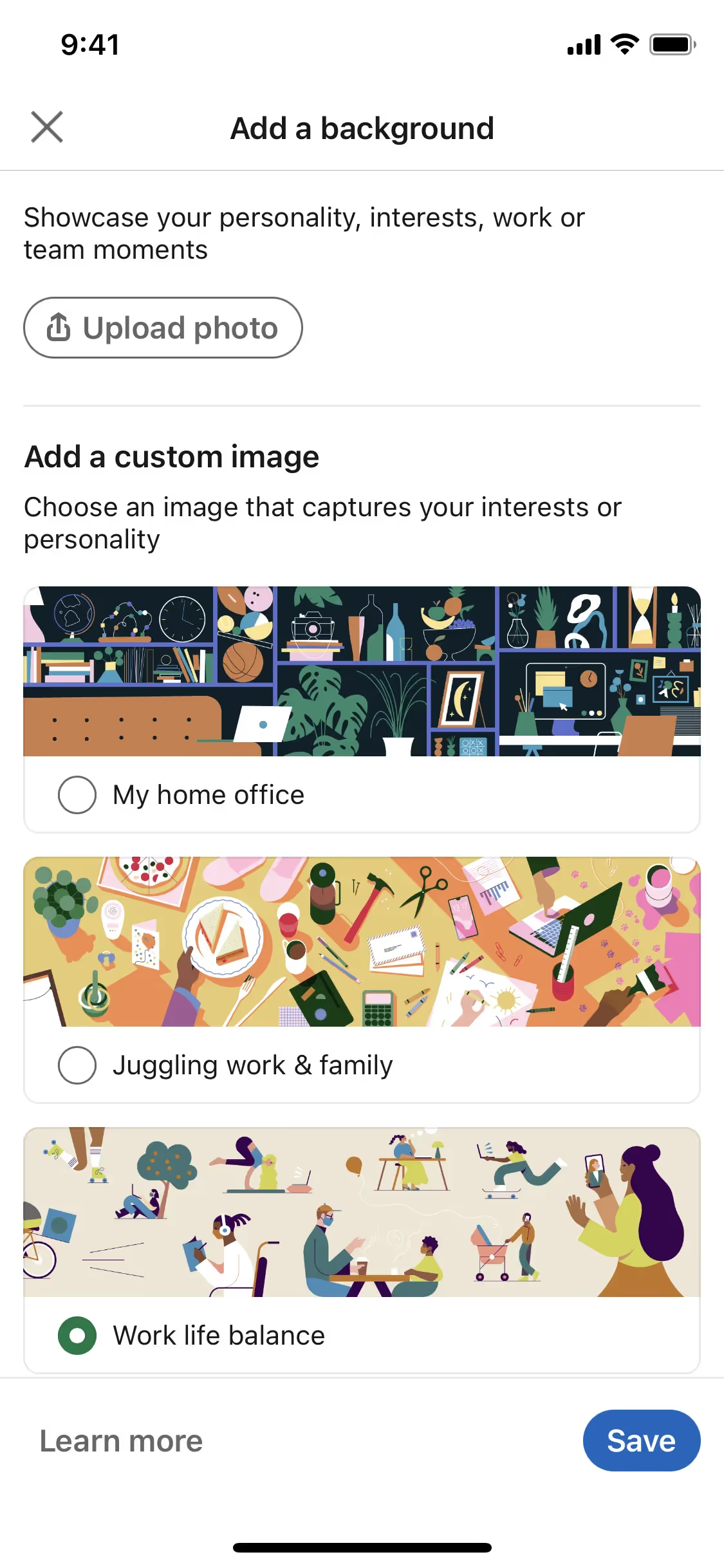
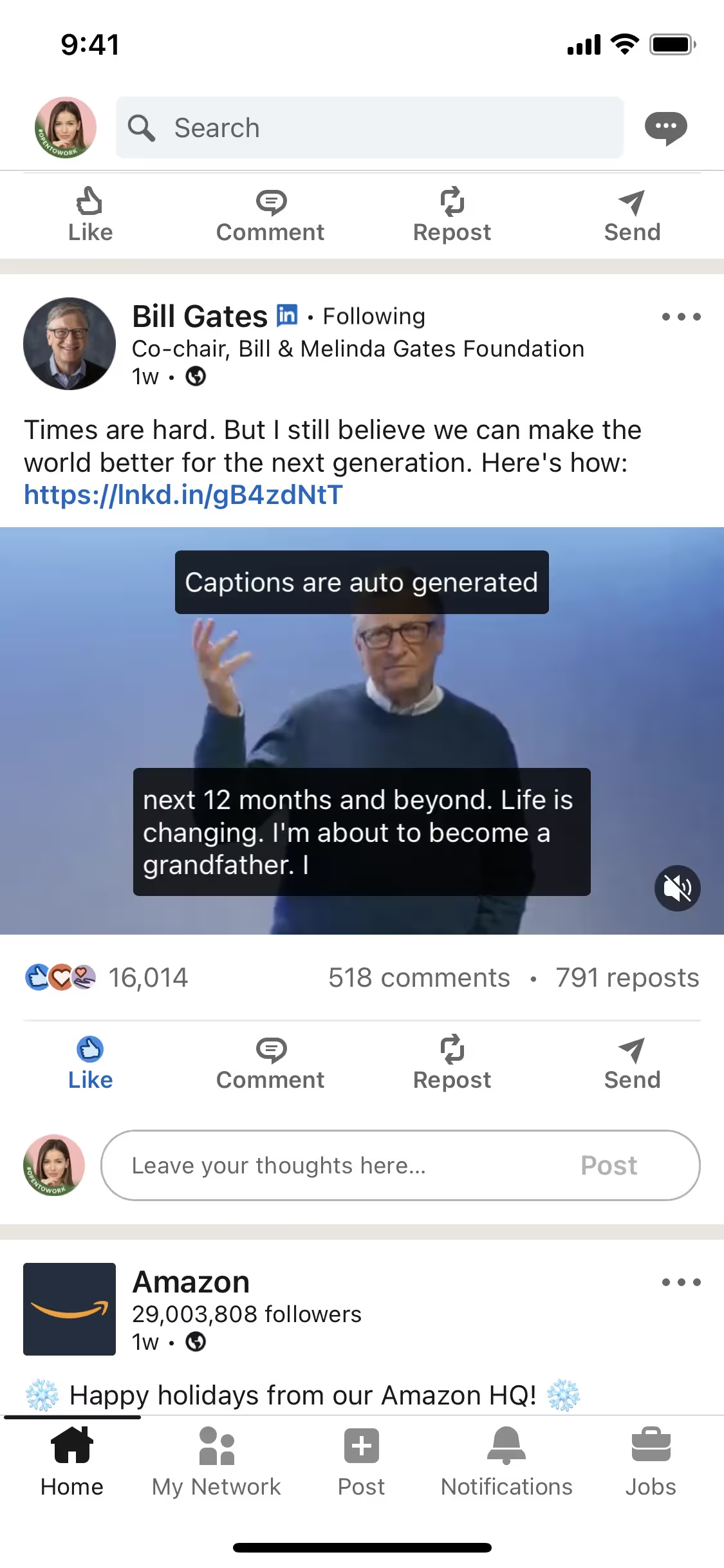
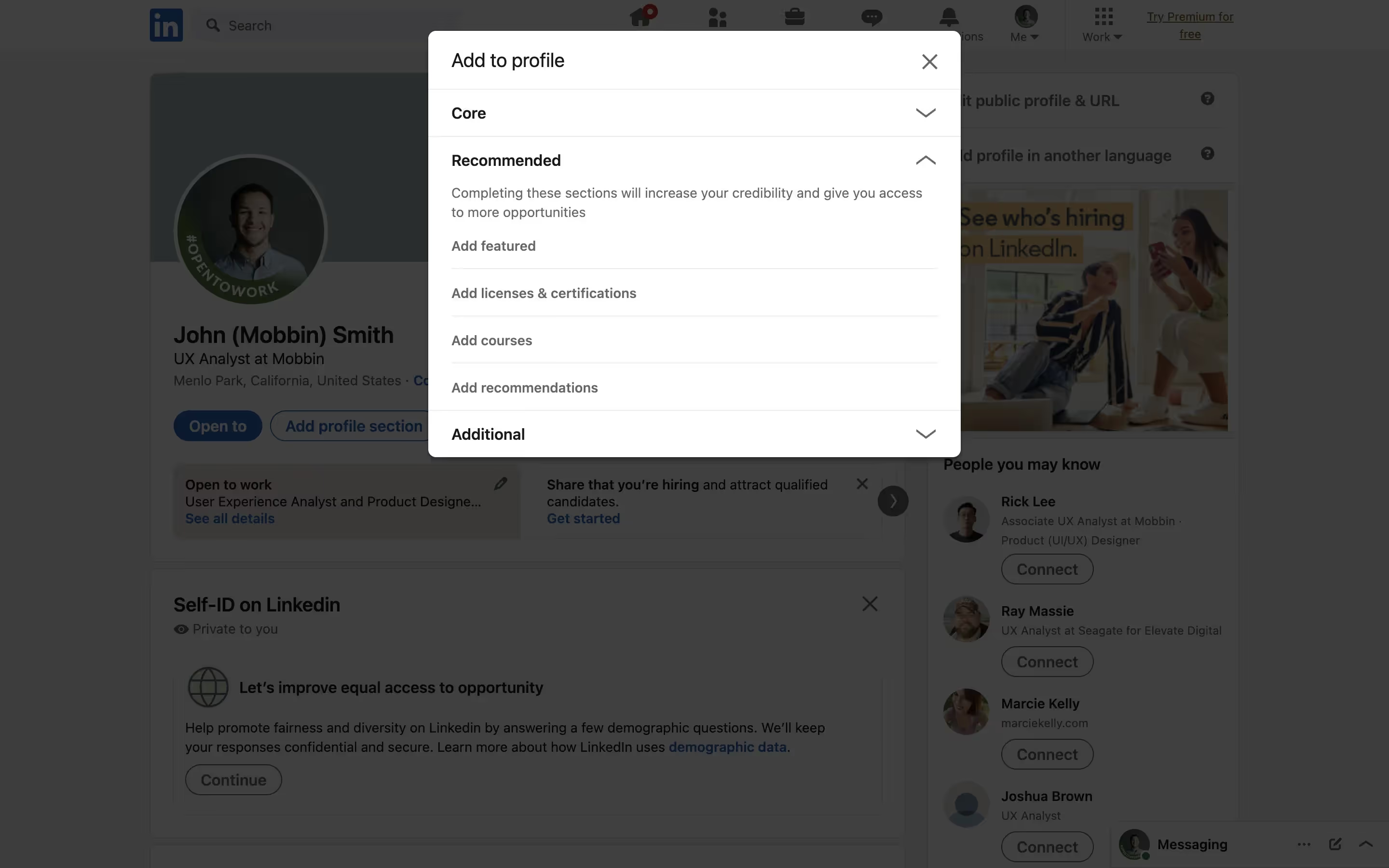
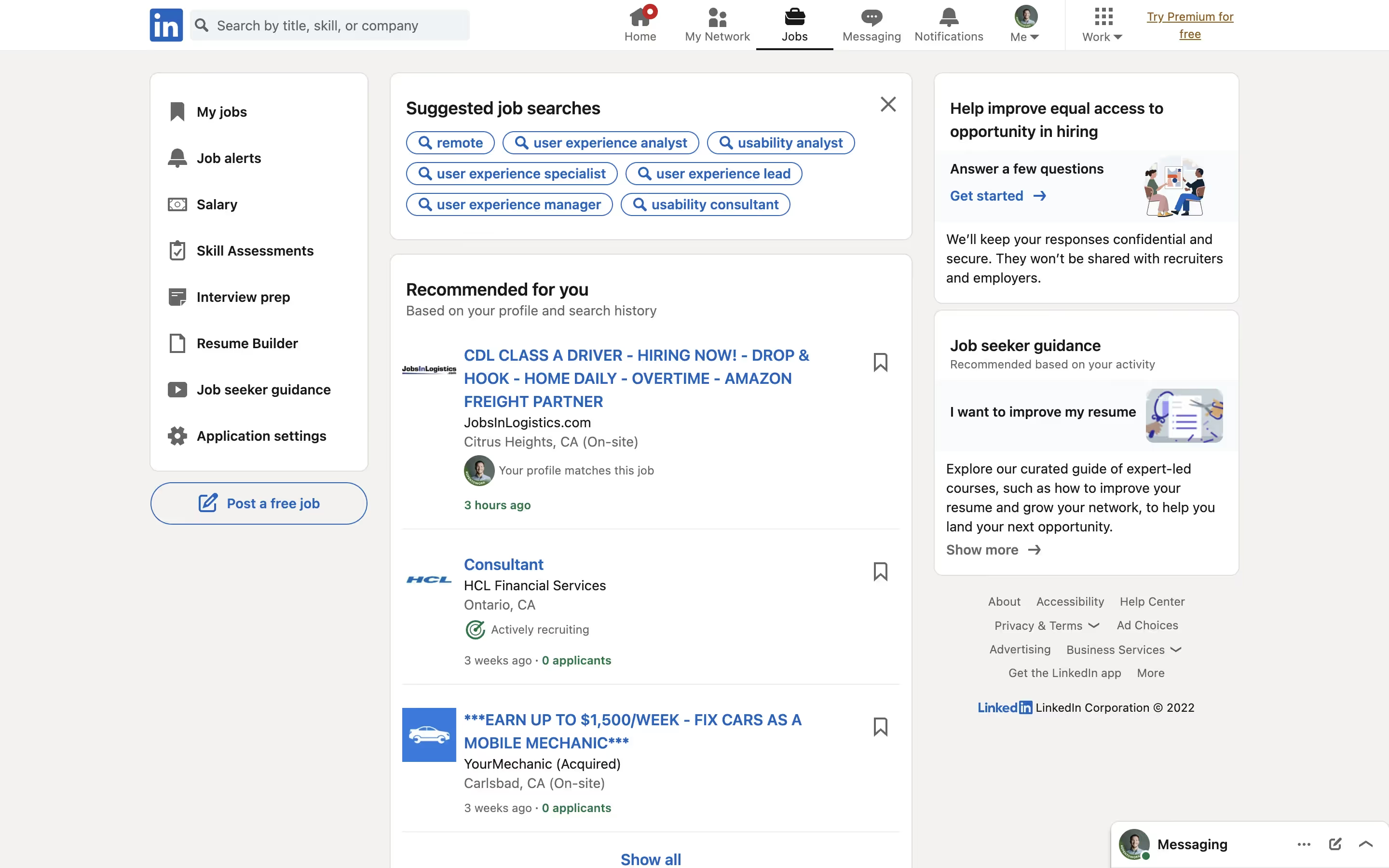
LinkedIn uses color psychology to create a professional and trustworthy user experience. The strategic use of blue (#0077B5) for actionable elements like buttons and links guides your attention and encourages engagement, while black text ensures readability and white backgrounds keep the interface clean and focused. This color scheme not only enhances usability but also reinforces LinkedIn's brand identity as a reliable and professional networking platform.
To complement LinkedIn's primary blue (#0077B5), consider using shades like coral (#FF6F61) for a vibrant contrast, or soft gray (#D3D3D3) for a balanced, professional look. These colors can enhance your design by adding warmth and sophistication.
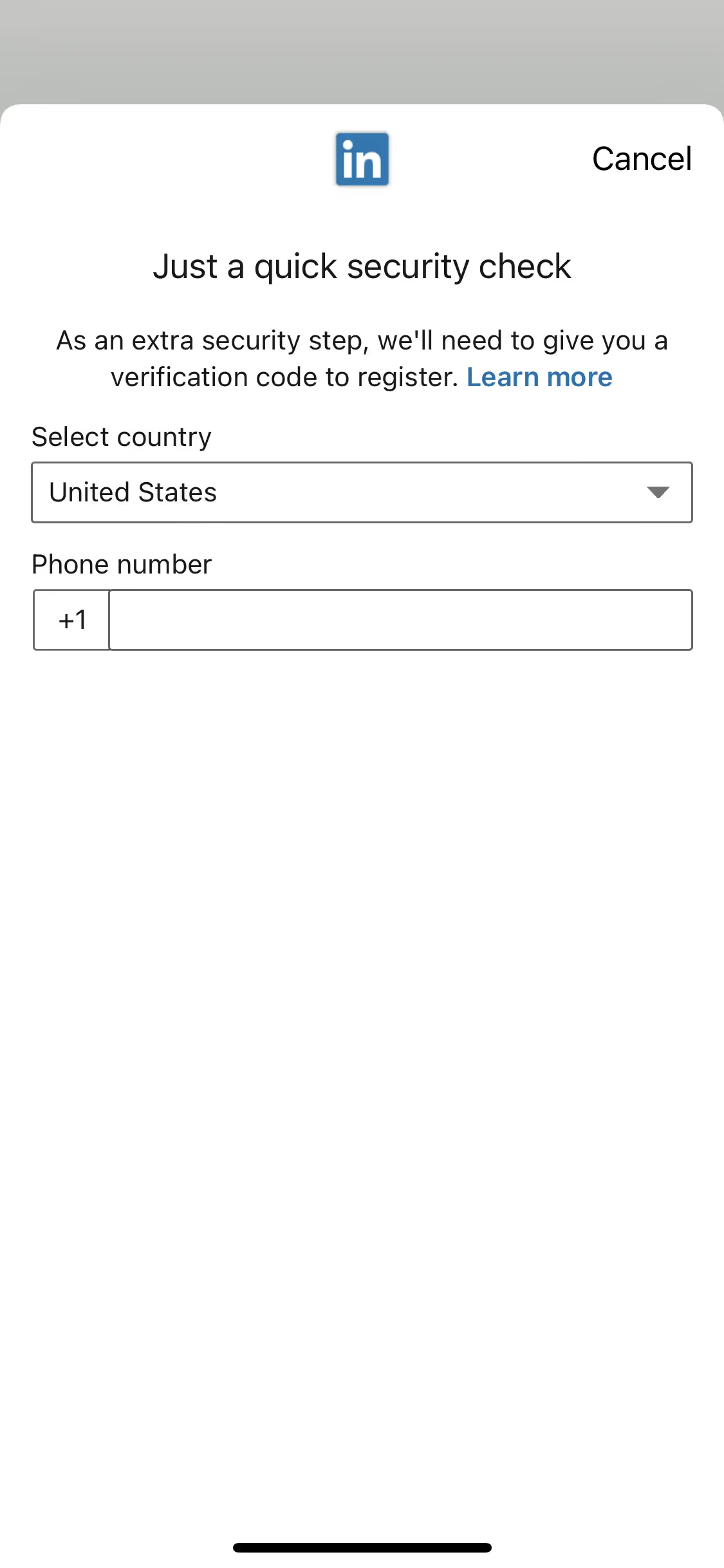
On Mobbin’s brand colors page, you can explore a curated list of brand color palettes from top companies. We also offer access to thousands of other UI designs and interfaces from various brands, making it a great resource for finding new color combinations and getting inspiration from real-world examples.
Mobbin offers an extensive, constantly updated collection of mobile and web design patterns, showcasing the latest trends in UI/UX design, from color usage to user flows. By using Mobbin, you can easily explore current design practices and stay ahead of trends in the industry.
Ready to elevate your design game? Try Mobbin today for free as long as you like, or get full access with any of our paid plans.


Use Mobbin for free as long as you like or get full access with any of our paid plans.